
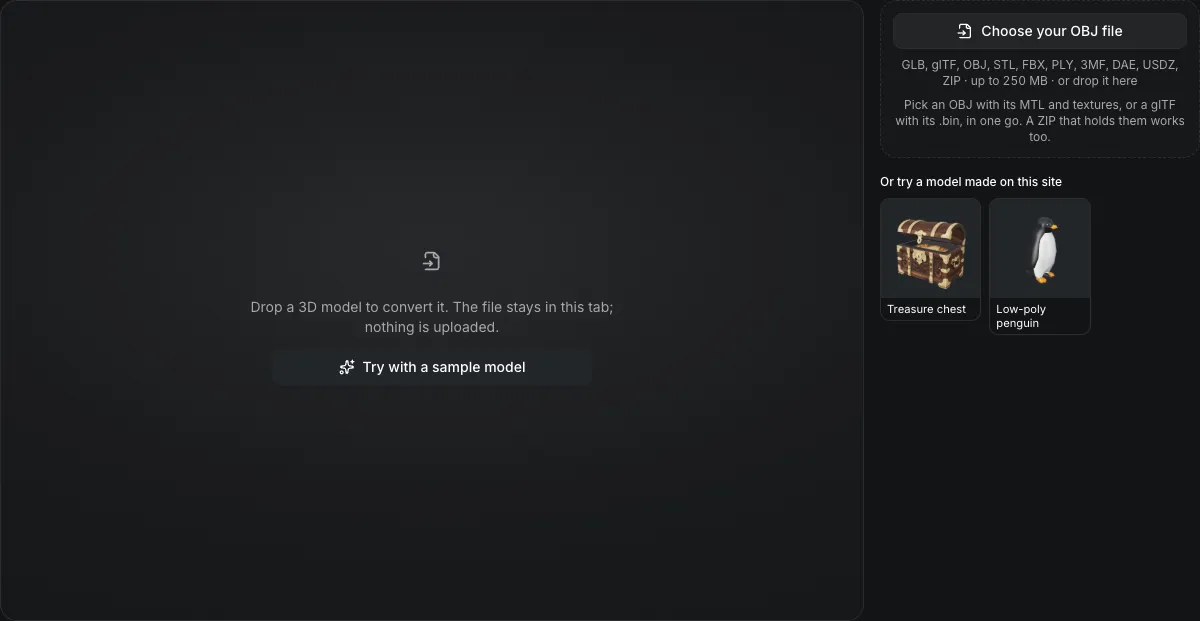
GLB, glTF, OBJ, STL, FBX, PLY, 3MF, DAE, USDZ, ZIP · up to 250 MB · or drop it here
Pick an OBJ with its MTL and textures, or a glTF with its .bin, in one go. A ZIP that holds them works too.
Or try a model made on this site
Drop a 3D model to convert it. The file stays in this tab; nothing is uploaded.
OBJ to GLB converter
The OBJ to GLB converter packs an OBJ, its MTL material file and its texture images into one GLB in your browser. Pick them together, or drop a ZIP of them, and the files are matched by name. The unit and the up axis can be set, and nothing is uploaded.
OBJ to GLB in numbers
The .obj, its .mtl and the texture images; a ZIP that holds them is unpacked for you.
The GLB embeds its textures, so there is nothing to keep beside it.
An OBJ has no unit; read it as millimetres, centimetres, metres or inches.
Y up by default, or Z up for an OBJ exported from CAD or a scanner.
Watch an OBJ become a GLB
A recording of the converter on this page, sped up about 1.25 times.

Low-poly penguin, OBJ to GLB
The OBJ penguin becomes a 947.1 KB GLB with its 4,877 triangles, UVs, normals and one embedded texture, ready for the AI tools: the offered next steps start with Rig & animate a character and Retexture, then Paint by hand, Reduce polygons, Compress for the web and Turntable video.
What carries over
What survives OBJ to GLB
The list under the buttons counts these for the OBJ you dropped.
| What | What happens |
|---|---|
| Geometry, UVs and normalsKept | Triangles, UV coordinates and any vertex normals in the OBJ are written; an OBJ with no normals gets them computed from its triangles. |
| Kd color and the diffuse textureKept | The MTL's Kd becomes the base color and map_Kd becomes the base-color texture, embedded in the GLB. |
| Groups as separate meshesKept | The objects and groups of the OBJ become separate meshes, each keeping its material. |
| Specular values do notNot carried | Ks and Ns describe a Phong highlight; the GLB gets roughness 1 and metalness 0, so re-tune them after import. |
How the converter finds an OBJ's materials
An OBJ names its files; it does not contain them.
The OBJ names its MTL
A line such as mtllib crate.mtl tells the converter which material file to look for among the files you picked.
Files are matched by name
The MTL's map_Kd paths are matched to the images by file name, lowercased, wherever the images sat in their folders.
A missing MTL is named
If the OBJ asks for a material file you did not pick, the page says which one, and the model converts without materials rather than failing.
From an OBJ and its files to a GLB in three actions
Leave GLB selected; the unit buttons appear once the OBJ opens.
- 1
Select the .obj, the .mtl and the textures in one go, or drop a ZIP that holds them.
- 2
Read the size the page shows, and use the unit buttons if the OBJ was modeled in millimetres, centimetres or inches.
- 3
The GLB downloads as one file with its textures inside.
Limits of OBJ to GLB conversion
OBJ says little about the surface, so the GLB starts plain.
No metal or roughness data
An OBJ material is a Phong description; the GLB's roughness is 1 and its metalness 0 unless you set them afterwards.
The unit is a guess
Read as metres unless you choose otherwise. A part modeled in millimetres opens 1,000 times too large until you set the unit.
Four image types accepted
Texture files must be PNG, JPEG, WebP or BMP; TGA and TIFF files are not accepted beside the OBJ.
Free-form curves are not read
Only polygon faces are converted; NURBS and curve statements in an OBJ are ignored.
Questions about OBJ to GLB
Answers about materials, textures and units.
Convert an OBJ to GLB now
Pick the .obj with its .mtl and textures above.