

Sample1 / 3
TripoSplat · image to Gaussian splat · a toy robot
Image to Gaussian splat
Turn one photo into a photoreal 3D Gaussian splat. Image to Gaussian splat runs Tripo’s splat model and returns a .splat file for splat viewers.
Three photos turned into Gaussian splats
Each poster is a TripoSplat sample as the result viewer draws it: a dense colored point cloud. The small picture is the photo that went in. Open a card to orbit the splat.
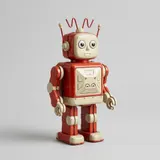
Toy robot
TripoSplatA tin robot photographed on a plain backdrop; painted panels and dials survive as colored points.
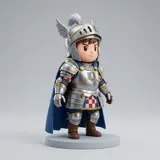
Chibi knight
TripoSplatA figure with a cape and base; the blue cloth and the round base keep their color, while thin parts turn to scattered points.

White sneaker
TripoSplatA product photo of one shoe; the laces and sole edge read clearly, and the side the photo never showed is sparser.
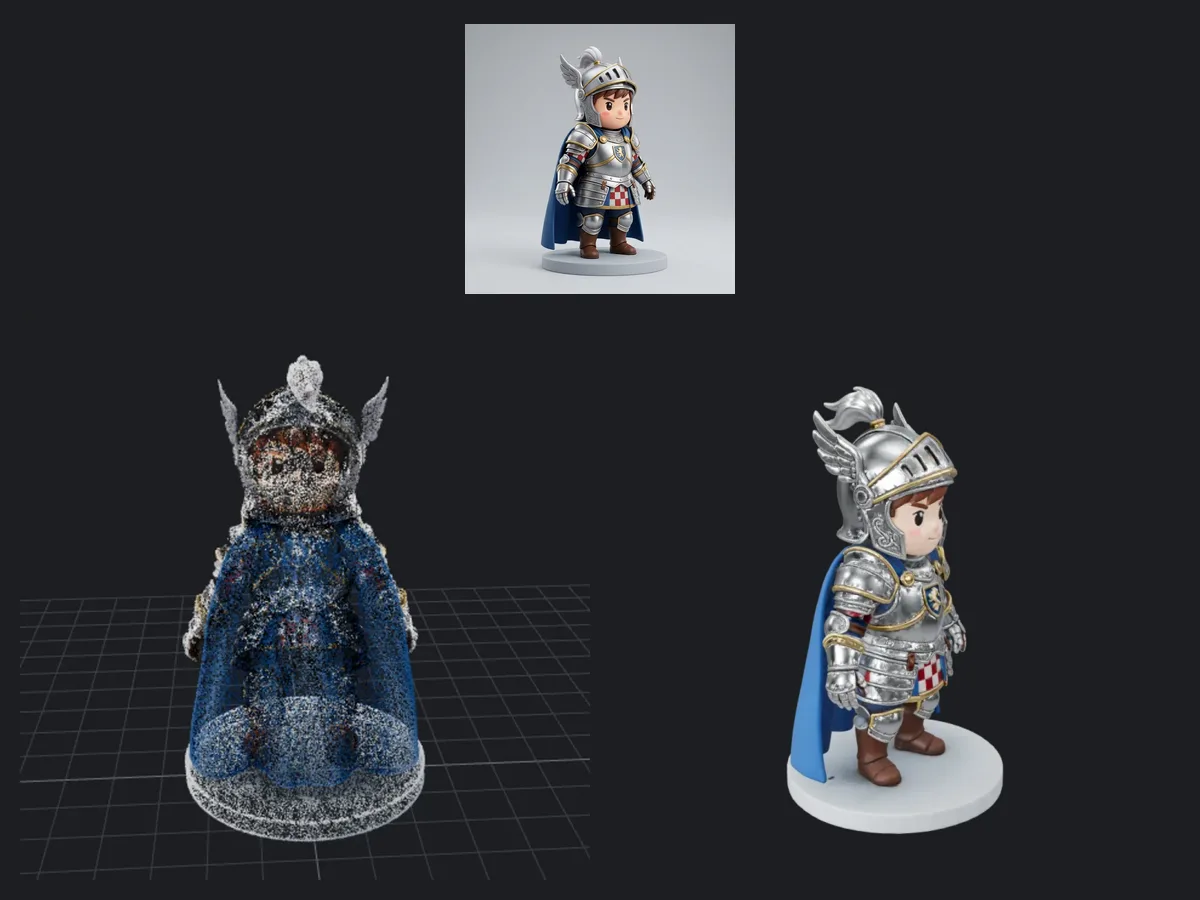
Splats are not meshes
The same knight photo, run twice: on the left as a TripoSplat splat the way the result viewer draws it, as colored points; on the right as a Tripo H3.1 mesh with a surface and a texture.
Soft points, not polygons
A splat stores colored, semi-transparent points. The result viewer shows them as plain points; the free Gaussian splat viewer blends them into the photographic look.
Viewer-first
Use splats in web splat viewers and scene capture tools.
Not for printing or rigging
A splat has no surface to print or skeleton to bind; use image to 3D for a mesh.
Splat at a glance
Image to Gaussian splat in numbers
One Tripo splat run.
A single JPEG or PNG of up to 20 MB is the only input.
The splat is saved as a .splat file.
Tripo’s typical time for one splat; the model picker quotes 4–8 minutes.
Image to Gaussian splat in three steps
One photo in, one .splat file out, with nothing to set in between.
- 1
A JPEG or PNG of up to 20 MB, with one well-lit object whole in frame. The side the camera never saw comes back sparser.
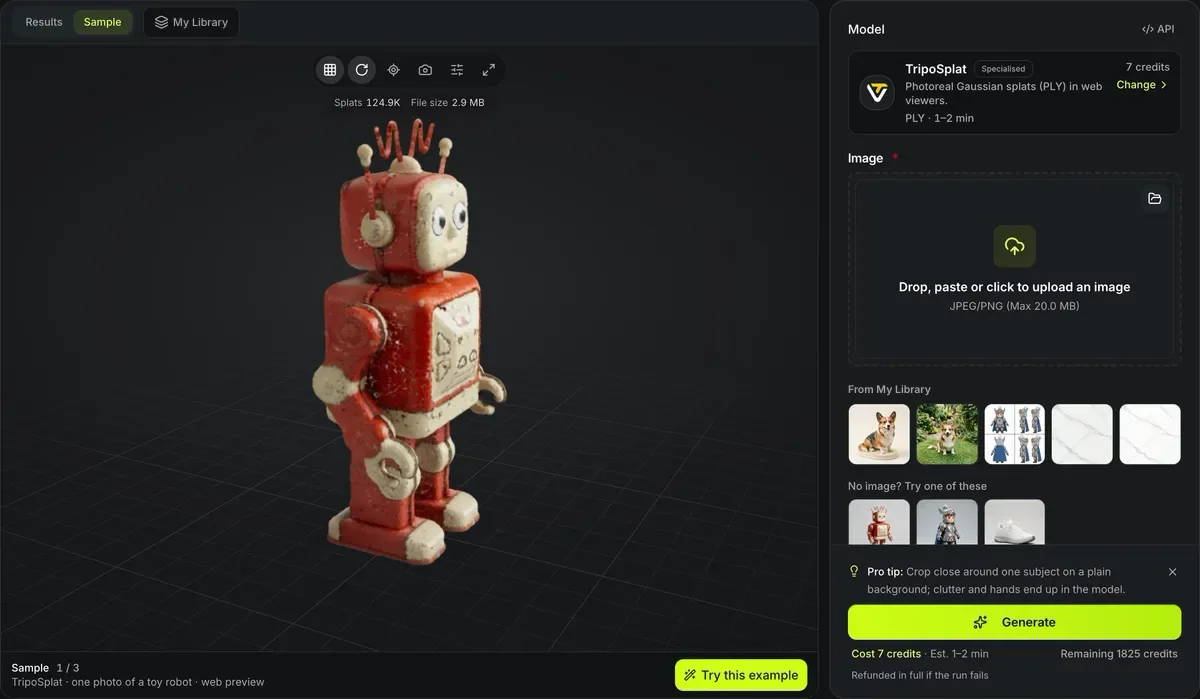
- 2
One run costs 38 credits, and the model picker quotes 4–8 minutes.
- 3
Check the points in the result viewer, then press Open in the splat viewer to see the real Gaussians in the free Gaussian splat viewer and save an SPZ, or download the .splat.
Splat limits
One photo still hides the back.
Hidden sides are inferred
Views far from the original camera angle degrade.
Large files
Splat files are often larger than meshes of the same subject; the free Gaussian splat viewer saves a smaller SPZ.
Different tools
Standard 3D editors and slicers do not open splats.
Photo-to-splat conversion FAQ
Answers about photo-to-splat generation.
Turn a photo into a splat
Upload one photo and get a .splat file for 38 credits.