

Sample
Hitem3D 3.0, generated from one input image of a dragon statue
3D print from photo
Start a 3D print from photo, not from CAD: Hitem3D 3.0 turns one picture into a print-grade model with up to 5M faces and exports STL directly; the download panel adds print-height presets and a filament estimate.
What a 3D print from photo includes
The highest Hitem3D 3.0 face-count option; 500K and 2M are the others.
One Hitem3D 3.0 job at Quality resolution on any monthly or yearly plan; Master adds 875 credits on a yearly plan.
STL downloads can be scaled to 28, 50, 100 or 180 mm tall.
The PLA density the print analysis uses to estimate filament grams from model volume.
Figures made for the print bed
Open a card to orbit the model; the viewer loads a lighter web copy of each result. The dragon came from Hitem3D 3.0, the model this page runs. The knight and the robot came from Tripo H3.1 and reach STL through the same download panel.
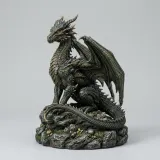
Dragon on a rock base
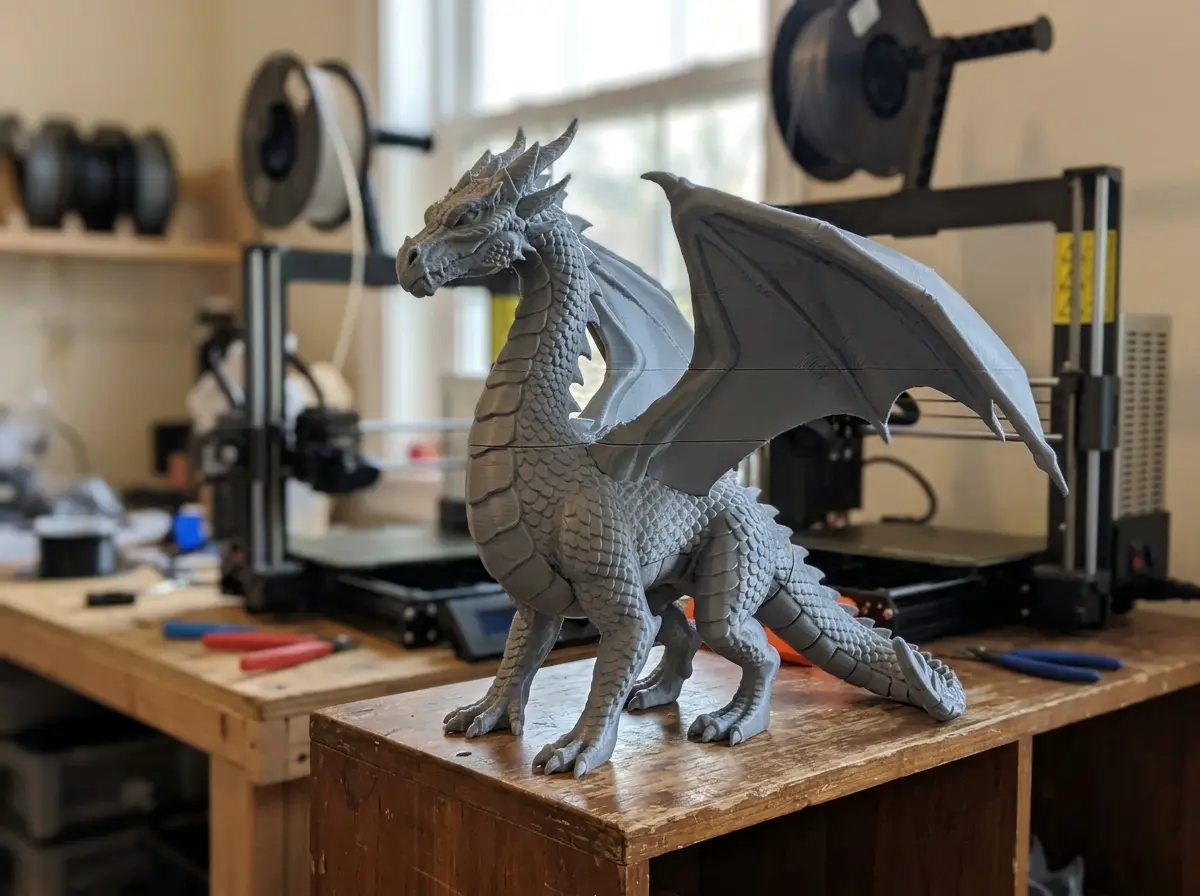
Hitem3D 3.0Scales, wing ribs and the rocky base were rebuilt from a single input image.
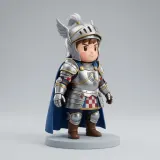
Chibi knight
Tripo H3.1Chunky proportions and a round base leave few thin parts to break at small print heights.

Tin robot toy
Tripo H3.1Blocky limbs and flat feet stand upright on the bed; the wire antennae are the part to check before a small print.
Screen recording
Print prep on a finished Hitem3D 3.0 result
Recorded on a demo session with the dragon sample from this page standing in for a finished job, played at about 1.3× speed. Nothing was generated, so no credits were spent.

From result to STL height and grams
The panel under the viewer lists next-step prices, converts the GLB to OBJ, STL or USDZ in the browser and scales the STL. At 100 mm tall the dragon measures 73.6 × 100.0 × 78.5 mm and 105.7 cm³, about 131 g of PLA as a solid print.
What makes a 3D print from photo different
A model for a screen can have holes and paper-thin parts. A 3D model for 3D printing needs volume and detail at the size you print it.
Print-grade detail
Hitem3D 3.0 is described in the model catalog as reconstructing at 2048³ voxels, which keeps facial features and fabric folds at figurine scale.
STL straight from the model
Choose STL as the export format; GLB, OBJ, FBX and USDZ are also available.
Size and filament before you slice
The download panel reports size, volume in cm³ and PLA grams, and converts the result to GLB, OBJ, STL, 3MF, USDZ, PLY or FBX in the browser.
3D print from photo in four steps
From upload to slicer in four steps.
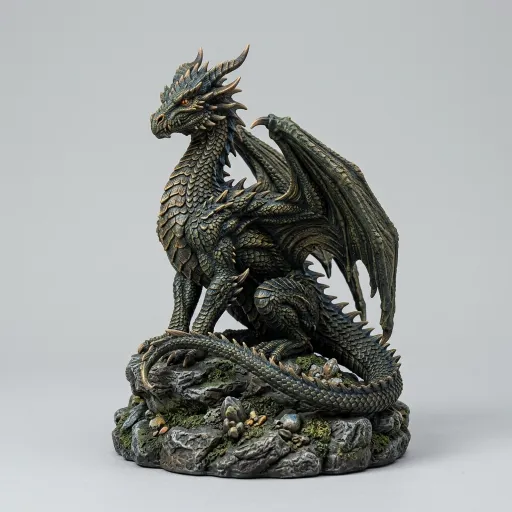
Upload one image or up to four views
Hitem3D 3.0 accepts a single image, or front, back, left and right views with the front view required.
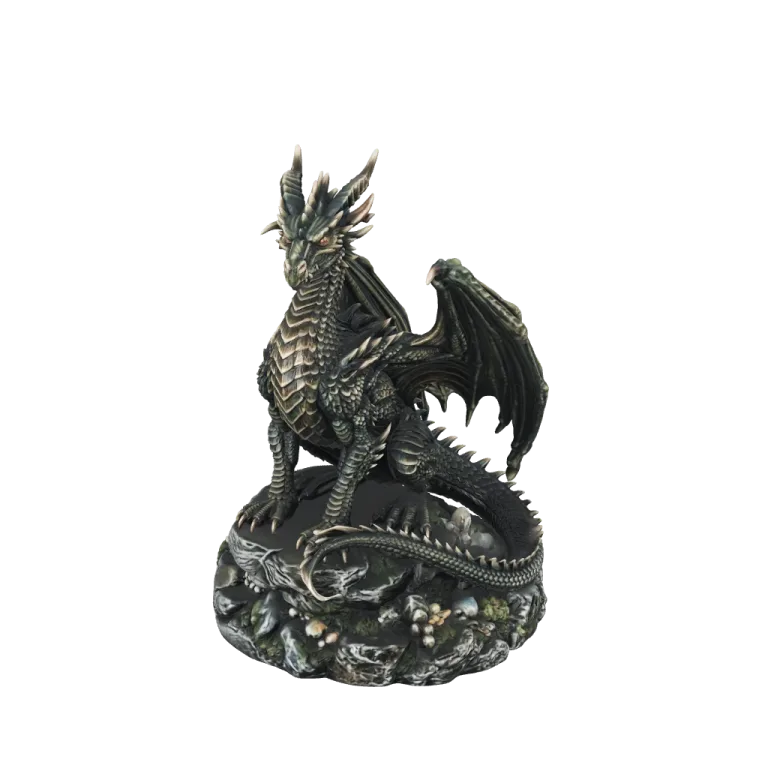
Choose STL and a resolution
Quality covers most figurines; Master is the premium tier for fine detail, on yearly plans.
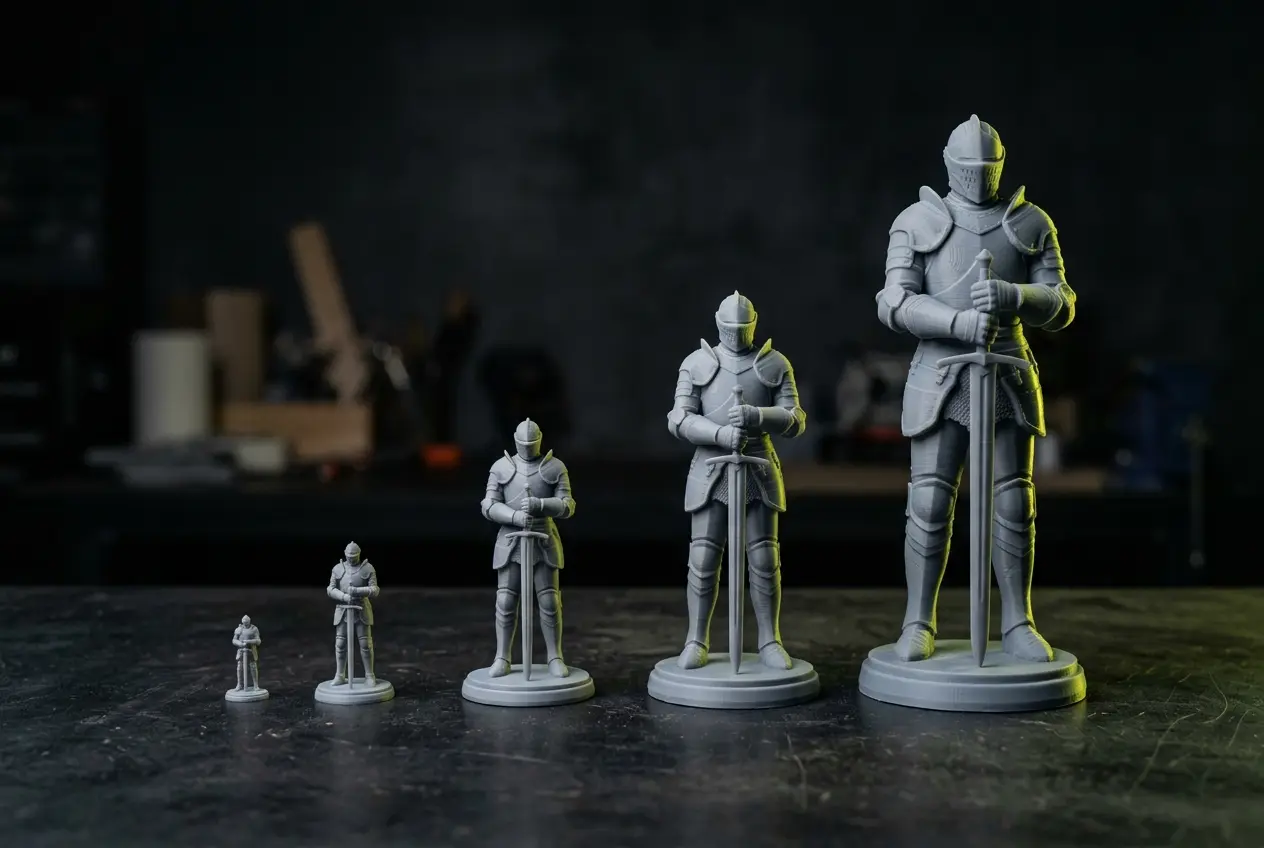
Pick a print height
Scale the STL to 28, 50, 100 or 180 mm and read the volume and PLA estimate.
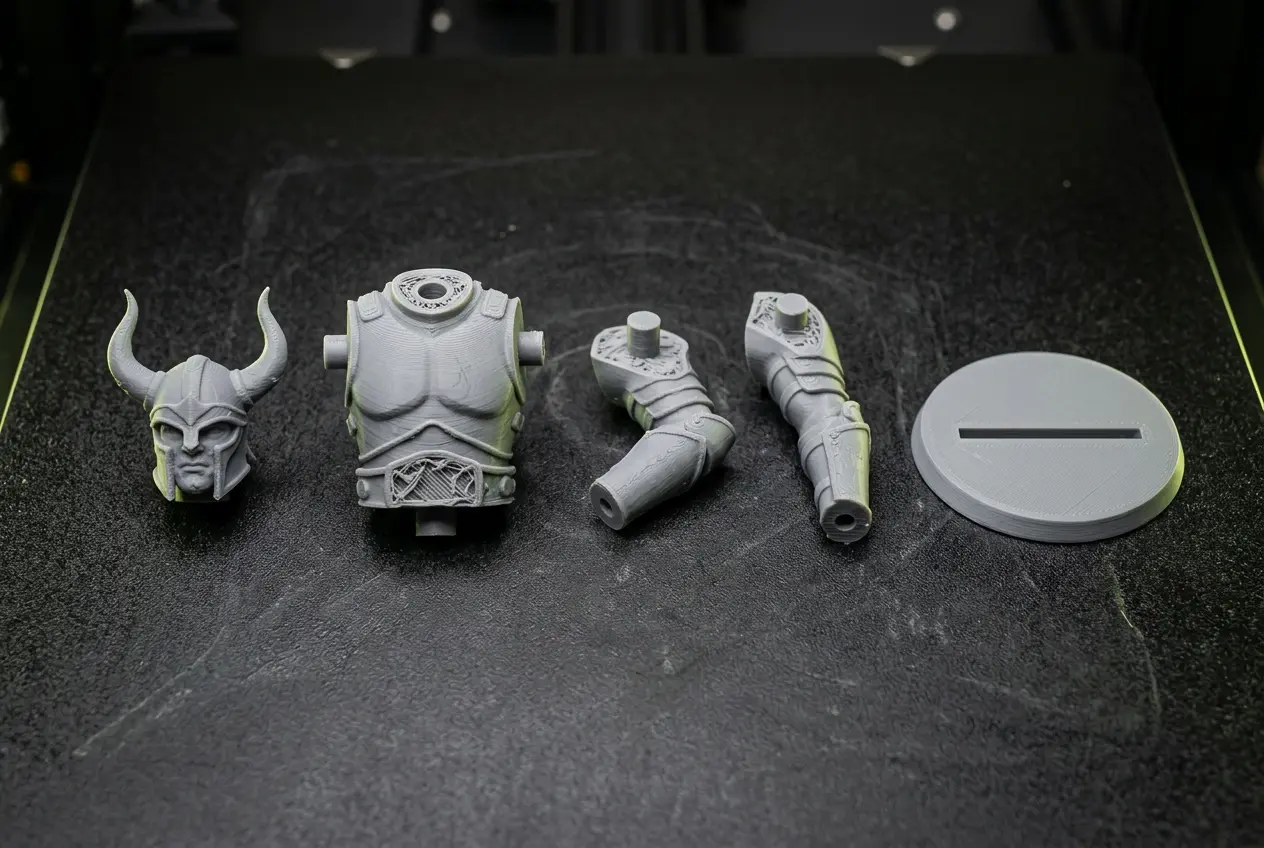
Split or color it if needed
Send the model to the split-for-printing or multicolor pages before slicing.
What people print
Three jobs this page is set up for, from a 28 mm miniature to a 180 mm display piece.
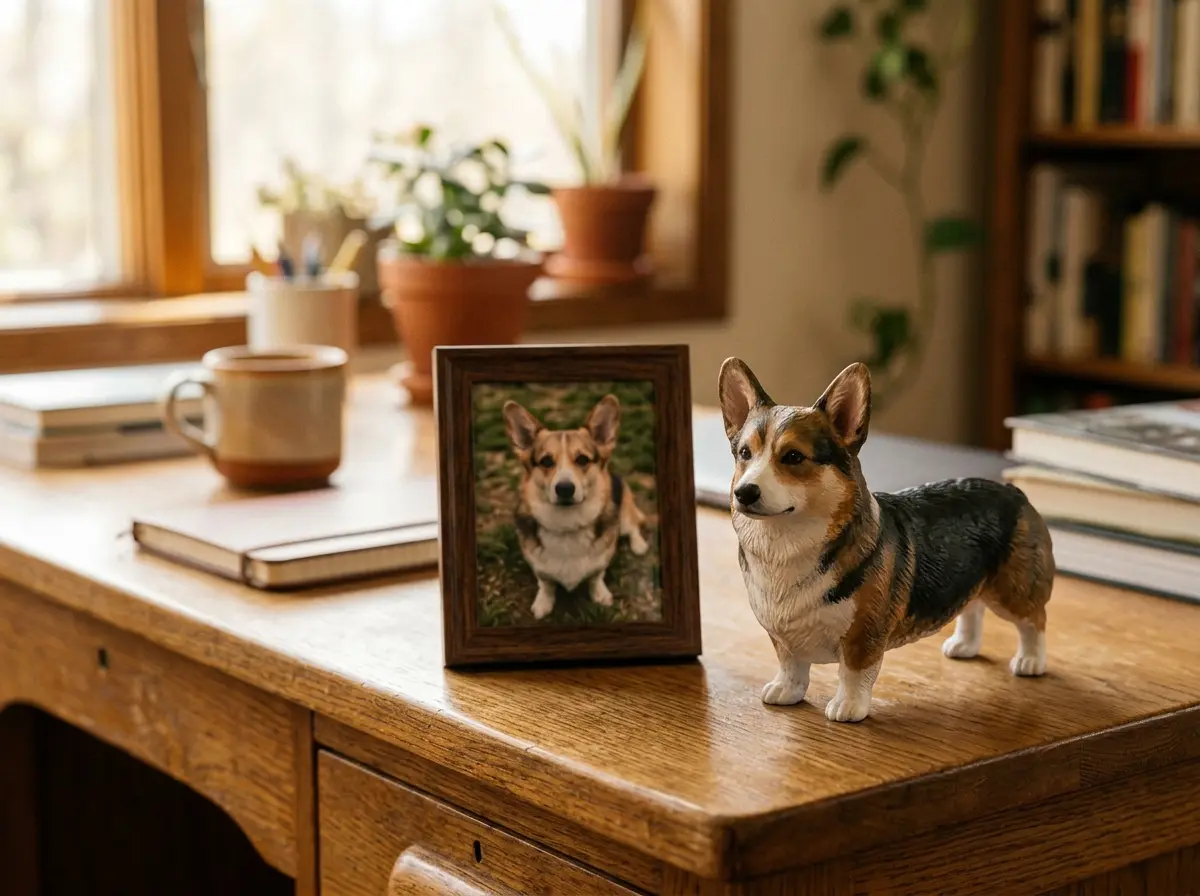
Figurines from photos
A person, pet or character becomes a desk figure.
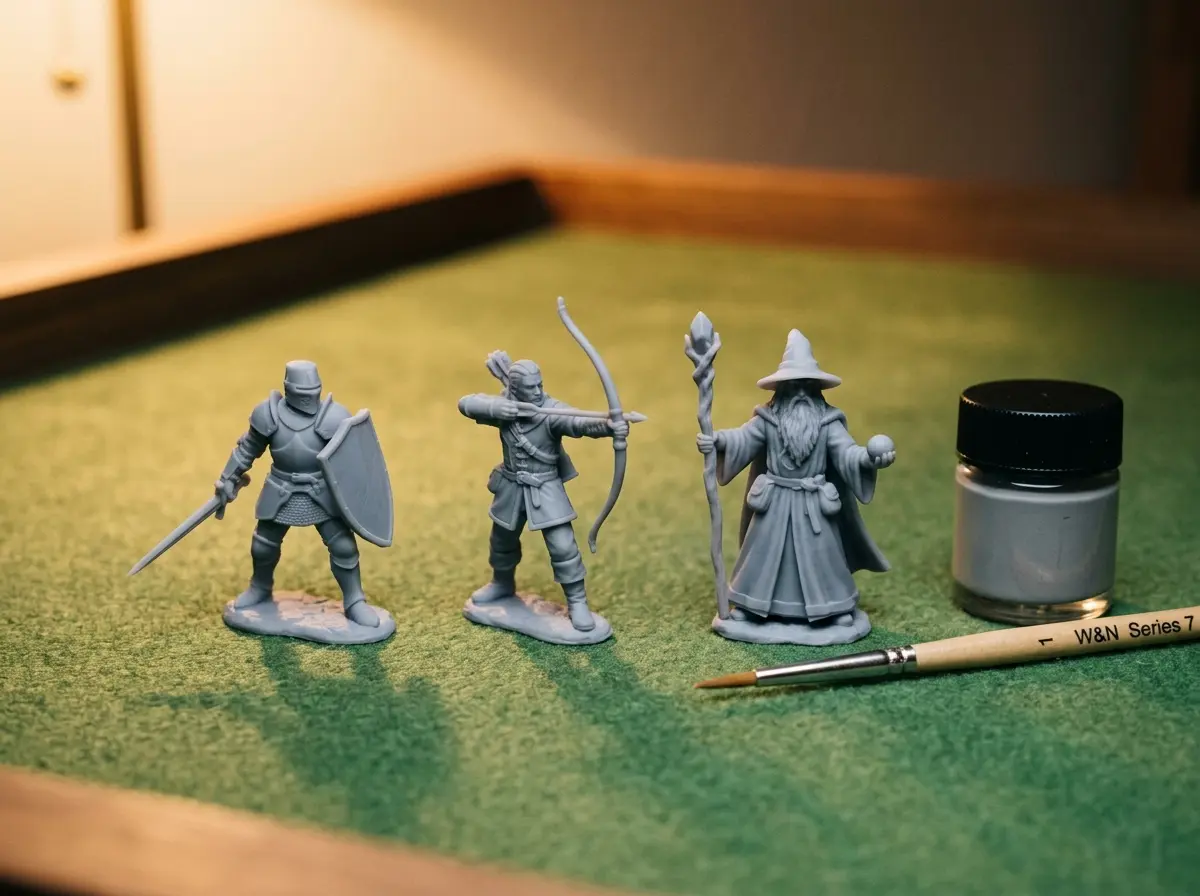
Tabletop miniatures
Scale the model to 28 mm for gaming miniatures.
Display pieces
Print at 180 mm and split the model into parts that fit the printer bed.
Before you print
Generated meshes still need a slicer check.
Watertightness is not guaranteed
Check the mesh in your slicer and repair it there if it reports errors.
Thin parts may not survive
Swords, tails and fingers can be too thin at small print heights.
Supports are your slicer’s job
The model has no supports; add them when slicing.
The filament figure is an estimate
Grams assume solid PLA at 1.24 g/cm³; infill settings change the real amount.
Printing a model you already have
The same print steps work for a model from any generator.
3D print from photo FAQ
Answers about printing generated models.
Print what you photographed
Upload a photo, choose STL and a print height, and get a filament estimate before you slice.