

Sample1 / 2
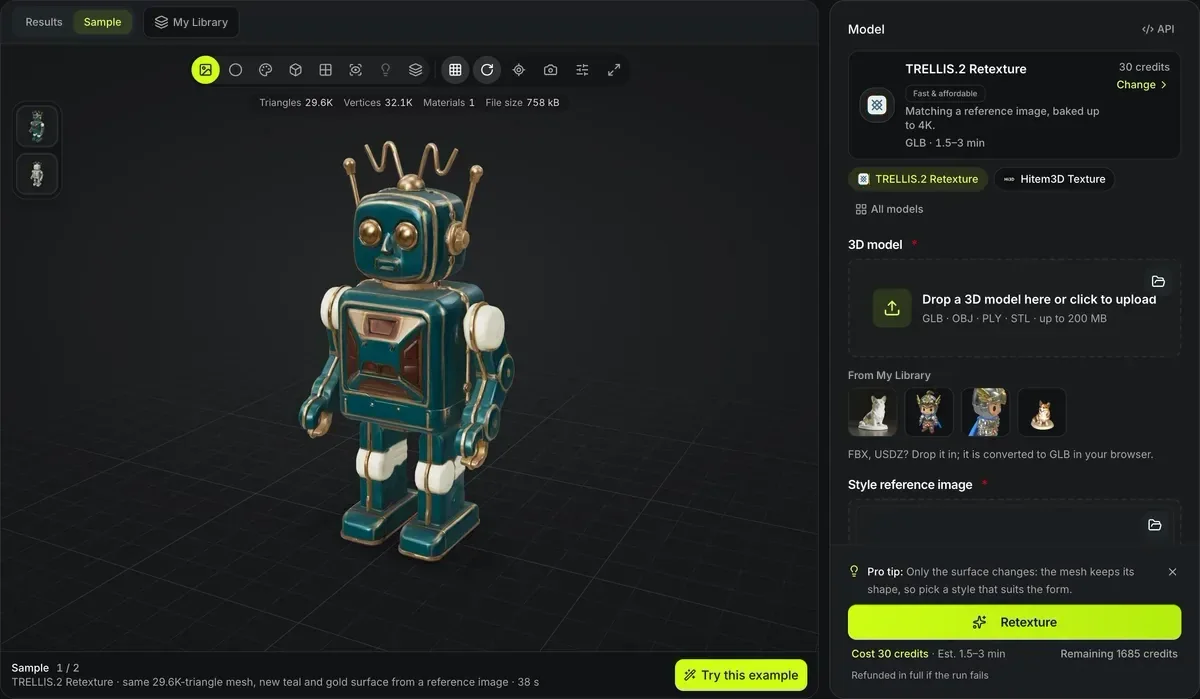
TRELLIS.2 Retexture · same 29.6K-triangle mesh, new teal and gold surface from a reference image · 38 s
AI retexture for 3D models
Keep the shape, change the surface. AI retexture repaints a model you already have from a reference image or a text description, using TRELLIS.2 Retexture or Hitem3D Texture, and Tripo Texture where it is offered.
The same robot before and after AI retexture
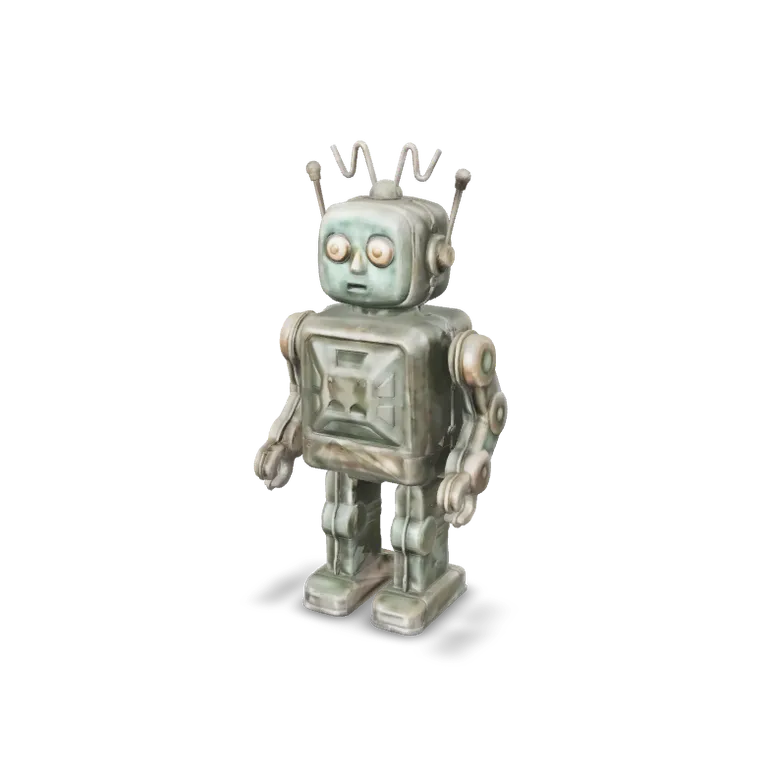
The first card is the source mesh as uploaded; the other two are what each retexture tool returned for it. Open any card to orbit it, then switch the viewer to Clay: all three share one shape and only the paint changed, though Hitem3D returns its own copy of the mesh, 28,722 triangles to the source's 29,629.
Before: the source mesh
InputA red and white toy robot of 29,629 triangles, the file both tools were given.
After: matched to one photo
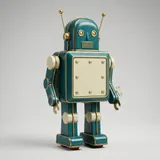
TRELLIS.2 RetextureTRELLIS.2 Retexture repainted it teal and gold from the reference photo in the corner, on the same 29,629 triangles, in 38 seconds.
After: matched to a second picture
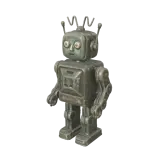
Hitem3D TextureHitem3D Texture repainted it as weathered bronze to match the picture in the corner, in 337 seconds.
Two ways to retexture
Every retexture tool keeps your geometry and repaints the surface; they differ in how you describe the new look.

TRELLIS.2 Retexture: match a picture
Upload a style image and the tool repaints the mesh to match it. Accepts GLB, OBJ, PLY and STL. Shown: a close-up of the toy robot sample after one reference photo turned its red paint into teal and gold.

Meshy Retexture: describe or show
Give a text style prompt of up to 600 characters, a style image, or 2 to 4 views of the object. Accepts GLB, OBJ, FBX and STL; returns GLB, FBX, OBJ, STL or USDZ. Shown: a close-up of the same robot from the prompt “weathered bronze statue with green patina”.

Keep the UVs
Meshy Retexture can keep the original UV layout, so existing texture work lines up. Left: the robot’s original texture atlas; right: the atlas Meshy Retexture returned, with the eyes in the same place.
AI retexture tools compared
TRELLIS.2 Retexture at its default High resolution; Standard costs 25.
Hitem3D Texture per run, at any of its four resolutions up to 1536 Pro.
TRELLIS.2 Retexture bakes 1K, 2K or 4K textures.
Hitem3D Texture returns GLB, OBJ, STL, FBX or USDZ; TRELLIS.2 returns GLB.
Retexture a model
Start from a generated model or upload your own.
- 1
Pick a result from My Library or upload a mesh file.
- 2
TRELLIS.2 or Hitem3D when you have a reference picture; Tripo Texture when you want to write the style.
- 3
Upload the style image or write the prompt.
- 4
Toggle textured and clay views to see what changed.
Conditions and limitations
Retexturing limits
Retexturing changes paint, not shape.
Geometry is not fixed
Holes or lumps in the mesh remain; remesh first if the shape is wrong.
Auto-rig needs GLB
If you plan to rig afterwards, keep a GLB copy.
Style transfer is approximate
A reference image guides colors and materials but is not projected pixel for pixel.
Tripo Texture takes a written style
Tripo Texture takes a description, a picture or both; TRELLIS.2 Retexture and Hitem3D Texture repaint from a picture only. Meshy Retexture also takes a written style.
More texture detail costs more
Tripo Texture repaints a GLB, FBX, OBJ or STL of up to 150 MB from a description, a picture or both: 13 credits at Standard, 26 at Detailed and 38 at 8K.
Related texture tools
For tileable materials rather than a whole model.
Retexturing FAQ
Answers about repainting existing models.
Give an old model a new surface
Pick a model, add a style image or prompt, and retexture it from 13 credits.