

Sample1 / 7
Tripo H3.1 · one image · a toy robot
AI 3D model generator
Generate a 3D model from one image, a text prompt, several views or a sketch. Every model in the picker is named, priced before you submit and returns a file you can download.
Six generation models, one sample each
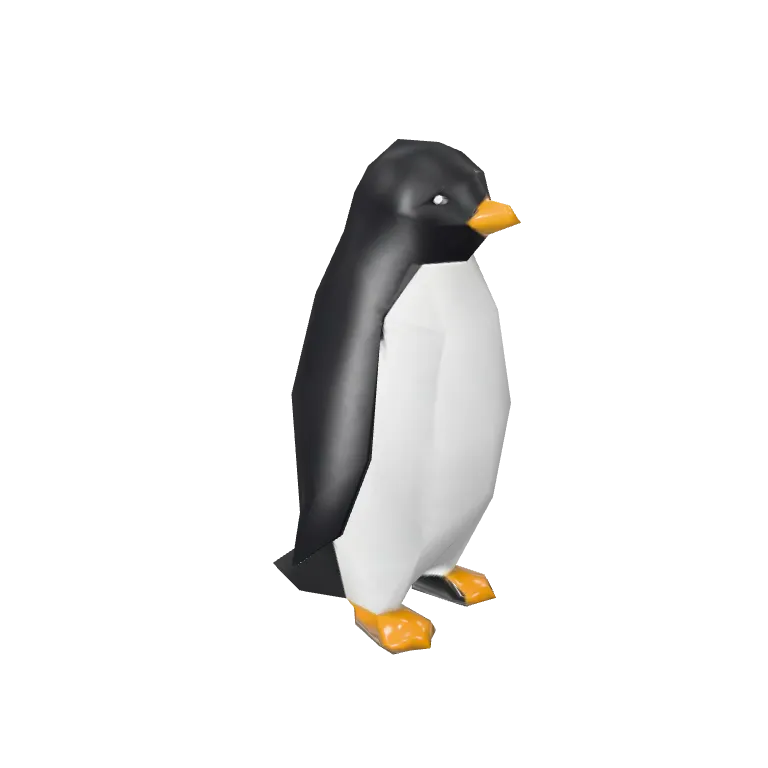
Real outputs from the picker, most shown with their input image in the corner. Credits are the default settings; times are the range the picker quotes before you submit.

Tripo H3.1
Toy robot38 credits from an image; returns GLB and FBX in 2.5–5 minutes.
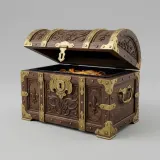
Hunyuan3D 3.1 Rapid
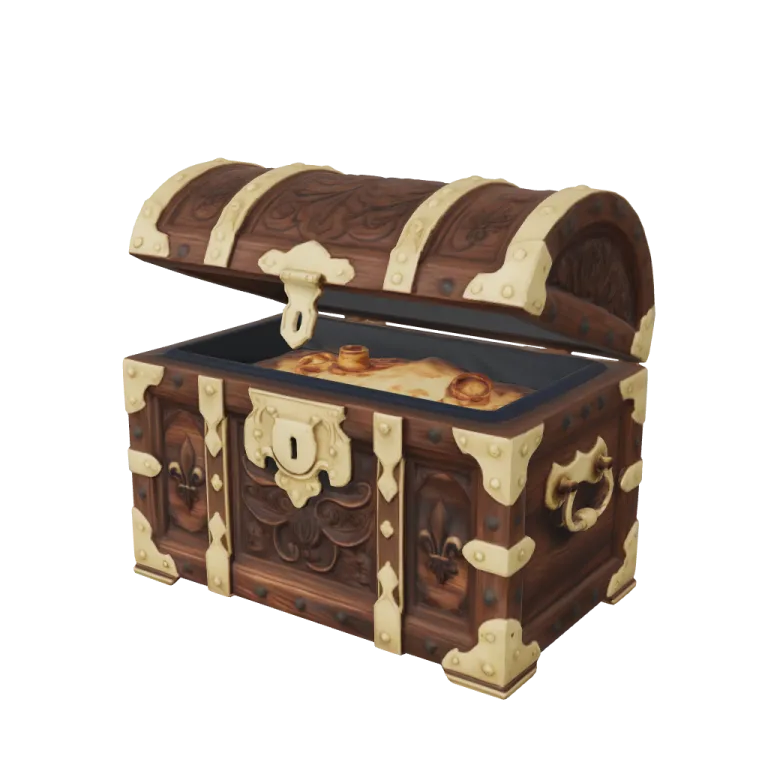
Treasure chest29 credits; returns GLB and OBJ in 1.5–3 minutes.
TRELLIS.2
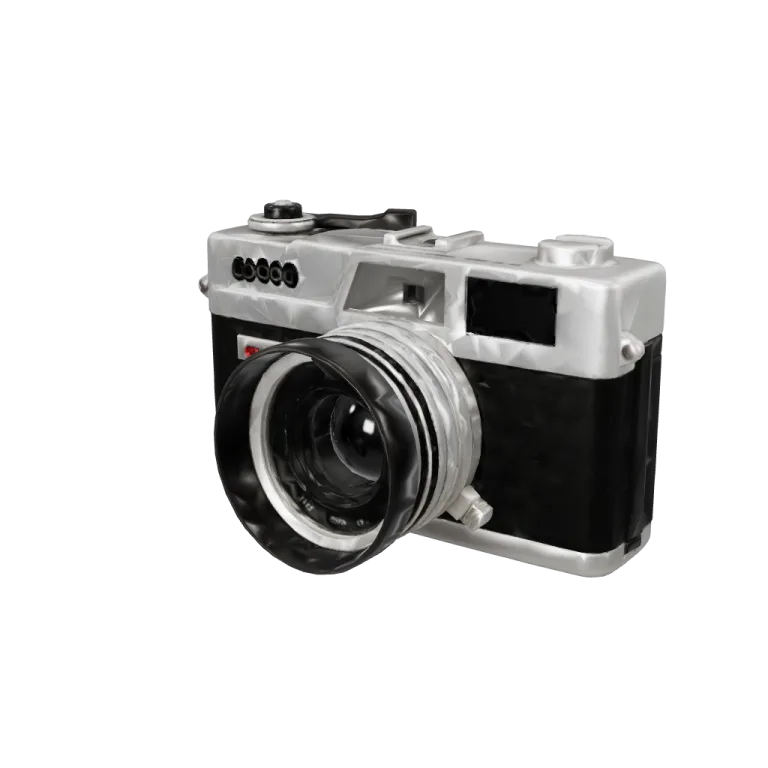
Vintage camera39 credits with 1K, 2K or 4K textures; returns GLB in 2–4 minutes.
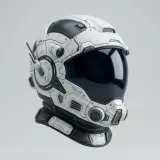
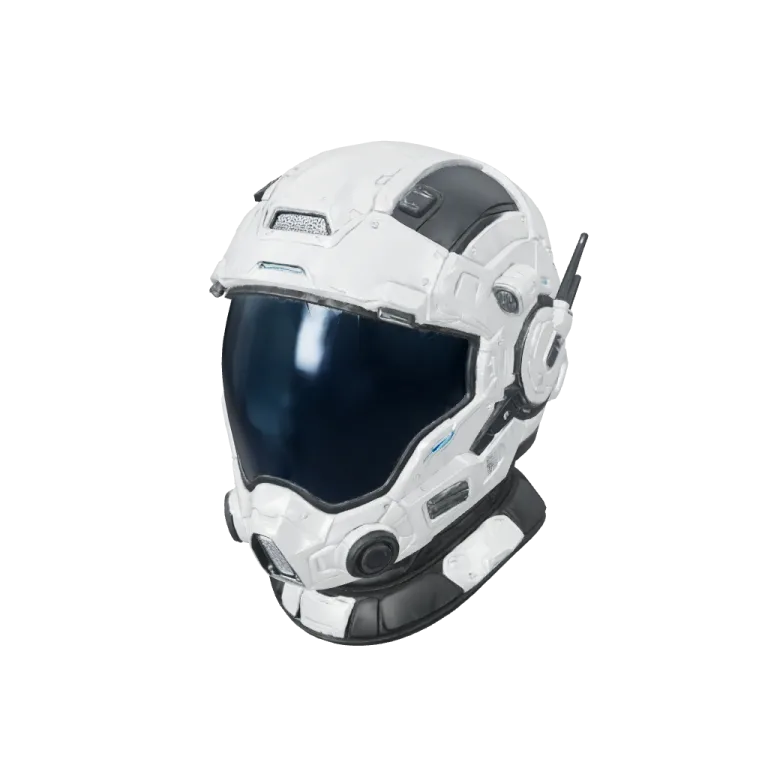
Rodin Gen-2.5
Sci-fi helmet50 credits with PBR or shaded materials; returns GLB in 6–12 minutes.

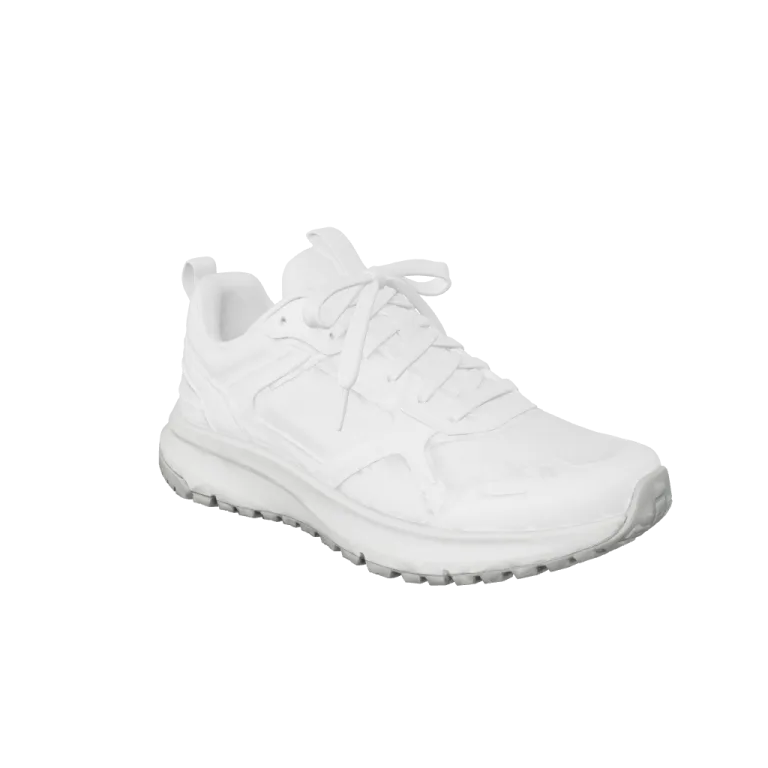
Hunyuan3D 3.1 Pro
Sneaker47 credits, or 66 with PBR materials; returns GLB and OBJ in 3.5–7 minutes.
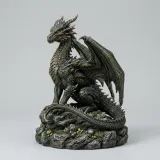
Hitem3D 3.0
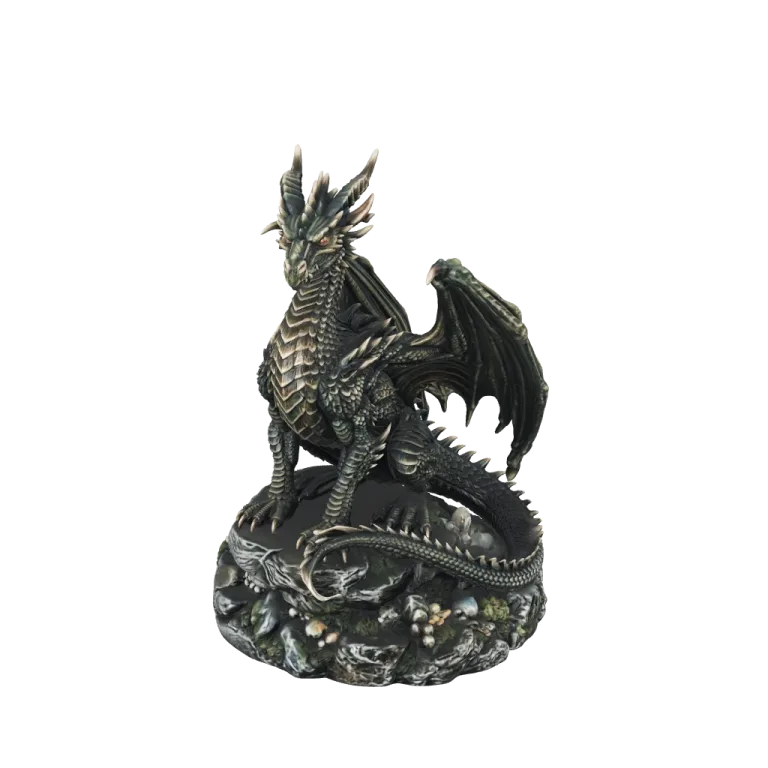
Dragon figurine263 credits for up to 5M faces; exports GLB, STL, OBJ, FBX or USDZ in 8–16 minutes.
Which input to start from
The generator switches between four input modes. Each has its own page with the models that accept it.

One image
A photo, render or concept painting. Ten of the eleven models accept a single image; Hunyuan3D Sketch is the exception.

A text prompt
Seven models take a description. Prompt limits run from 200 characters on Hunyuan3D 3.1 Rapid to 1,024 on the three Tripo models and Hunyuan3D 3.1 Pro.

Several views
Front view required (front and left on Tripo H3.1); other views optional. Hunyuan3D 3.1 Pro takes up to eight named views, Rodin Gen-2.5 five, the others four.

A sketch
A line drawing plus a description of materials and colors, reconstructed by Hunyuan3D Sketch.
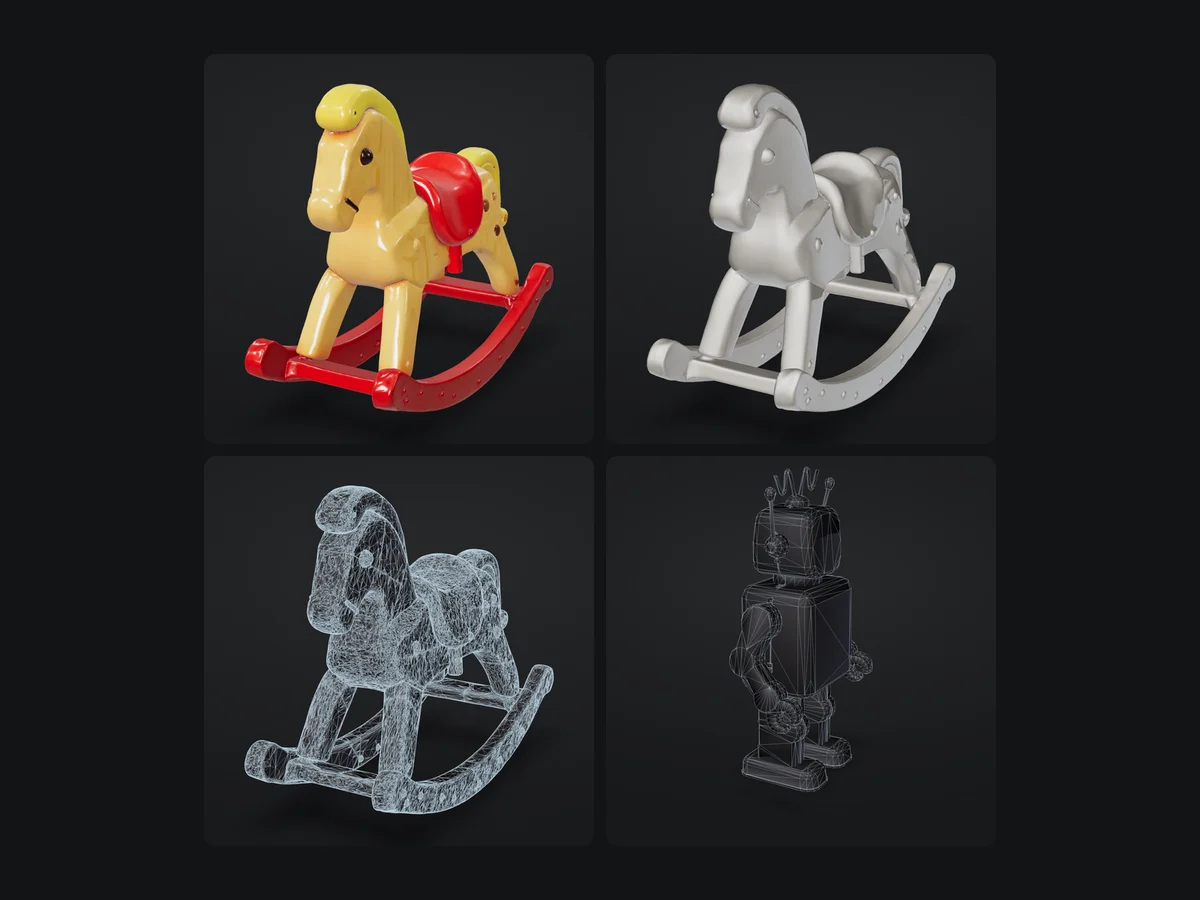
Settings that change the result
Texture, geometry and face count
Three settings account for most of the difference between two runs of the same model.
Texture or bare mesh
Most models can skip texturing. A bare Tripo H3.1 mesh from an image is 25 credits; texturing it adds 13. Use a bare mesh for blockouts you will texture later.
PBR materials
Hunyuan3D, Rodin, Meshy, Hitem3D and Tripo can return physically based materials that react to scene lighting. On Hunyuan3D the switch costs 19 credits.
Face count
Face options run from 2K on Tripo P1 to 5M on Hitem3D 3.0. Low counts suit real-time engines; high counts suit printing and close-up renders.
Seed
Models that expose a seed repeat a result when the input and settings stay the same, which helps when you tune one setting at a time.
What goes in and what comes out
One image, a text prompt, up to eight views of the same object, or a line sketch with a short description.
From Tripo, Tencent Hunyuan, Hyper3D, Meshy, Hitem3D and ByteDance, plus the open TRELLIS.2 model; the picker shows which inputs each one accepts and marks the four Pro models that need a plan.
JPEG or PNG on every model, WebP on most; Hunyuan3D caps uploads at 8 MB.
A textured Tripo H3.1 run is the lowest default price: 26 credits from text and 38 from an image; Hunyuan3D 3.1 Rapid is 29 from an image.
Watch the AI 3D model generator load a sample
A signed-out visit to the all-inputs generator, played at about 3.7× speed. The image slot was filled but never submitted, so no credits were spent.

A sample becomes your starting point
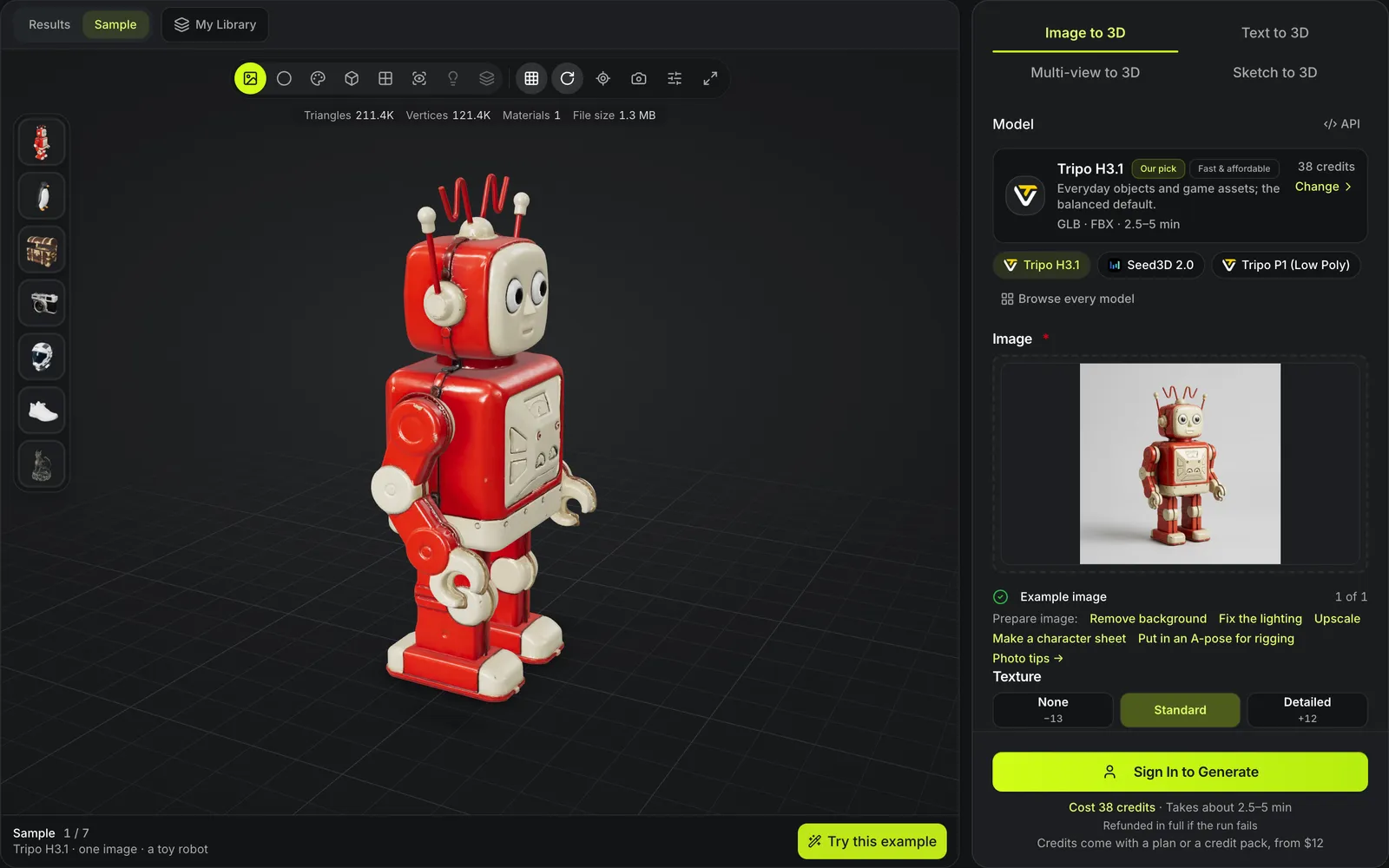
Try this example fills the image slot with the toy robot photo and keeps Tripo H3.1 at 38 credits, so the only step left is Generate. The dragon thumbnail then loads Hitem3D 3.0's print-grade result in the same viewer.
What happens when you press generate
One job, from the form to a stored file.
- 1
Credits are the sum of the model's base price for the input mode and any add-ons you switch on, such as PBR materials or a detailed texture.
- 2
The request goes to the upstream model you picked. The picker quotes a range for each one, from 1.5–2.5 minutes for Tripo P1 to 8–16 minutes for Hitem3D 3.0.
- 3
Provider download links expire after minutes to a day, so every returned file is stored when the job finishes and stays in My Library.
- 4
Orbit the result in textured, clay, wireframe or UV mode, then download it, convert it or open it in an editing tool.
Conditions and limitations
What the AI 3D model generator does not do
The AI 3D model generator reconstructs a plausible shape. It is not a modeling or CAD tool.
No exact dimensions
Outputs carry no measured size or tolerances. Parts that must fit a real object belong in CAD software.
No manual sculpting
You change a result by rerunning it, retexturing or remeshing it, not by moving vertices by hand.
Printability is not guaranteed
A generated mesh can have holes or parts too thin to print. Check it in your slicer before printing.
Run times are estimates
The low end of each quoted range is the provider's own figure and the high end is twice that, because real runs took about double; provider queues can still add time.
Before and after a generation
Guides for choosing a model and preparing the input, and where a finished model goes next.
Compare the models
Credits, output formats, inputs and run time for all eleven, side by side.
Prepare the input image
Framing, background and file checks that decide how clean the mesh comes back.
Pick a file format
Which of GLB, FBX, OBJ, STL and USDZ your engine, viewer or slicer needs.
Edit the result
Retexture, remesh, rig or segment a generated model without starting over.
Questions about generating 3D models
Short answers about models, credits and output.
Start a 3D model from any input
Pick an input, pick a model, and see the credit cost before you submit. Failed runs are refunded automatically.