

Sample1 / 4
Tripo H3.1 · image to 3D · a chibi knight
AI 3D models for games
Make game assets from concept art or a prompt, then take them through the same steps an artist would: a polygon budget, a skeleton, animation and an engine-friendly file.
Game assets from the pipeline, open in 3D
Six real results with the model that made each one. Open a card to orbit it, and switch the viewer to wireframe to judge the triangle density before you import anything.
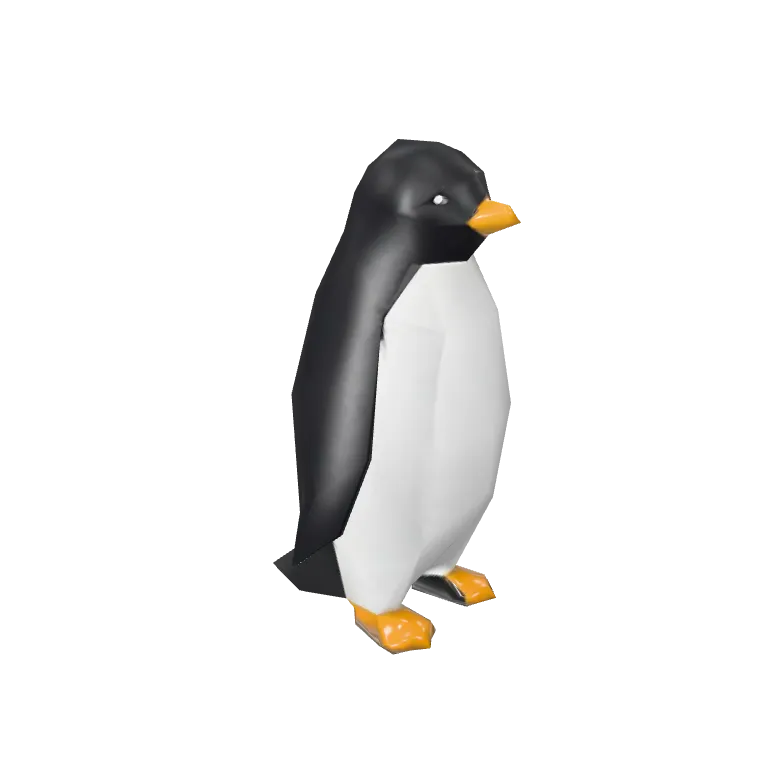
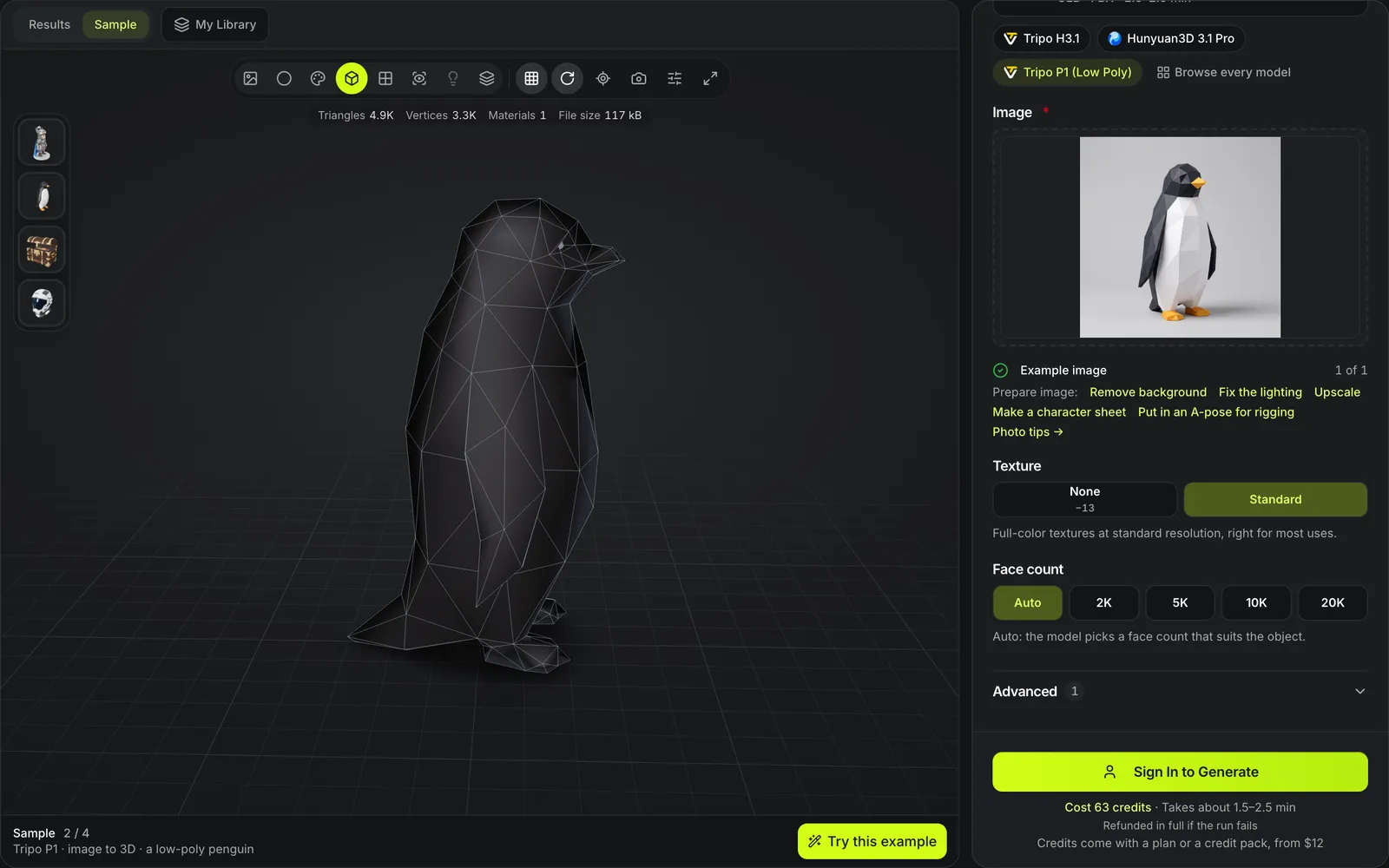
Low-poly penguin
Tripo P1A background creature built to a low face budget; this copy has 4,877 triangles.
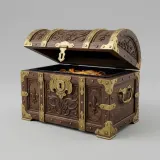
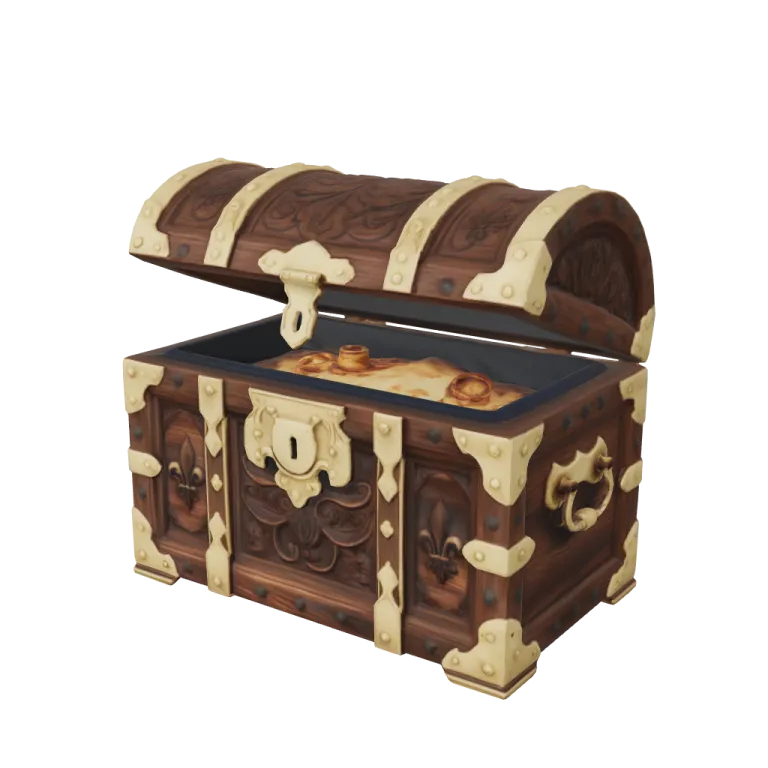
Treasure chest
Hunyuan3D 3.1 RapidA static prop with its materials, the kind of asset that goes into an engine as GLB.
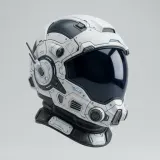
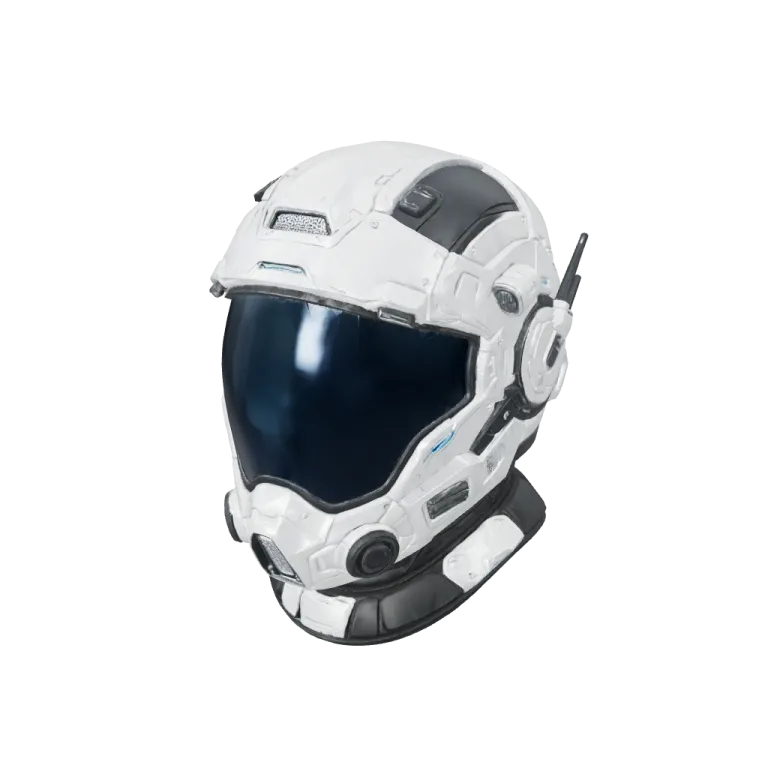
Sci-fi helmet
Rodin Gen-2.5A hard-surface hero prop with panel detail, generated from a single image.
Dungeon barrel
Tripo H3.1A set-dressing prop made from a text prompt alone, useful when no concept art exists yet; Tripo H3.1 also returns it as FBX.
Scout drone
Tripo P2An enemy or pickup prop from a text prompt on Tripo P2, whose quad option caps the mesh at 25K faces at no extra charge.
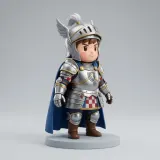
Walking knight
Meshy Auto-RigA Tripo H3.1 character rigged afterwards; the file carries its skeleton and one looping walk.
Game asset tools in AI3D Studio
Every stage of the pipeline has its own page with the models that do it.


Low poly props
Tripo P1 builds to a 2K to 20K face budget from text or an image. This penguin is 4,877 triangles: drag across to see its faces in wireframe, each large enough to count.

Quad remeshing
A dense AI mesh is the case remeshing exists for: this chibi knight came back at 221,782 triangles. The free 3D Remesh in your browser, Tripo Remesh and Hunyuan3D Smart Topology rebuild meshes like it before rigging or import.

Auto-rigging
Humanoid and creature skeletons with skin weights. This Tripo H3.1 knight was rigged afterwards and plays the Casual Walk clip, the file carrying its skeleton and the loop.

Tileable materials
Normal, height and roughness maps from one photo of a surface, free: these four came from a cobblestone photo, the base color with its height, normal and roughness maps.
From concept art to an asset in your engine
Each step is a separate run, so you pay only for the steps an asset needs.
- 1
Set the face limit in the generator. Tripo P1 at 63 credits suits background props; Tripo H3.1 with quads switched on, 45 credits, suits assets you will animate.
- 2
Remesh to a face budget for free in your browser with 3D Remesh, or with Tripo Remesh from 38 credits, or build LODs for free with the polygon reducer.
- 3
Meshy Auto-Rig for humanoids at 25 credits, plus 15 for one of nine preset animations; Tripo Auto-Rig at 32 credits for other body plans, with Tripo or Mixamo bone naming. Hunyuan Motion writes extra clips from text for 10 credits.
- 4
Take FBX for rigged and animated assets and GLB for static props with their materials. The clip playing here is a 5-second Hunyuan Motion clip from the text to motion page, on the mannequin it ships with.
Game assets at a glance
What the game pipeline covers
Face budgets you can set before generating: 2K–20K on Tripo P1, 10K–300K on Tripo H3.1.
Tripo H3.1, Tripo P1, Tripo P2 and Meshy 7.1 return FBX next to GLB; the other models on this page return GLB or OBJ.
Tripo Auto-Rig covers biped, quadruped, hexapod, octopod, avian, serpentine and aquatic rigs.
Hunyuan Motion writes humanoid animation clips of 3, 5, 8 or 12 seconds as FBX.
Where AI 3D models for games still need an artist
The pipeline gets an asset into an engine; it does not replace art direction.
Style drifts between assets
Each run reads its own input, so a set of props can differ in style. Feed every run concept art in the same style.
No collision meshes or LOD setup in the engine
Collision shapes, LOD switching and material setup are done in your engine after import.
Motion clips are humanoid
Hunyuan Motion animates a humanoid skeleton; creatures need animation from your own tools after rigging.
Third-party rights still apply
The Terms give you ownership of generated assets on every plan, subject to third-party rights: concept art copied from another game keeps its owner.
Questions about AI game assets
Short answers about budgets, rigs and engines.
Build your first game asset
Upload concept art, set a face budget, and see the credit cost before the run starts.