
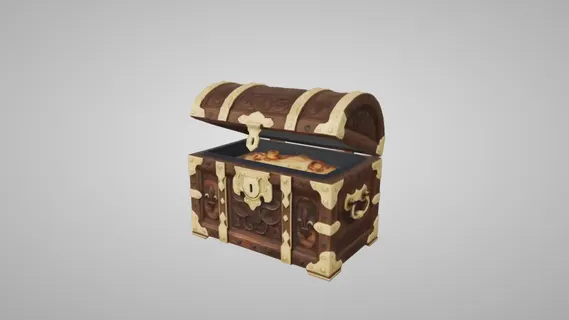
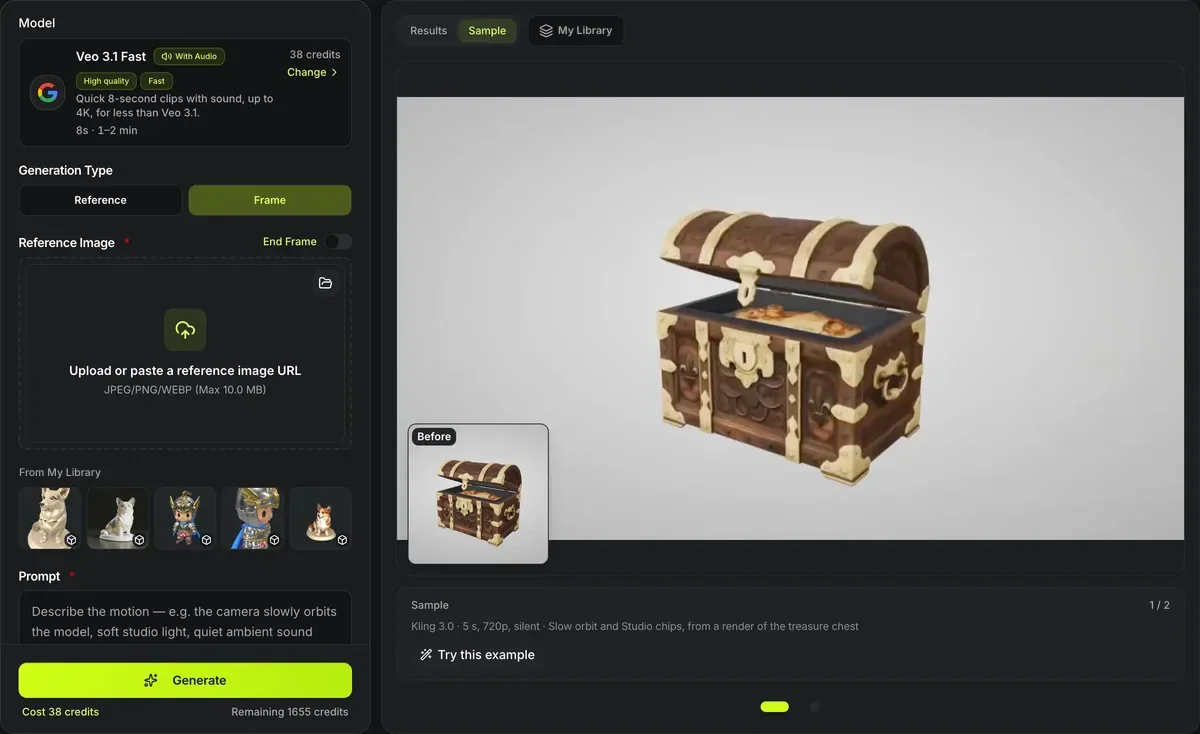
Kling 3.0 · 5 s, 720p, silent · Slow orbit and Studio chips, from a render of the treasure chest
3D model to video
Turn a render of your 3D model into a short video. 3D model to video takes a picture of the model — a render, a turntable frame or the poster from a finished 3D result — and animates it with the model you pick: Veo 3.1 Fast, Kling 3.0, Seedance 2.0 or Seedance 2.0 Fast. Clips run from 3 to 15 seconds with camera movement and sound. Give it a start and an end frame to control where the shot goes.
3D model to video in numbers
Veo 3.1 Fast, Kling 3.0, Seedance 2.0 and Seedance 2.0 Fast, each priced from the provider's cost for the clip you ask for.
Veo 3.1 Fast makes a fixed 8 seconds, Kling 3.0 any length from 3 to 15, and Seedance 4 to 15.
From 27 credits for a 3-second silent Kling 3.0 clip to 390 for 15 seconds of Seedance at 720p; the button shows the exact price before you run.
Seedance renders 480p or 720p, Kling 3.0 720p or 1080p, and Veo 3.1 Fast 720p, 1080p or 4K.
Every model starts from your picture, and an end frame sets where the shot lands.
A motion prompt of that length fits all four models; Veo 3.1 Fast takes up to 3,000 characters and Seedance up to 2,500.
Two 3D models, two video models
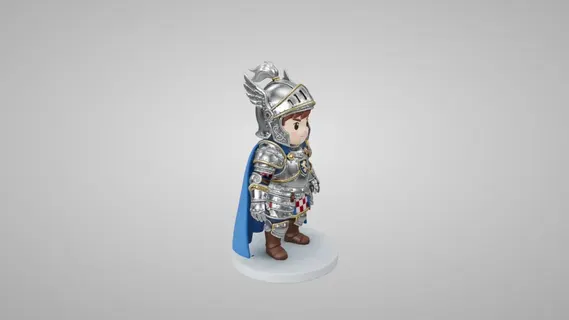
Each clip started from a render of a model made on this site, with two of the prompt chips above. Nothing was edited after the run.
How it works
How 3D model to video animates a render
A picture of the model goes in; a moving shot comes out.
A render as the first frame
The video starts from your picture of the model, so its shape, colors and materials are what the camera moves around.
Describe the motion
Say how the camera moves and what happens — a slow orbit, a push-in, dust falling, a light sweep — in a prompt of up to 2,000 characters.
Choose the model
Veo 3.1 Fast is the quick, low-cost default; Kling 3.0 and Seedance run longer clips and let you set the length and resolution.
End on a chosen frame
Add a second picture and it sets where the shot ends, such as the model from its back.
Sound on or off
Veo 3.1 Fast and Seedance generate audio with the video, and Kling 3.0 has a sound switch that lowers the price when it is off; describe the sound you want in the prompt.
From a 3D render to a video in three steps
Picture, motion, run.
- 1
A render or screenshot of your 3D model, or two for a start and end frame.
- 2
Write the camera move and the action; pick a model, a length and a resolution.
- 3
Run it for 27 to 390 credits and download the MP4 when it is ready, usually in one to four minutes depending on the model.
Limits of 3D model to video
The video is generated from a picture, not rendered from the mesh.
Not a true 3D render
The model imagines the sides the picture does not show, so a full orbit can drift from your real model; the free 3D turntable video renders the actual mesh.
Length depends on the model
Veo 3.1 Fast makes 8-second clips; Kling 3.0 and Seedance reach 15 seconds. For a longer piece, join clips in an editor.
Text and fine detail
Small lettering and thin parts can warp while moving; keep the prompt's camera move gentle for detailed models.
Seedance reference videos cost extra
Seedance takes pictures as a start frame, an end frame or reference pictures; its Reference mode also takes up to three reference videos (2 to 15 seconds each, 15 in all, MP4 or MOV up to 50 MB), billed by their measured length on top of the clip.
Paid per video
Every run is charged at the price of the model, length and resolution you pick, shown on the button before you start; failed runs are refunded.
Before and after 3D model to video
Where the picture comes from, and the free alternative.
Make the 3D model
Image to 3D builds the model from a picture, for credits.
More ways to make a video
The AI video maker adds text to video, reference to video and eleven more models to the four here.
A frame-exact spin, free
For an exact spin of the mesh itself, with no AI redrawing, the free 3D turntable video renders it in your browser.
Stage it first
The AI 3D scene renderer places models in a scene and renders a picture to animate.
Questions about 3D model to video
Answers about inputs, length and cost.
Animate your 3D model now
Add a render of your model, describe the shot and get a clip of up to 15 seconds with sound.