
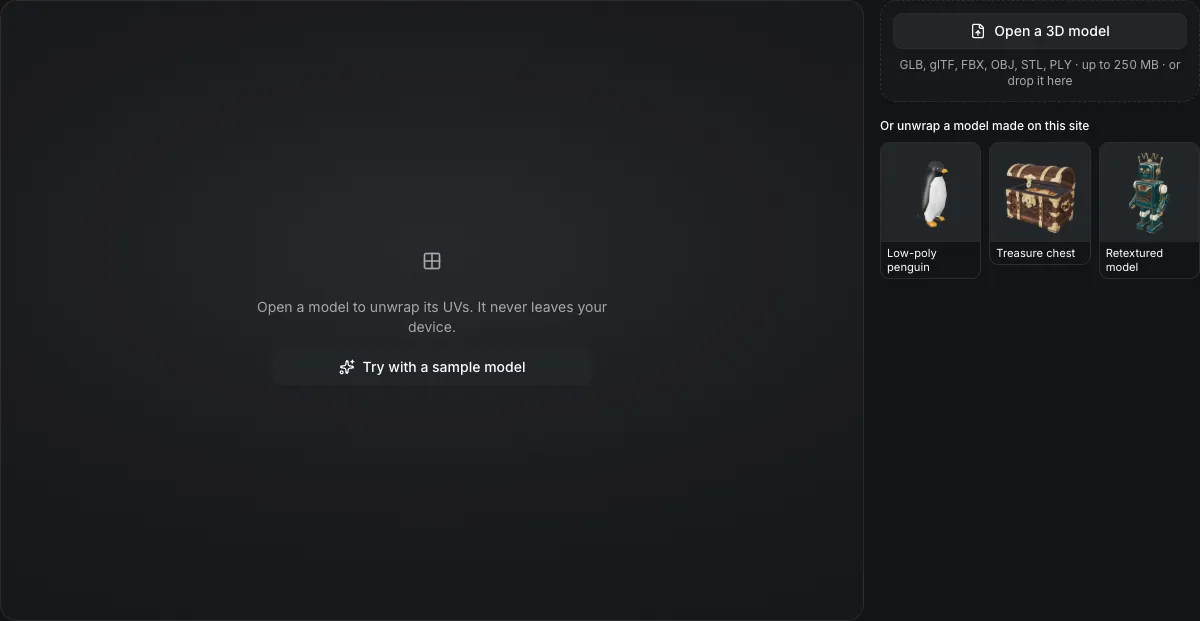
GLB, glTF, FBX, OBJ, STL, PLY, ZIP · up to 250 MB · or drop it here
Or unwrap a model made on this site
Open a model to unwrap its UVs. It never leaves your device.
Free online UV unwrap
UV unwrap any GLB, FBX or OBJ in your browser. It cuts seams, flattens each piece with little stretch and packs everything into one square atlas, then redraws your model's textures onto the new layout. Nothing is uploaded and the download is free.
The treasure chest, unwrapped in the browser
The files this tool gave for the treasure chest sample at its default settings: New UVs with baked textures, Balanced quality, a 2048 px atlas. Each picture is a download, shrunk for this page.
What the new UV layout is for
Pick what the new UVs are for before you unwrap.
| Output | UV sets | Materials | Use it for |
|---|---|---|---|
| New UVs with baked texturesReplaces the old layout | The atlas becomes the model's only UV set | Every material baked into one texture set: ten in, one out | Substance Painter, Blender or a texture AI |
| Lightmap UVsAdds a second set | Original UVs kept; the atlas added as TEXCOORD_1 | Untouched | Lightmaps in Unity, Unreal and Godot |
| UV layout imageA PNG download | Shows the islands at the atlas size | Not changed | Painting over in Photoshop, Krita or Procreate |
How it works
How the automatic UV unwrap works
The unwrap runs xatlas, the open-source library used for lightmap UVs in game engines, compiled to WebAssembly.
Cut into charts
Faces are grouped into charts along sharp edges and high curvature, where a seam is least visible.
Flatten with low stretch
Each chart is flattened so a square on the model stays close to a square on the texture.
Pack the atlas
Charts are rotated and packed into one square with the padding you set; Best packing tries more placements.
Bake across
Each texel of the new atlas takes the color your old texture had at the same point of the surface, then edges are bled outward so seams stay clean.
The UV unwrap tool in numbers
The largest model one run takes; 16,000 triangles unwrap in about 3 seconds on a laptop.
512, 1024, 2048 or 4096 pixels square, with 2–16 px of padding between islands.
Base color, metal/roughness/occlusion and emissive are redrawn onto the new UVs.
Unwrapped in your browser tab; no upload and no paid download.
UV unwrap a model in three steps
From an open model to a GLB with a clean UV layout.
- 1
GLB, glTF, FBX, OBJ with its MTL and textures, STL or PLY, up to 100,000 triangles, from your device or your Library.
- 2
Baked textures or lightmap UVs, then quality, atlas size and padding.
- 3
The GLB, the UV layout PNG and each baked map; or continue with the GLB to paint it, retexture it or convert it without downloading.
Limits of the UV unwrap
What the automatic unwrap does not do.
Normal maps are dropped
A tangent-space normal map only fits the UVs it was made for, so baked output carries color, metal/roughness and emissive, not normal detail.
Rigs become static
A rigged model is unwrapped in the pose it is shown in; bones and animation are not kept.
Seams are automatic
There is no seam painting; for hand-placed seams, unwrap in Blender and use this for fast drafts or lightmaps.
100,000 triangles
A model over 100,000 triangles is refused; reduce it first with the polygon reducer, the GLB compressor or 3D remesh.
Before and after unwrapping
Where the model comes from and where it usually goes next.
Paint the new texture
The free 3D texture painter paints straight onto the model's UVs.
Too many triangles
3D remesh rebuilds a dense AI model into clean, lighter topology before unwrapping.
Make it smaller
The GLB compressor shrinks the baked textures and geometry for the web.
Generate a model to unwrap
The AI 3D model generator turns a picture, a prompt or a sketch into a GLB that opens here from your Library.
Questions about UV unwrapping
Answers about automatic UVs, baking and lightmaps.
Unwrap your model now
Open a model and download clean UVs with its textures baked across, free.