
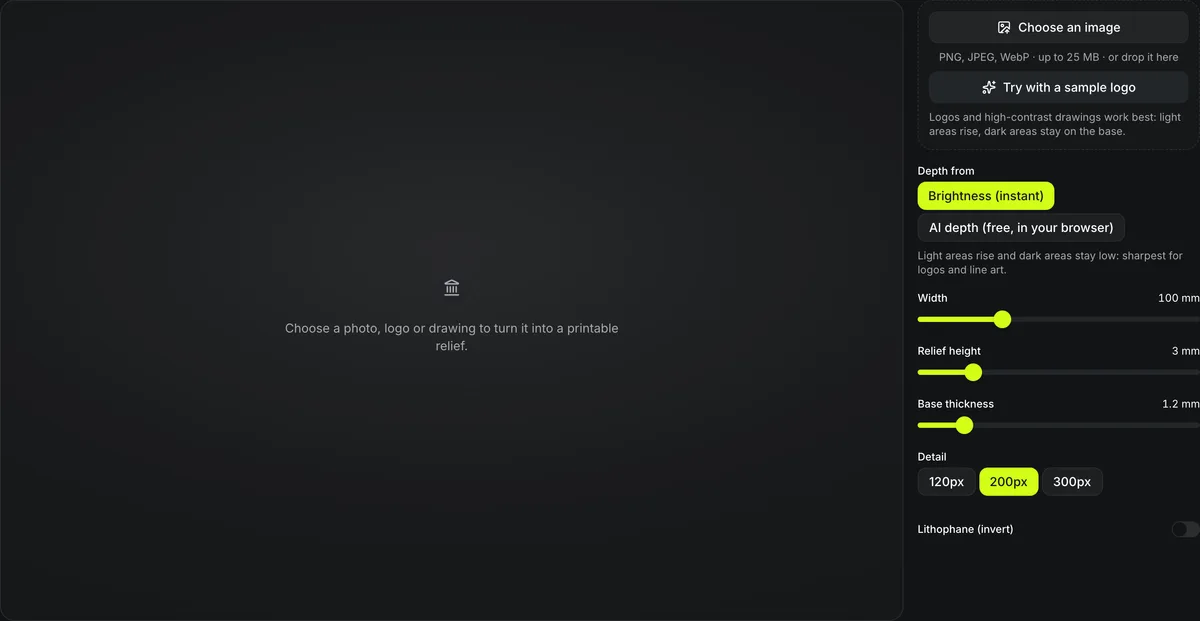
PNG, JPEG, WebP · up to 25 MB · or drop it here
Logos and high-contrast drawings work best: light areas rise, dark areas stay on the base.
Depth from
Light areas rise and dark areas stay low: sharpest for logos and line art.
Detail
Choose a photo, logo or drawing to turn it into a printable relief.
Free image to STL converter
Turn a PNG, JPG or WebP photo, logo or drawing into a raised relief STL you can 3D print. The image to STL converter runs entirely in your browser: the image is never uploaded and no credits are used.
Three images through the 3D relief generator
Each card is the STL this relief generator downloaded at its default settings (100 mm wide, 3 mm relief, 1.2 mm base, 200 px detail), converted to GLB so it can be orbited here. The poster is the tool's own Raking light preview of the same file.
Sample logo
3D relief generatorTry with a sample logo: the ring and mountain rise the full 3 mm, the sun and snowcap sit lower because they are gray. 100 × 100 × 4.2 mm, 23.0 cm³, 159,996 triangles in an 8.0 MB binary STL.
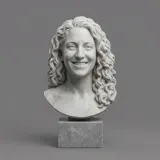
Marble bust on a gray backdrop
3D relief generatorThe portrait-bust image from the figurine maker. A pale subject on a plain ground is close to a height map already: the face and curls stand out and the backdrop stays at one level. 100 × 100 × 3.9 mm, 26.8 cm³.
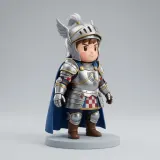
Knight photo in Brightness mode
3D relief generatorA studio photo of a figure. The light backdrop rises almost as high as the silver armor and the dark cape sinks, because height follows brightness. 100 × 100 × 4.1 mm, 32.2 cm³: the highest volume of the three.
How image to STL builds height
Height comes from the image's brightness, or, for photos, from AI depth.


Brightness or AI depth
In Brightness mode each pixel's brightness sets its height between the base and the relief height, which embosses the knight's outlines. AI depth runs Depth Anything V2 Small in your browser and raises the figure as a rounded form instead; on this photo it was ready in about 23 seconds, the model download included.
Both are the same photo at the default 100 mm wide and 3 mm of relief, and the image never leaves your device.


Three detail levels
The image is sampled at 120, 200 or 300 pixels on its longest side. Drag across the knight: at 120 px the armor turns to blocks, at 300 px the plates and the face come back. More detail means a larger STL.
Reliefs people print
Signs, coasters and badges from a flat picture
A relief reads best where light falls across it at an angle, so these are pieces that hang on a wall or lie on a table.
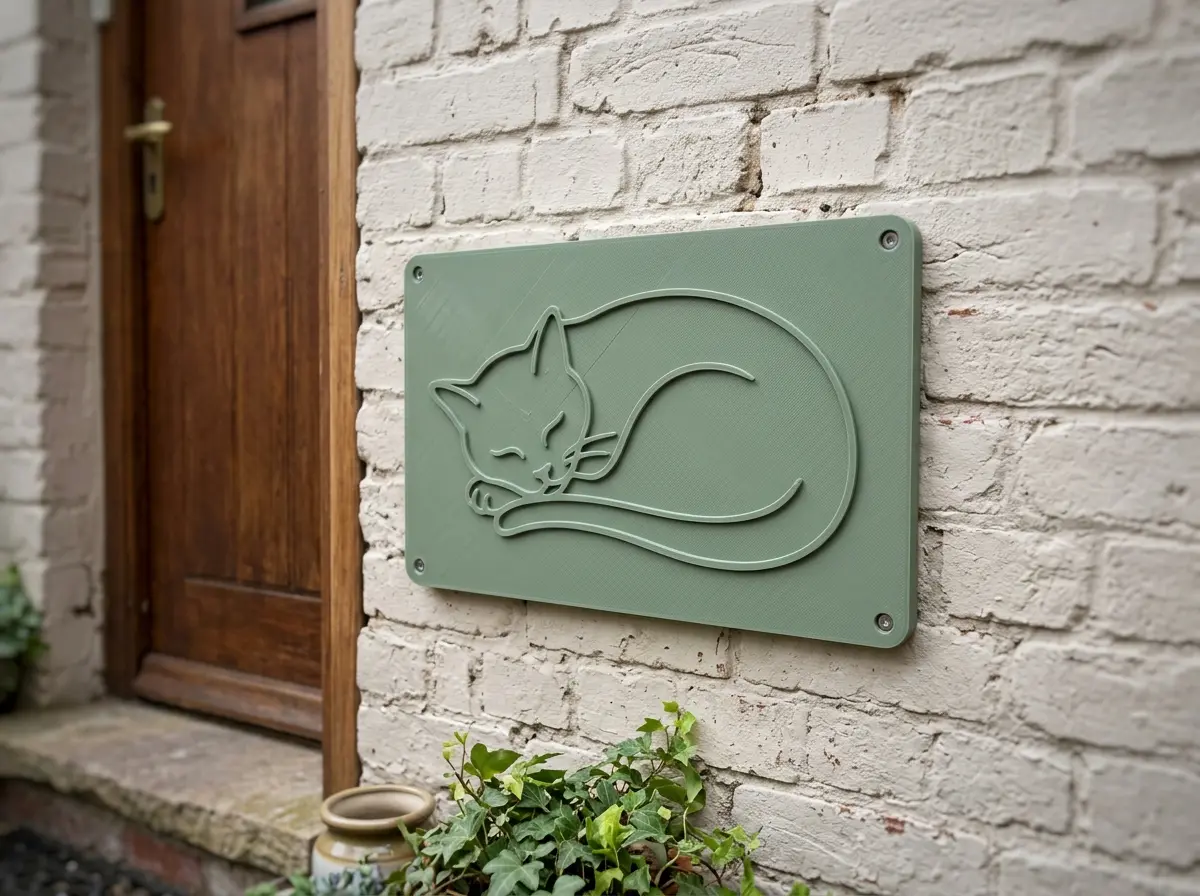
House signs and plaques
A drawing or a pet photo raised on a wall plaque, printed at up to 300 mm wide.
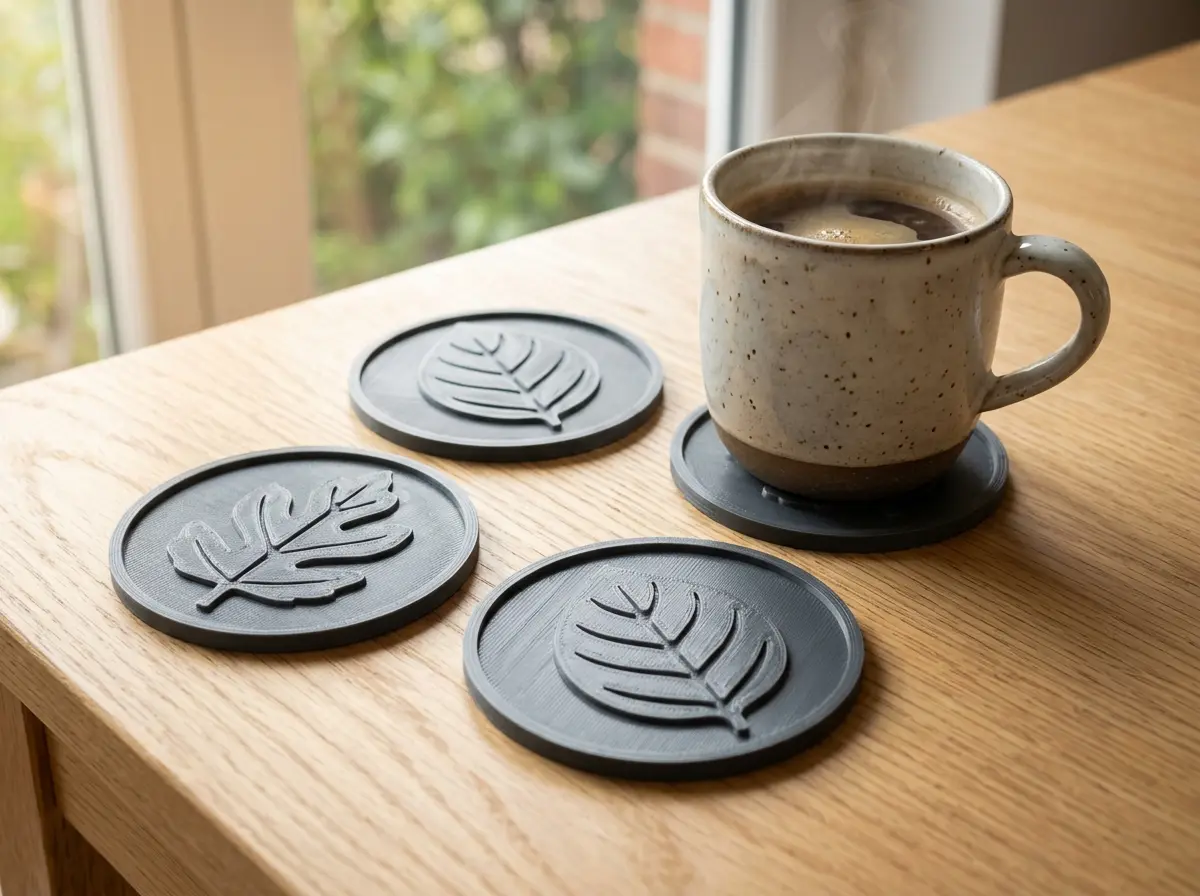
Coasters and tiles
A small relief with a thin base, sized around 90 to 100 mm for a mug.
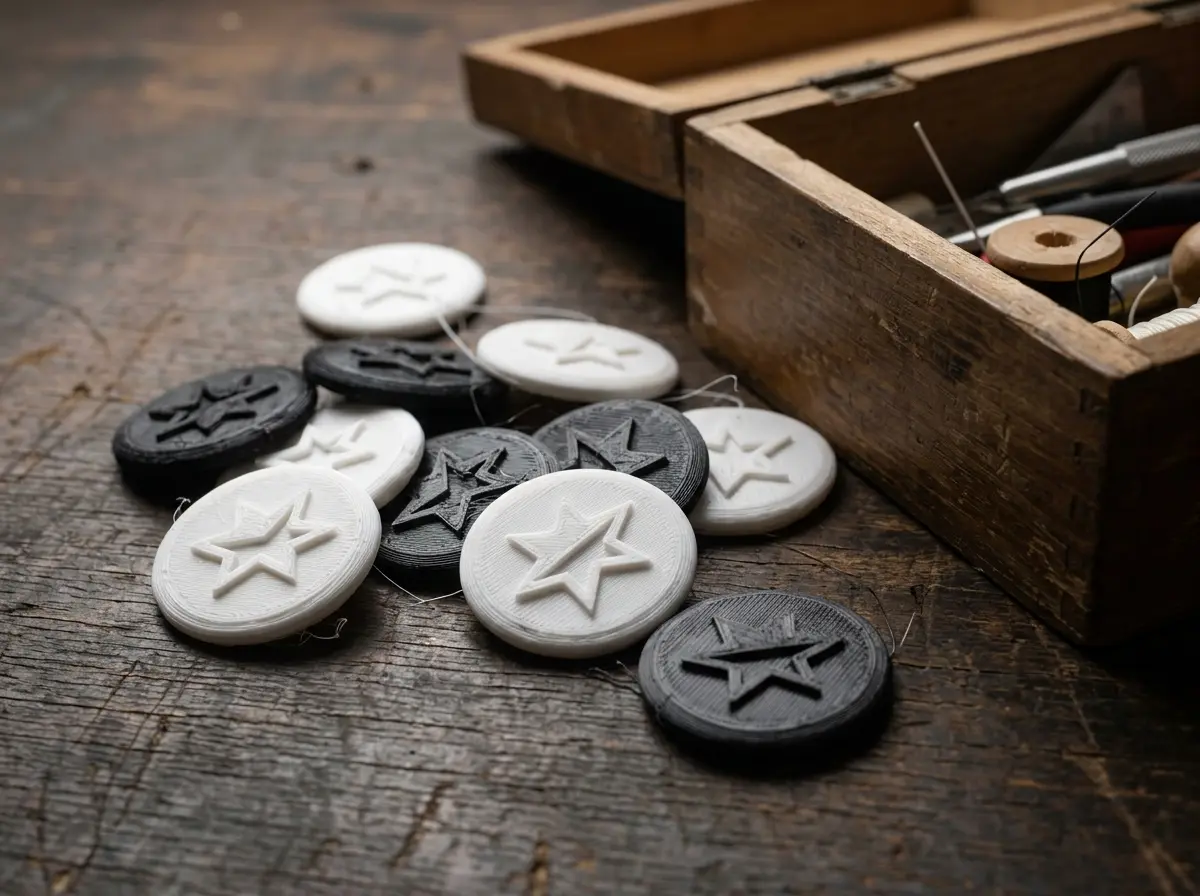
Logo badges
A high-contrast mark raised a few millimetres, ready to glue onto a box or a bag.
Image to STL in numbers
The tool runs in your browser; no account or credits are needed.
Model width range.
Relief height range, on a base of 0.4 to 6 mm.
Brightness, instant; or AI depth from Depth Anything V2 Small, run in your browser.
Watch a relief build in the browser
A recording of this page in two parts, at normal speed.

A sample logo, then a photo
Try with a sample logo shades the badge under Raking light, and the preview re-shades as the Relief height slider moves. The second part opens the knight photo from the third card, where the backdrop comes out nearly as high as the figure.
Image to STL in four steps
Defaults are 100 mm wide, 3 mm relief, 1.2 mm base and 200 px detail.
- 1
High-contrast logos and drawings give crisp edges, from your device or your Library.
- 2
Width 20–300 mm, relief 0.4–15 mm, base 0.4–6 mm.
- 3
120, 200 or 300 px.
- 4
Slice it flat on the bed, or continue with it to repair it, add a base, cut it or convert it.
Conditions and limitations
Limits of image to STL relief
Brightness mode follows light, not distance; AI depth follows distance, not fine lines.
Brightness is not depth
In Brightness mode a dark object in front of a light wall sits lower than the wall, as the knight card above shows; choose AI depth for photos.
AI depth is an estimate
Depth is guessed from one photo; flat artwork, text and logos read sharper with Brightness.
Fine lines need detail
Thin lines can vanish at 120 px; use 300 px.
For a backlit print, invert it
The lithophane maker starts inverted so dark areas are thick.
Questions about image to STL
Answers about turning a picture into a printable relief STL.
Convert an image to STL now
Choose an image and download a relief STL in your browser.