
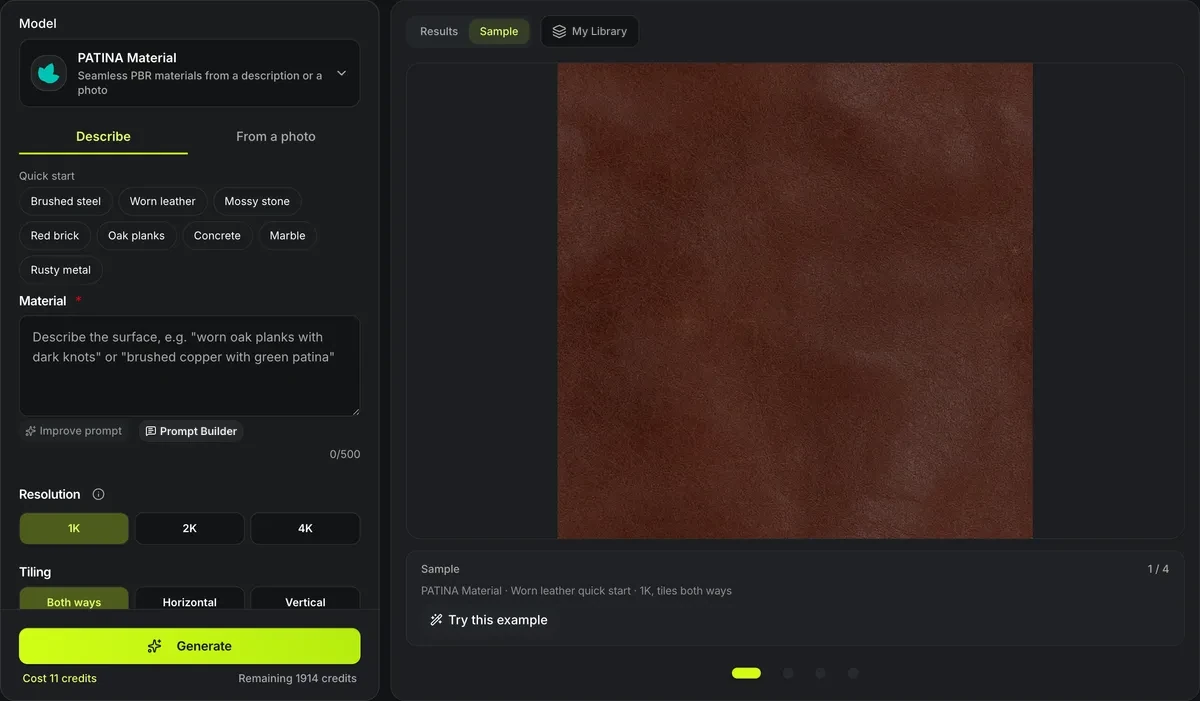
PATINA Material · Worn leather quick start · 1K, tiles both ways
AI material generator
Describe a surface — worn oak planks, brushed copper, mossy stone — or point at one in a photo, and the AI material generator returns a seamlessly tiling texture with its five PBR maps: base color, normal, roughness, metalness and height, ready for a game engine, Blender or a 3D texture painter.
The AI material generator in numbers
PNG files: the seamless texture first, then its albedo, normal, roughness, metallic and height maps.
A described material at 1024 px; taking one from a photo is 22 credits, 2K is 37 or 48.
4K generates at 2048 px and upscales the five maps 2×, for 47 or 58 credits.
Tile both ways for floors and walls, or only horizontally or vertically for trims and strips.
Four materials from the quick-start descriptions
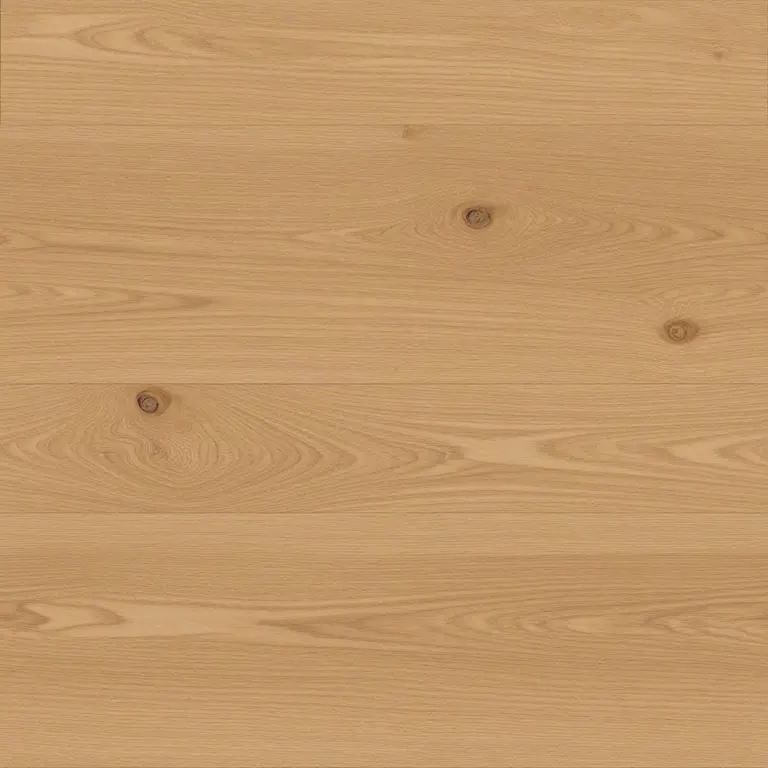
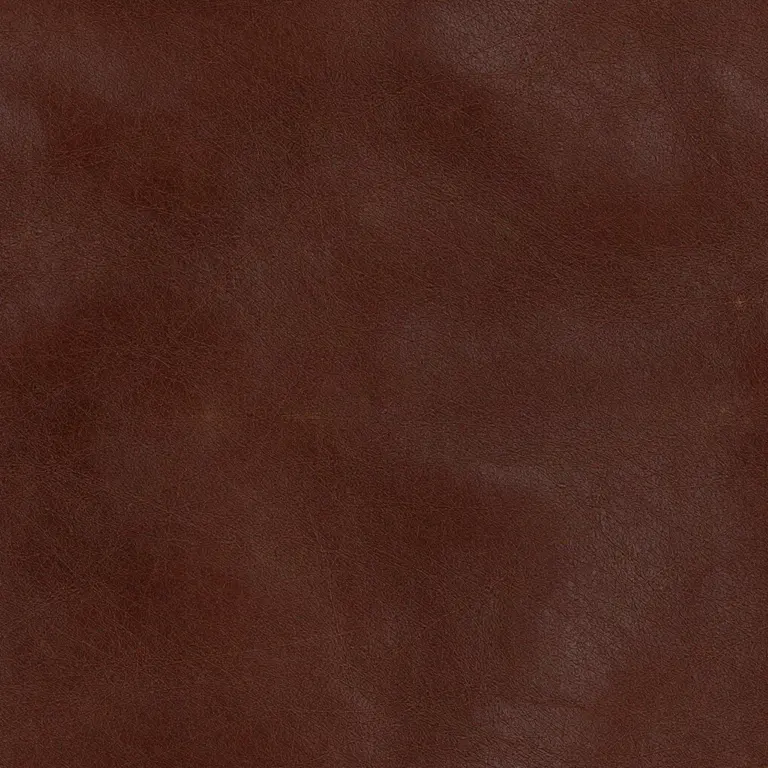
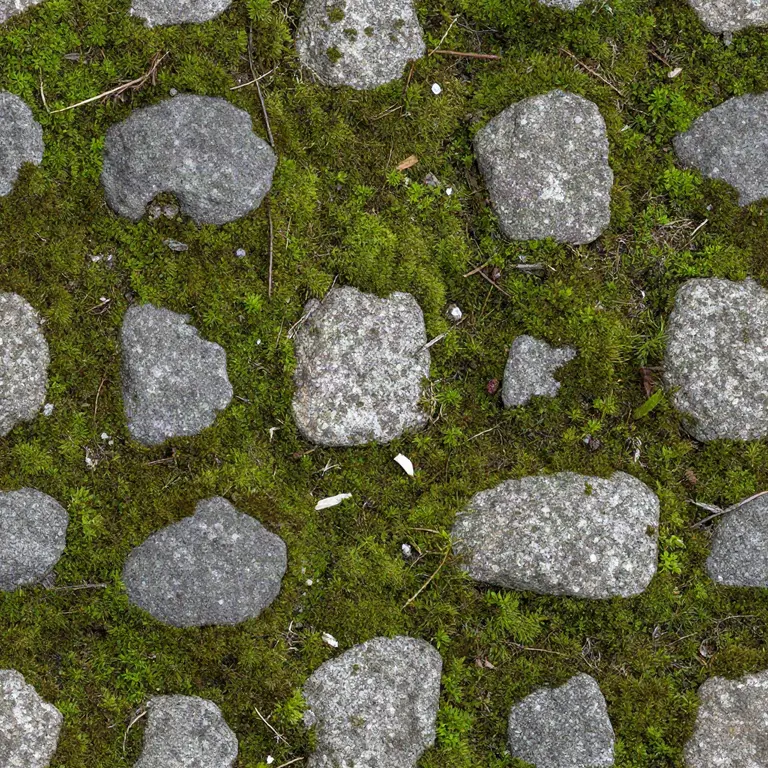
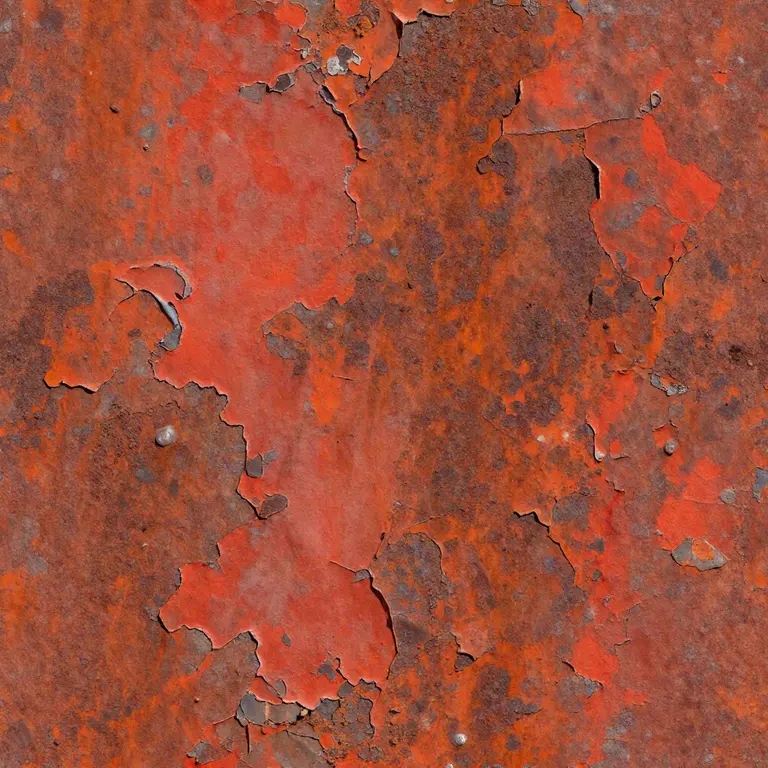
Each card is one run of a quick-start description at 1K, tiling both ways, for 11 credits: the texture PATINA Material returned, untouched. Open a card to read the description it was given.
Six files per material
Every map from the worn leather run
One run returns six 1024 px PNG files that tile the same way. These are the worn leather material’s, shown as they came back.
What one material run gives you
Separate maps that tile, not a lit photo.
Tiles by construction
The texture is generated to tile, so its edges meet with no seam to paint out; the Tiling check repeats it 3 × 3 to prove it.
Lighting kept out of the color
Base color is predicted separately from height and normal, so a shadow in the source does not end up baked into the albedo.
From a region of a photo
Upload a street shot and name the surface — the brick wall, the sand floor — to get that surface alone as a flat, tiling material.
Every map named
Each file is labelled and downloadable on its own, or all six as one ZIP named after your description.
Make a material in three steps
Describe it, pick the size, download the maps.
- 1
Type the surface, or start from a Quick start chip; on From a photo, upload a picture and name the surface in it.
- 2
1K for tests and small props, 2K or 4K for hero assets; tile both ways unless it is a trim.
- 3
Look at the maps and the 3 × 3 tiling check, then download a map or the whole set.
Limits of the AI material generator
The maps are predicted from one image, not scanned.
Predicted, not measured
Height and metalness are estimates; check them on the surface before a hero asset or a displacement-heavy scene.
4K upscales the maps only
The five maps are upscaled 2×; the generated texture itself stays at 2048 px.
One material per run
Each run is one surface; a photo with a wall and a floor needs two runs, one per surface named.
No maps from your own texture here
To turn a texture you already have into maps without credits, use the free PBR map generator in your browser.
After the material is made
From one surface to a textured model.
Paint it onto a model
The 3D texture painter lays a texture on a model in layers, in your browser.
Retexture a whole model
AI retexture repaints a 3D model from a text or image style, for credits.
Maps from your own texture
The free PBR map generator derives normal, height and roughness from a picture you have.
Questions about the AI material generator
Answers about maps, tiling, photos and cost.
Make your first material now
Describe a surface or upload a photo, and download the maps.