
Nano Banana 2 · Pet figurine · a garden photo of a corgi
3D figurine maker
Your photo becomes a printable figure, whether it shows a friend, an animal at home or a character you drew. The 3D figurine maker restyles the photo with an image model, then hands the picture to image to 3D using the model its template recommends.
One photo, six figure styles
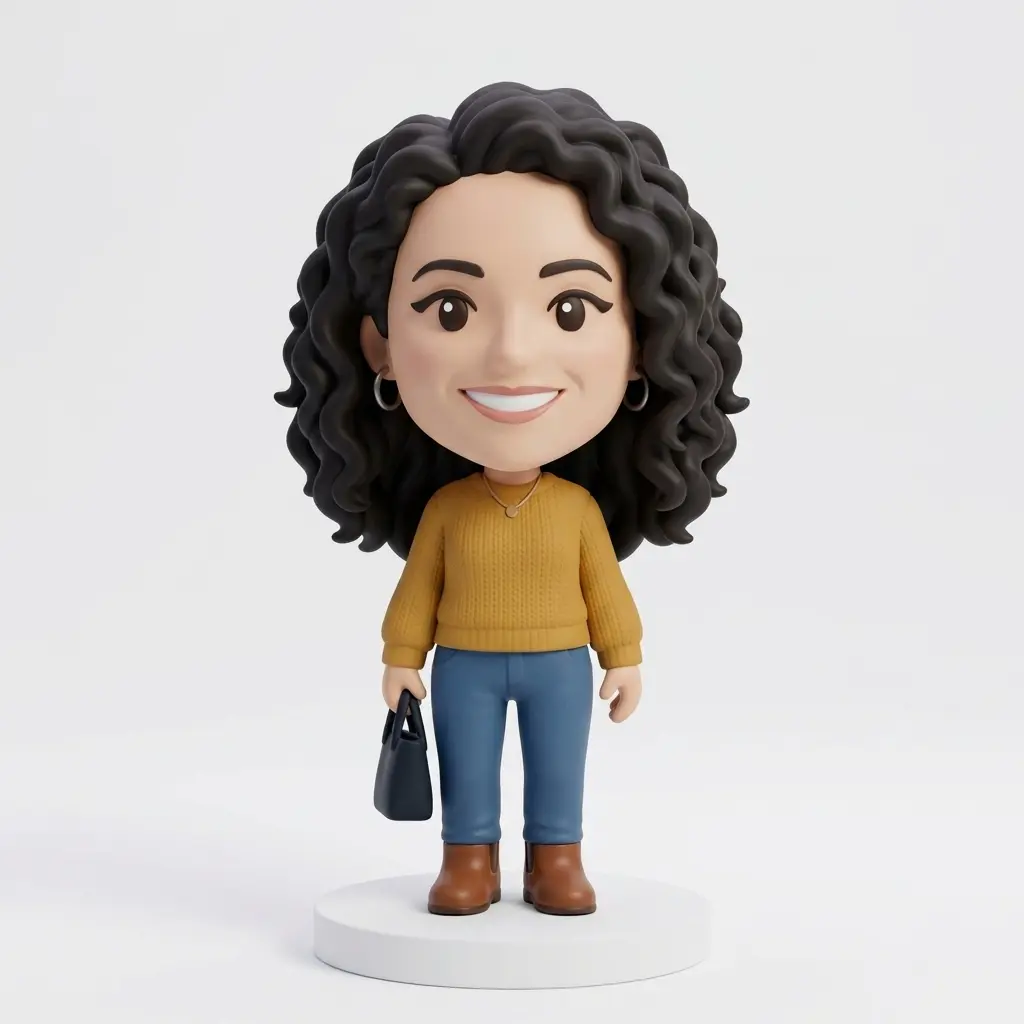
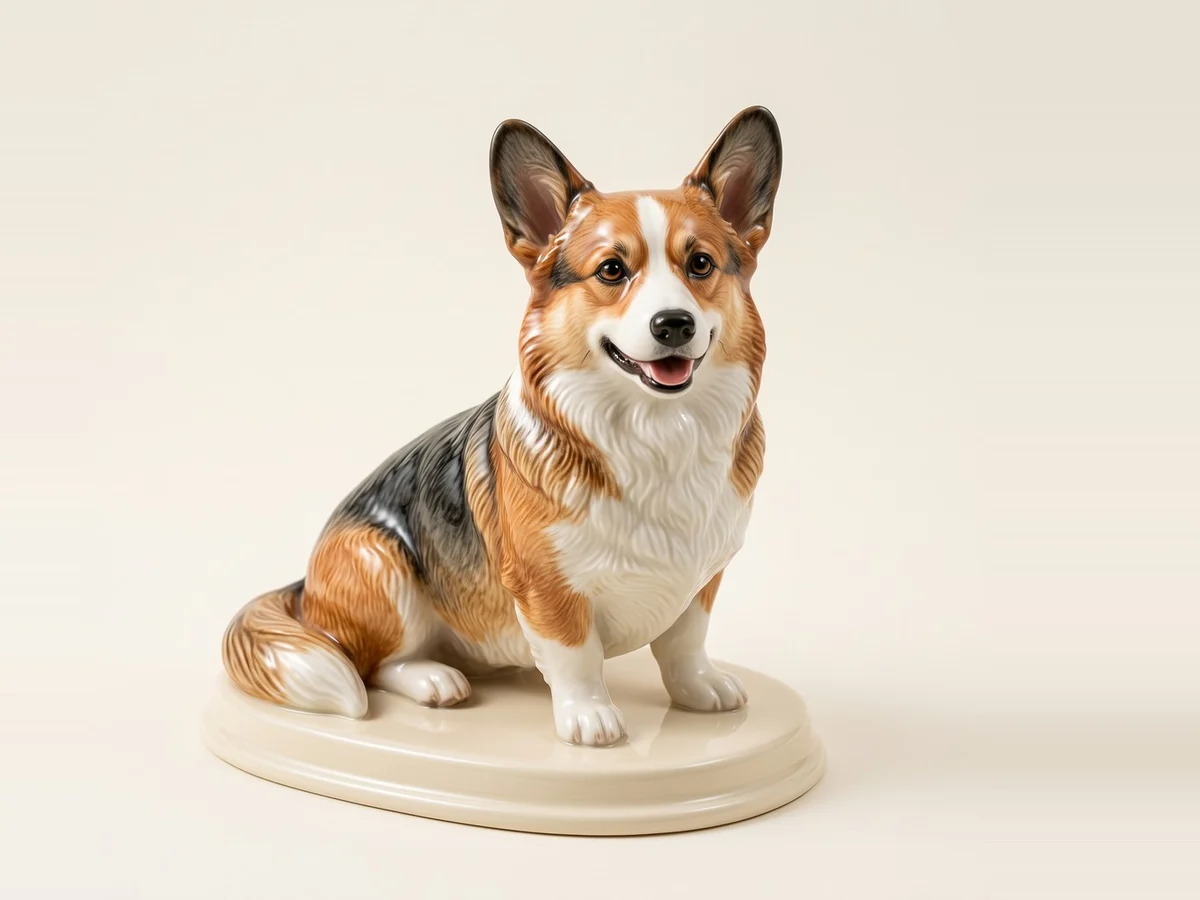
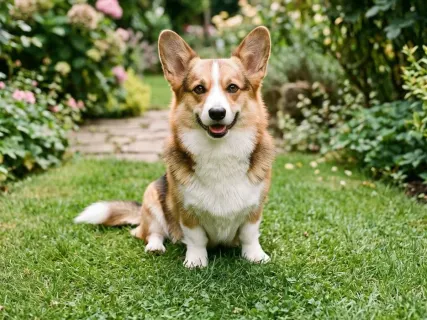
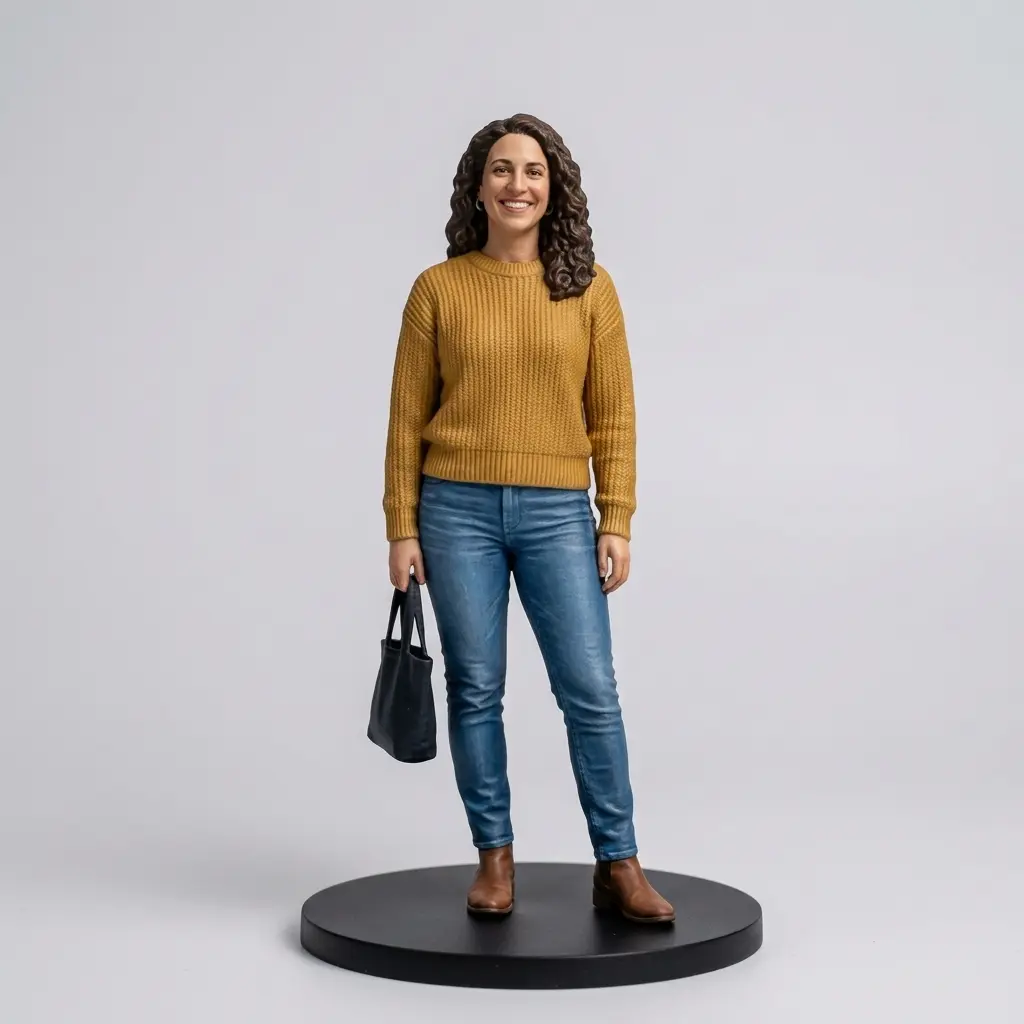
Each card is the image step's real output: Nano Banana 2 given the template's own instruction and a park snapshot of a woman, or a garden photo of a corgi for the pet template. Open a card to read the instruction the template sends.
How the figurine maker works
Each template does two jobs: it tells the image model what style to paint, and it picks the 3D model best suited to that style.

Restyle first
The image step turns your photo into a single figure on a plain background, the input image to 3D reconstructs best. With the Pet figurine template, Nano Banana 2 kept this corgi's fur colors and markings and stood it on an oval ceramic base, for 10 credits.


Make 3D second
Your newest styled image comes back with a Make 3D button that opens image to 3D with the picture and the template's 3D model already chosen. The pet template recommends Hitem3D 3.0 at 263 credits for print-grade detail; this one went to Hunyuan3D 3.1 Rapid instead, for 29, and came back at 50K triangles.
Realistic and pet figurines go to Hitem3D 3.0, chibi and brick figures to Tripo H3.1, busts to Hunyuan3D 3.1 Pro and magnets to Tripo P1.
The 3D step
What the Make 3D step returns
These two models were generated in AI3D Studio from the input images on their cards, with the 3D models the templates hand off to. Open one to orbit it.
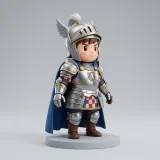
Chibi knight
Tripo H3.1The model the chibi and brick templates hand off to. Large, rounded shapes suit it.
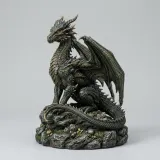
Dragon statue
Hitem3D 3.0The model the realistic and pet templates hand off to, built for fine surface detail.
The 3D figurine maker in numbers
Realistic figurine, chibi figure, pet figurine, brick-built figure, portrait bust and fridge magnet.
Nano Banana 2 and Seedream 5 Lite restyle the photo.
One figurine in total: 10 for the image step, plus 29 on Hunyuan3D 3.1 Rapid up to 263 on Hitem3D 3.0.
Templates recommend Hitem3D 3.0, Tripo H3.1, Hunyuan3D 3.1 Pro or Tripo P1; Hunyuan3D 3.1 Rapid is the lowest-cost choice.
Watch the figurine maker switch styles
A signed-out visit to this page, played at about 1.2× speed. Nothing was generated, so no credits were spent.

A style picks the 3D model and the total
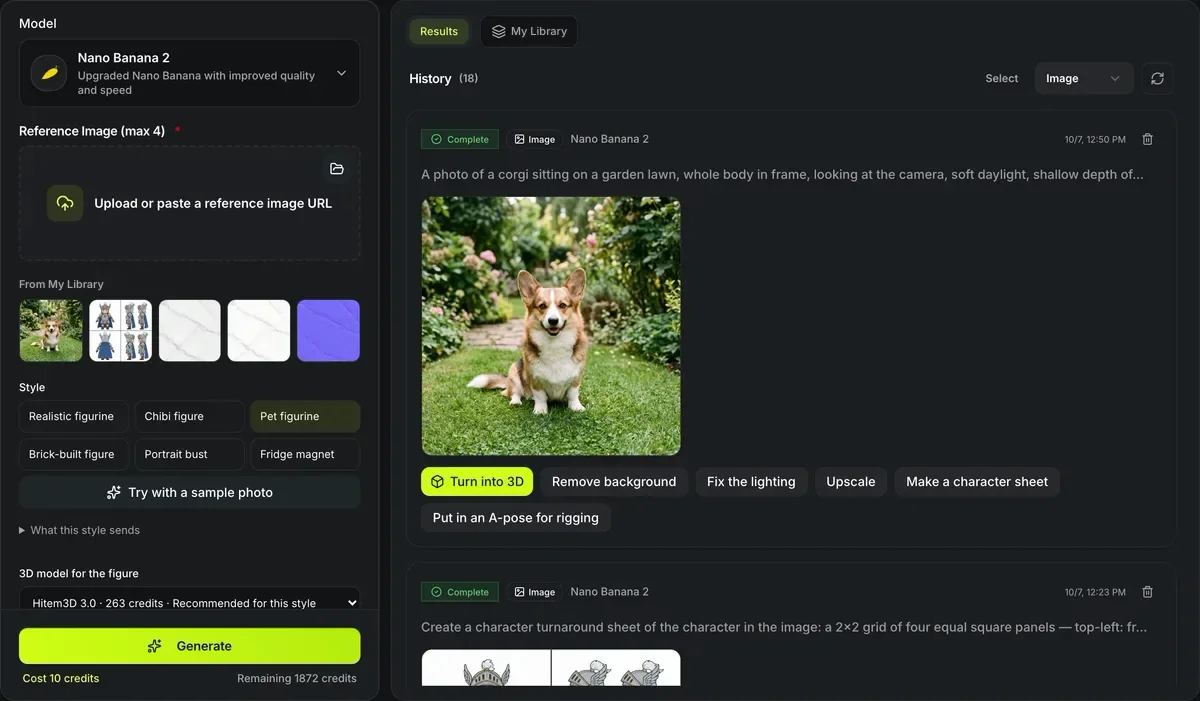
Chibi figure switches the 3D model for the figure to Tripo H3.1 and the total to 48 credits; Pet figurine and Realistic figurine go back to Hitem3D 3.0 at 273. Try with a sample photo then puts a picture in the image field.
Make a figurine from a photo
Two runs, two costs, both shown before you submit.
- 1
Choose one of the 6 styles.
- 2
The image step starts at 10 credits per image.
- 3
Image to 3D opens with the image and the recommended model: Tripo H3.1 costs 38 credits and Hitem3D 3.0 costs 263. You can pick a cheaper model before you submit, such as Hunyuan3D 3.1 Rapid at 29.
- 4
Download STL at 28, 50, 100 or 180 mm, or split the model for printing.
Conditions and limitations
Limits of the figurine maker
Two generative steps means two places for drift.
Likeness can drift
The restyle can change facial features; check the image before paying for the 3D step.
Two charges
The image and the 3D model are billed as separate runs. A realistic or pet figurine on Hitem3D 3.0 costs 273 credits in total (10 + 263).
Printing still needs a check
Thin parts such as ears, tails and fingers may need thickening in your slicer.
After the figurine is made
Tools for getting it onto the print bed.
Questions about the figurine maker
Answers about turning photos into figures.
Make a figure from a photo
Pick a template, restyle a photo, and press Make 3D.