
GLB, glTF, OBJ, STL, FBX, PLY, 3MF, DAE, USDZ, ZIP · up to 250 MB · or drop it here
Pick an OBJ with its MTL and textures, or a glTF with its .bin, in one go. A ZIP that holds them works too.
Or try a model made on this site
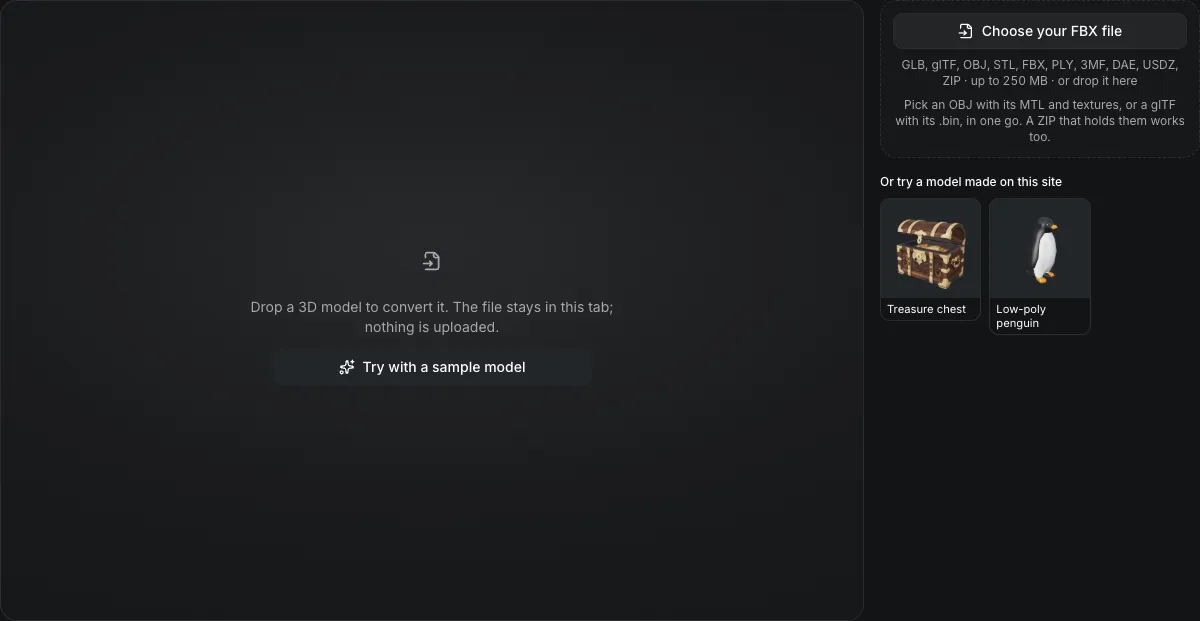
Drop a 3D model to convert it. The file stays in this tab; nothing is uploaded.
FBX to GLB converter
The FBX to GLB converter reads a binary or ASCII FBX in your browser and writes one GLB. The unit the file declares is turned into metres, a Z-up scene is stood upright, animation clips and the skeleton come along, and embedded textures are packed into the single file.
FBX to GLB in numbers
Binary FBX from version 6400 and ASCII FBX from version 7000 are read; older files are refused.
GLB is one of two outputs that store animation clips and skin weights; the others save the pose the mesh holds.
The unit scale the FBX declares is applied, so a centimetre file of 180 units becomes 1.8 m.
Each file is read in the browser tab; 0 bytes are uploaded.
Watch an FBX become a GLB
Recorded on this page and sped up about 1.25 times.

Low-poly penguin, FBX to GLB
The FBX penguin from the sample row is written as a 1.0 MB GLB in metres: 4,877 triangles, its UVs and normals, a plain base-color material and two embedded textures. Because a GLB is what the AI tools read, the next steps include Rig & animate a character, from 25 credits, and Retexture, from 13 credits.
What carries over
What survives FBX to GLB
The list under the buttons counts these for the FBX you dropped.
| What | What happens |
|---|---|
| Meshes, UVs and normalsKept | Triangles, UV coordinates and vertex normals are written unchanged; quads and larger polygons arrive as triangles. |
| Color and maps, not glossinessChanged | The diffuse color, diffuse texture, normal map and emissive color carry across. Phong shininess does not become roughness: the GLB gets roughness 1 and metalness 0. |
| Animation clips and the skeletonKept | Clips three.js reads from the FBX are written to the GLB together with the bones and skin weights. |
| Embedded images, packed inKept | Textures stored inside the FBX are written into the GLB, so the result is one file. |
| Axes and units, normalisedChanged | A Z-up FBX is turned Y-up, and its declared unit is converted to metres, the glTF unit. |
Where an FBX keeps its textures and its clips
Two things decide whether the GLB comes out complete.
Embedded textures come with the file
An FBX written with embedded media carries its images inside it, and the converter packs them into the GLB without any extra step.
Loose textures must be picked with it
An FBX that points at image files needs those files chosen in the same pick; they are matched by file name, and a missing one leaves the surface untextured.
Clips are read, not rebuilt
three.js's FBX loader reads keyframed transforms and skeletal animation. Constraints, IK solvers and custom curves are not evaluated, so check the motion in the preview.
From an FBX to a GLB in three actions
Leave GLB selected; this page opens with it chosen.
- 1
Pick the .fbx, with its texture files if it does not embed them. The page names the format from the file contents.
- 2
If the FBX holds clips, the file panel lists how many and the carry-over list confirms the GLB keeps them.
- 3
The GLB downloads as one file and its size is shown in metres.
Limits of FBX to GLB conversion
FBX holds more than glTF can take from this loader.
Shininess is not roughness
A Phong FBX becomes a plain base-color material with roughness 1. Re-tune roughness and metalness after import if the surface looked glossy.
Old FBX versions are refused
The loader reads binary FBX from version 6400 and ASCII FBX from 7000; export the scene again from the source program at a newer version.
The GLB is written uncompressed
No Draco or meshopt is applied; the GLB compressor shrinks it afterwards.
Bump maps have no glTF slot
A bump map is not the same as a normal map and is dropped; the panel counts it among the maps not written.
Questions about FBX to GLB
Answers about animation, textures and units.