
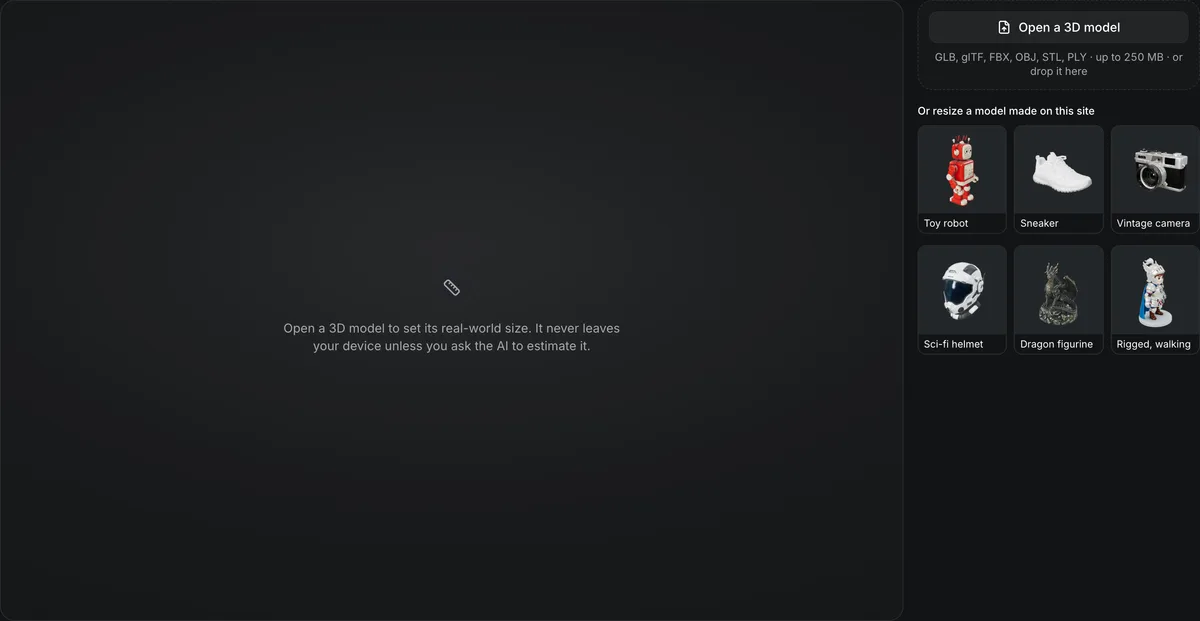
GLB, glTF, FBX, OBJ, STL, PLY, ZIP · up to 250 MB · or drop it here
Or resize a model made on this site
Open a 3D model to set its real-world size. It never leaves your device unless you ask the AI to estimate it.
Resize 3D model to real-world size
Resize a 3D model so it measures what the object measures in life. Set an exact height or longest side in millimetres, centimetres, metres or inches, or have AI identify what the model shows and scale it to that object’s usual real-world size, then download a GLB that keeps its materials, textures and animations.
Resize 3D model in numbers
Auto (AI), Set Height, or Longest Side for wide and flat models.
Millimetres, centimetres, metres and inches.
Bottom stands the model on the floor; Center puts its pivot in the middle.
The smallest and largest size a model may be given.
Only the root transform is written: a GLB keeps its geometry, polycount and textures byte for byte.
Set Height and Longest Side are free and run in your browser tab.
Watch the resizer give a sneaker its real size
This page, recorded and sped up about 1.25 times.

From 56 cm tall to 12 cm
The sneaker opens at 111.8 × 43.28 × 56 cm, a size no shoe has. Typing 12 cm into Set Height scales it to 23.96 × 9.271 × 12 cm; the recording tries Center placement, then stands it back on the floor with Bottom.
Sizing modes
Three ways to resize a 3D model
Pick how the size is chosen; the preview shows width × depth × height before you download. Bottom then stands the model on the floor over the origin, and Center moves the middle of its bounding box to the origin.
| Mode | How the size is chosen | Runs | Use it for |
|---|---|---|---|
| Auto (AI)1 credit | AI vision names the object and applies its typical size: a mug about 10 cm, a person about 1.7 m, a car about 4.5 m | On the server, from one picture of the model | A model you do not know the size of; accept or adjust the number |
| Set HeightFree | The height from the lowest to the highest point becomes the number you type | In your browser tab | Figures, products and anything that stands up |
| Longest SideFree | The largest of width, depth and height becomes the number you type | In your browser tab | A wide or flat model: a car, a rug, a sword lying down |
How to resize a 3D model
A 3D model in, a GLB at the right size out.
- 1
A GLB, STL, OBJ, FBX or PLY file, a sample, or a model you just made on this site. A file that is not a GLB is converted to one in your browser.
- 2
Auto (AI), Set Height or Longest Side, a unit, and Bottom or Center.
- 3
The resized GLB, with the new width, depth and height shown first; or continue with it to repair it, add a base, split it for printing or convert it.
Limits of the resize 3D model tool
The tool changes the size of a model. It does not fix, simplify or restyle it.
The download is a GLB
A GLB is resized as it is. An STL, OBJ, FBX or PLY is converted to GLB in your browser when it opens, so the resized file is a GLB; the 3D file converter turns it back.
The AI estimate is a typical size
Auto gives the size a kind of object usually has, with a confidence of high, medium or low. A toy, a miniature or an unusual design can be far from it, so check the number before you use it.
Scaled evenly, never stretched
Width, depth and height scale together, so the shape keeps its proportions. A model of a different shape than the real object stays that shape.
Measured from the file's own bounds
The size comes from each mesh's declared bounds and its node transforms. A rigged mesh is measured in its bind pose, and morph targets and GPU instancing are not counted.
Tools for the rest of the pipeline
Before the resize, and after it.
Shrink the file
The GLB compressor keeps the new size and makes the file smaller for the web.
Put it on a base
The 3D print base generator scales a model to a height in millimetres and stands it on a base.
Check it for printing
The 3D model repair tool lists holes and thin walls in plain words.
Change the format
The 3D file converter saves the resized model as FBX, OBJ, STL, 3MF or USDZ.
Questions about resizing a 3D model
Answers about setting a 3D model to its real-world size.
Give your model its real size
Open a 3D model and download it at the size you need, free.