

Sample1 / 7
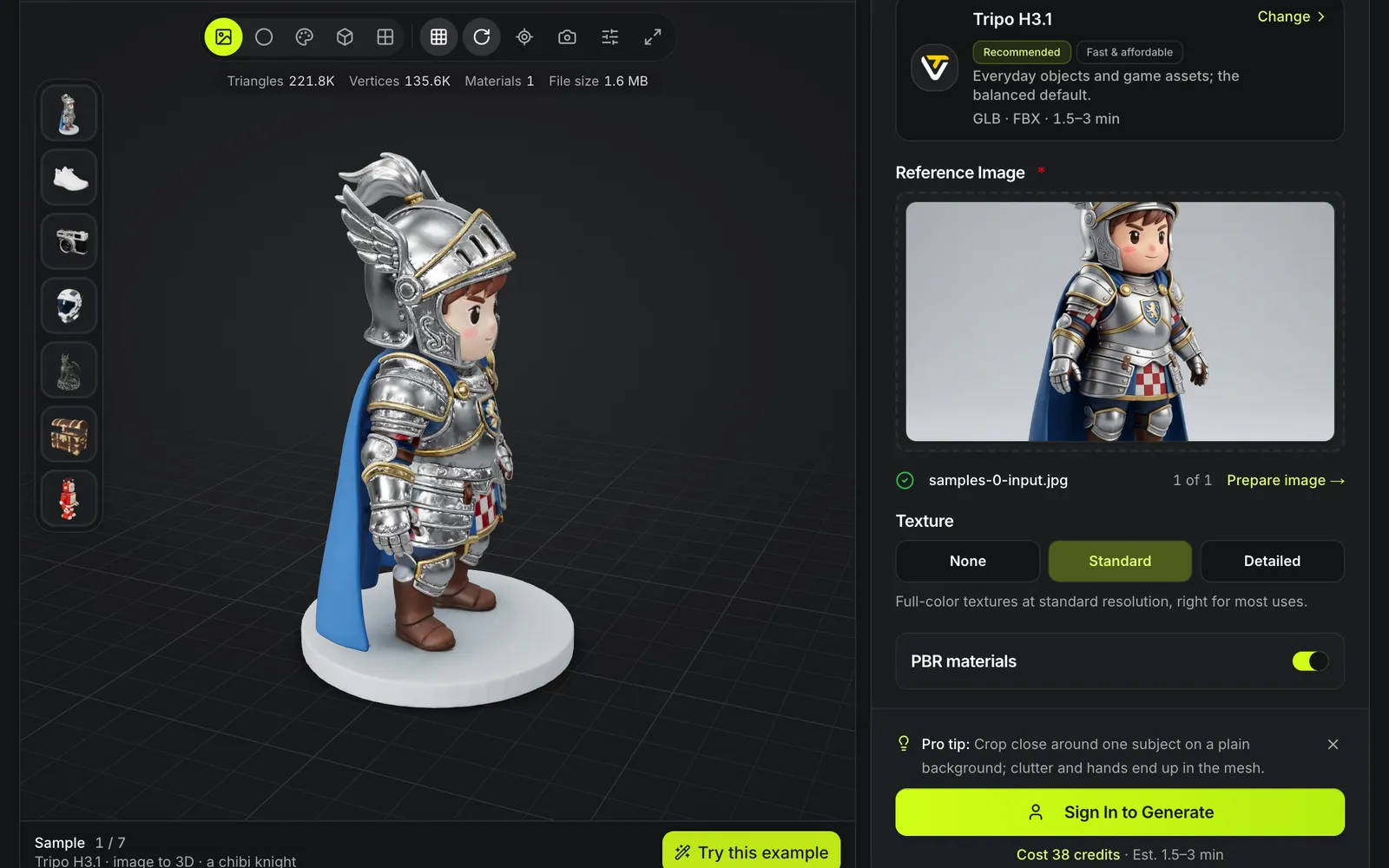
Tripo H3.1 · image to 3D · a chibi knight
Image to 3D model generator
Upload one image and turn it into a textured 3D model. Pick the upstream model yourself — Tripo, Hunyuan3D, TRELLIS.2, Rodin, Meshy, Hitem3D or Seed3D — and see the credit cost before you submit.
One upload, one model: real runs side by side
Each card pairs a real upload, shown small, with the model it produced, unedited. Open any card and turn the model around to judge the sides the photo could not show.
Character from a full-body front view
Tripo H3.1The whole figure, base included, stands in frame on a plain background, so the silhouette reads cleanly.

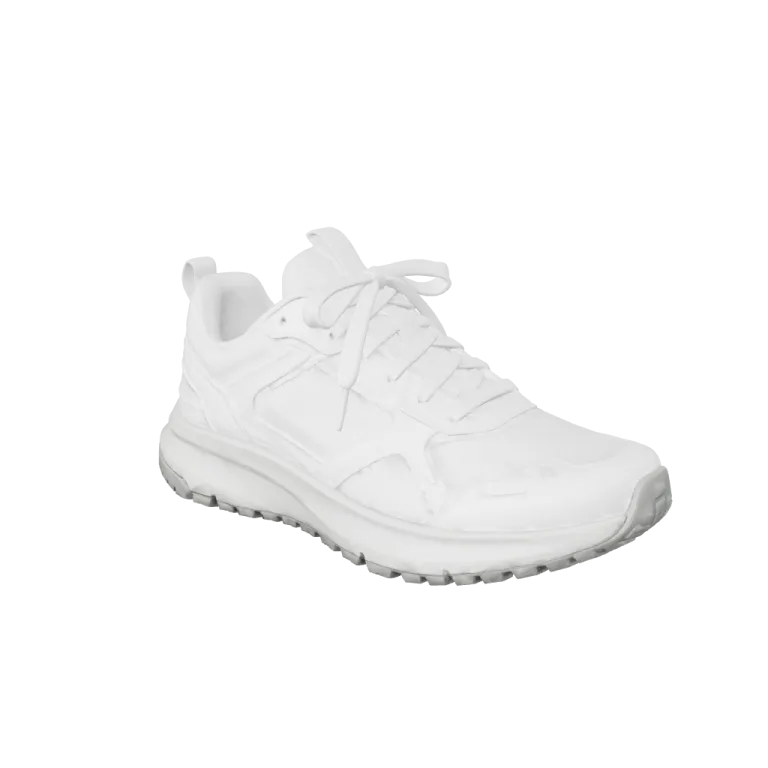
Product from a side-on packshot
Hunyuan3D 3.1 ProA clean profile of one shoe; the hidden side is filled in by inference.

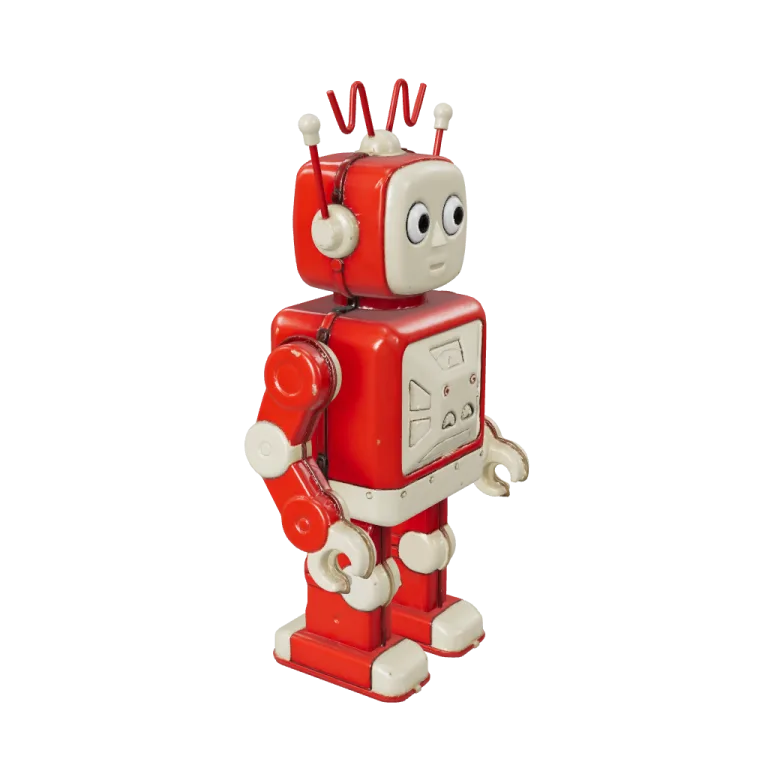
Toy with painted details
Tripo H3.1Panels, dials and antennae come through because the picture is sharp and evenly lit.

Organic shape on a plain backdrop
TRELLIS.2Overlapping leaves are inferred from one view; the far side is reconstructed, not seen.
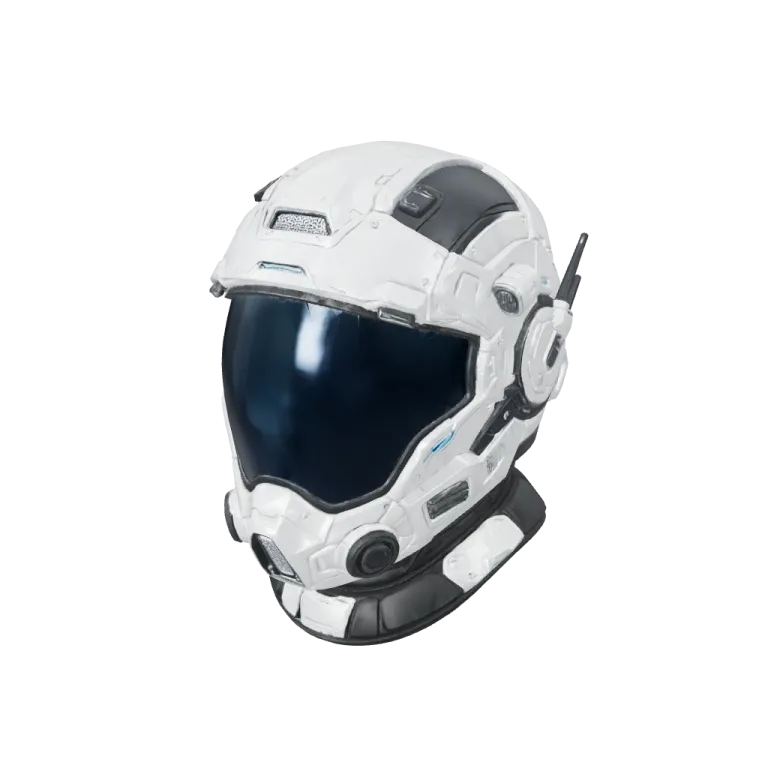
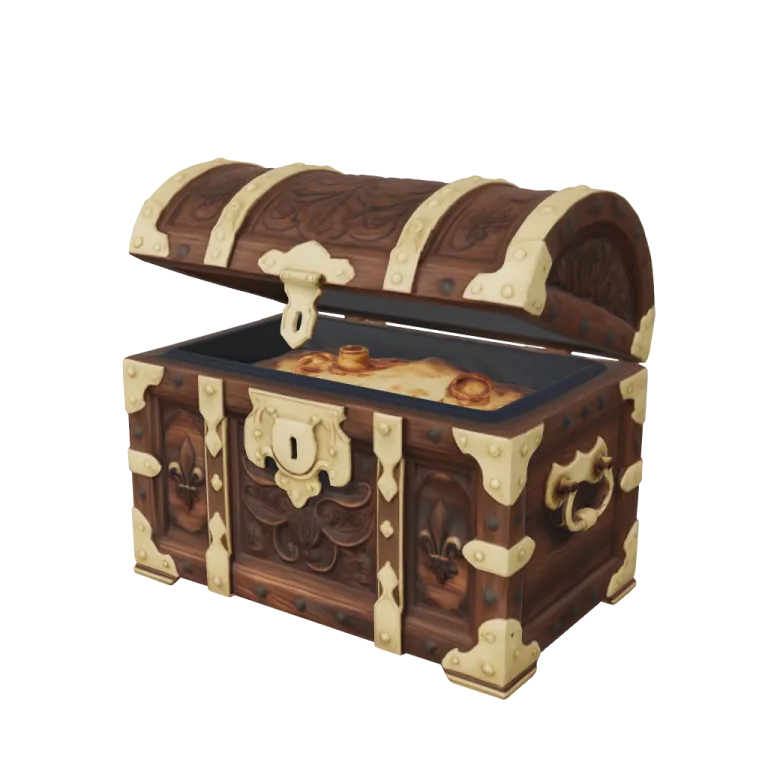
Prop from a stylised render
Hunyuan3D 3.1 RapidA rendered or illustrated object works as input as long as it stands alone.
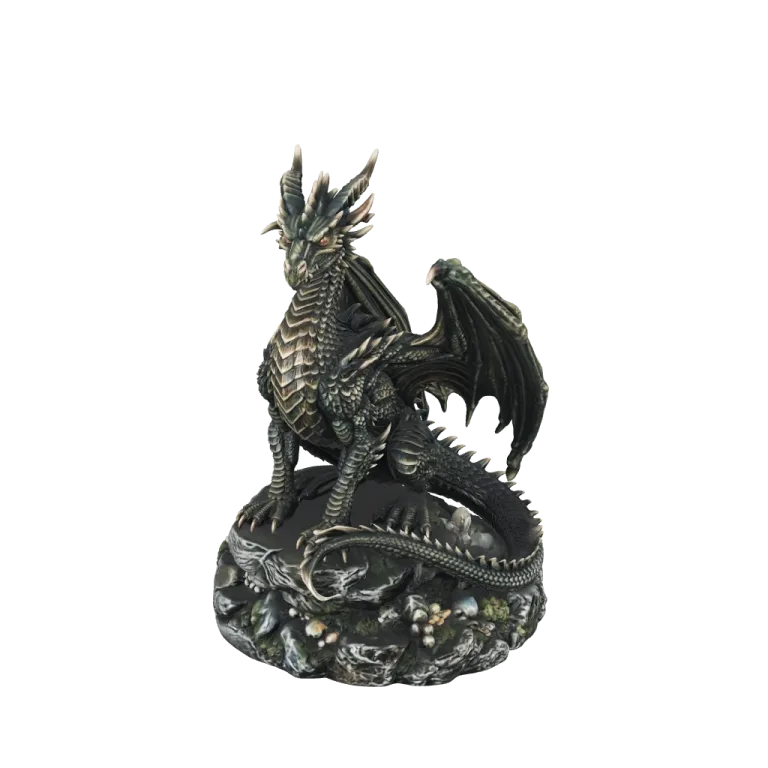
Figurine meant for printing
Hitem3D 3.0One photo of a figurine on a rocky base, rebuilt by the print-grade Hitem3D 3.0 model.
How image to 3D works in AI3D Studio
The image to 3D generator sends your picture to the model you choose and stores the returned mesh in your account, so the download link does not expire with the provider URL.

You choose the model
Every card in the picker names the upstream model, its maker, the files it returns, its time and its price. Tripo H3.1 is preselected because it is the lowest-cost textured all-rounder at 38 credits; Seed3D 2.0 and Tripo P1 sit beside it, and All models opens the rest.

Texture, mesh and topology, each priced
On Tripo H3.1 the texture is a choice: none takes 13 credits off, detailed adds 12. Detailed mesh quality adds 25, quad topology adds 7, and PBR materials add roughness, metallic and normal maps. Face count sits under Advanced: auto, 10K, 50K, 100K or 300K.
Every change moves the price under Generate before you run it.

Check the model four ways
The result opens in a 3D viewer: orbit it, then switch between textured, clay, wireframe and a UV checker to see the surface, the shape, the mesh and how the texture is laid out. Normals and X-ray are there too, and a snapshot or a turntable recording saves what you see.
The file is stored in your account, so the download link does not expire with the provider's URL.
Which image to 3D model to pick
Each model trades cost, speed and detail differently. Credits are each model's default settings in the generator, cheapest first; times are the catalog's estimate for one run.
| Model | Credits from an image | Returns | Estimated time | Pick it for |
|---|---|---|---|---|
| Hunyuan3D 3.1 RapidTencent | 29; PBR +19 | GLB, OBJ | 1.5 min | A quick first draft |
| Tripo H3.1Tripo | 38 | GLB, FBX | 1.5 min | The preselected all-rounder; quads for 7 more |
| TRELLIS.2Open source (MIT) | 39 | GLB | 2 min | MIT-licensed, with 1K, 2K or 4K baked textures |
| Seed3D 2.0ByteDance | 43 | GLB | 4 min | Dense meshes with baked PBR textures |
| Hunyuan3D 3.1 ProTencent | 47; PBR +19 | GLB, OBJ | 3.5 min | Detail up to 1.5M faces |
| Rodin Gen-2.5Hyper3D | 50; 4K HighPack +100 | GLB | 6 min | Characters in a T-pose or A-pose |
| Tripo P1Tripo | 63 | GLB, FBX | 75 s | Low poly for games, 2K to 20K faces |
| Tripo P2Tripo | 138; 125 untextured | GLB, FBX | 2 min | Lighting removed before texturing; quads up to 25K faces |
| Meshy 7.1Meshy | 150; 100 untextured | GLB, FBX, OBJ, USDZ | 5 min | The most file formats |
| Hitem3D 3.0Hitem3D | 263 at Quality | GLB, STL, OBJ, FBX, USDZ | 8 min | Print-grade detail up to 5M faces, with STL |
Image to 3D at a glance
What one image to 3D run gives you
Tripo H3.1, P1 and P2, Hunyuan3D 3.1 Pro and Rapid, TRELLIS.2, Rodin Gen-2.5, Meshy 7.1, Hitem3D 3.0 and Seed3D 2.0 all accept a single image.
The default Tripo H3.1 job: 25 credits for the image base plus 13 for a standard texture.
One reference picture is the whole input: JPEG or PNG up to 20 MB for Tripo, and JPEG, PNG or WebP up to 8 MB for Hunyuan3D.
GLB from every model, plus FBX, OBJ, USDZ or STL where the model returns it; OBJ with its textures, STL, 3MF, USDZ, PLY and FBX also convert free in your browser.
Watch an image to 3D sample load into the form
A signed-out visit to the image to 3D page, played at about 2.7× speed. The form was filled but never submitted, so no credits were spent.

From sample to filled form
Try this example drops the chibi knight picture into the reference image slot and selects Tripo H3.1, so the cost line reads 38 credits. The sample keeps turning in the viewer, then the helmet thumbnail swaps in Rodin Gen-2.5's result.
Turn a photo into a 3D model in four steps
The same flow works for product photos, concept art and character renders.
- 1
A single subject on a plain background gives the model the least to guess. Crop out other objects first.
- 2
Choose texture, geometry and face count. The credit total updates as you change them.
- 3
The picker quotes a range for each model, from 1.5–2.5 minutes for Tripo P1 to 8–16 minutes for Hitem3D 3.0.
- 4
Check the mesh in clay and wireframe mode before you download or move it to retexture, remesh or rigging.
Where single-image models end up
Most runs start from an image someone already has.
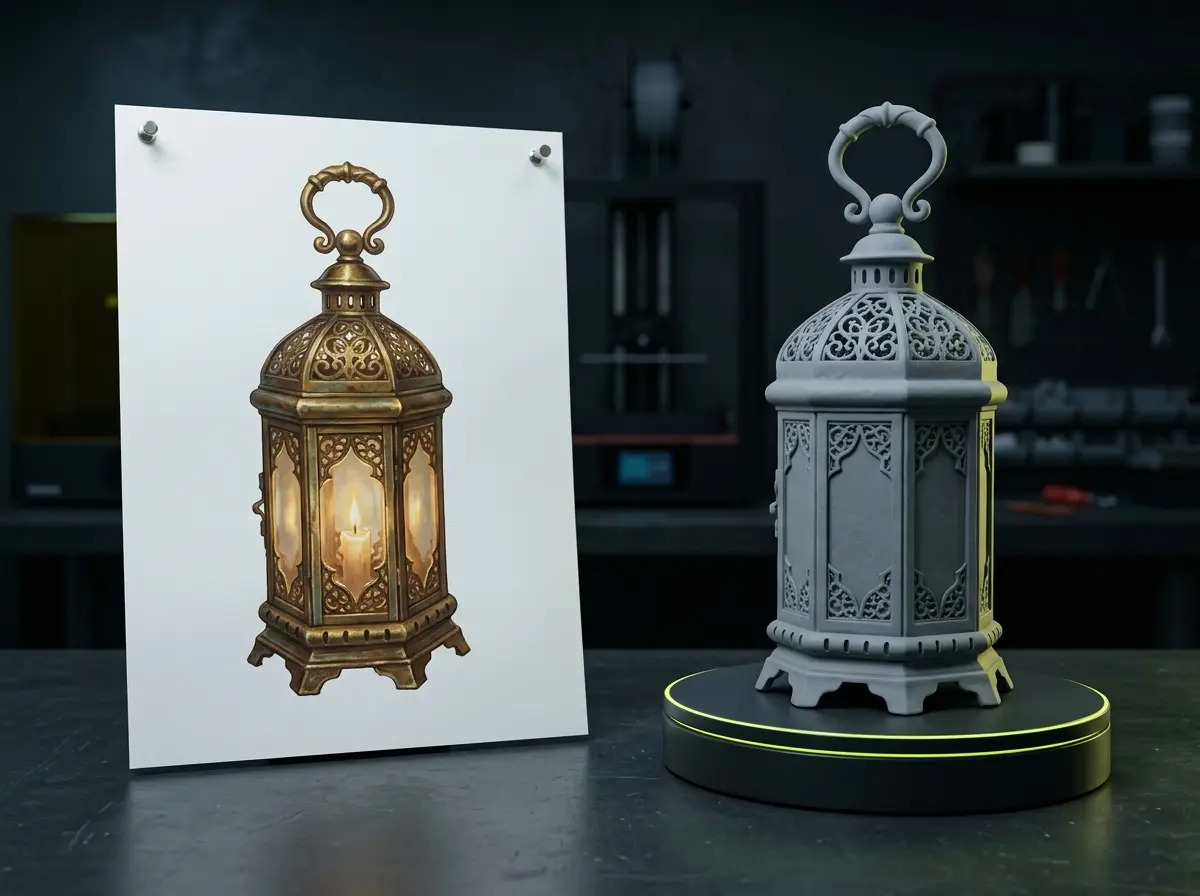
Game props from concept art
Turn a painted prop sheet into a GLB for Unity, Unreal or Godot, then remesh it to a polygon budget.
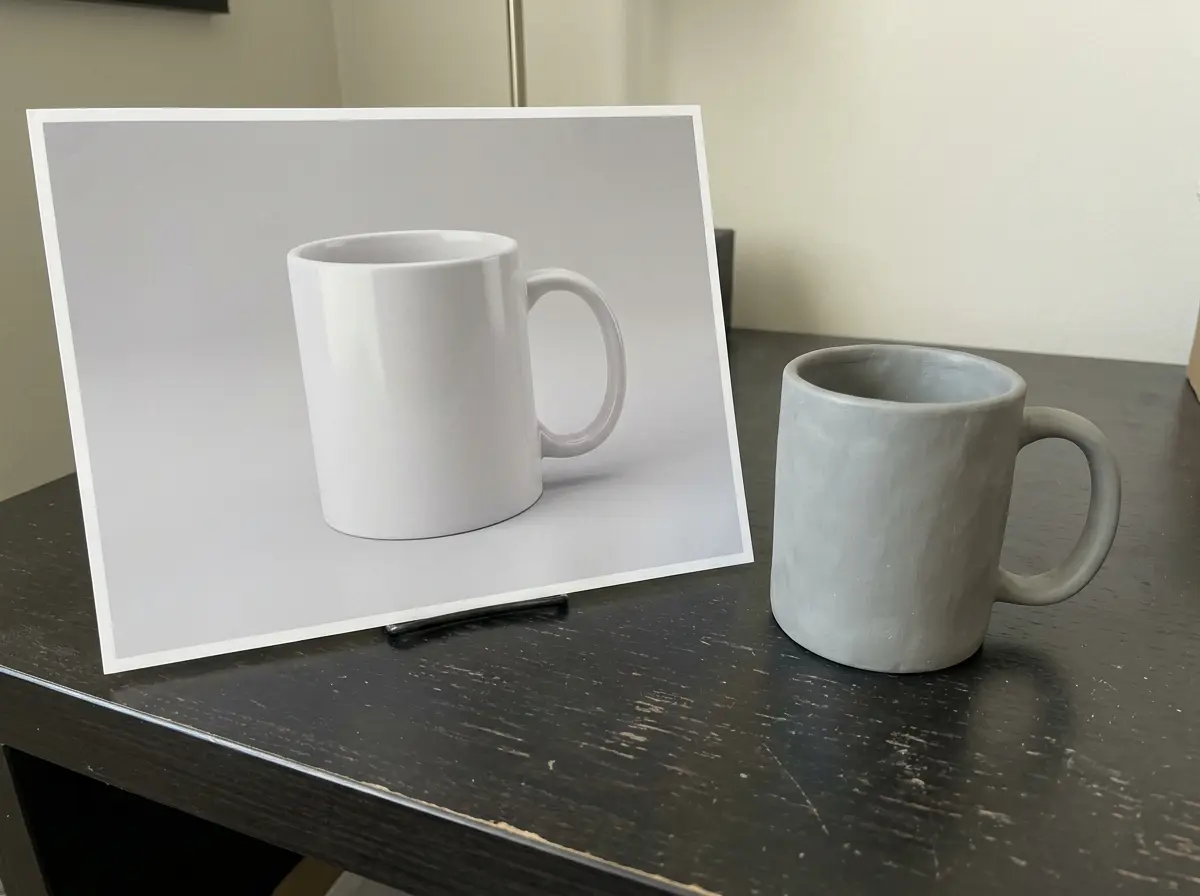
Product previews
A packshot becomes a model you can place in a web viewer or export as USDZ with Meshy 7.1 or Hitem3D 3.0.
Figurines for printing
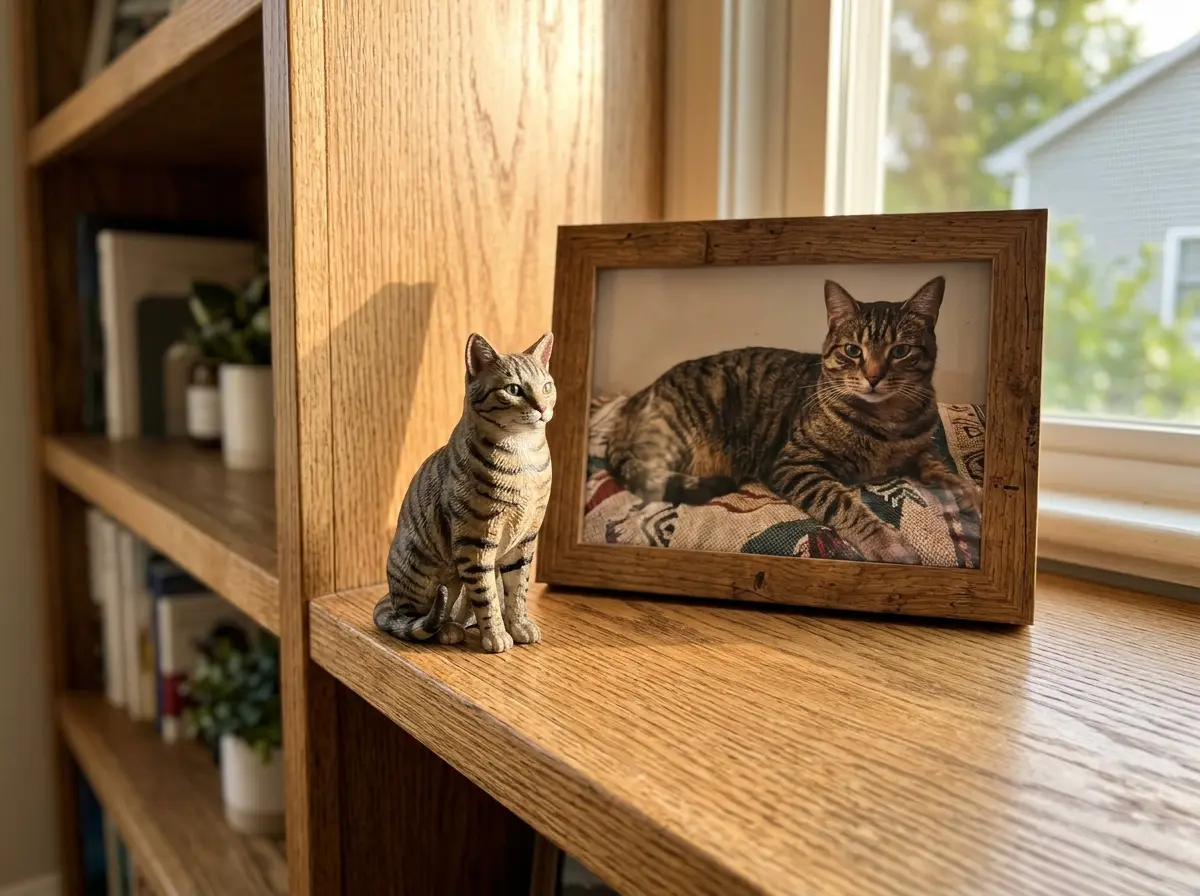
Photos of a character or pet go through Hitem3D 3.0 for STL output and then the split-for-printing tool.
What image to 3D cannot see
A single image hides the back and underside of the subject. Every model fills that in by inference.
Hidden sides are invented
The back of a character or the underside of a product is reconstructed, not measured. Use multi-view to 3D when those sides matter.
Results vary between runs
The same image can give different geometry on a second run. Models that expose a seed let you repeat a result.
Thin parts are fragile
Hair strands, cables and thin handles can merge or break, which matters most for printing.
Scale is not known
A photo carries no size. Tripo H3.1 offers an optional real-world-scale switch; otherwise set size in your 3D tool.
Before and after the upload
Guides for the steps around a single-image run.
Prepare the picture
Four checks on framing, background and light before you upload.
Choose between the models
Credits, formats and catalog run times of all eleven generation models.
Pick the download format
When to take GLB, FBX, OBJ, STL or USDZ.
TRELLIS.2 on its own page
The open, MIT-licensed model alone, with its settings and a measured run.
Rodin AI on its own page
Hyper3D's Rodin Gen-2.5 with quad topology and the T-pose switch.
Hunyuan 3D on its own page
Tencent's Hunyuan3D 3.1 Pro and Rapid, measured on one photo.
Image to 3D FAQ
Short answers about turning a picture into a model.
Turn an image into a 3D model
Start with Tripo H3.1 at 38 credits, or pick any other model in the picker. The samples on this page show what each model returns before you pay.