
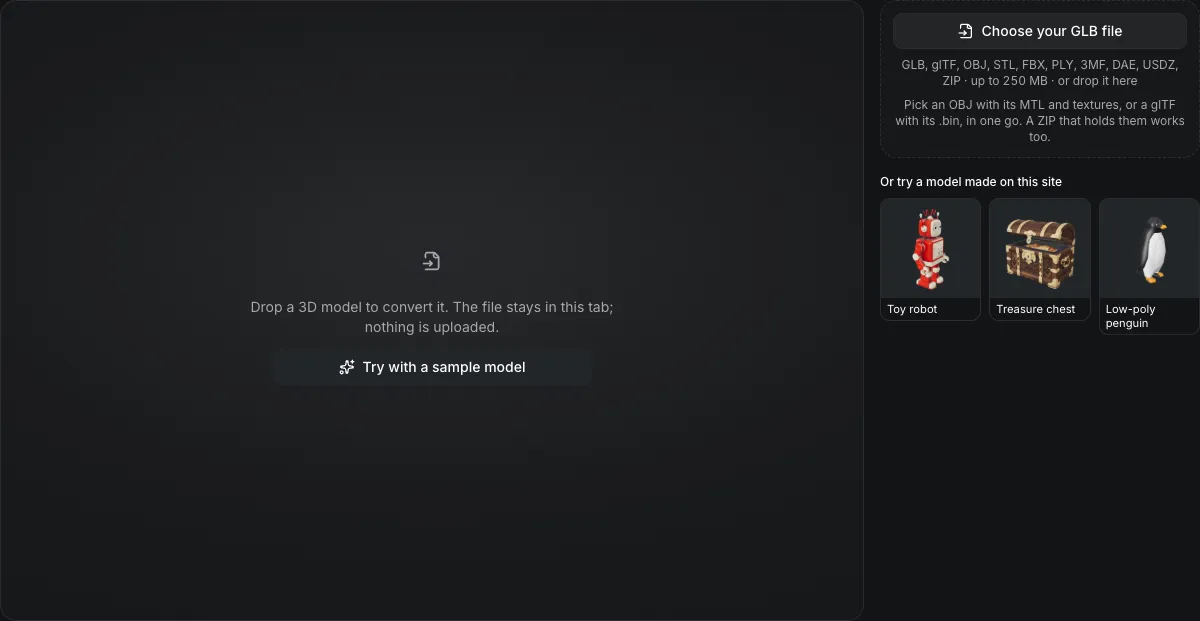
GLB, glTF, OBJ, STL, FBX, PLY, 3MF, DAE, USDZ, ZIP · up to 250 MB · or drop it here
Pick an OBJ with its MTL and textures, or a glTF with its .bin, in one go. A ZIP that holds them works too.
Or try a model made on this site
Drop a 3D model to convert it. The file stays in this tab; nothing is uploaded.
GLB to OBJ converter
The GLB to OBJ converter saves a GLB as a ZIP that holds the .obj, an .mtl material file and the base-color textures as PNG. It runs in your browser, keeps UVs and normals, and drops roughness, metalness, vertex colors and animation. Nothing is uploaded.
GLB to OBJ in numbers
The .obj geometry, the .mtl materials and a textures folder of PNG base-color images.
Only the base-color map is written; normal, emissive, roughness, metalness and occlusion maps stay behind.
A mesh that uses several materials keeps the first of them in the OBJ.
The OBJ has no unit field; it is written in the GLB's metres.
Watch a GLB become an OBJ with its textures
Recorded here, about 1.25 times faster than real time.

Treasure chest, GLB to OBJ
The chest is saved as a 2.7 MB ZIP holding the .obj, an .mtl material file and its base-color texture as an image file. UVs and normals carry over; the material keeps only its base color and opacity, which is all an MTL file holds.
What carries over
What survives GLB to OBJ
The panel under the buttons counts these for your own model.
| What | What happens |
|---|---|
| Geometry, UVs and normalsKept | Triangles, UV coordinates and vertex normals are written, so shading and texture mapping match the GLB. |
| Base color and opacityKept | Each material's base color is written as Kd in sRGB and its opacity as d. |
| Base-color texture as PNGKept | The texture is decoded and saved as a PNG in the textures folder, named after its material, and the MTL points at it with map_Kd. |
| V flipped for OBJChanged | glTF counts V from the top of the image and OBJ from the bottom, so V is mirrored and the texture lands the same way up. |
| PBR values do notNot carried | Roughness, metalness, normal and occlusion maps, vertex colors, skeletons and clips are not written. |
How the OBJ bundle is laid out
Unzip it and open the .obj from that folder.
Materials are renamed
An OBJ name may not contain spaces and two unnamed materials would collide, so materials become material_1, material_2 and so on.
The MTL is plain text
Each block holds the name, Kd, Ka 0, Ks 0, d, illum 1 and, when there is a texture, map_Kd with its path.
Open the .obj next to its files
A program that opens the .obj away from its .mtl and textures shows a gray model, which is why the download is a ZIP rather than a single file.
From a GLB to an OBJ ZIP in three actions
The output is already set to OBJ on this page.
- 1
Pick or drop the .glb. The panel shows its materials and textures.
- 2
The carry-over list says how many textures become PNG files and which maps stay behind.
- 3
Save the ZIP, unzip it, and open the .obj from the folder that holds the .mtl and textures.
Limits of GLB to OBJ conversion
OBJ is a geometry format with a thin material layer.
No PBR values
Roughness and metalness have no place in the MTL this converter writes, so a metal surface turns plain.
The first material only
A mesh with several materials loses all but its first, which the panel reports.
No animation
OBJ is static; the mesh is written in the pose it holds.
Texture transforms are not applied
An offset or scale set on the GLB's texture is not written to the MTL.
Questions about GLB to OBJ
Answers about textures, materials and the ZIP.