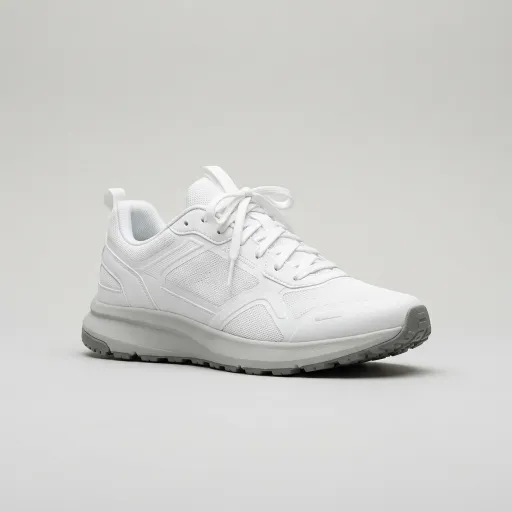
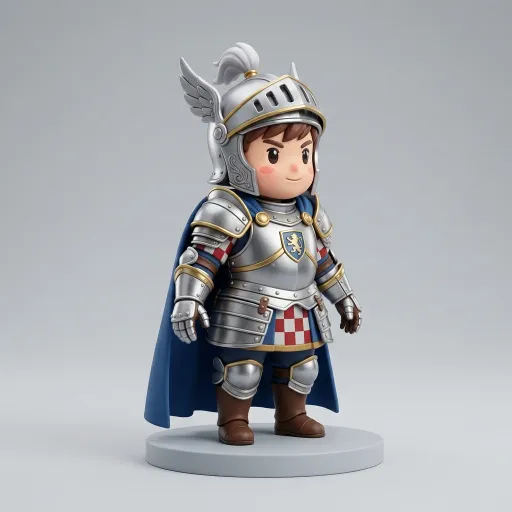
Nano Banana 2 · a chibi knight, full body, plain gray background
AI image maker
Generate or edit a picture with one of 19 image models, clean it up with background removal or upscaling, then turn it into a 3D model from the same result.
Watch the AI image maker's five categories
A 12-second recording of this page at normal speed.

Change, Remake, Looks, Helpers, Create
Change lists the models that take reference images, Remake opens tools such as Photo to figurine and Pose changer, Looks shows styles such as Vinyl toy and Cel-shaded toon, and Helpers holds background and shadow removal and upscaling, before the recording returns to Create and its 19 models.
What each category of the AI image maker does
The rail at the top of the AI image maker switches between five jobs.

Create
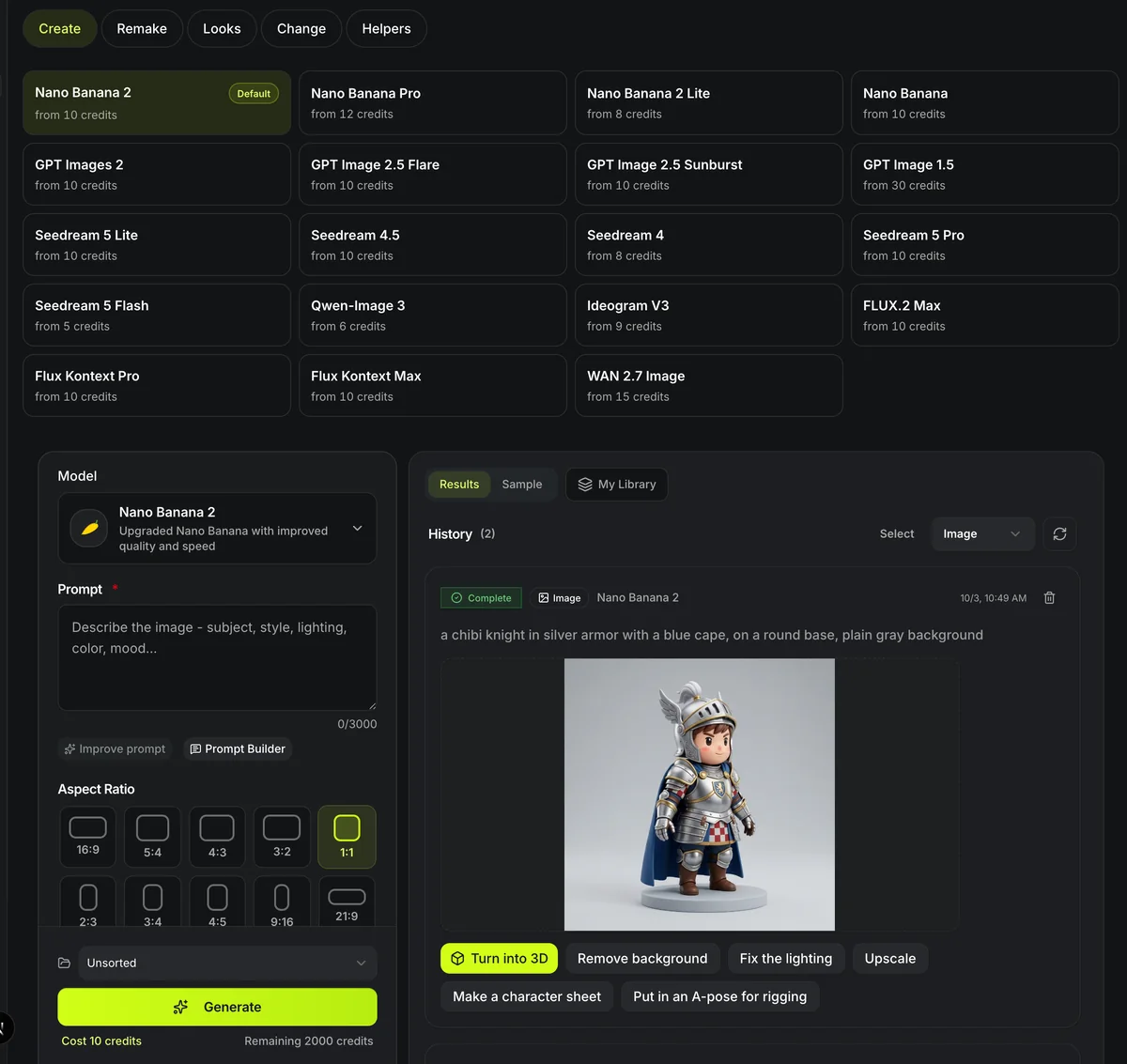
A text prompt in, a picture out. Every card shows the model's default price, so the choice is priced before you type: from 5 credits on Seedream 5 Flash, 10 on the default Nano Banana 2.

Remake
Ready-made changes aimed at 3D, each on its own page: a figurine from a photo, a new pose, a four-view character sheet, a restyle, one part pulled out, the same character in new shots, a finished sketch, or a clean reference image.

Looks
Single looks and figure styles from the Remake tools, such as Marble bust, Building-block figure, Anime and Claymation; a look card opens its tool already set to that look. Free-form remake, Parts layout and Tabletop hero run right here: pick one and the form above takes your picture, its extra touches and, for Free-form remake, the words for what it should become.

Change
Reference images plus an instruction. Each card shows how many images the model accepts: Nano Banana 2 takes up to 4, the Seedream models and GPT Images 2 take 10, GPT Image 1.5 takes 16. The form refuses more rather than dropping any.

Helpers
Background and shadow removal at 5 credits each, a Topaz and a Crisp upscaler, image to prompt at 2 and AI materials from 11, each on its own page, for preparing a picture before image to 3D.
AI image maker at a glance
The AI image maker in numbers
Nano Banana, GPT Image, Seedream, Qwen-Image, Ideogram, Flux and Wan families; each one generates from text, and every one but FLUX.2 Max also edits from reference images.
The lowest default price per image, on Seedream 5 Flash; Nano Banana 2, the default model, costs 10 at 1K or 2K.
The most any model here takes in one edit (GPT Image 1.5); the Seedream models, GPT Images 2 and Nano Banana 2 Lite take 10.
Background and shadow removal at 5 credits each, image to prompt at 2, Crisp upscale at 8, Topaz upscale at 13 or 25, and AI materials from 11.
From a prompt to a 3D model
The picture and the model are separate runs, each priced before it starts.
- 1
Create starts from text, Change from your own pictures. The card you pick loads that model into the form below it.
- 2
Name the object and its material, then ask for the whole subject in frame on a plain background with soft light; that is what image to 3D reconstructs best.
- 3
Every finished picture carries Turn into 3D, Remove background and Upscale. Turn into 3D opens image to 3D with the picture loaded; nothing is charged until you run it there.
Limits of the AI image maker
What Image Maker does not do.
One picture is still one view
Image to 3D guesses the sides it cannot see; for a character, generate front, side and back views and use multi-view to 3D.
Every image is billed
Asking for four images runs four jobs at the card's price each; a failed job is refunded. On Nano Banana 2, 2 to 4 images per run need a monthly or yearly plan.
Lettering rarely survives
Text drawn on an object often comes out garbled, and it is lost again in the 3D step.
Size and speed change the price
Most models cost more at larger sizes (Nano Banana 2 and Pro at 4K, GPT Images 2 and GPT Image 2.5 at 2K and 4K, the Seedream models, Qwen-Image 3 and FLUX.2 Max), and Ideogram V3 costs more at Balanced and Quality than at Turbo. A card shows the default price; the form shows the price of your choice. Seedream 5 Pro edits are priced for up to ten reference images.
FLUX.2 Max does not edit
FLUX.2 Max generates from text only. Its provider bills an edit by the size of the pictures you upload, which Image Maker cannot cap, so the Change category has no card for it.
Where the picture goes next
Each of these opens with the picture already loaded.
Questions about the AI image maker
Prices, models and the hand-off to 3D.
Make the picture, then the model
Pick a model card, generate, and send the result to image to 3D.