
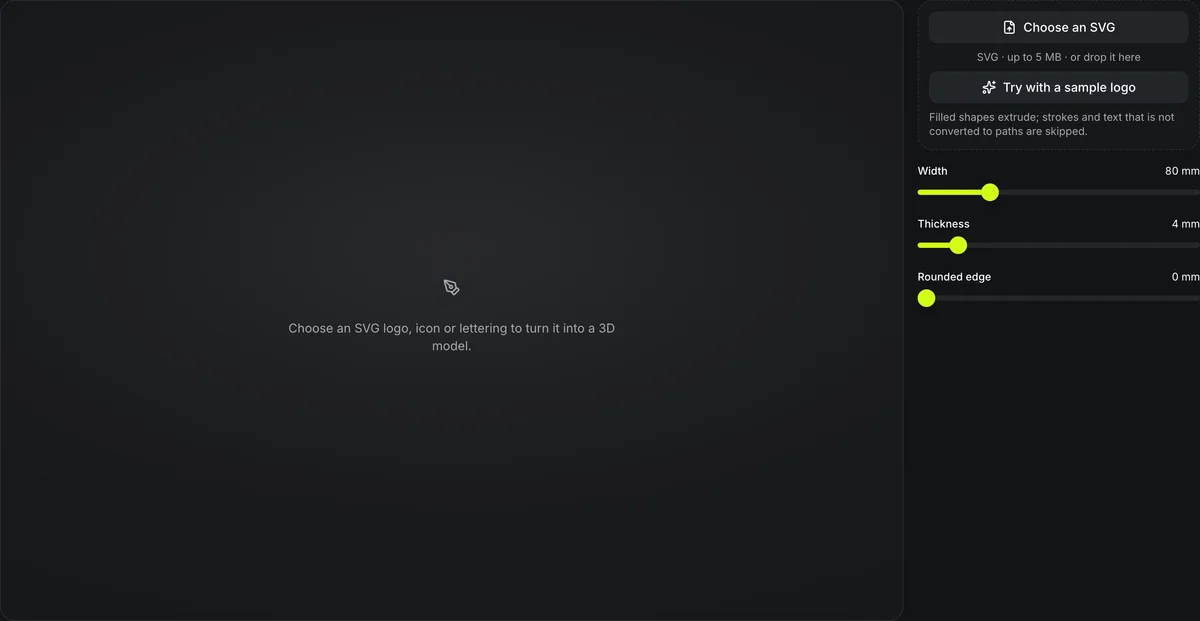
SVG · up to 5 MB · or drop it here
Filled shapes extrude; strokes and text that is not converted to paths are skipped.
Choose an SVG logo, icon or lettering to turn it into a 3D model.
Free SVG to STL converter
Extrude an SVG logo, icon or lettering into a solid 3D model. The SVG to STL converter runs in your browser: set the width, thickness and edge rounding, then download an STL for printing or a colored GLB.
One SVG logo, two SVG to 3D settings
The bundled sample badge run through this SVG to 3D converter twice and exported with its Download GLB button. Open a card to orbit the model; the fill colors arrive as separate materials.
80 mm wide, 4 mm thick, sharp edges
SVG to 3DThe default settings. Each filled shape becomes a flat-topped solid, so the ring, mountain and sun read clearly from across a desk.
40 mm wide, 3 mm thick, 0.6 mm rounded edge
SVG to 3DA smaller badge with the rounded edge turned on. The bevel softens every outline and roughly triples the file size, from 53 KB to 154 KB, because each edge gains extra faces.
How the SVG extruder extrudes a shape
The filled shapes in the SVG become solid walls of the thickness you set.
Colors become materials
Each fill color in the SVG is kept as a material in the GLB.
Sized in millimeters
Width is set directly, so the STL prints at the size you chose.
Nothing is uploaded
The SVG is read and extruded on your device.
SVG to STL at a glance
SVG to STL settings
Model width range; 80 mm is the default.
Extrusion thickness range; 4 mm is the default.
Rounded edge range.
GLB keeps fill colors as materials; STL is for printing.
Turn an SVG into an STL
Three steps.
- 1
Logos, icons and lettering with filled shapes work best.
- 2
Width 10–300 mm, thickness 0.4–30 mm, rounded edge 0–2 mm.
- 3
GLB for screens and engines, STL for the printer; or continue with the model to add a base, paint it, color it or convert it.
Limits of SVG to STL extrusion
Only filled shapes have volume.
Strokes need outlining
Lines drawn as strokes should be converted to filled paths in your vector editor first.
Flat extrusion only
Every shape is extruded straight up; there is no bevel beyond the rounded edge.
Raster images are not traced
PNG and JPEG logos need vectorizing first; the relief generator takes images.
More ways to make printable shapes
Other free tools for flat artwork.
Questions about SVG to STL
Answers about extruding vector artwork into a printable STL.
Convert your SVG to STL now
Open an SVG and download an STL or a GLB in your browser.