
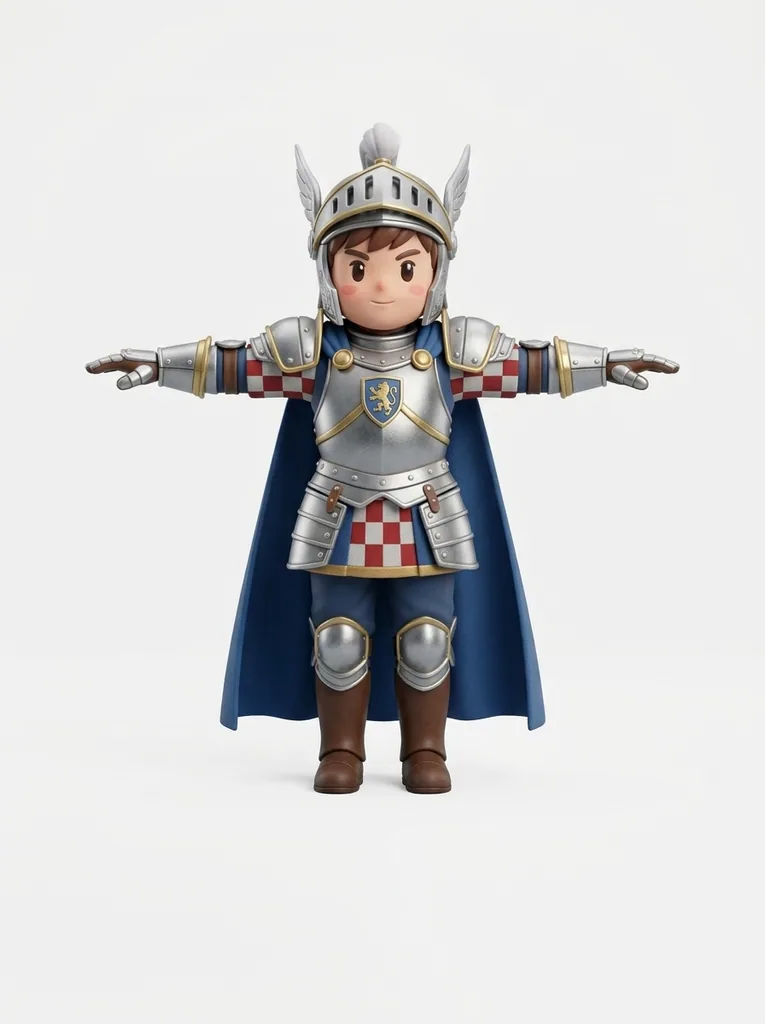
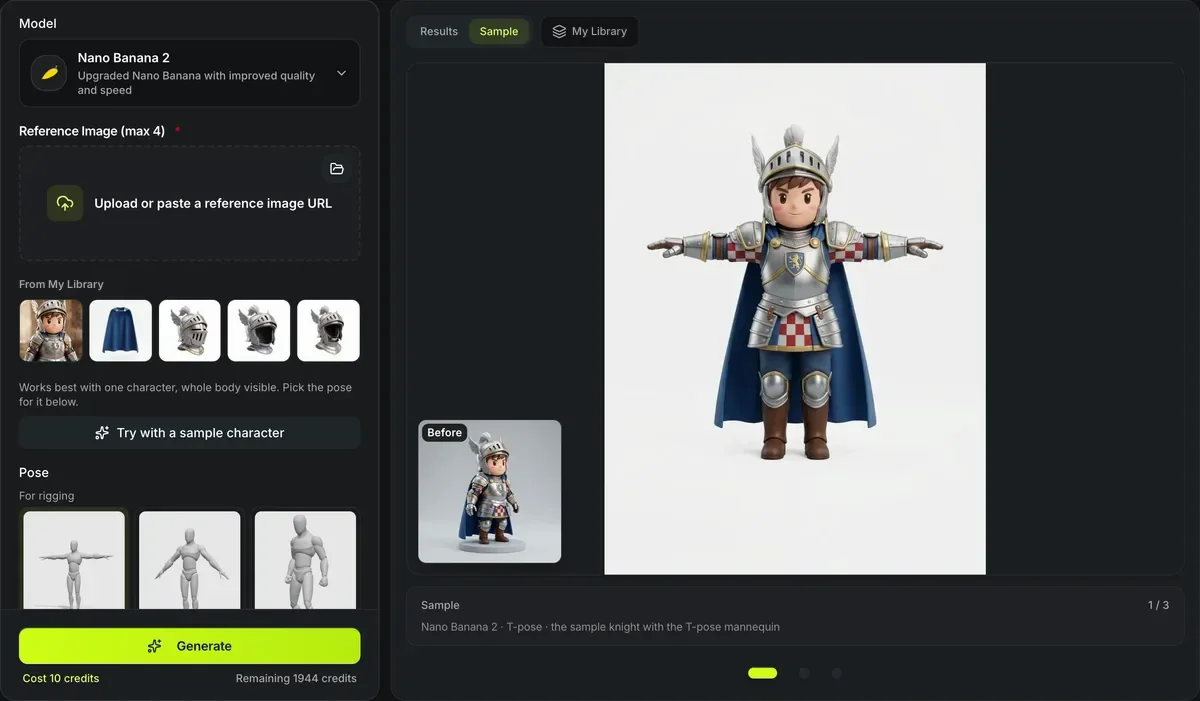
Nano Banana 2 · T-pose · the sample knight with the T-pose mannequin
AI pose changer
Redraw a character in a new pose without losing its look. The AI pose changer takes your character and a pose — one of 16 library poses shown on a gray mannequin, or a pose picture of your own — and runs one image edit that keeps the face, outfit and colors while moving the body. A T-pose or A-pose result is ready for Image to 3D and auto-rigging.
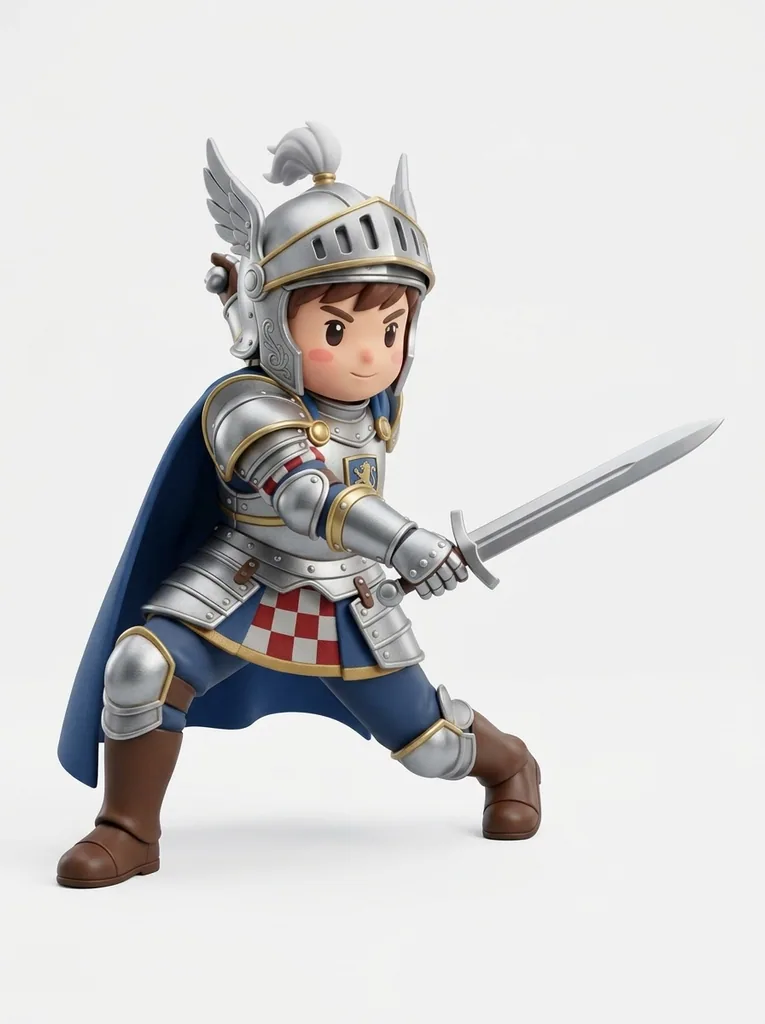
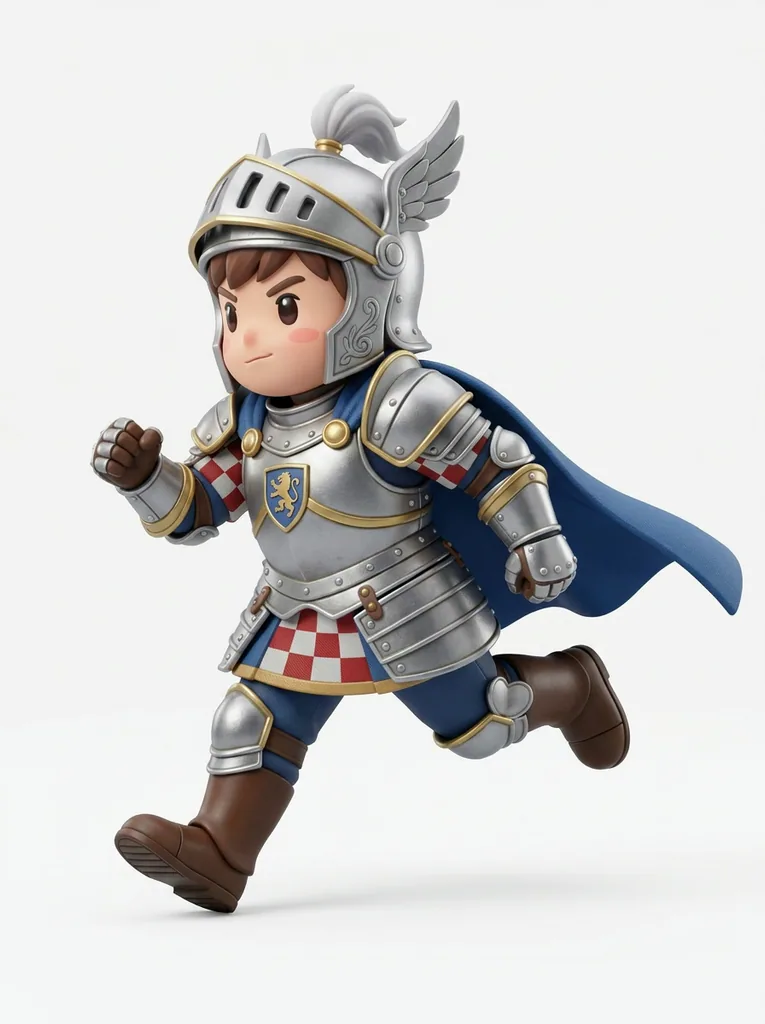
One knight in three library poses
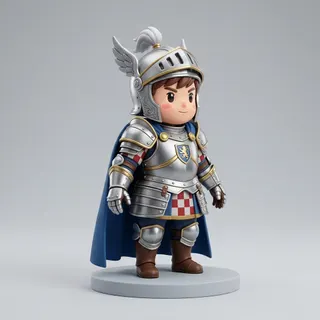
The knight that Try with a sample character loads, run once per pose with Nano Banana 2 and the pose’s mannequin picture as the second image: 10 credits a run, nothing retouched. The small picture is the knight that went in.
How the AI pose changer keeps your character
Each picture has one job, and the prompt says which.


Character first, pose second
The first picture sets the face, hairstyle, body shape, outfit, colors and art style; the second is the pose, and the prompt tells the model to change only that. The sample knight came back in a T-pose for 10 credits with his armor, cape and face unchanged.
Add details such as a held prop or a facing direction under Additional instructions before you run it.

16 poses on a faceless mannequin
Three for rigging (T-pose, A-pose and neutral standing), seven everyday poses from walking to talking, and six action poses from punching to casting a spell. Each is a gray mannequin with no face or clothes, so the model has nothing to copy but where the head, arms and legs go.
Any photo or drawing of one whole figure works as your own pose picture; its identity, clothes and background are ignored.
AI pose changer at a glance
The AI pose changer in numbers
Three rigging poses (T-pose, A-pose, neutral), seven everyday poses and six action poses, each shown on a gray mannequin.
One new pose is one Nano Banana 2, GPT Images 2 or Seedream 5 Lite run at the default size; Nano Banana Pro is 12.
Your character first and the pose picture second, so the model copies the pose and keeps the character.
PNG, JPEG or WebP for both the character and your own pose picture.
Change a pose in three steps
From one character picture to the same character in a new pose.
- 1
A photo, drawing or render with the whole body visible, up to 10 MB.
- 2
Choose a library pose or upload your own pose picture; keep the white background on for 3D.
- 3
Open What this sends to check the pose’s text, pick a model and run it; then send the result to Image to 3D.
Limits of the AI pose changer
An image model redraws the character, so the result is a new picture, not a moved skeleton.
Details can drift
Small details — patterns, logos, extra accessories — may change between the source and the result; run it again or try Nano Banana Pro.
Hands and crossed limbs
Hands and overlapping arms are the hardest part of any pose; check them before turning the result into 3D.
One figure at a time
The character and the pose picture should each show one figure; groups confuse which body to move.
Charged per run
Every run is a paid image edit, including repeats; the price is on the button before you run it.
After the AI pose changer
Where the reposed character goes next.
Questions about the AI pose changer
Answers about poses, models and using the result.
Change your character's pose now
Upload a character, pick one of 16 poses and turn the result into 3D.