
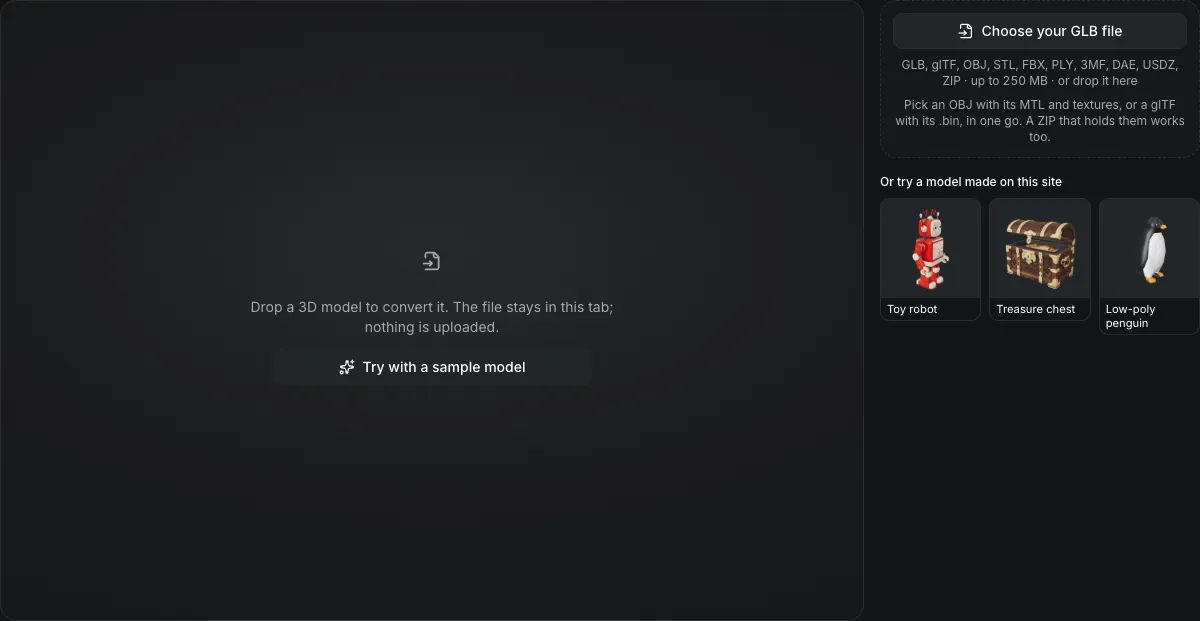
GLB, glTF, OBJ, STL, FBX, PLY, 3MF, DAE, USDZ, ZIP · up to 250 MB · or drop it here
Pick an OBJ with its MTL and textures, or a glTF with its .bin, in one go. A ZIP that holds them works too.
Or try a model made on this site
Drop a 3D model to convert it. The file stays in this tab; nothing is uploaded.
GLB to STL converter
The GLB to STL converter turns a GLB into a binary STL for your slicer in your browser. The model is stood upright with Z up, written in millimetres, and can be scaled so it is exactly 28, 50, 100 or 180 mm tall. Color and textures are dropped, and nothing is uploaded.
GLB to STL in numbers
Scale the model to 28, 50, 100 or 180 mm tall, or keep its true size; the file name gains the height, such as -50mm.
A binary STL is an 80-byte header, a 4-byte count and 50 bytes per triangle, so 100,000 triangles is 5,000,084 bytes.
The GLB's metres are written as millimetres, the unit slicers assume.
STL stores triangles only; the colors, textures and materials of the GLB are not written.
Watch a GLB become a printable STL
A screen recording of this page at about 1.25 times speed.

Toy robot, ready for the slicer
The robot's 211,412 triangles are written Z-up in millimetres, so the part stands on the bed. STL keeps no UVs, normals, material or textures, and the panel lists each of those before the 10.1 MB file is saved. Repair for printing, Add a base and Cut with a plane follow.
What carries over
What survives GLB to STL
Only the shape survives; the list under the buttons confirms it.
| What | What happens |
|---|---|
| Every triangleKept | The surface is written as it is, with no decimation and no hole filling. |
| Upright orientationChanged | The model is turned from Y-up to Z-up so it stands on the slicer bed the way it stood in the viewer. |
| True size or an exact heightKept | Without a height the model keeps its size in millimetres; with one, its height is that many millimetres and its width and depth follow. |
| Colors, textures and UVs do notNot carried | Materials, maps and vertex colors are dropped. The multicolor tools write a colored 3MF when you need color. |
From a textured GLB to a printable shell
What a slicer receives, and what it has to work out.
A soup of triangles
STL repeats every corner for every triangle and stores no shared vertices, which is why it is 50 bytes per triangle regardless of the shape.
No unit field
The slicer reads the numbers as millimetres, so the converter writes millimetres rather than leaving the scale implied.
Not made watertight
A generated GLB can have holes or flipped faces. The converter does not repair them; run the repair tool and check the result is a closed solid before slicing.
From a GLB to a printable STL in three actions
Leave STL selected, then pick a print height.
- 1
Pick or drop the .glb. The file panel shows its size in metres, centimetres or millimetres.
- 2
Choose 28, 50, 100 or 180 mm, or Original size, and convert; the saved STL’s size is shown once it is written.
- 3
The binary STL downloads with the height in its name, ready for the slicer.
Limits of GLB to STL conversion
STL is the least expressive format in this converter.
One color at most
STL cannot hold a color per face, so a multicolor print needs 3MF or OBJ from the multicolor tools.
No repair step
Holes, flipped normals and loose shells in the GLB are carried into the STL exactly as they are.
Animation and rigs are dropped
The mesh is written in the pose it holds.
Height is the model's own up axis
The print height scales the model's vertical extent in the GLB; a model that lies on its side in the GLB is scaled by that side.
Questions about GLB to STL
Answers about size, color and print readiness.
Convert a GLB to STL now
Drop the .glb above, set a height and save the STL.