

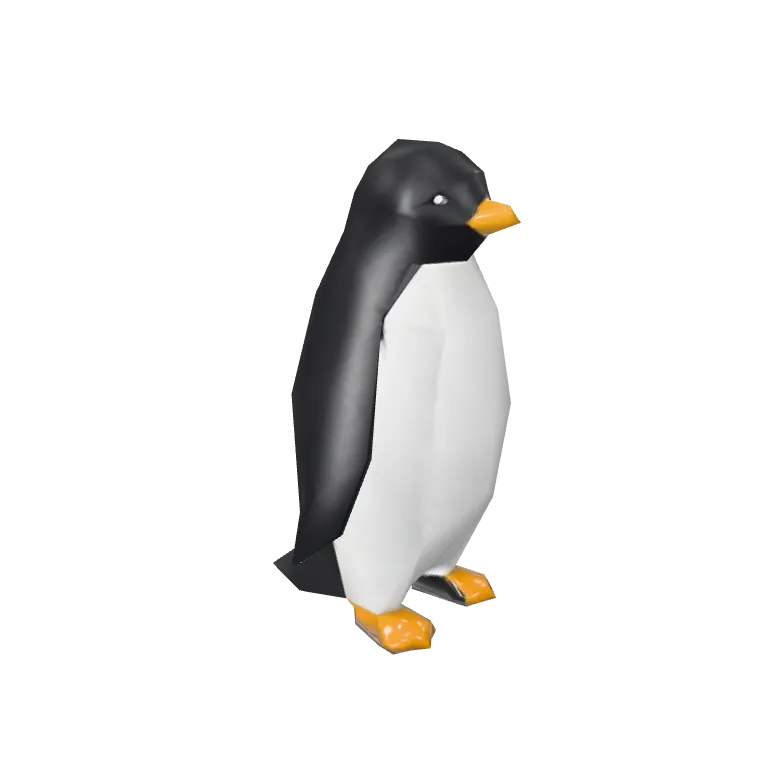
Sample1 / 2
Tripo P1 · image to 3D · a low-poly penguin
Low poly 3D model generator
Generate game-ready low-poly assets from a prompt or an image. This low poly 3D model generator runs Tripo P1, which targets 2K to 20K faces for mobile, web and real-time engines.
Two low poly assets, each from one picture
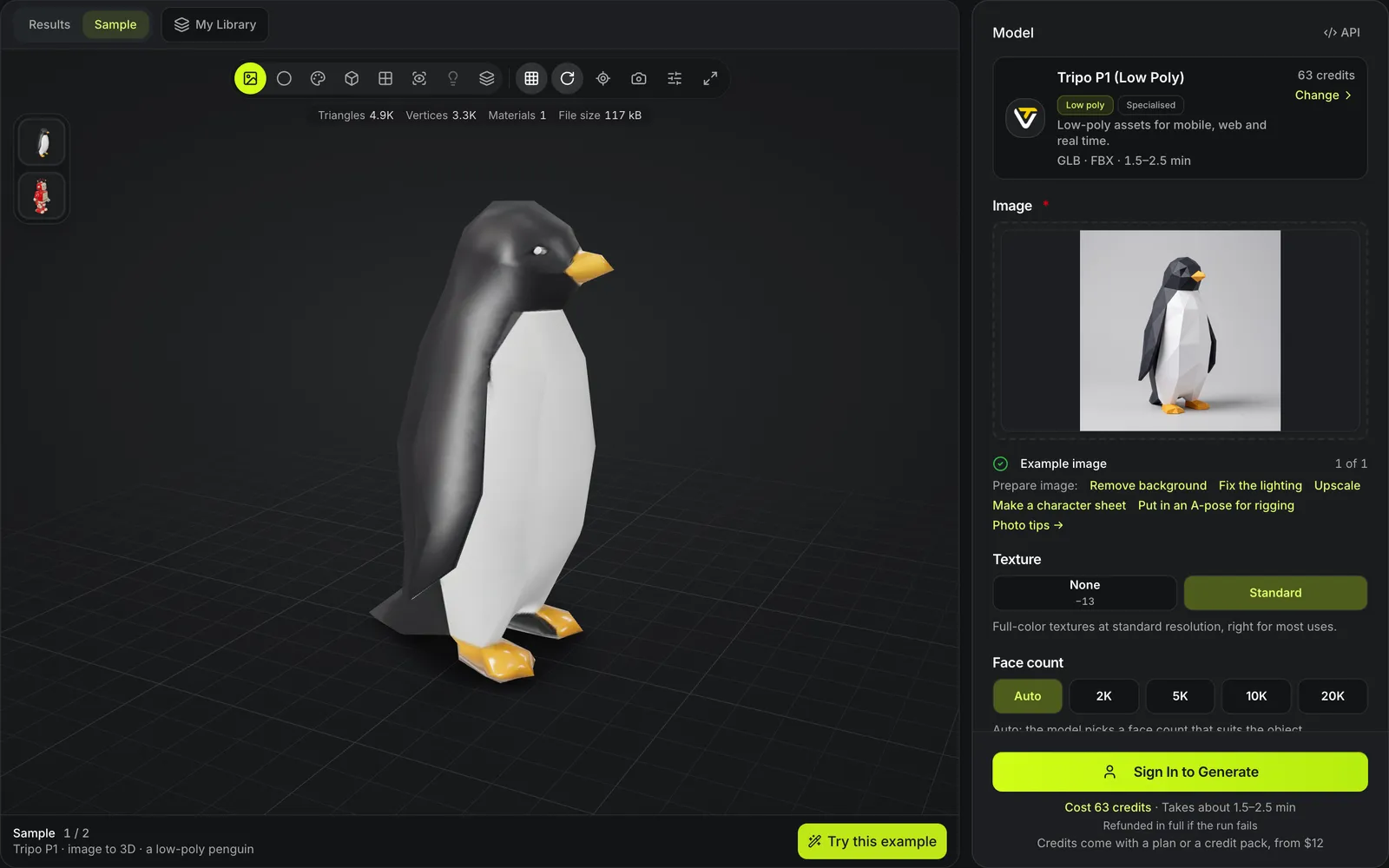
Real Tripo P1 runs from the picture in each card's corner. Open a card and orbit it to see the flat facets the face budget produces.

Low-poly penguin
Tripo P1A faceted penguin picture in, a faceted penguin mesh out, returned as GLB and FBX from one image.

Toy robot at 4.7K triangles
Tripo P1A tin robot product photo rebuilt at 4.7K triangles with all three PBR maps: a 3.1 MB GLB after 83 seconds, the lowest triangle count of eight models run on that photo.
Why use Tripo P1
Most generators aim for detail. Tripo P1 aims for a polygon budget an engine can draw hundreds of times per frame.


Budget first
Pick the face count before generating instead of decimating a dense mesh afterwards. This toy robot came back from one photo under 5K triangles: drag across it to see the wireframe, where every face is large enough to count.

Texture optional
An untextured Tripo P1 run costs 50 credits; the texture adds 13, for 63 in all. This robot came back with all three PBR maps on its low-poly shell. Flat-shaded styles often need no texture at all.

Built for real time
Tripo P1 targets mobile, web and real-time engines, per its model description, and the whole budget is one row of buttons: auto, 2K, 5K, 10K or 20K faces. Texture is the only other choice.
Low poly at a glance
The low poly 3D model generator in numbers
Face budgets of 2K, 5K, 10K or 20K, or auto.
A textured Tripo P1 job: 50 for the mesh plus 13 for the texture.
Tripo P1 returns GLB and FBX.
Start from a text prompt or a single image.
Watch the low poly 3D model generator load an example
A signed-out visit to the low poly generator, played at about 2× speed. The reference image was filled but never submitted, so no credits were spent.

Penguin picture in, face budget ready
Try this example drops the paper-craft penguin into the reference image slot with Tripo P1 selected at 63 credits. Switching to the robot thumbnail loads the 4.7K-triangle result in the viewer.
Make a low poly asset
Set the budget, then generate.
- 1
Upload a single image here; for a prompt, open text to 3D and pick Tripo P1 there.
- 2
2K suits background props, 20K suits hero props and characters.
- 3
Switch the viewer to wireframe to check edge flow.
- 4
Drop the file into your engine, or remesh it further on the 3D remesh page.
Low poly limits
Fewer faces means fewer details survive.
Small details disappear
Buttons, fingers and thin trims flatten out at 2K faces.
Topology is triangles
Tripo P1 does not offer a quad option; use the remesh page for quads.
Not a retopology tool
To reduce an existing model, use 3D remesh instead of regenerating it.
Lower the count of a model you already have
No need to regenerate.
Low poly generator FAQ
Answers about game-ready low poly generation.
Generate to a polygon budget
Pick 2K to 20K faces and let Tripo P1 build to it.