

Sample1 / 2
Hitem3D Multicolor · toy robot reduced to 4 colors (default) · 456 s
Multicolor 3D printing prep
Turn a textured model into flat color regions a multi-material printer can print. Multicolor 3D printing prep runs Hitem3D multicolor and reduces the texture to 2, 4, 6 or 8 filament colors.
Multicolor 3D printing settings
Choose 2, 4, 6 or 8 filament colors, or Max.
One multicolor job per model.
A textured GLB.
The default color count.
Multicolor 3D printing results on two textured models
Hitem3D Multicolor output as returned, one 50-credit job each. The inset is the textured GLB that went in; open a card to orbit the reduced model.

Toy robot, 4 colors
Hitem3D MulticolorThe default count. The red paint became one coral region and the dark details a lavender one, next to white: flat areas a filament swap can follow. 456 seconds.
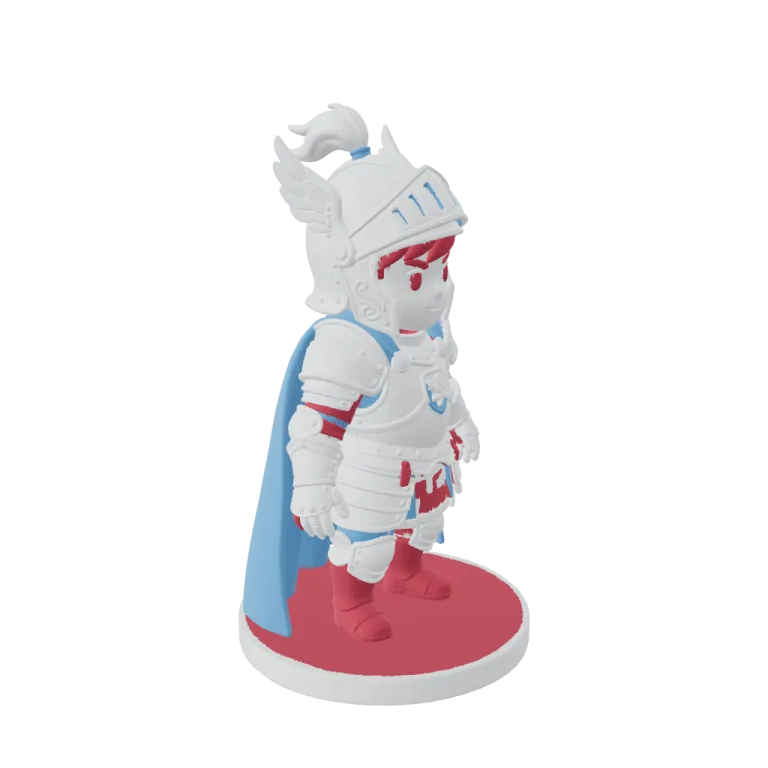
Chibi knight, 6 colors
Hitem3D MulticolorSix colors kept the blue cape, the red trim and a pink base, but the polished silver armor flattened to white. 322 seconds.
Turntable renders
The textured input next to the multicolor result
Each clip turns the textured GLB that went in (left) and the Hitem3D Multicolor GLB that came back (right) through one full rotation, rendered from the files as returned.

Toy robot: textured, then 4 colors
Red and white paint reduce to coral, white and lavender regions. The white face panel and its printed eyes do not survive the reduction, the kind of loss to check before you load filament.

Chibi knight: textured, then 6 colors
Cape and hair keep their hues. Reflections on the metal armor have no filament equivalent, so the armor prints as one white region and the pale base takes on the trim color.
Why texture needs reducing
A generated texture has thousands of shades; a printer has as many colors as it has filament slots.
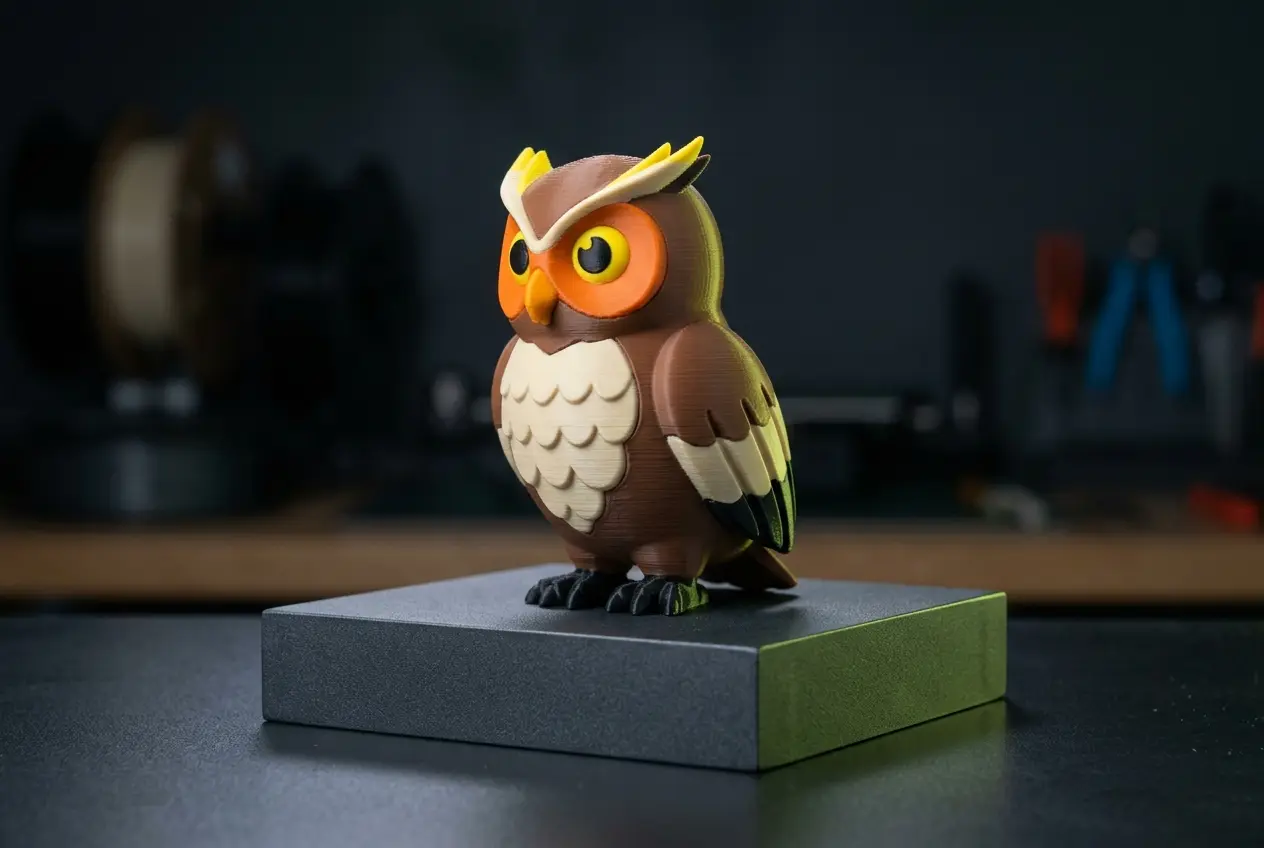
Clean regions
Colors are grouped into solid regions that print without speckle.
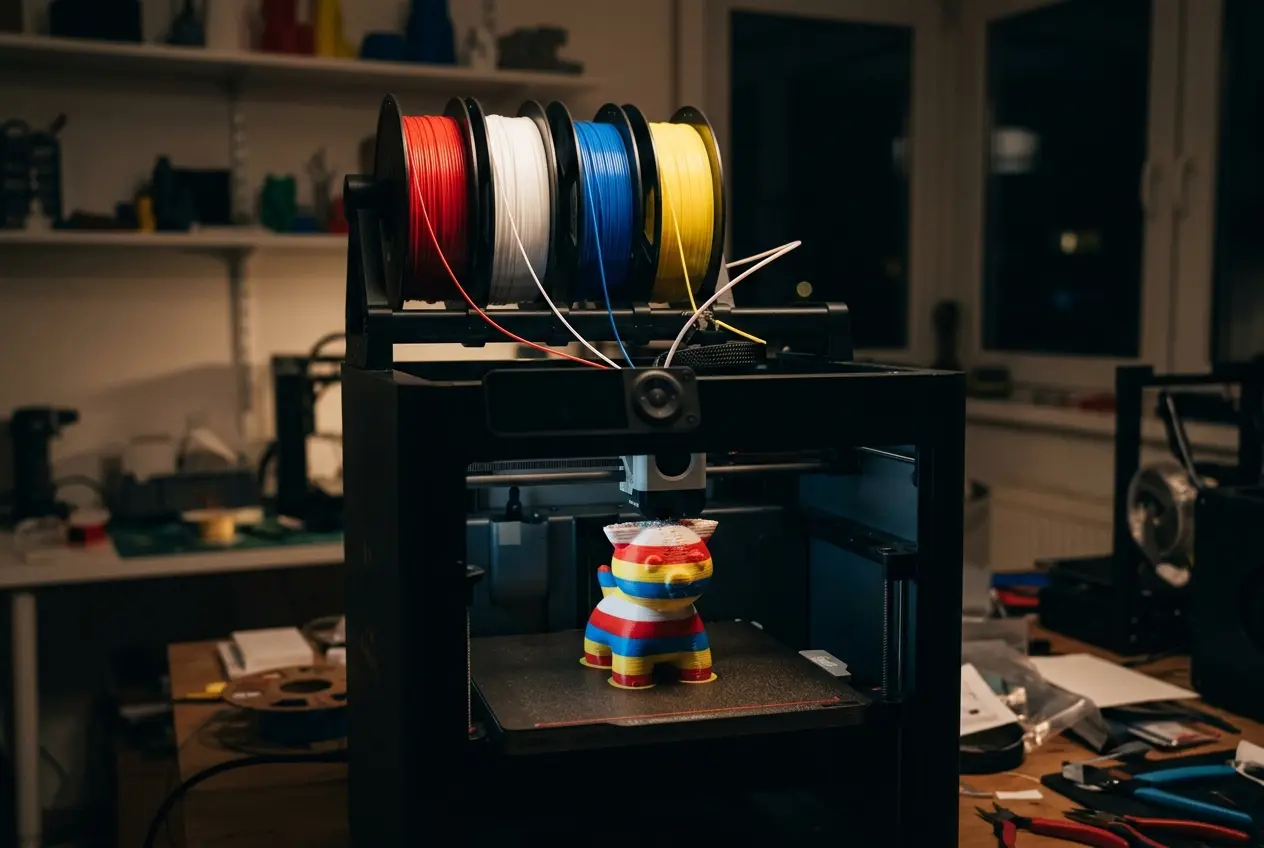
Match your printer
Pick the color count your multi-material unit can hold.
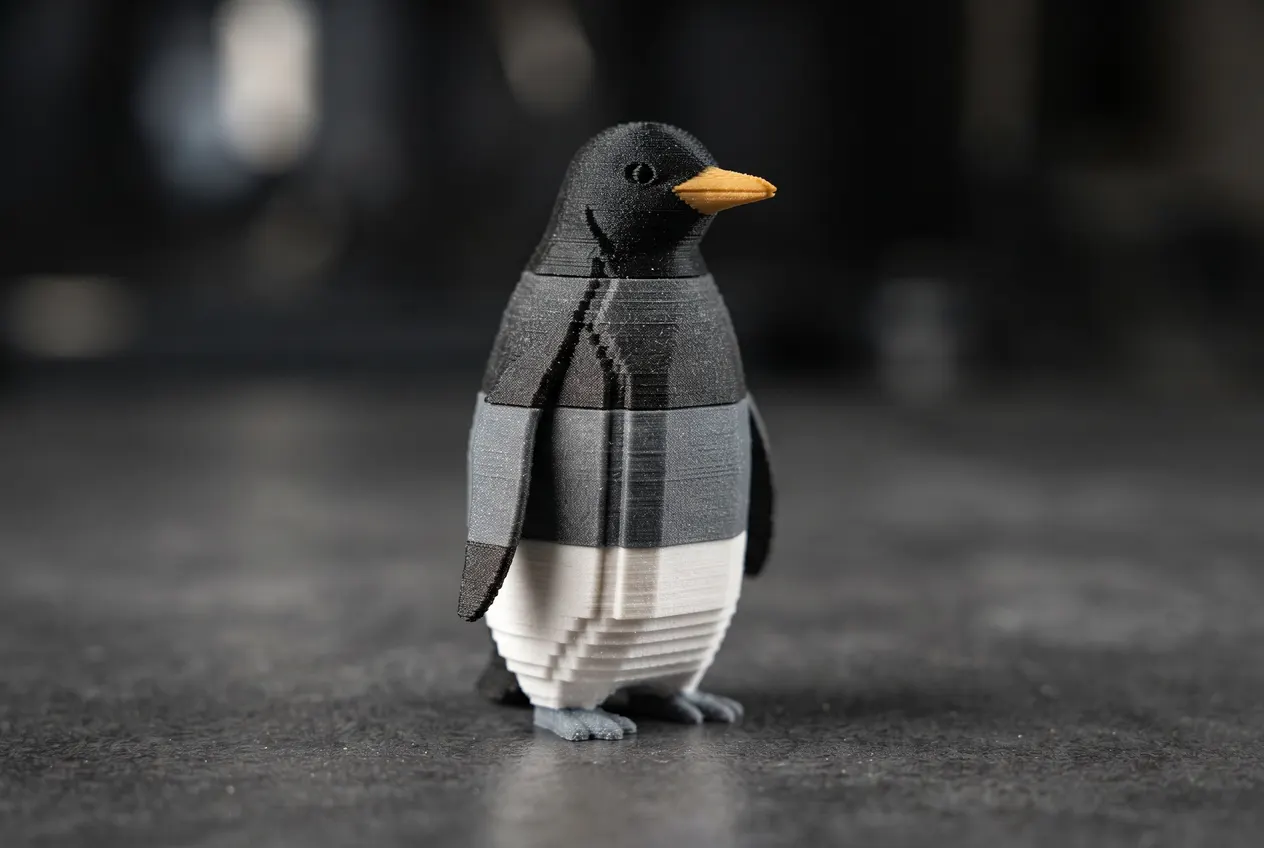
Keep the look
Main colors of the original texture are kept; gradients become bands.
What a good multicolor input looks like
Three textured models generated in AI3D Studio, shown before any color reduction. The fewer and flatter the colors in the texture, the closer a 4-color result stays to the original.

Tin robot toy
Tripo H3.1Red and cream in large, separate panels: close to a two-color print already.
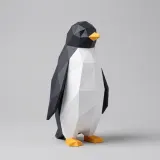
Low-poly penguin
Tripo P1Flat-shaded facets in black, white and orange-yellow map almost one-to-one onto three filaments.
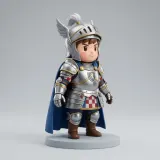
Chibi knight
Tripo H3.1Silver armor, a blue cape and skin tones need six or eight colors; shading on the metal will band.
Prepare a multicolor print
Start from a textured model.
- 1
Any textured result from the generator works.
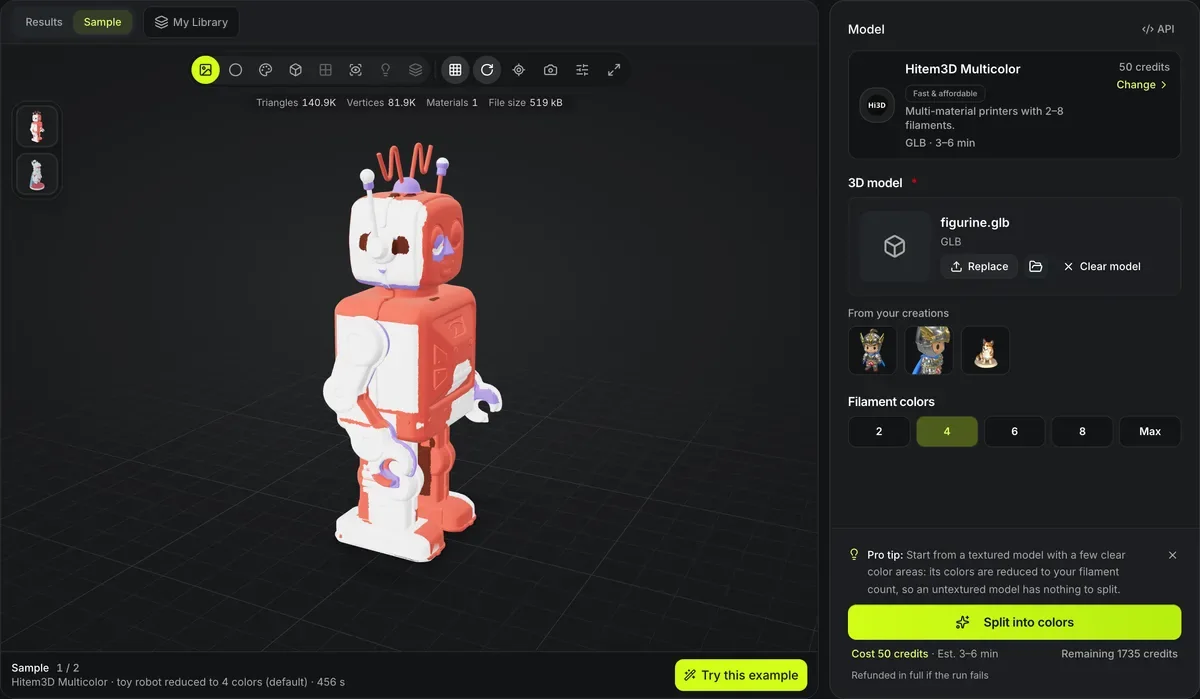
- 2
2, 4, 6, 8 or Max.
- 3
Check the color regions in the viewer.
- 4
Map each region to a filament slot.
Conditions and limitations
Multicolor limits
Fewer colors mean simpler art.
Gradients become steps
Soft shading turns into bands at low color counts.
GLB input only
Other formats must be converted first.
Slicer support varies
Check that your slicer reads per-region colors from the file.
Multicolor prep FAQ
Answers about preparing multi-material prints.
Print it in color
Pick a textured model and a filament count, then prepare it for 50 credits.