
How to 3D print an AI model
Any model made in AI3D Studio can be printed, whichever model generated it. The route is the same six steps: inspect, convert to STL at print size, check volume, split if it is too big, color if you print multi-material, then slice.

How to 3D print an AI model, in numbers
Inspect, convert, measure, split, color and slice; split and color only when the model needs them.
STL conversion, print sizing and the plane splitter all run free in your browser.
The four STL height presets: 28, 50, 100 and 180 mm.
Hitem3D Print Split and Hitem3D Multicolor each cost 50 credits a run.
From a generated model to a sliced print
How to 3D print an AI model in six steps; skip steps four and five for a single-color model that fits your bed.
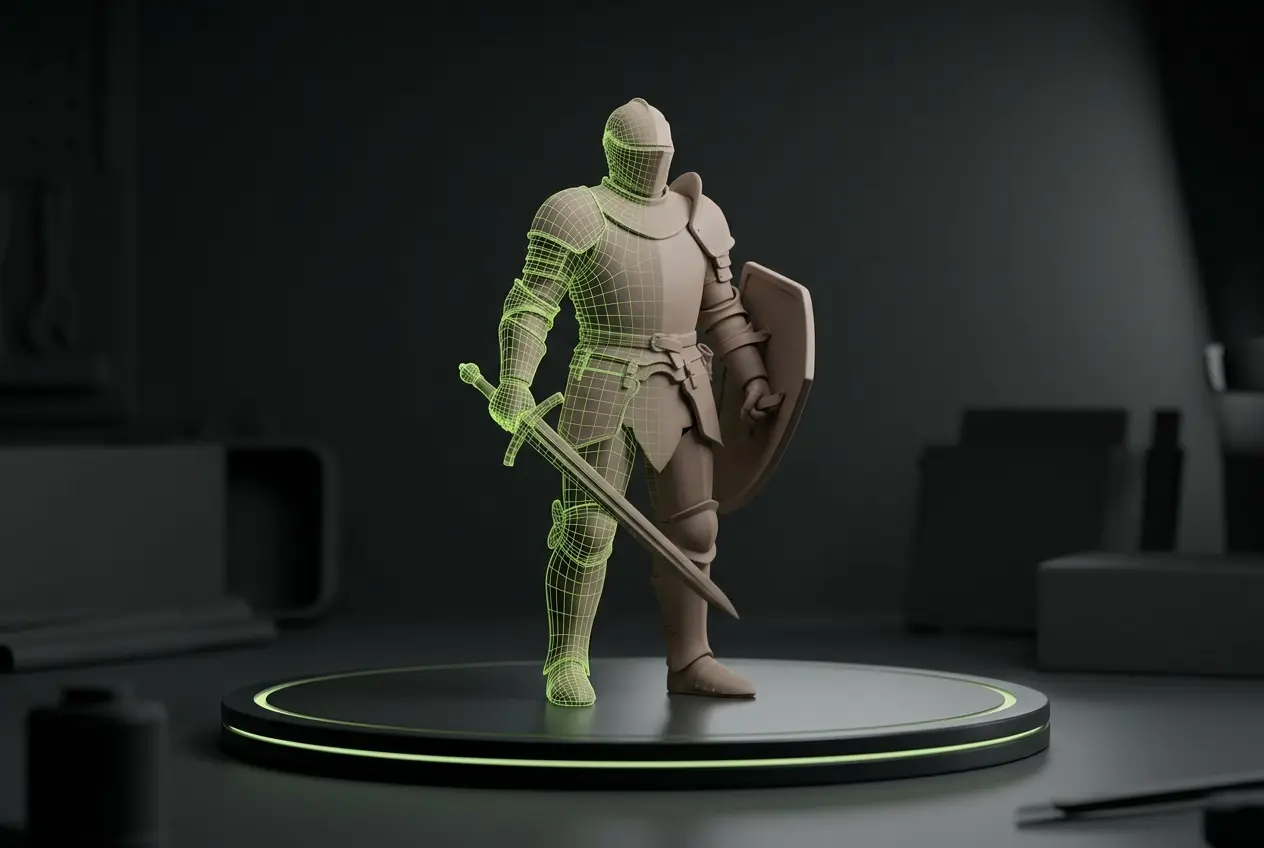
Inspect it in clay and wireframe
Clay mode hides the texture, so holes, lumps and thin spikes show up before you spend filament on them.
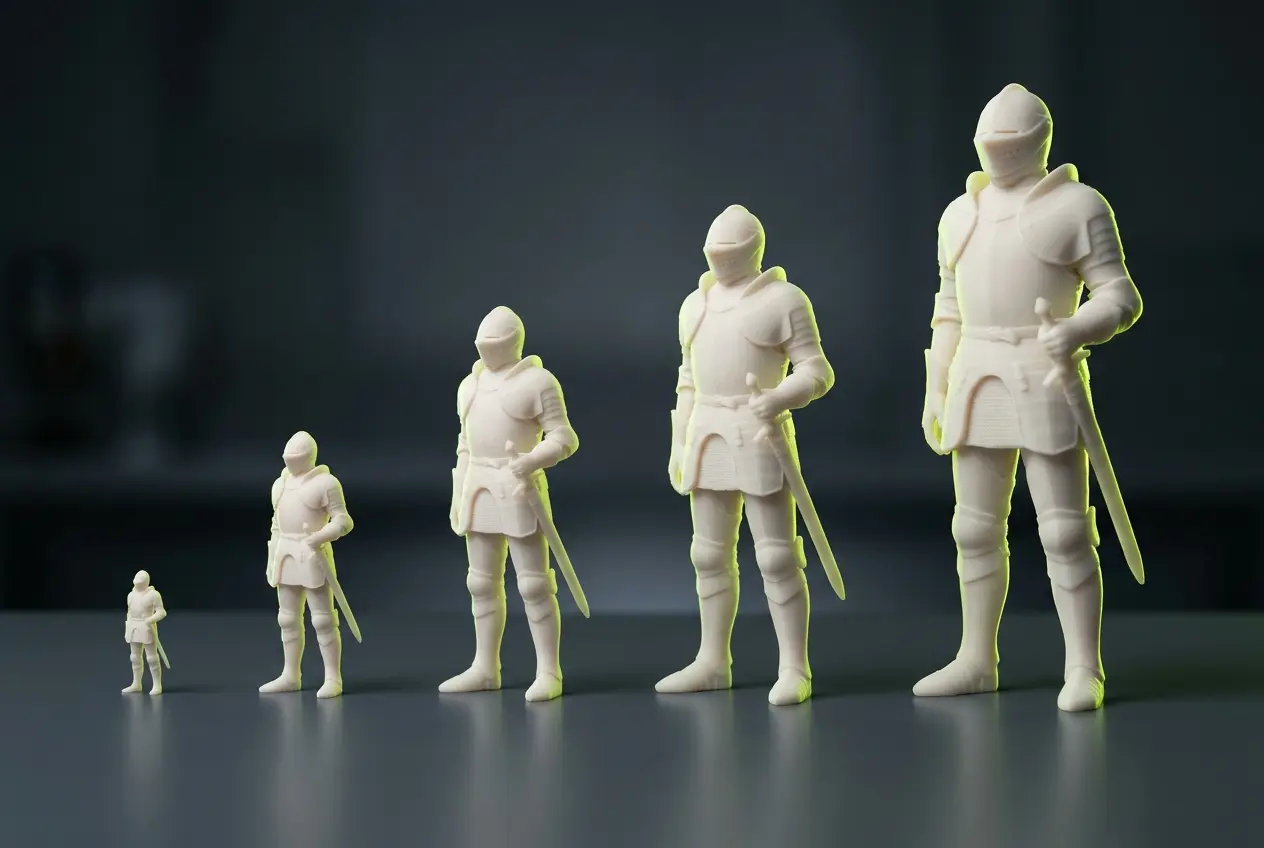
Convert to STL at print height
In the download panel, choose STL and a height of 28, 50, 100 or 180 mm. The file is written Z-up so it stands upright on the bed.
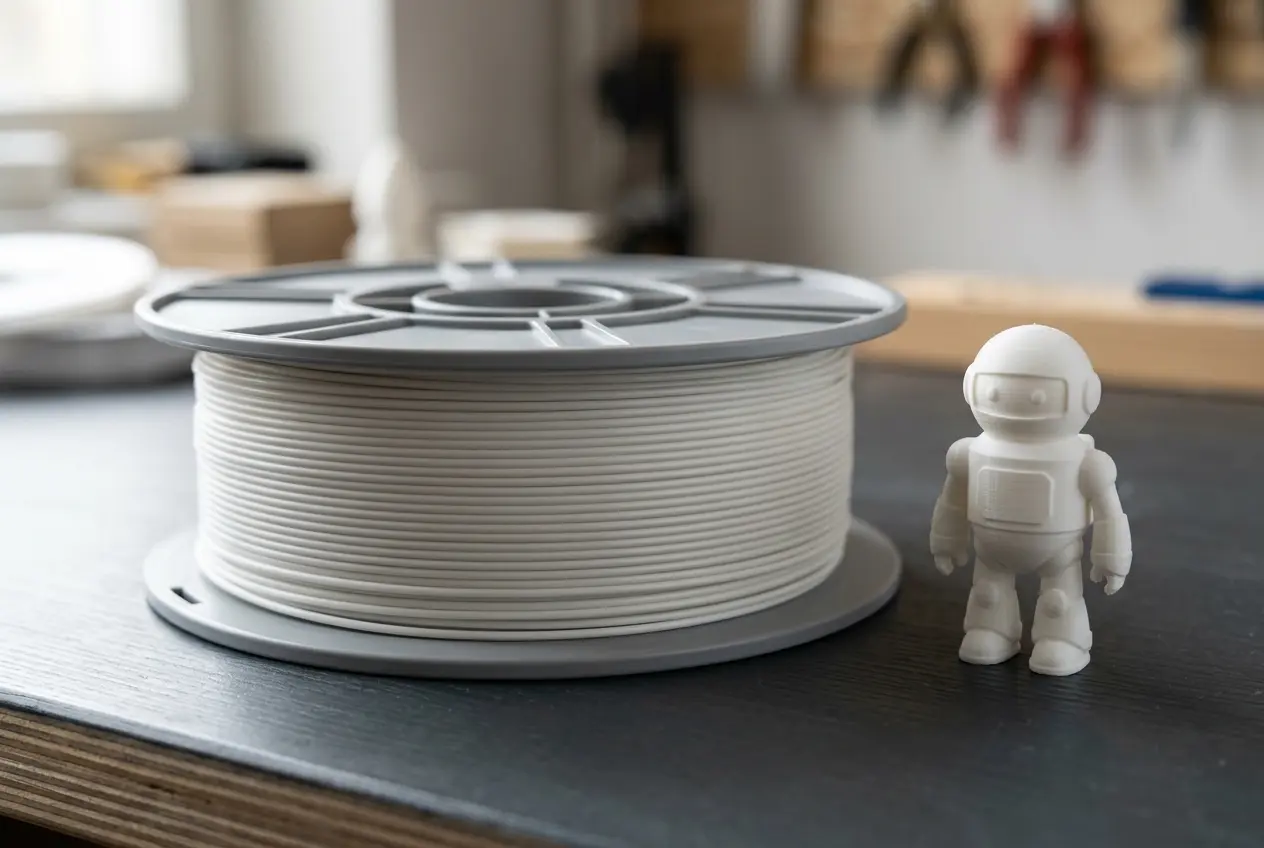
Read the size and filament estimate
The print analysis reports the bounding size in millimetres, volume in cm³ and grams of PLA at 1.24 g/cm³ for a solid print.
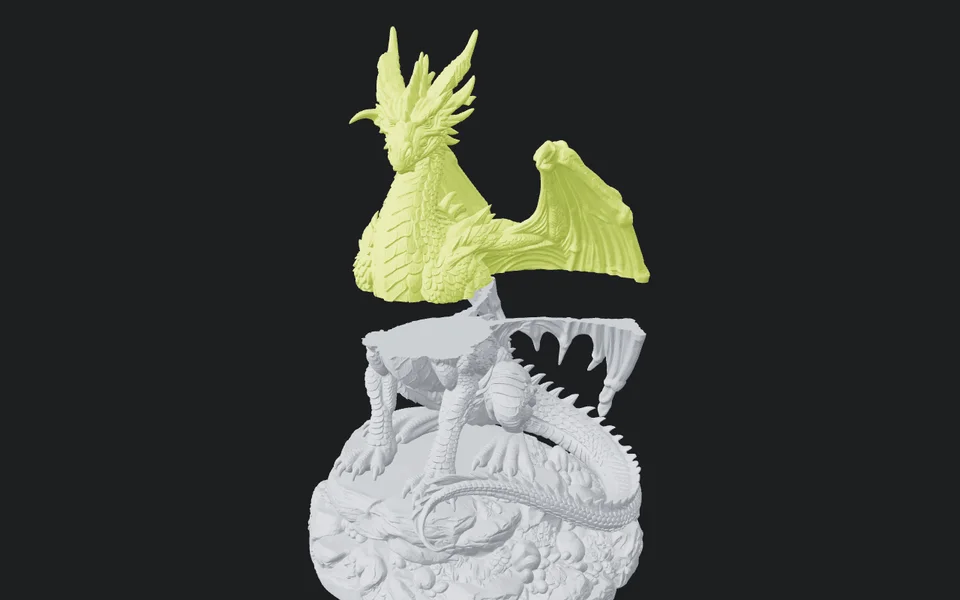
Split it if it outgrows the bed
Cut it flat for free with the plane splitter, or run Hitem3D Print Split for ball or dovetail joints.
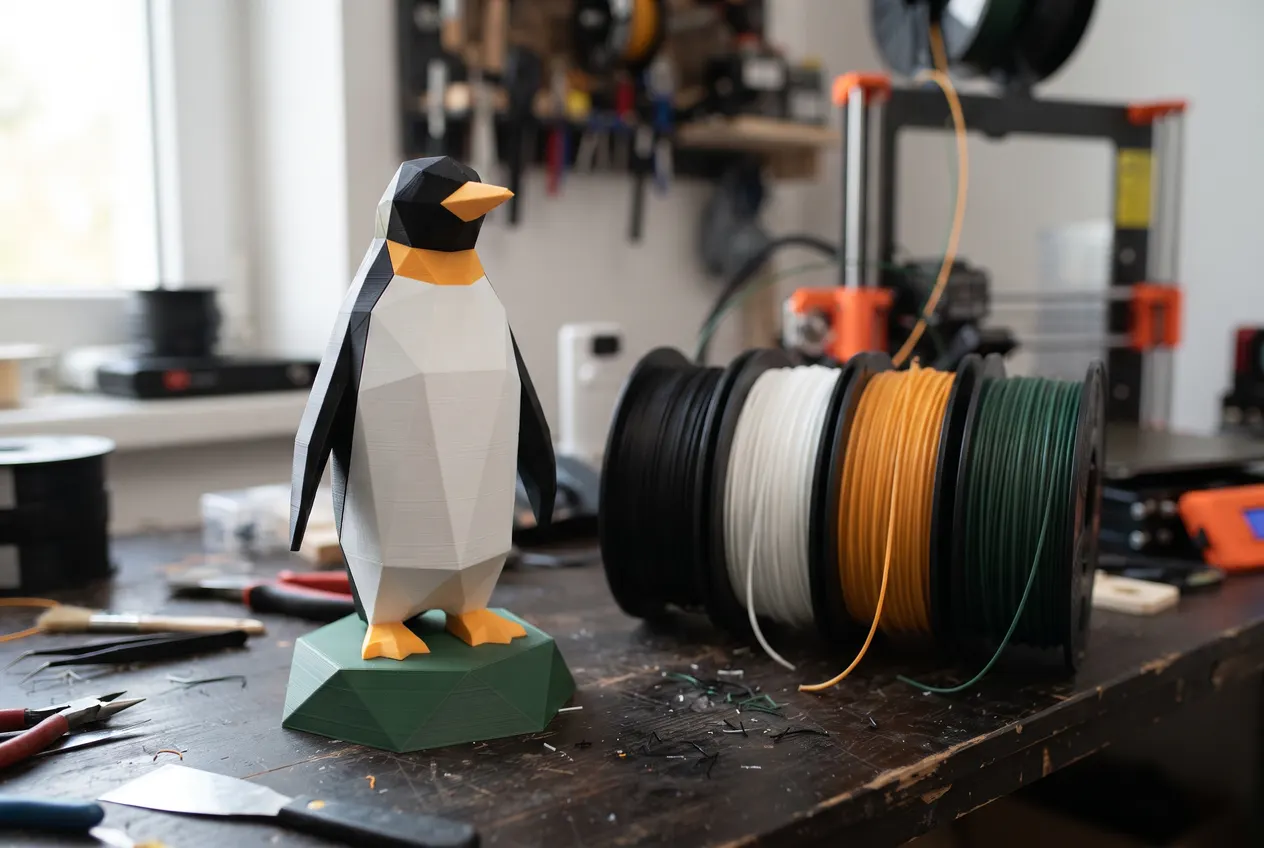
Reduce it to filament colors
For multi-material printers, Hitem3D Multicolor turns a textured GLB into 2 to 8 color regions.
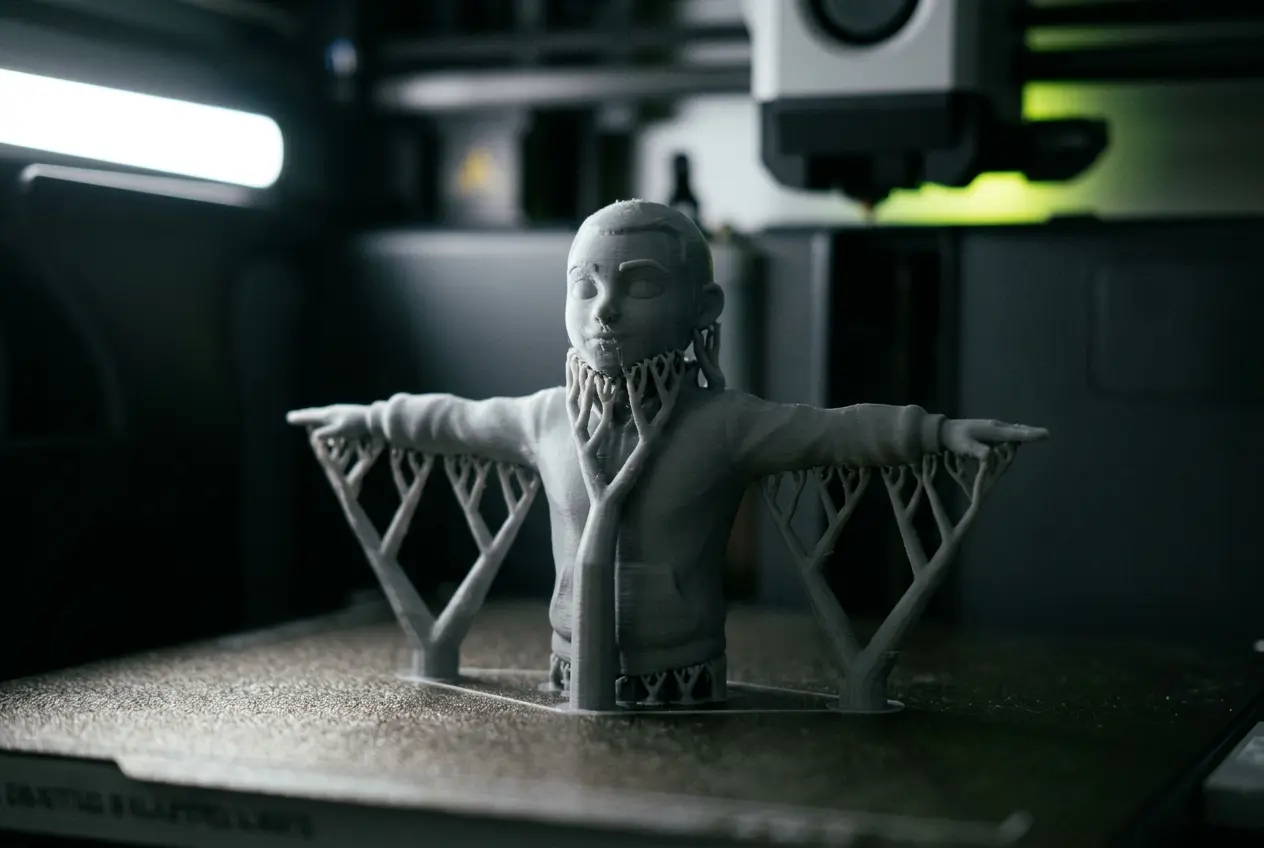
Slice, repair and support
Close any holes the free 3D model repair finds, stand a figure on a free base, then open the file in your slicer and add supports under overhangs.
Practice how to 3D print an AI model on three real generations
Each was generated in AI3D Studio from the input image on its card. Open one to orbit it and look for the thin parts step one warns about before you convert it.
Dragon on a rock base
Hitem3D 3.0Hitem3D 3.0 exports STL directly, and the flat rock base gives the figure a stable footprint on the bed.
Chibi knight
Tripo H3.1Comes out as GLB: convert it to STL at 50 mm in the download panel, then check the helmet wings and plume.
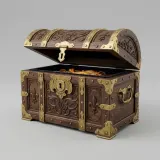
Treasure chest
Hunyuan3D 3.1 RapidA boxy prop with an open lid; the thin lid edges are where the slicer check earns its time.
Tools on the print route
How to 3D print an AI model: the tool for each step
Every step after generation is free unless the model needs jointed parts or AI filament colors. A Hitem3D 3.0 figure at Quality, split with joints and reduced to colors, costs 263 + 50 + 50 = 363 credits.
| Step | Tool | Credits | What you get |
|---|---|---|---|
| Generate a model to print | Hitem3D 3.0, or any generation model | 263 for Hitem3D 3.0 at Quality; from 25 on other models | STL directly from Hitem3D 3.0; GLB, OBJ or FBX from the others |
| Inspect it | The in-browser viewer in clay and wireframe | 0 | Holes, lumps and thin spikes shown without the texture |
| Repair it | The free 3D model repair | 0 | Holes closed and tangled, flipped or loose faces fixed with the Fix button; STL, 3MF, OBJ or GLB at the size you set |
| Convert to STL | The download panel | 0 | A Z-up STL scaled to 28, 50, 100 or 180 mm |
| Measure it | The print analysis | 0 | Size in mm, volume in cm³ and grams of PLA |
| Split it flat | The plane splitter | 0 | Capped STL parts, or one ZIP |
| Split it with joints | Hitem3D Print Split | 50 | 2 to 6 character parts or object splits, with ball, dovetail or no joints |
| Reduce it to filament colors | Hitem3D Multicolor | 50 | 2, 4, 6 or 8 color regions, or the Max setting, from the model's own texture |
| Color it, free | Texture to vertex color | 0 | A 3MF that paints each triangle with a real filament matched to the model's texture |
| Stand it on a base | The free 3D print base generator | 0 | A plinth or pedestal sized to the model, with an optional ground, magnet pockets and a name, as 3MF, STL or a color GLB |
Why an AI model can fail to print
Generated meshes are built to look right, not to be manufactured, so the slicer is the final check.
Open or non-manifold meshes
A watertight result is not guaranteed. The free splitter refuses a mesh with holes; remesh it first, or repair it in the slicer.
Details too thin at small sizes
A sword or tail that looks fine at 180 mm can be thinner than your nozzle at 28 mm. Print larger or choose a sturdier subject.
Filament estimate is an upper bound
The grams assume a solid PLA print; infill and walls in your slicer lower the real amount.
Questions about printing AI-generated models
Short answers about files, size and splitting.
Start with a model built for printing
Hitem3D 3.0 exports STL directly, or bring any finished model to the download panel and convert it.