
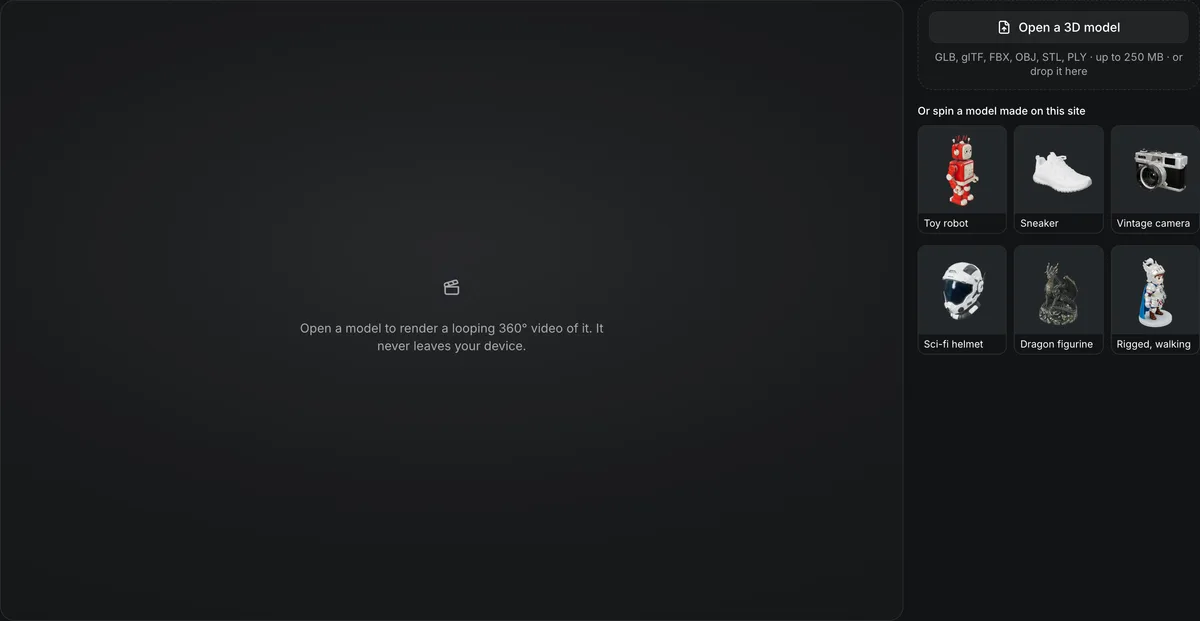
GLB, glTF, FBX, OBJ, STL, PLY, ZIP · up to 250 MB · or drop it here
Or spin a model made on this site
Open a model to render a looping 360° video of it. It never leaves your device.
Free 3D turntable video maker
Spin a 3D model through a full turn and download it as a video. The 3D turntable video maker renders every frame at an exact angle in your browser, so the last frame leads straight back into the first, and writes an MP4 for any phone or feed or a WebM with a transparent background.
The 3D turntable video maker in numbers
Square frames of 480, 720, 1080, 1440 or 2160 pixels.
One turn in 3, 5, 8, 10 or 15 seconds, rendered frame by frame.
MP4 (H.264) that plays everywhere, or WebM (VP9) that can keep a transparent background.
Rendered and encoded in your browser tab; no account and no credits.
Watch the turntable maker render a toy robot
A recording of this page at about 1.25 times speed.

480p, 3 seconds, MP4
The robot opens from the sample row; the recording picks 480p and a 3-second turn, previews the Clay look and goes back to Textured, then renders 90 frames in the browser into a 0.6 MB MP4 ready to download.
What people make
Where a 3D turntable video goes
A turn shows every side of a model in one clip.
Store and marketplace listings
A looping MP4 shows buyers the back and sides that a still render hides.
Social posts and portfolios
Square frames suit feeds, and 60 fps keeps a fast spin smooth.
Video edits and slides
A transparent WebM drops over any background in an editor or a web page.
Checking a generated model
Clay look shows the shape without texture, all the way round.
Frame-exact 3D turntable video
Each control changes the video you download.
A loop with no jump
Frame n is drawn at exactly n/N of a turn, so the last frame leads straight back to the first.
Look and light
Textured or clay, with an optional rim light that separates the model from a dark backdrop.
Camera
Camera height from −10° to 45°, and a clockwise or counterclockwise turn.
Backdrop
Any solid color, or transparent when the file is WebM.
Make a 3D turntable video
Open, choose, render, download.
- 1
GLB, glTF, FBX, OBJ, STL or PLY, one of your models from your Library, or one of the samples made on this site.
- 2
Size, frame rate, length, look, backdrop and file type.
- 3
Watch the progress, preview the loop, then download the MP4 or WebM.
Limits of the 3D turntable video maker
The video is encoded by your browser, so it depends on the browser.
Transparency needs WebM
MP4 has no alpha channel, and Safari plays a WebM without its transparency.
Browser encoders vary
A browser without a video encoder for the chosen size says so; a smaller size or Chrome, Edge or Safari 17+ usually works.
Large sizes take time
A 4K, 60 fps, 15-second video is 900 frames; rendering speed follows your graphics hardware.
No audio or text
The video is the model turning; add music or titles in a video editor.
Before and after the turntable
Tools for the model in the video.
Questions about 3D turntable videos
Answers about rendering 360° videos of 3D models in a browser.
Render your turntable now
Open a model and download a looping video in your browser, free.