
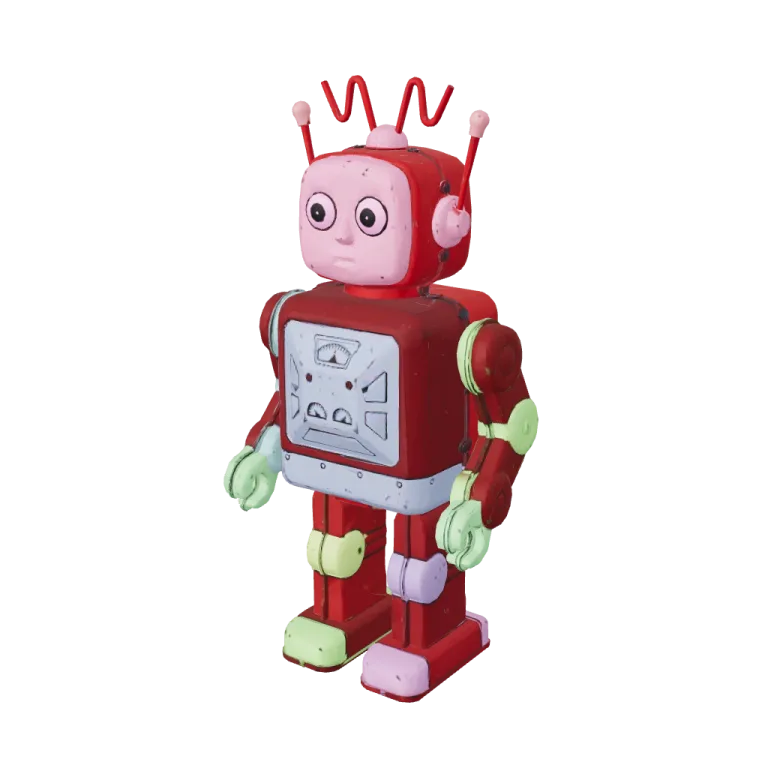

Sample1 / 2
Hitem3D Print Split · chibi knight, 6-part character template with ball joints · 9 pieces returned · 420 s
AI split for 3D printing
Cut a figure into printable pieces with ball or dovetail joints so each part fits the printer bed. The AI split for 3D printing runs Hitem3D split on GLB, STL or OBJ files.
Options in the AI split for 3D printing
Character templates: 6, 5, 4 with or without the head, 3 or 2 parts.
Ball, dovetail or no joint.
One split job per model.
GLB, STL and OBJ.
AI split for 3D printing next to a flat cut
The first two cards are Hitem3D Print Split results as returned, tinted by part; the third is the in-browser 3D model splitter on the same knight, for comparison. Open a card to orbit it. The inset is the model that went in.
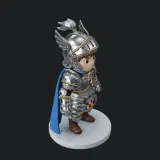
Chibi knight, character mode
Hitem3D Print SplitThe 6-part template with ball joints returned 9 pieces in 420 seconds.
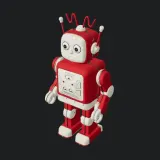
Toy robot, object mode
Hitem3D Print SplitObject mode at the default medium granularity, with no joints to choose; the job took 204 seconds.
Chibi knight, one flat cut
3D model splitterThe 3D model splitter at 180 mm: one cut at 90 mm gives two parts with flat faces to glue and no joints.
Split for printing
How the print split works
Two modes cover characters and everything else.
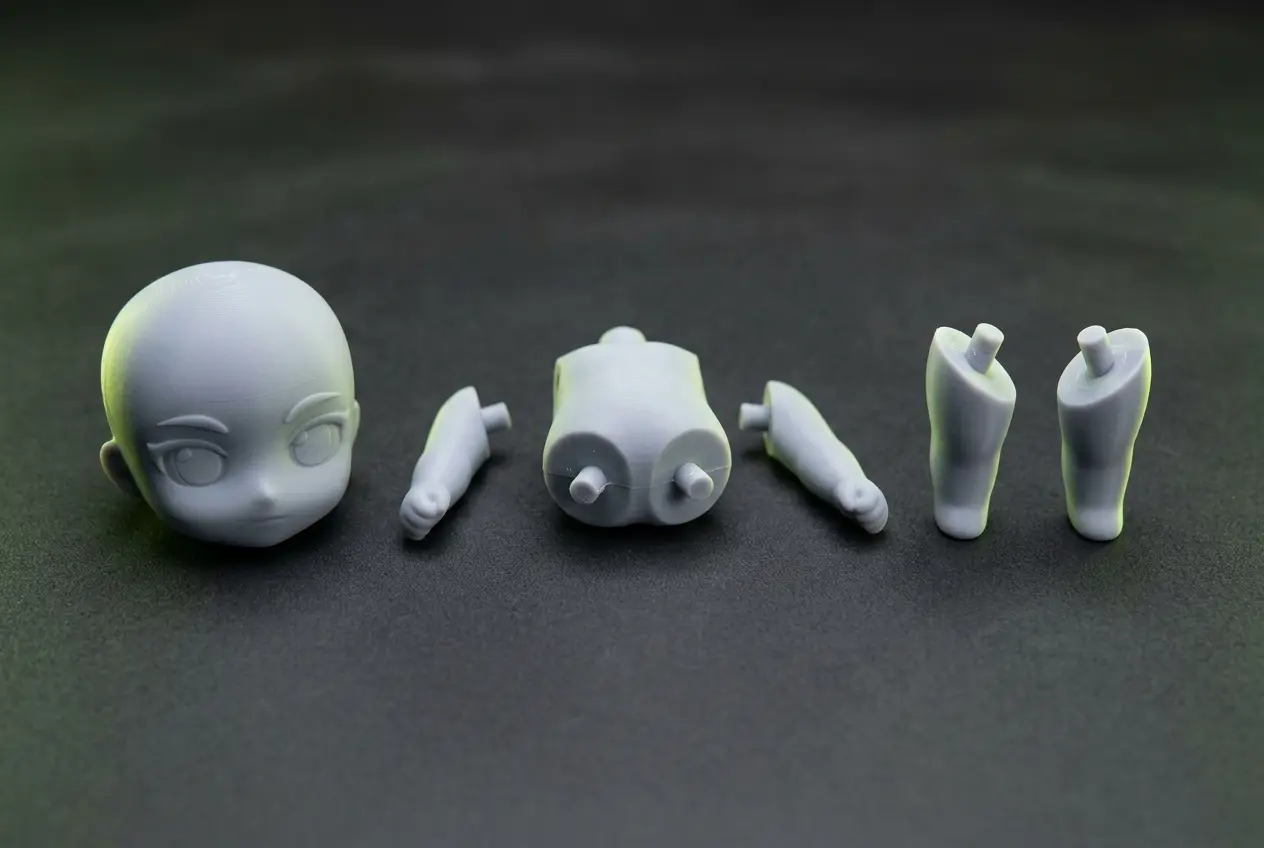
Character mode
Pick a part template (2 to 6 parts) and a joint type; limbs and head separate at natural seams.
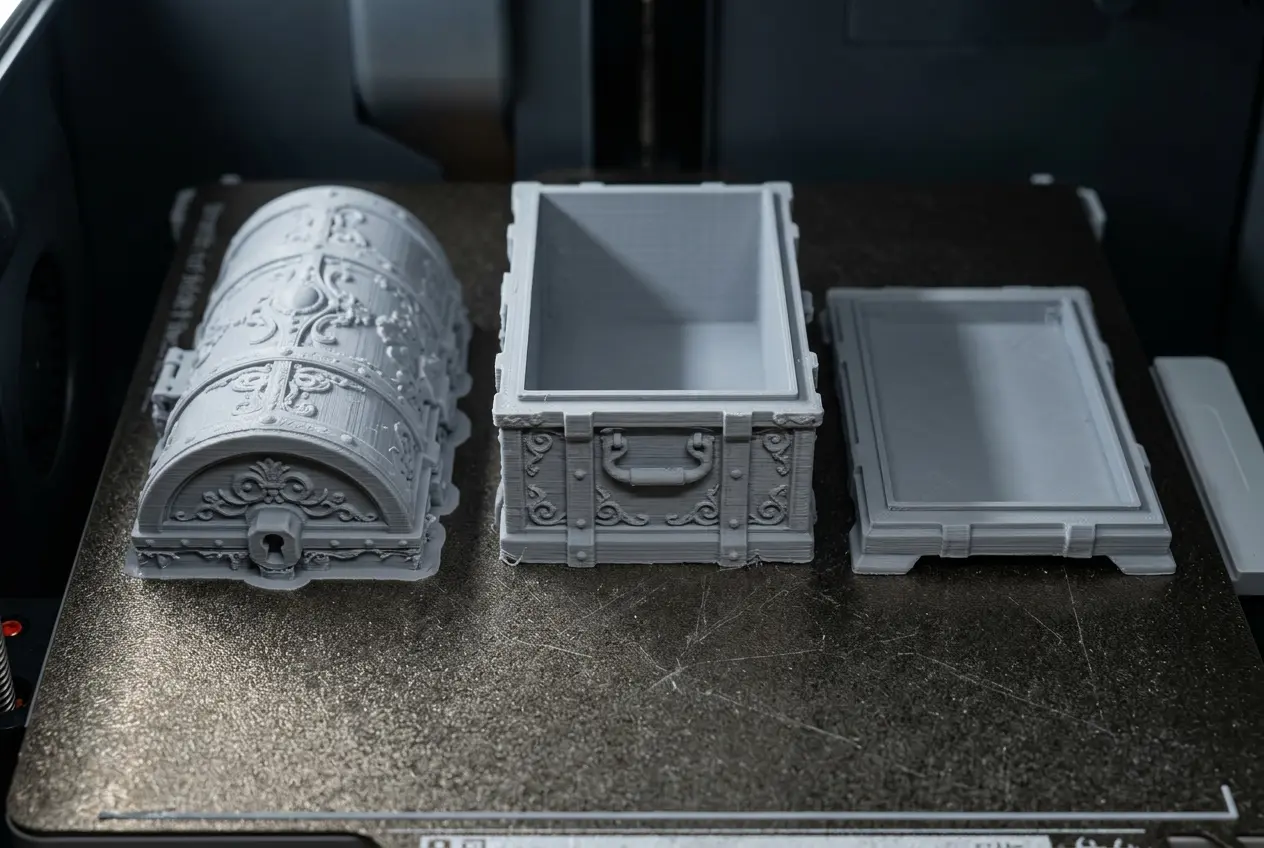
Object mode
Pick low, medium or high granularity to cut any object into pieces.
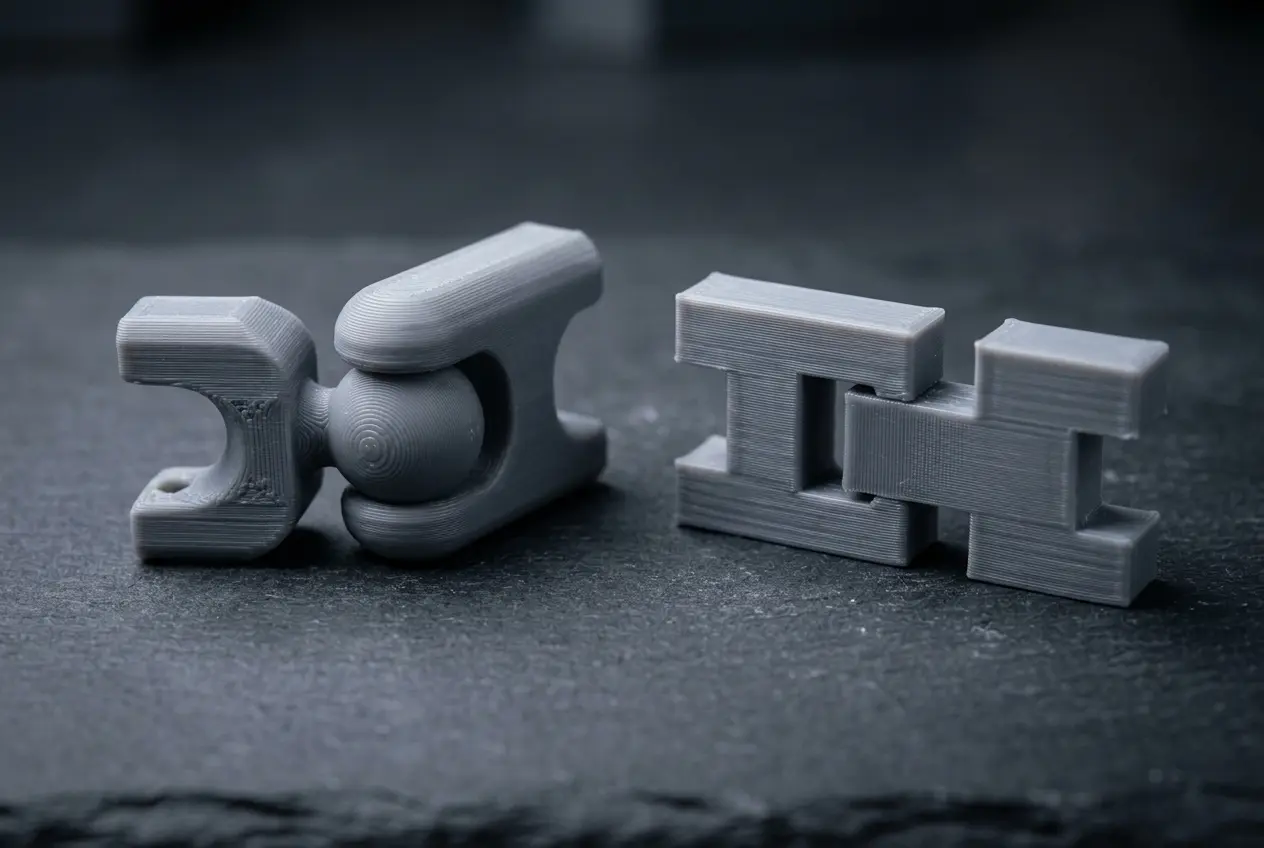
Joints that fit
Ball joints let parts rotate; dovetail joints lock in place.
Split a model for printing
Split after you have the model at the right size.
- 1
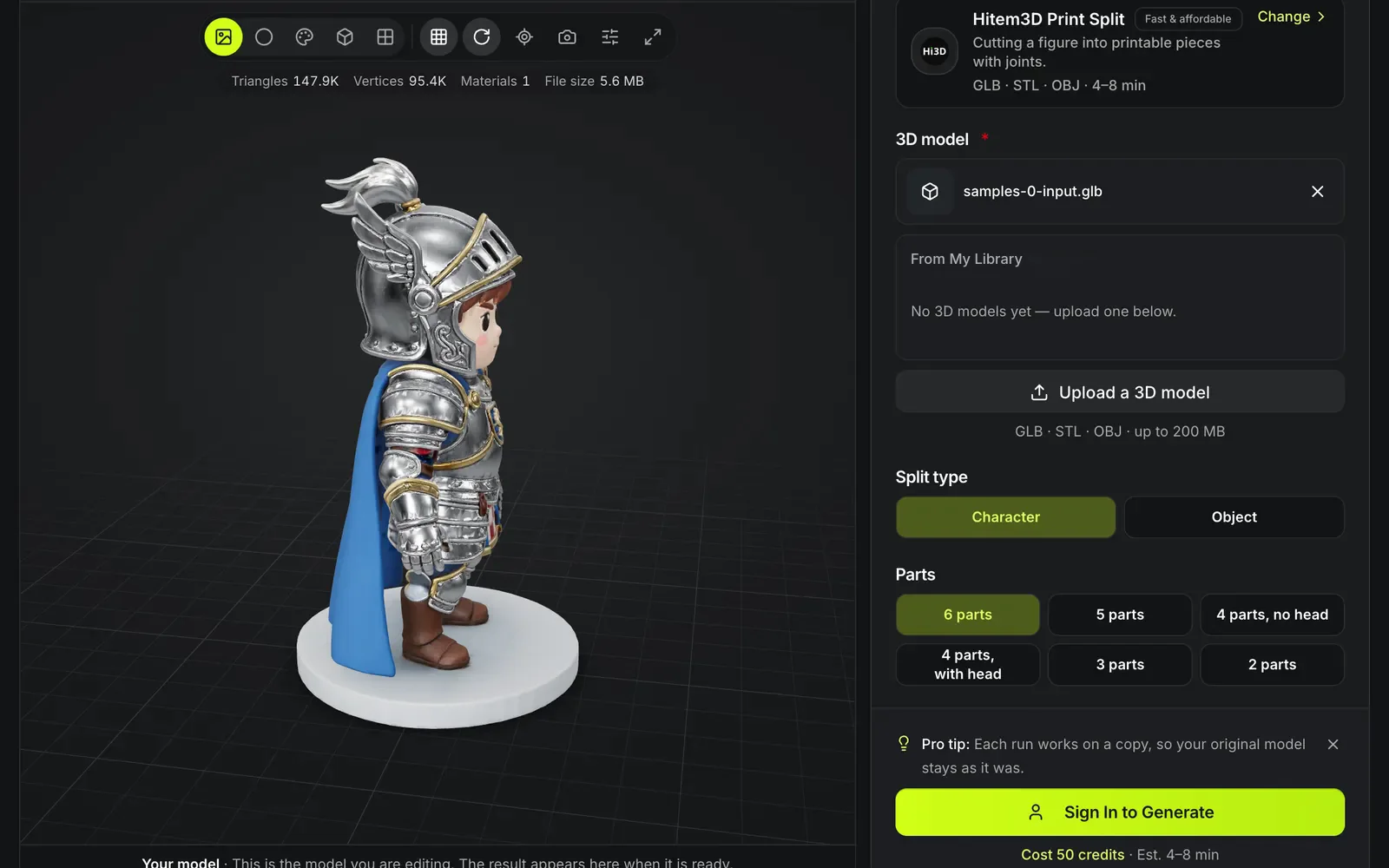
Choose a result or upload GLB, STL or OBJ.
- 2
Then a part template or a granularity.
- 3
Ball, dovetail or none.
- 4
Slice the parts separately and assemble them after printing.
Models worth splitting before you print
A split trades one long, support-heavy print for several short ones that assemble afterwards.
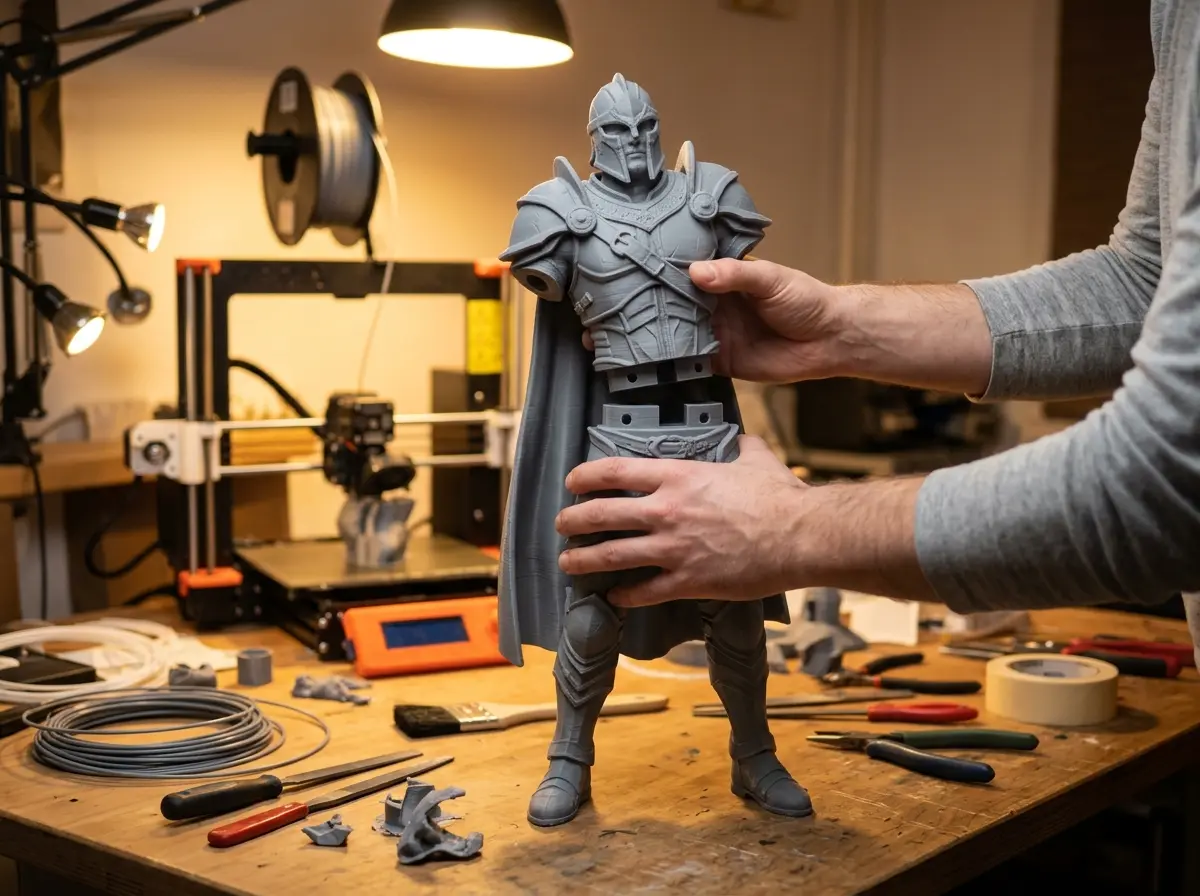
Figures taller than the bed
A 180 mm figure on a small printer comes apart into parts that each fit, then goes back together at the joints.
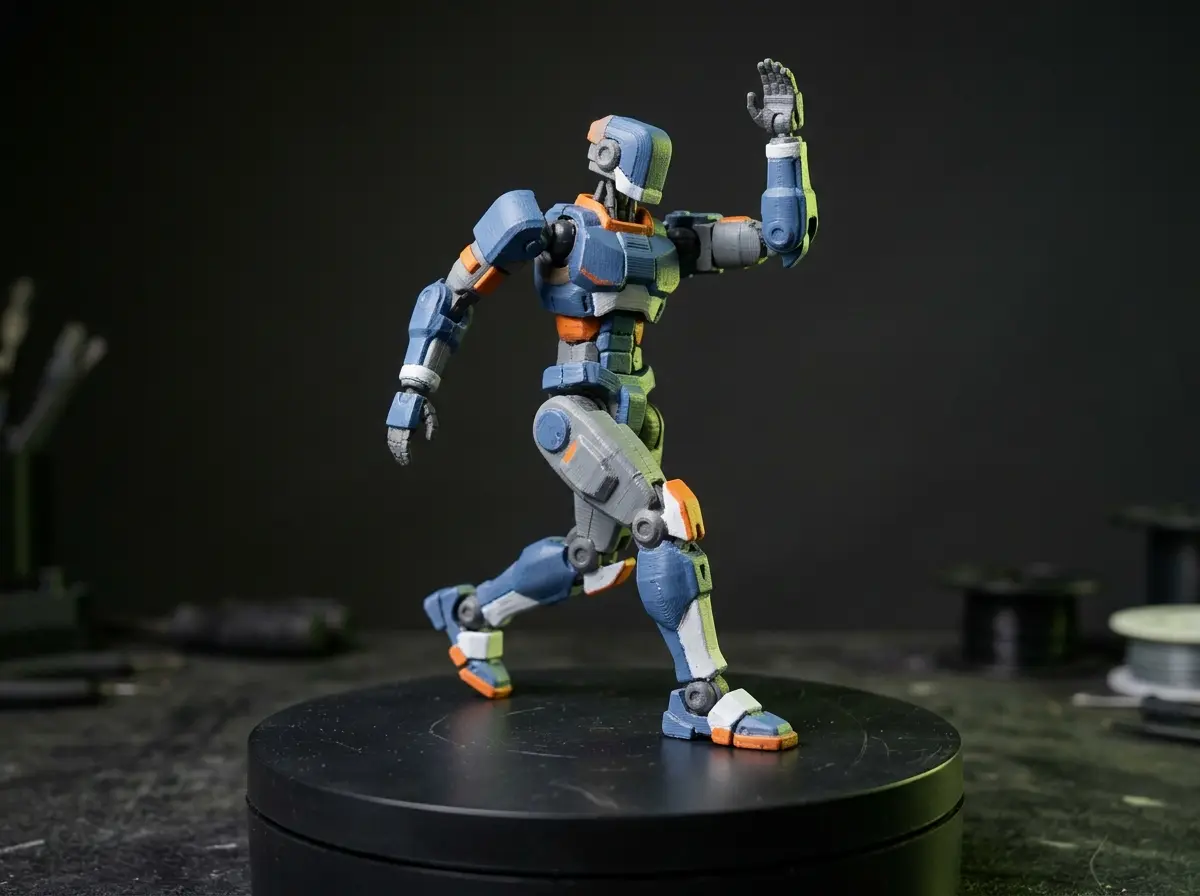
Poseable collectibles
Ball joints at the shoulders and neck let a printed character turn its head and raise its arms after assembly.
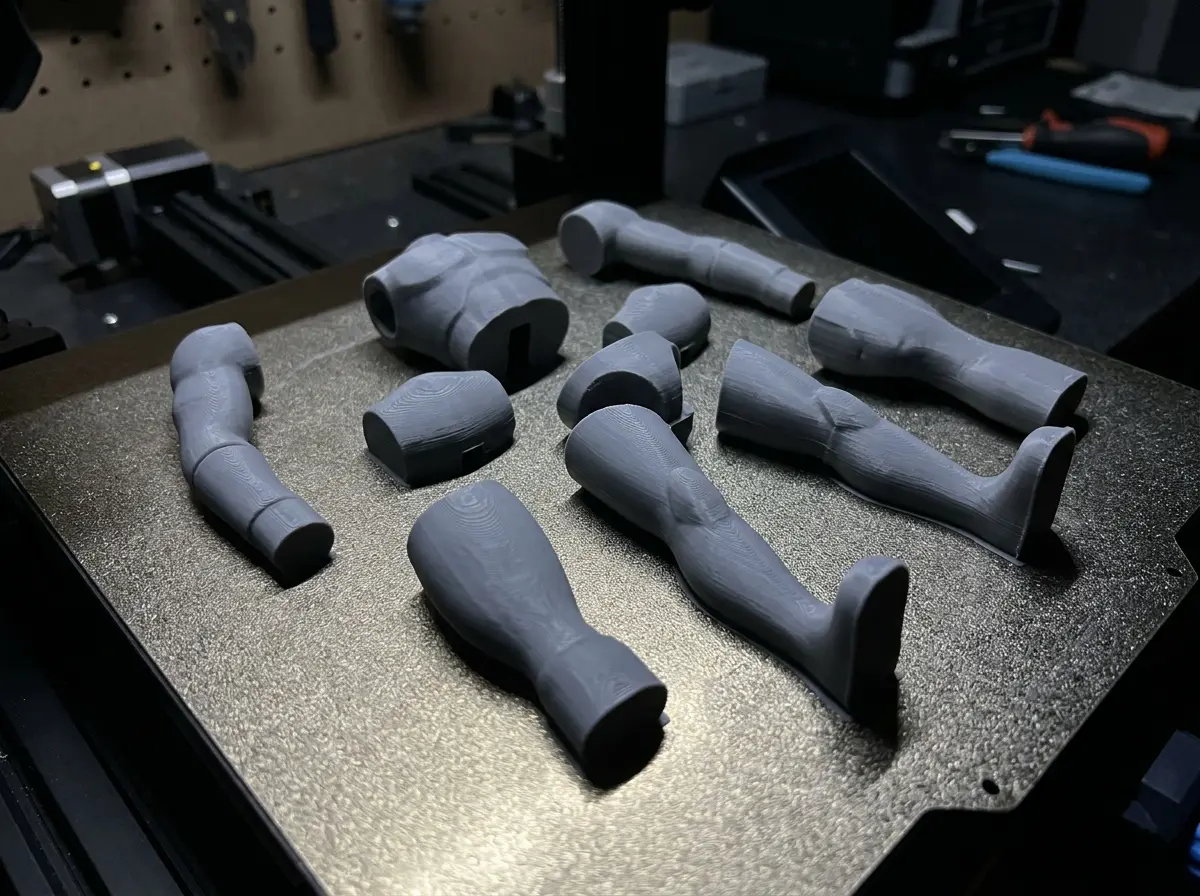
Fewer supports per part
Parts can be laid flat on their cut faces, so overhangs that needed supports as one piece often print without them.
Print split limits
Check joints at your print size.
Joint tolerance depends on your printer
A joint that fits at one scale can be loose or tight at another; test-print one joint first.
Character splits return GLB
Object splits can come back as GLB, STL or OBJ; convert character parts to STL in the download panel before slicing.
Very small prints lose joints
At miniature heights joints may be too small to print.
Other ways to prepare a print
The AI split adds joints; these tools cover the other print jobs.
Questions about the print split
Answers about cutting models into printable parts.
Cut it to fit the bed
Choose parts and joints, then split the model for 50 credits.