
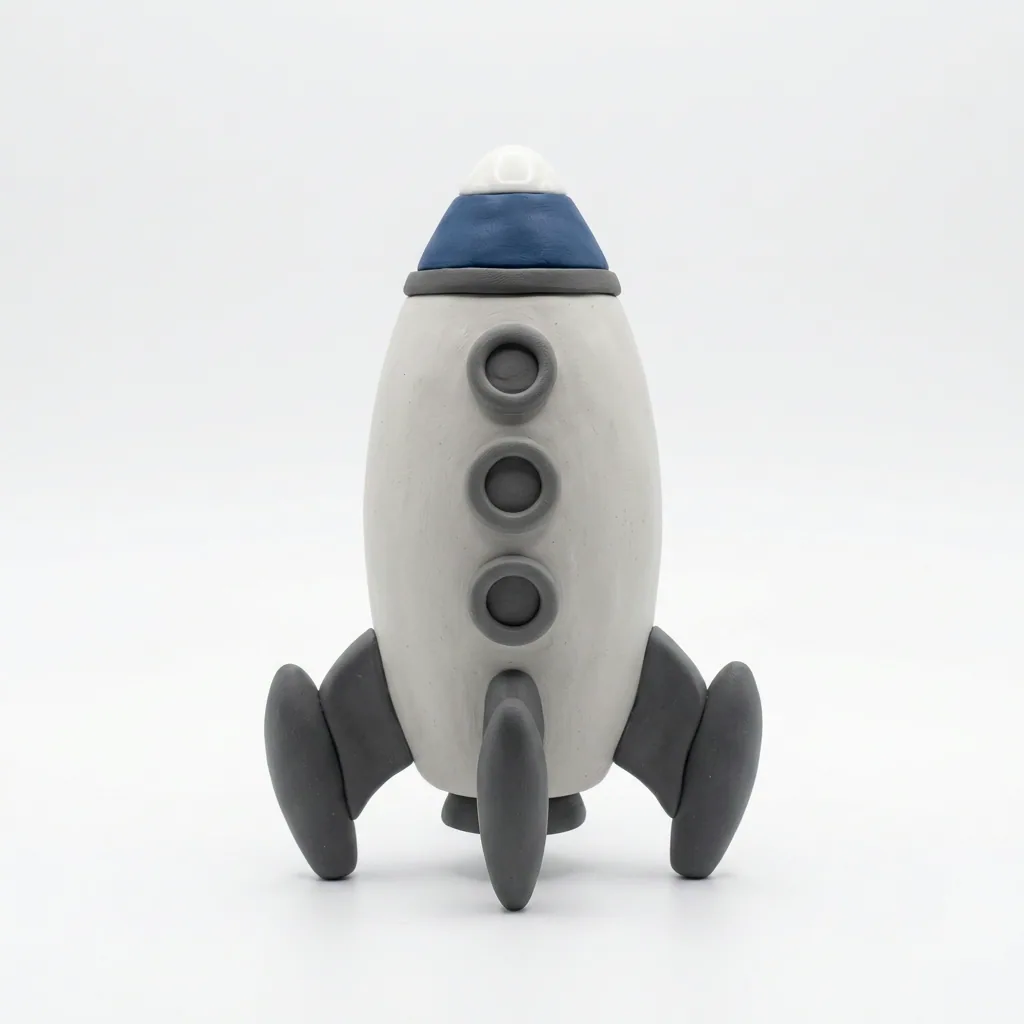
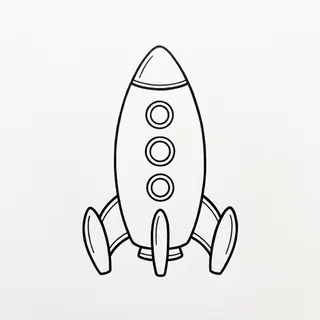
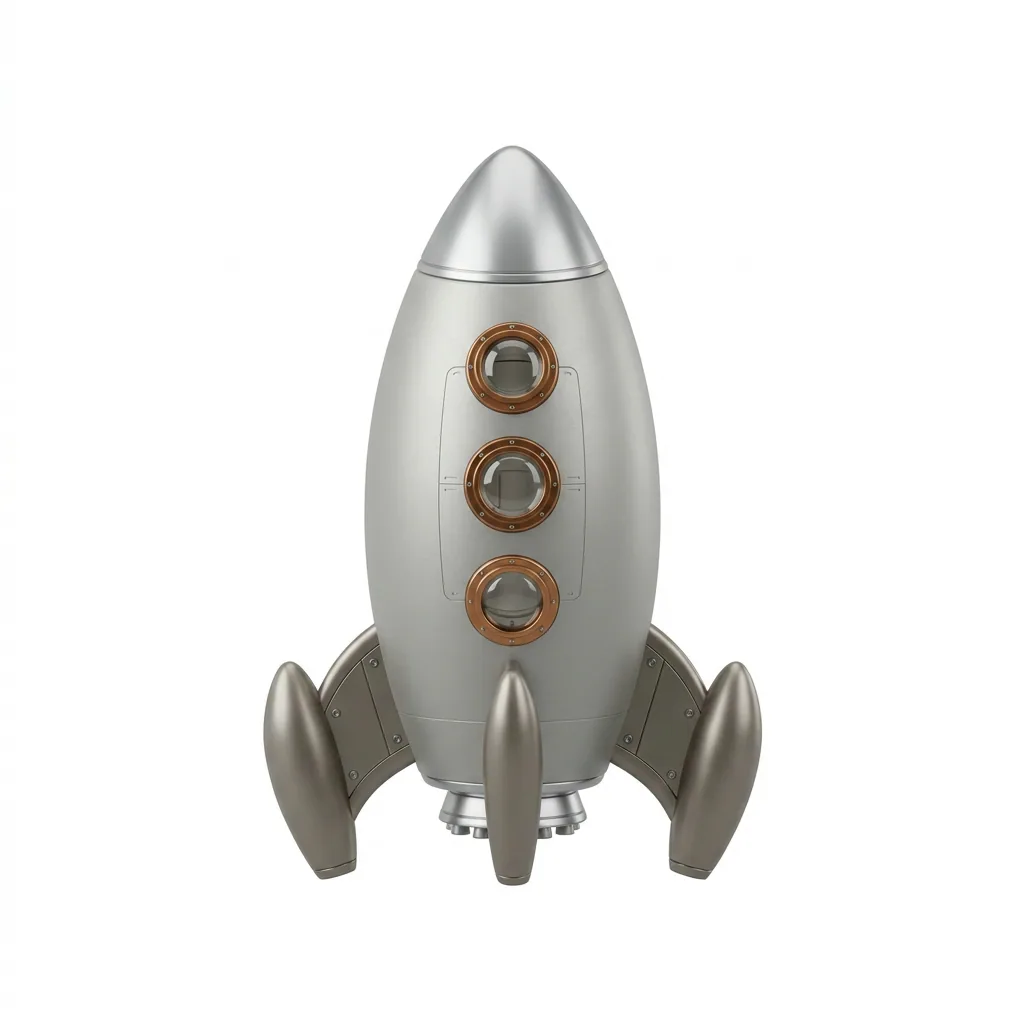
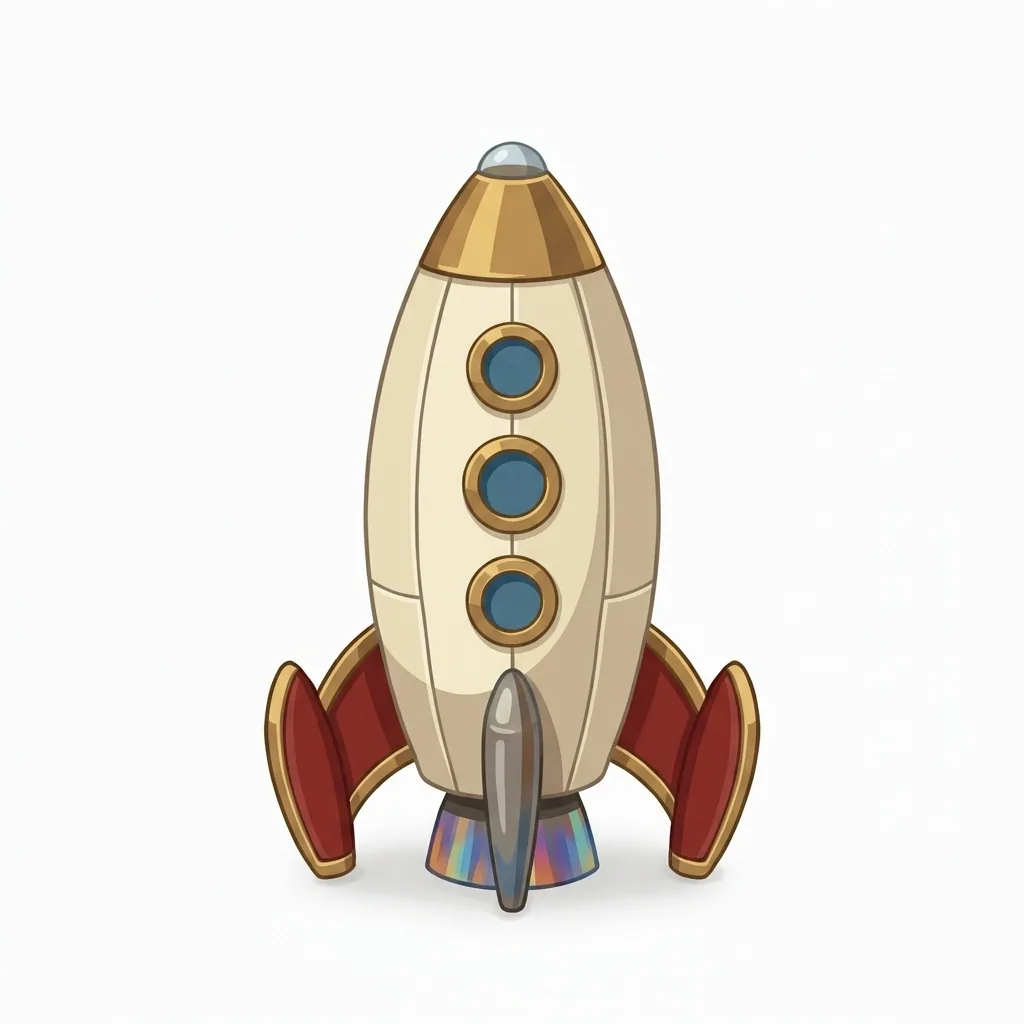
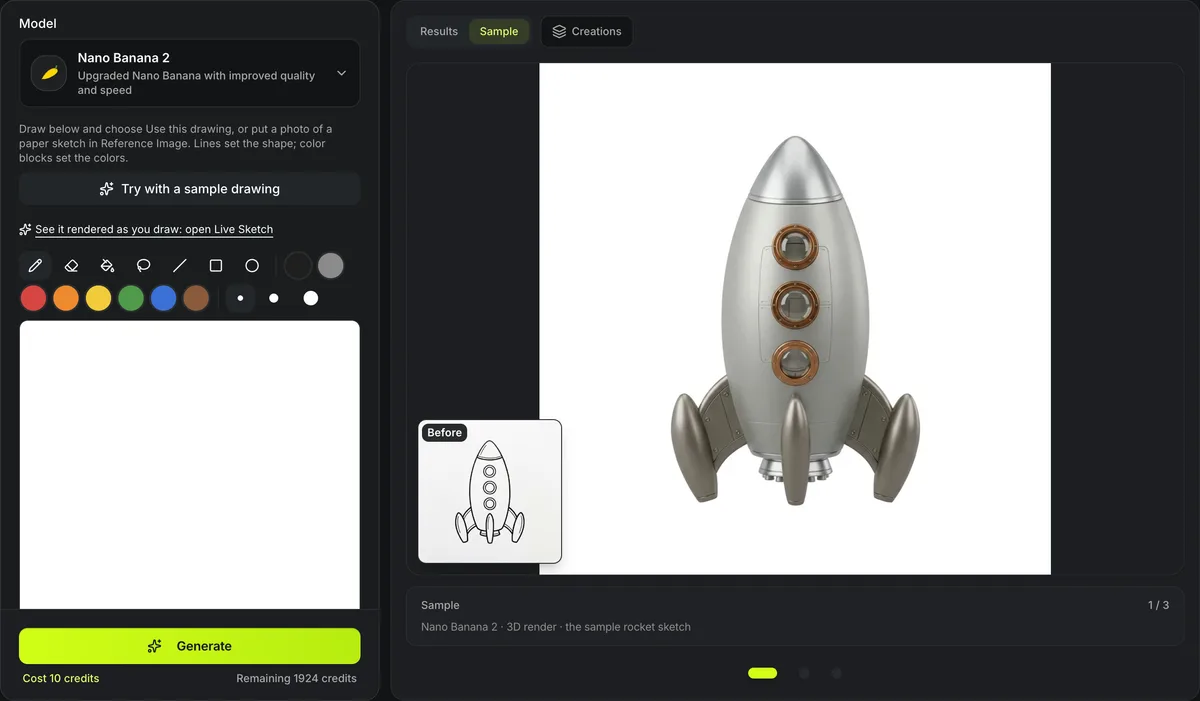
Nano Banana 2 · 3D render · the sample rocket sketch
Sketch to image AI
Draw a shape in your browser, or upload a paper sketch, and turn it into a finished picture. Sketch to image AI keeps your lines as the composition and your color blocks as the color layout, then renders it as a 3D render, a game asset, a clay figure, a low-poly model, a photo or concept art — one image edit, ready for Image to 3D.
One rocket sketch in three render looks
The rocket drawing the sample loads, run once per look with Nano Banana 2: 10 credits a render, nothing retouched. The small picture is the sketch that went in.
How sketch to image AI follows your drawing
The drawing decides where things are; the look decides how they are rendered.


Lines are the layout
Every shape stays where and how large you drew it; the model adds the detail, shading and materials a sketch leaves out. The sample rocket came back as brushed metal with its three portholes and its fins where the lines put them, for 10 credits in the 3D render look.


Colors are the plan
Blocks of color tell the model which part is which color. We drew this mug in the browser with three shapes and two fills: blue for the body, brown for the coffee. The render kept both and turned the rough oval into a proper handle.

Draw in the browser, or bring paper
The canvas takes a mouse, a tablet pen or a finger, with a pen, an eraser, a fill, a lasso and line, box and ellipse shapes in eight colors and three widths, plus undo and redo. It exports a square 1024 px drawing.
Or photograph a paper sketch and upload it instead; a plain white page reads best.
Sketch to image AI at a glance
Sketch to image AI in numbers
3D render, stylized game asset, clay figure and low poly for 3D; realistic photo and concept art for pictures.
Black and gray for line art, six colors for blocking in where each color goes, in three brush widths.
One render is one Nano Banana 2, GPT Images 2 or Seedream 5 Lite run at the default size; drawing is free.
The canvas exports a square 1024 × 1024 PNG, uploaded like any picture; a scanned sketch up to 10 MB works too.
The looks in sketch to image AI
Six ways to render one drawing, in two groups.
3D render
Solid volumes, realistic materials and studio light; the closest input to what Image to 3D rebuilds.
Game asset and low poly
Chunky hand-painted shapes, or flat-shaded facets with a small palette.
Clay figure
Rounded modelled forms in matte colored clay, like a hand-made miniature.
Photo and concept art
A realistic photograph of the real object, or a painted illustration.
From sketch to image in three steps
Draw it, choose a look, render it.
- 1
Sketch on the canvas and choose Use this drawing, or upload a photo of a paper sketch.
- 2
Choose one of six looks or upload a picture whose style you want.
- 3
Open What this sends to read the look's text, pick a model and run it; take the render on to Image to 3D.
Limits of sketch to image AI
The model interprets a drawing; it does not trace it.
Loose lines, loose results
A scribble with open outlines leaves the model guessing; closed outlines give it clear shapes to fill.
One subject at a time
A single object or character renders cleanly; a crowded scene may merge or drop parts.
Text is not kept
Letters in a drawing are removed or redrawn, not copied; add lettering afterwards.
Rendering is paid
Drawing costs nothing; each render, and each retry, is a paid image edit priced on the button.
After sketch to image AI
Two ways from a drawing to a 3D model.
Questions about sketch to image AI
Answers about drawing, looks and using the render.
Turn your sketch into an image now
Draw on the canvas or upload a sketch, pick a look, and take the render to 3D.