
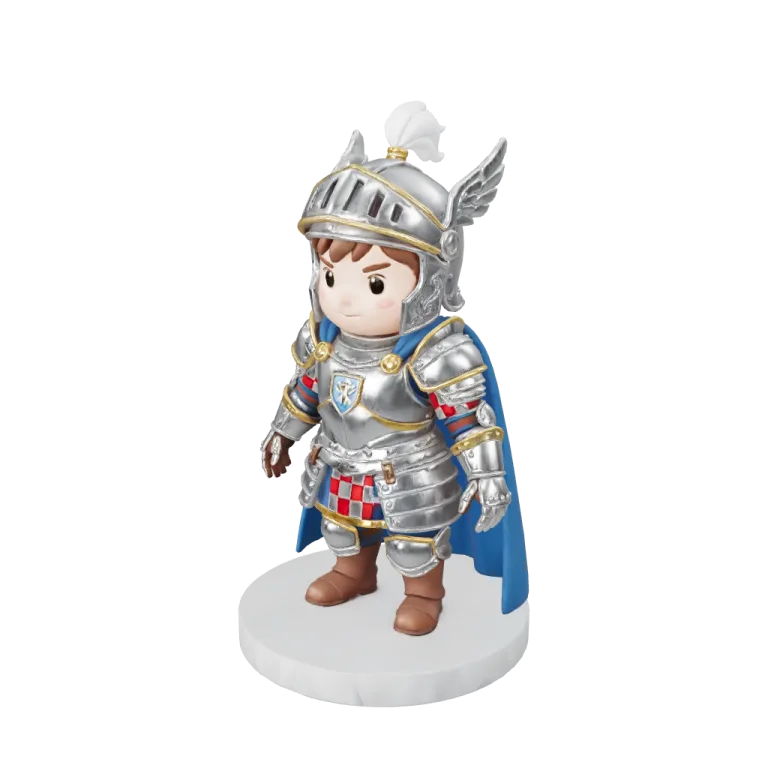

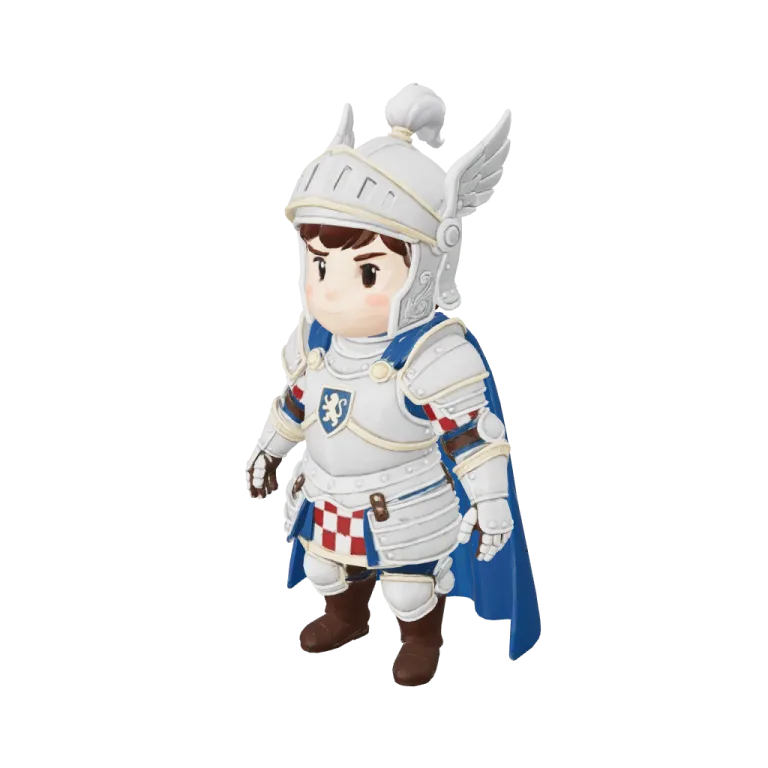
Sample1 / 3
Hunyuan3D 3.1 Pro · multi-view to 3D · front and back views of a chibi knight · 184 s
Multi-view to 3D model generator
Upload several views of the same object — front, back, left, right and more — so the model sees the sides a single photo hides. Multi-view to 3D runs on Tripo H3.1, Hunyuan3D 3.1 Pro, Rodin Gen-2.5, Meshy 7.1 and Hitem3D 3.0.
The same knight from one view and from multi-view to 3D
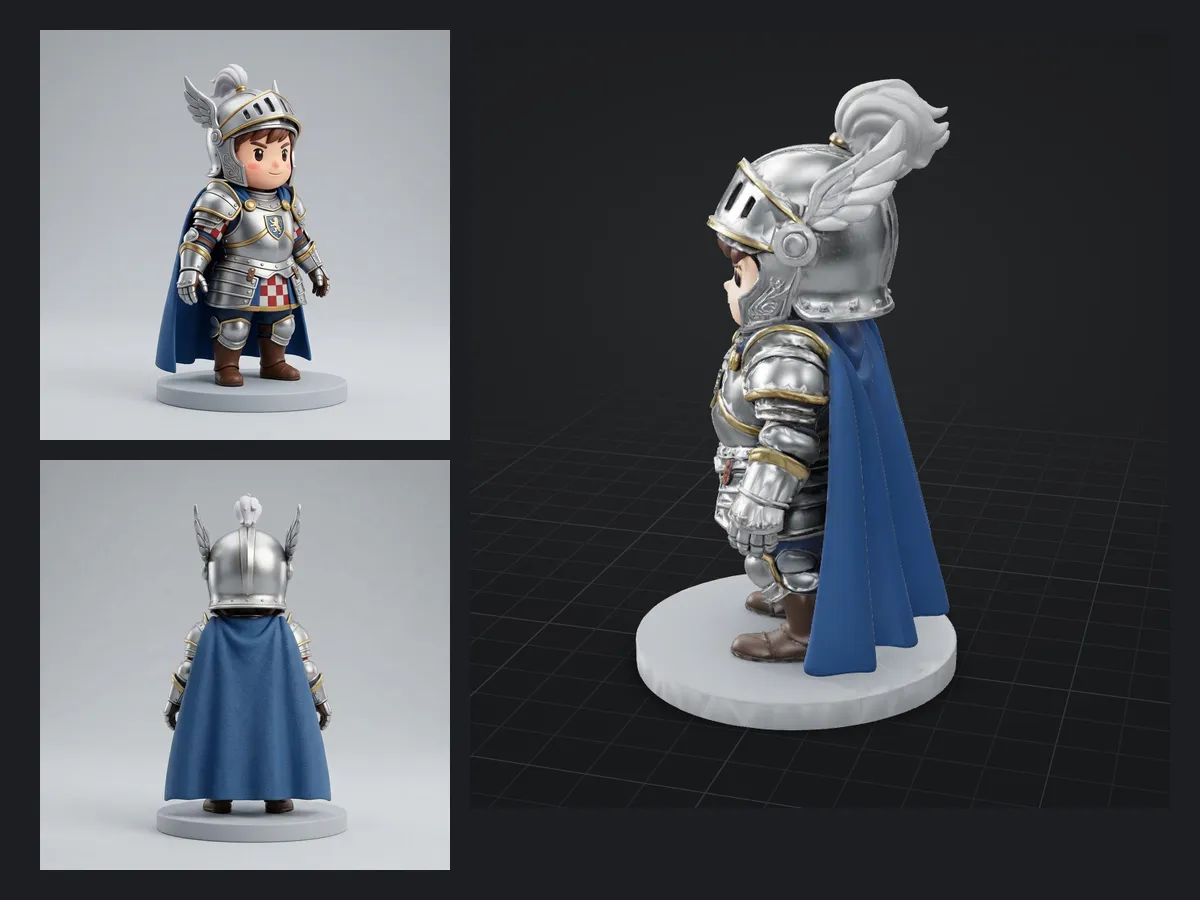
All four cards start from the same chibi knight. The first used only the front photo; the other three also got the back photo shown in their corner. Open a card and turn it around to compare the cape and the back of the helmet.
Front view only
Tripo H3.1A single-image run for reference, 38 credits at the defaults. Everything behind the knight is inferred rather than seen.
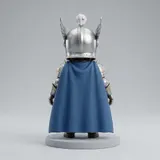
Front and back
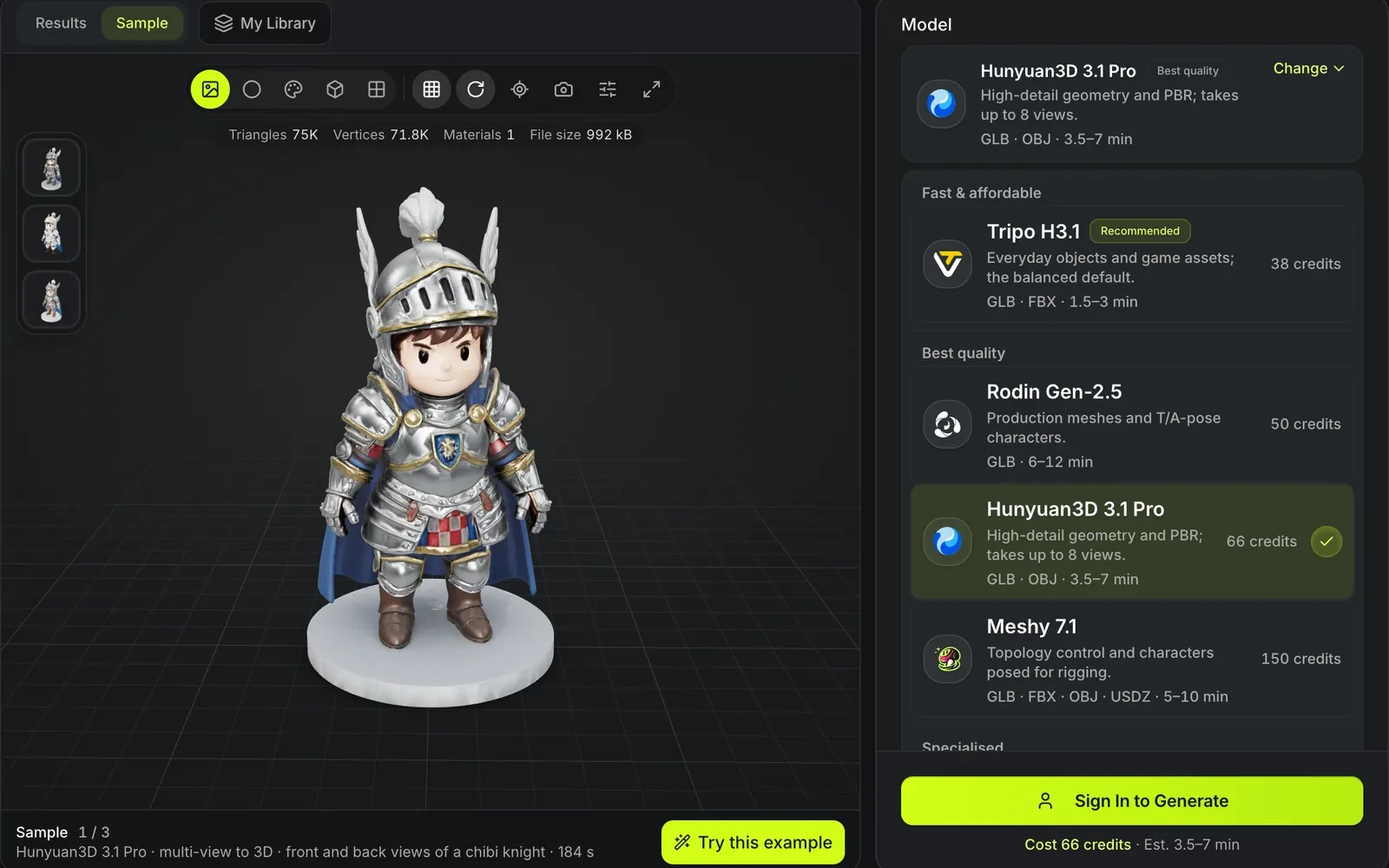
Hunyuan3D 3.1 Pro66 credits at the multi-view base price; this run came back after 184 seconds as GLB and OBJ.
Front and back
Meshy 7.1150 credits at the defaults; this run came back after 378 seconds, and Meshy also offers FBX, OBJ and USDZ.
Front and back
Rodin Gen-2.550 credits at the defaults, with PBR materials; this run came back after 131 seconds, the fastest of the three.
Why multi-view generation gives better backs
A second and third photo replace guesswork with evidence for the sides the front view cannot show.
Named slots, not a pile of photos
Each upload goes into a labelled slot — front, left, back, right — so the model knows which side it is looking at.
Characters stay consistent
Turnaround sheets from a character artist map directly onto the view slots. Only have one picture? The character sheet generator draws the other three views.
Priced per job, not per view
Tripo H3.1 multi-view costs 38 credits with a standard texture, the same as a single image. Hunyuan3D 3.1 Pro multi-view costs 66 before PBR.
Same outputs as image to 3D
The formats and face-count settings match each model on the image page.
Multi-view to 3D at a glance
How many views multi-view to 3D accepts per model
Hunyuan3D 3.1 Pro takes front, back, left, right, top, bottom, left-front and right-front.
Rodin Gen-2.5 takes front, back, left, right and top.
Tripo H3.1, Meshy 7.1 and Hitem3D 3.0 take front, back, left and right.
Every model needs the front plus at least one more view; Tripo H3.1 reads them in order, so add the left view second.
Watch a multi-view to 3D example fill the view slots
A signed-out visit to the multi-view to 3D page, played at about 2.5× speed. The view slots were filled but never submitted, so no credits were spent.

Two photos, two labelled slots
Try this example switches the model to Hunyuan3D 3.1 Pro and places the knight's front photo in the front slot and the back photo in the back slot. The Rodin thumbnail then loads that model's result from the same two views.
Run multi-view to 3D in four steps
Shoot the object without moving it, under the same light, then let the form tell you which sides each model can use.
- 1
The model list shows each price before you choose: Tripo H3.1 at 38 credits, Rodin Gen-2.5 at 50, Hunyuan3D 3.1 Pro at 66 and Meshy 7.1 at 150. Hunyuan3D 3.1 Pro takes the most views, up to 8.
- 2
The front view is required, and the back is the most useful second view on the model the page opens with; Tripo H3.1 needs the left view second. Turn the camera or a turntable, not the pose: a figure that moves between shots gives the model two different objects.
- 3
Hunyuan3D 3.1 Pro adds optional top, bottom and 45° front-left and front-right slots. Keep every view the same size in frame; the cost stays at 66 credits however many you fill.
- 4
Drag the model in the viewer and compare its back with your back photo. If the back still looks invented, check that the photo in that slot really shows the back.
Who uses multi-view generation
Anyone who already has, or can shoot, more than one angle.
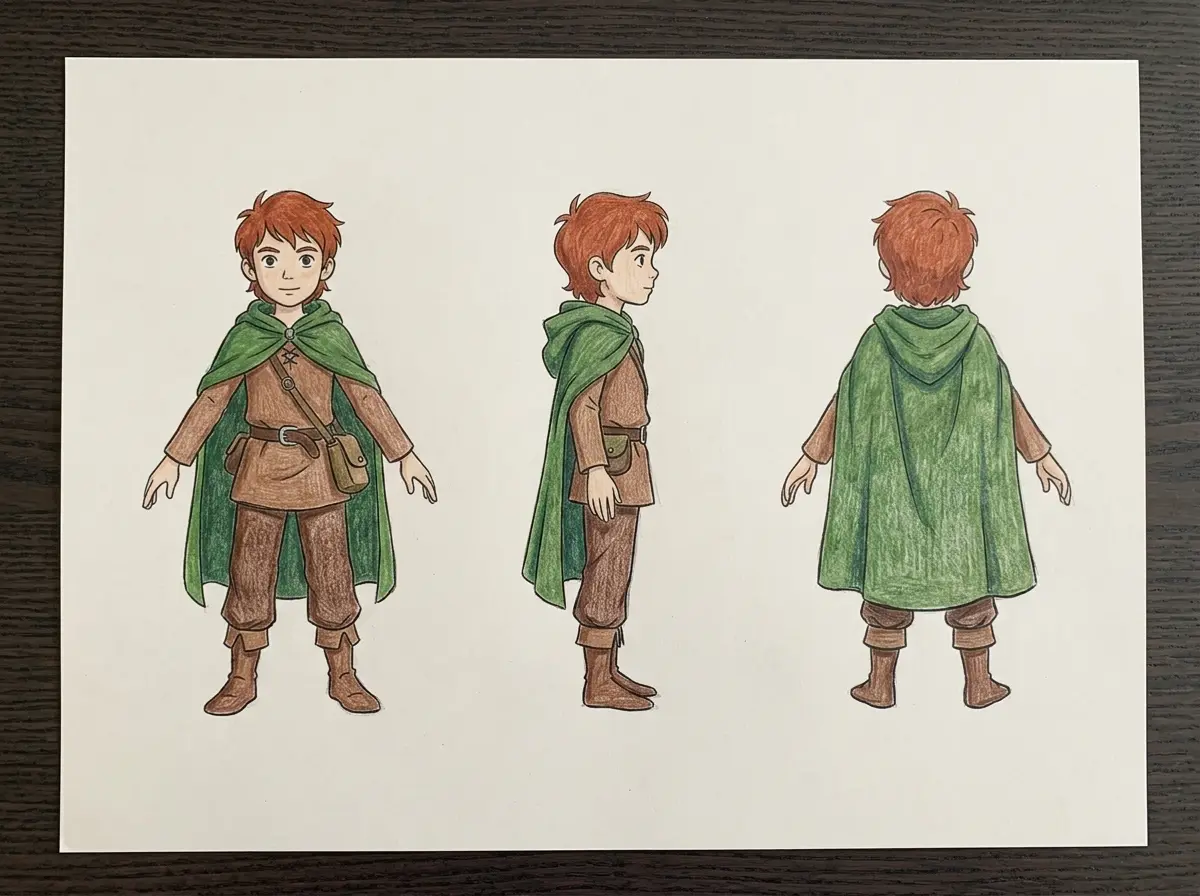
Character turnarounds
Front, side and back sheets from a game or animation pitch become one textured model.
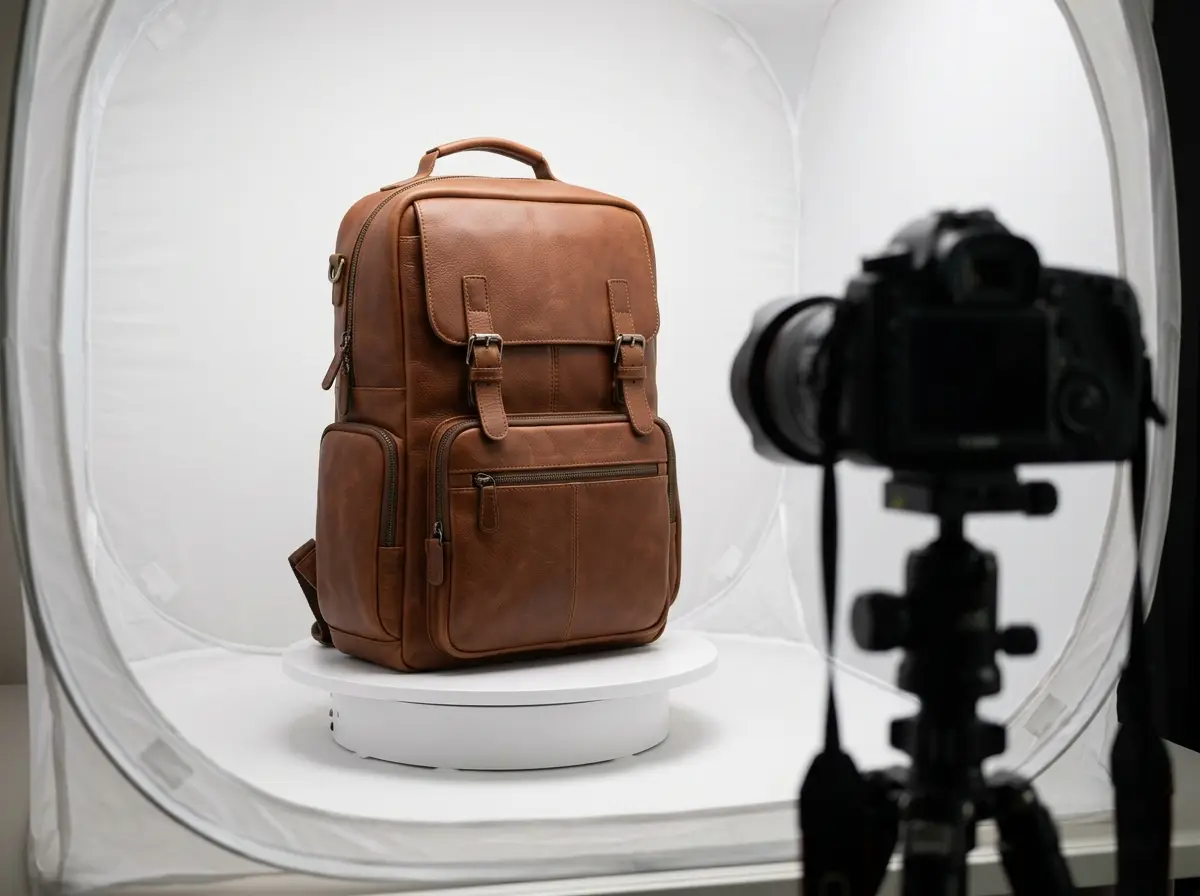
Products on a turntable
Four photos from a turntable give a product model with a believable back and label side.
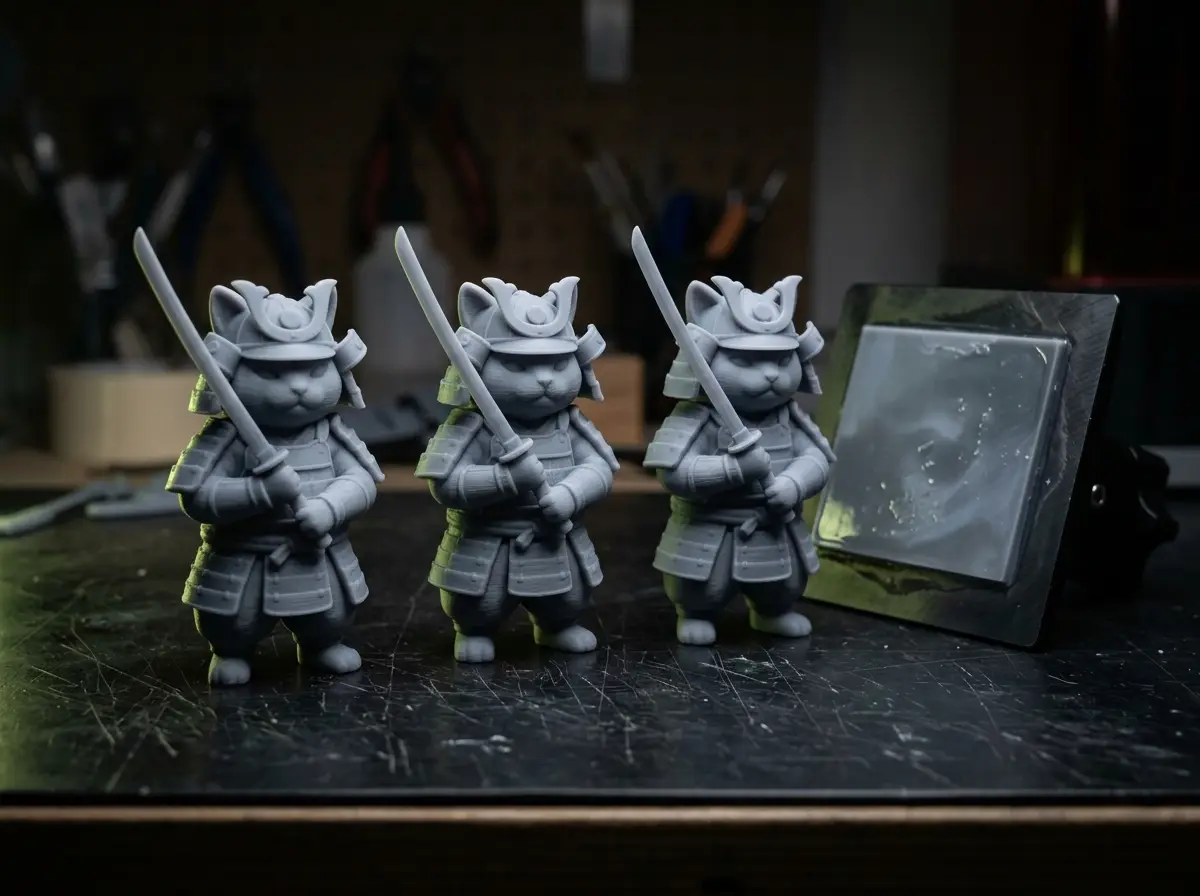
Collectibles for printing
Hitem3D 3.0 multi-view keeps figurine detail for STL export.
Multi-view generation limits
More views help only when they agree with each other.
Views must match
Different poses, lighting or zoom between photos can produce doubled or smeared features.
Only some models support it
TRELLIS.2, Tripo P1 and P2, Hunyuan3D 3.1 Rapid and Seed3D 2.0 accept a single image only.
It is still a reconstruction
Views reduce guessing but do not make measurements; dimensions are not exact.
Multi-view generation FAQ
Answers about generating from several photos.
Give the model every side
Upload a front view and whatever other angles you have, then pick one of five models.