
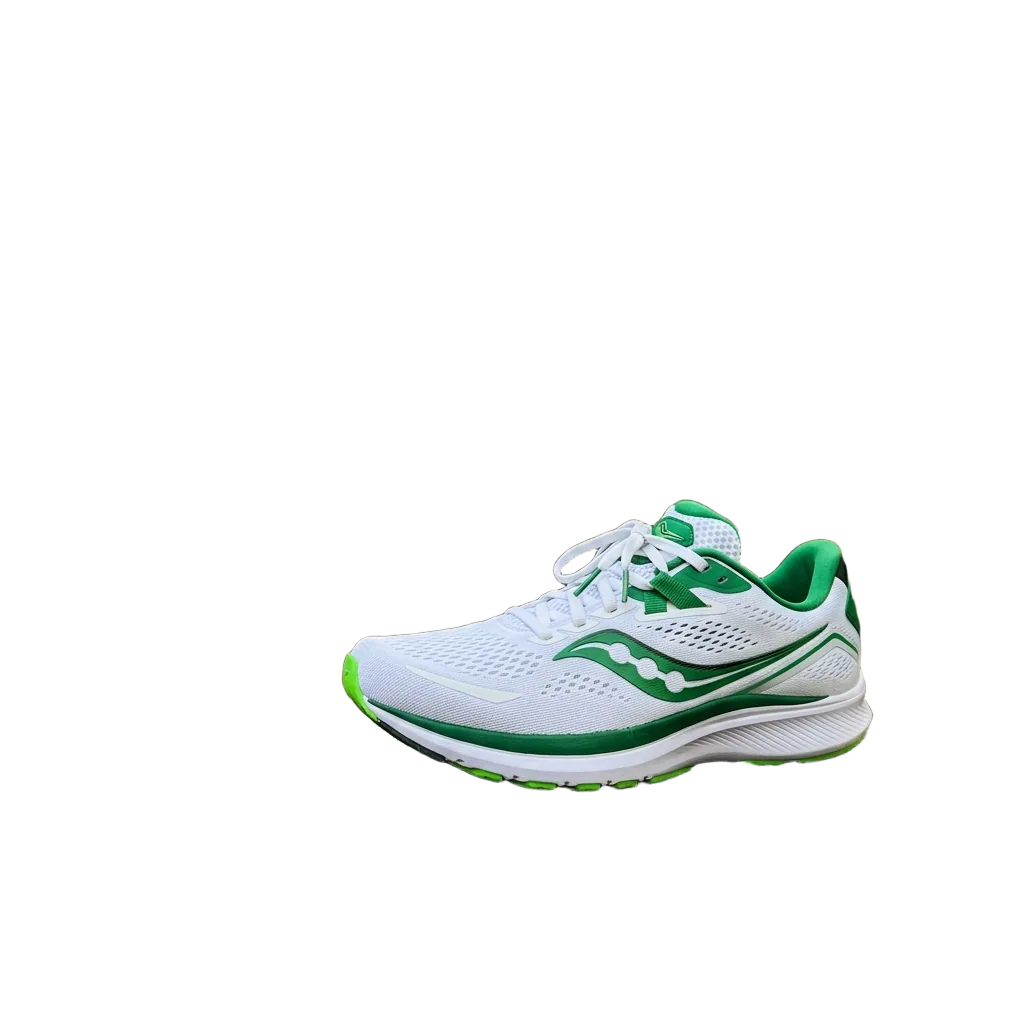
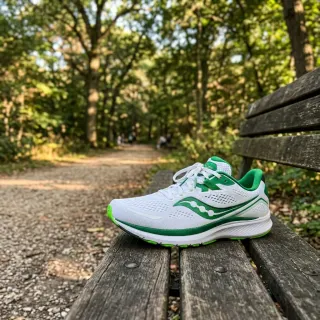
Recraft Remove Background · a sneaker on a park bench, cut out before modeling
Background remover for 3D
Background remover for 3D: cut the subject out of a photo before image to 3D. One run costs 5 credits, and Turn into 3D on the result carries the cut-out over.
Two photos through the background remover
Drag the handle across a picture to compare the photo that went in with the cut-out that came back; the checkerboard is the transparent background. Both photos were made for this page with Nano Banana 2 and run through the background remover once each at 5 credits a run, with nothing retouched.
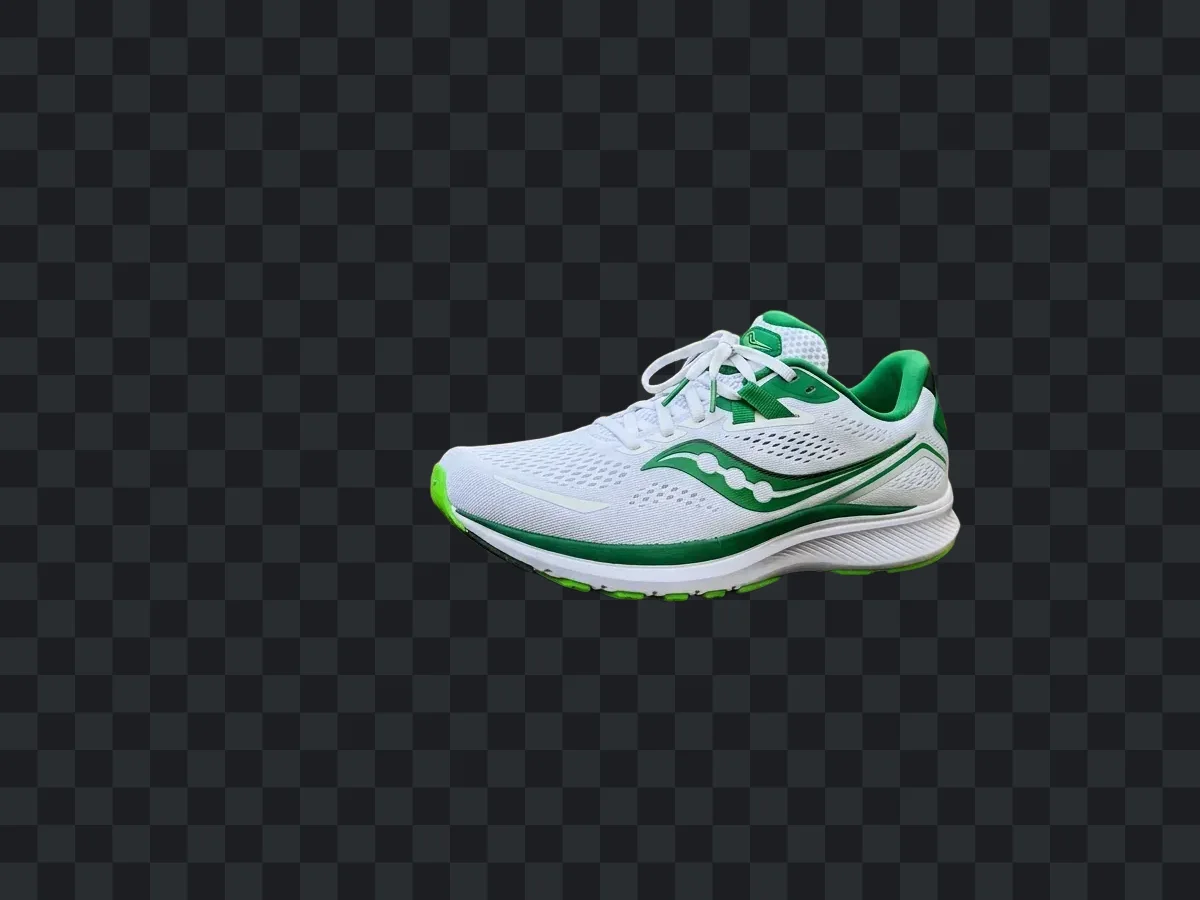
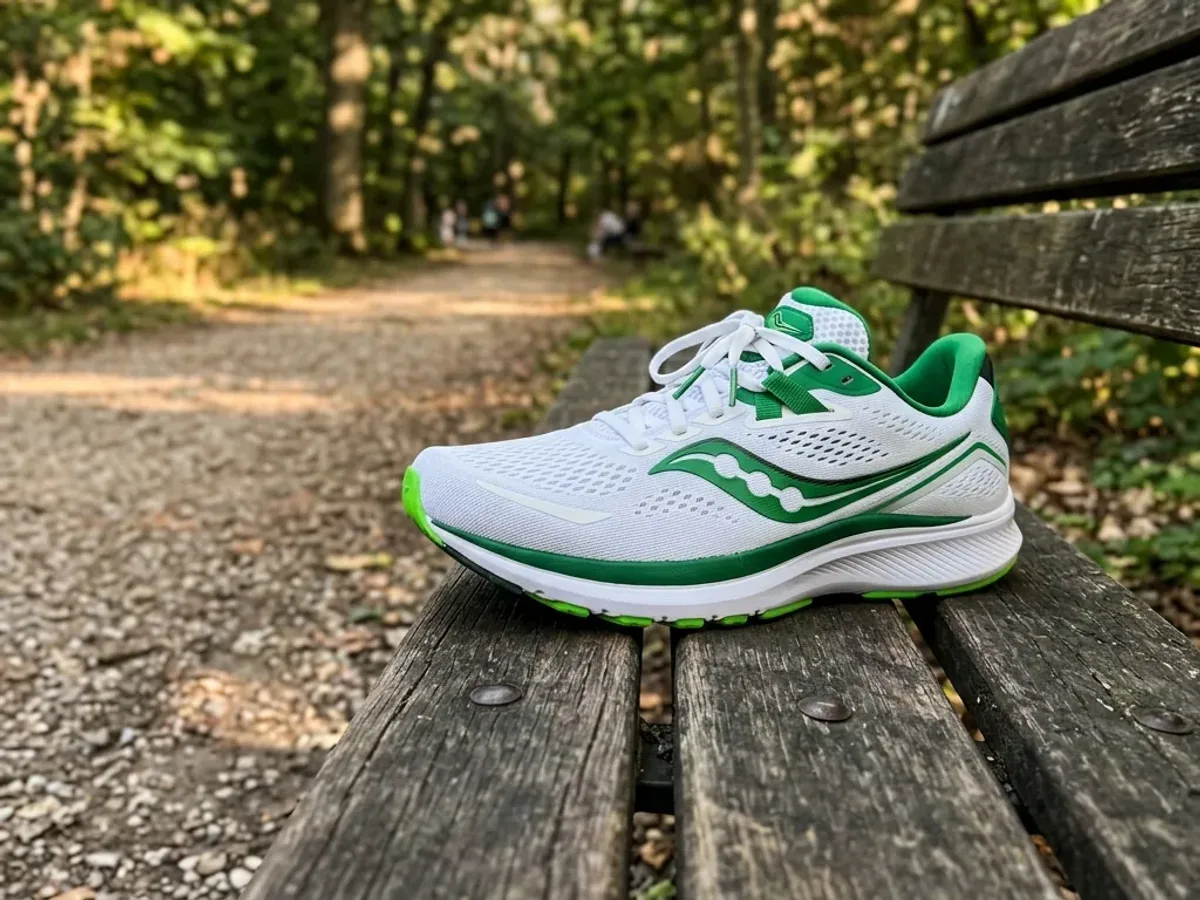
A sneaker on a park bench
The bench, the gravel path and the trees are gone; the laces and the edge of the sole stay sharp. The cut-out is ready to become a 3D model.


Why the background remover for 3D comes first
A 5-credit cut-out settles what the subject is before you pay for the 3D run.


The cut-out settles what gets built
We built this sneaker twice with Tripo H3.1 at 38 credits a run, once from the park bench photo and once from its cut-out, and rendered both from the same camera. Tripo picked out the shoe by itself here, so the two models match.
With a cut-out, no model has to guess: Meshy's image to 3D guide recommends removing a complex background first, and Hunyuan3D's own app removes it by default.


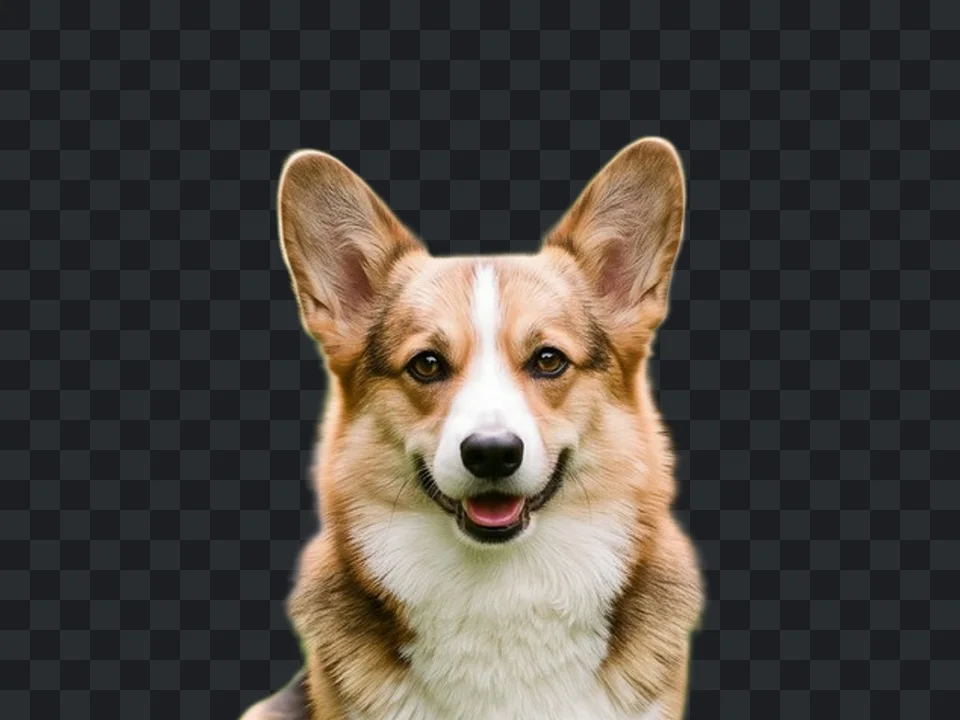
Fur and ears against a busy garden
One 5-credit run took this corgi off the lawn and out of the flower beds. The ears and the fur along the chest keep their shape.
Look closely and the brightest edges carry a thin light rim from the garden behind: the softening described under the limits below.

Listed under Prepare image in image to 3D
Load a photo in image to 3D and Remove background is the first link under Prepare image, beside Fix the lighting and Upscale. It opens this tool with your photo already loaded.
Run it, then press Turn into 3D on the result to go back with the cut-out.
Background remover at a glance
The background remover in numbers
Per image, whatever its size.
Largest upload, as JPG, PNG or WebP.
Longest side the Recraft model accepts, and 16 megapixels in all; the shortest side must be at least 256 px.
To send the cut-out to image to 3D; the 3D model is billed there, when you run it.
Who cuts out a photo before 3D
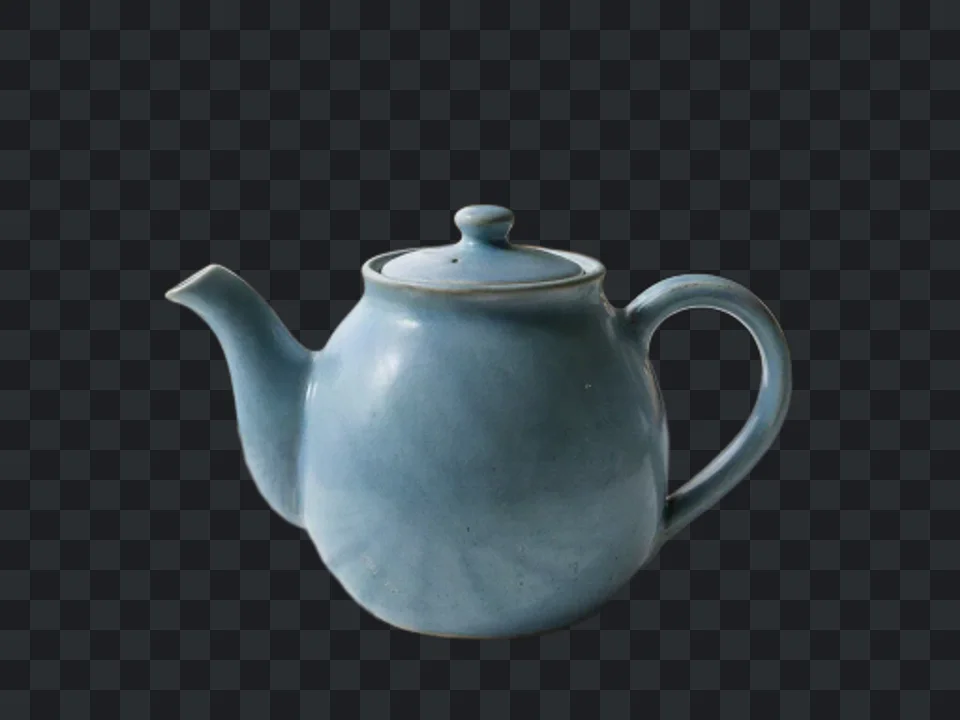
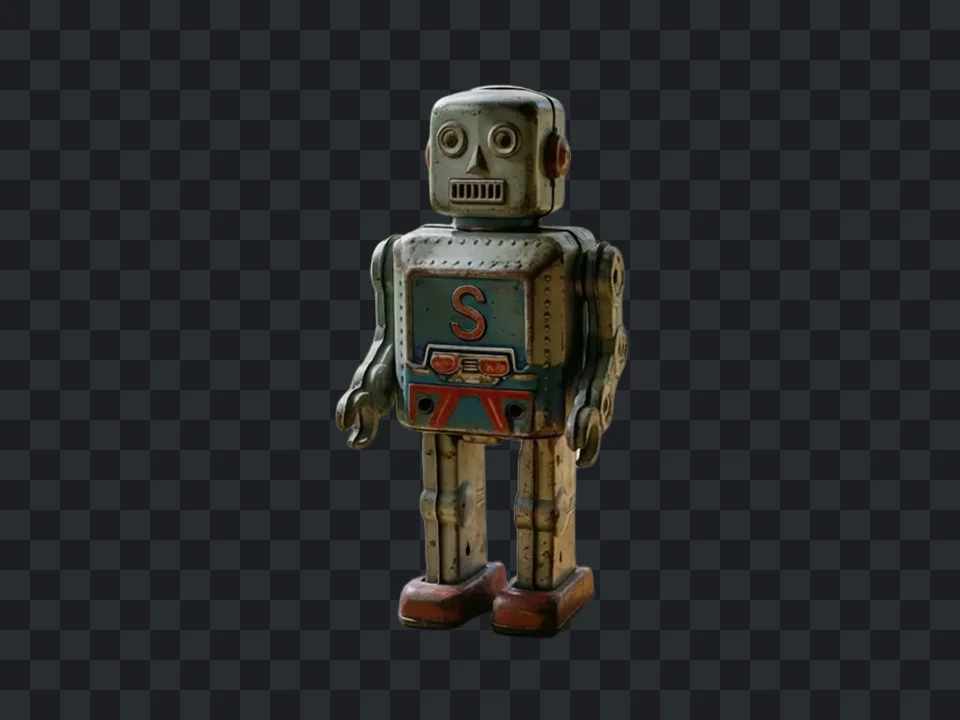
Three photos with a busy background, each cut out in one 5-credit run and shown as it came back.
Online sellers
A product off the kitchen table
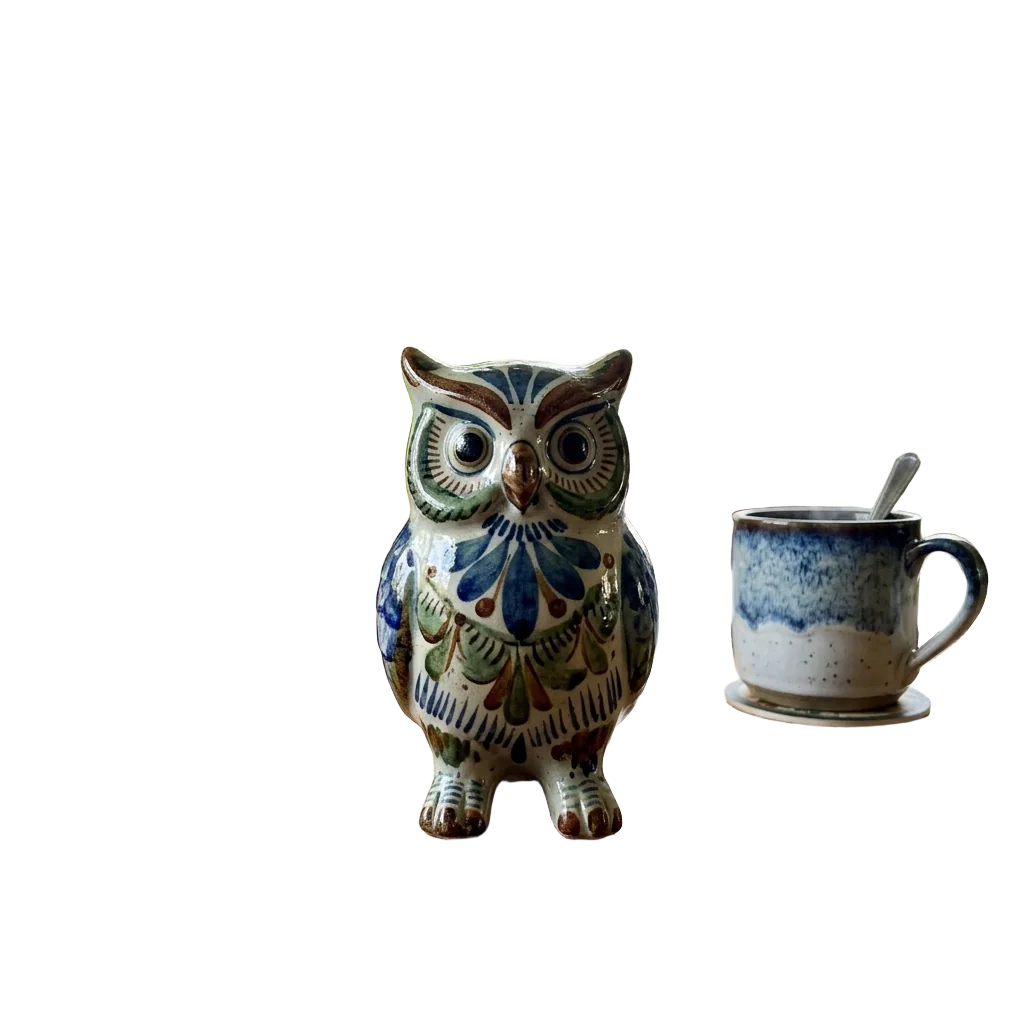
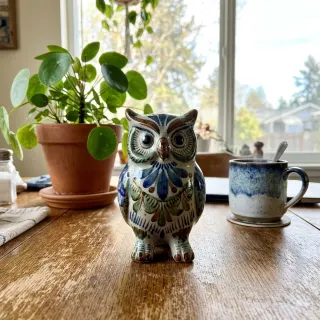
A teapot shot on a kitchen table, cut out from the window and the plant behind it, ready to build as a 3D product model.
Collectors
A toy off the windowsill
A tin robot photographed on a wooden sill, cut out from the window frame and the garden so the 3D model holds the toy alone.
Pet owners
A pet out of the garden
A dog photo from the garden, cut out to the dog alone before it becomes a 3D model you can download, retexture or print.
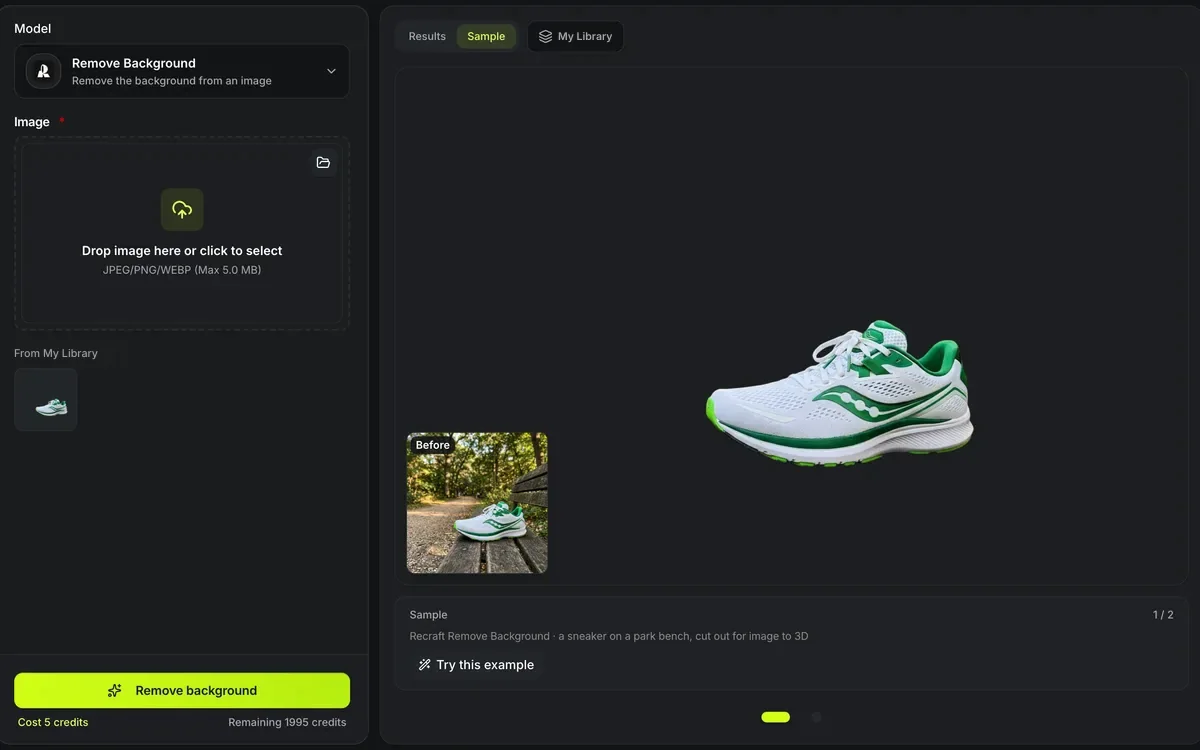
Remove a background in three steps
The cut-out and the 3D model are two runs, each priced before it starts.
- 1
JPG, PNG or WebP up to 5 MB, with the whole subject in frame. You can also send a finished picture here from the AI image maker.
- 2
One run costs 5 credits and returns the subject on its own.
- 3
Press Turn into 3D on the result; image to 3D opens with the cut-out loaded and the 3D model is billed there.
Limits of the background remover
What a cut-out cannot fix.
Fine edges can soften
Hair, fur and thin wires may lose detail at the edge of the cut-out.
It keeps everything it calls the subject
A person holding a cup keeps the cup; crop the photo first if you only want one of them.
Hidden sides stay hidden
Removing the background does not add views; the back of the object is still inferred from one picture.
Next: build the model from the cut-out
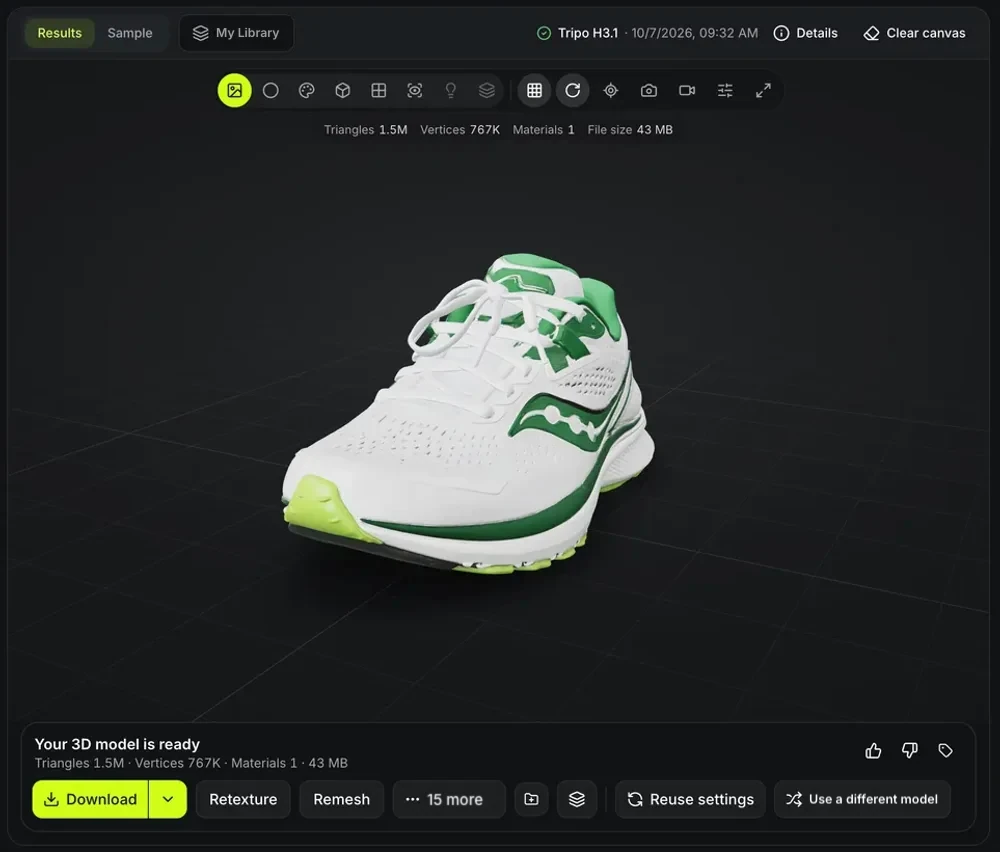
The sneaker cut-out above, sent to image to 3D and run once with Tripo H3.1 for 38 credits: 1.5 million triangles and a 43 MB GLB, ready to download, retexture or remesh.
Questions about the background remover
Price, limits and the hand-off to 3D.
Cut out the subject, then build it
Remove the background, then turn the cut-out into a 3D model.