
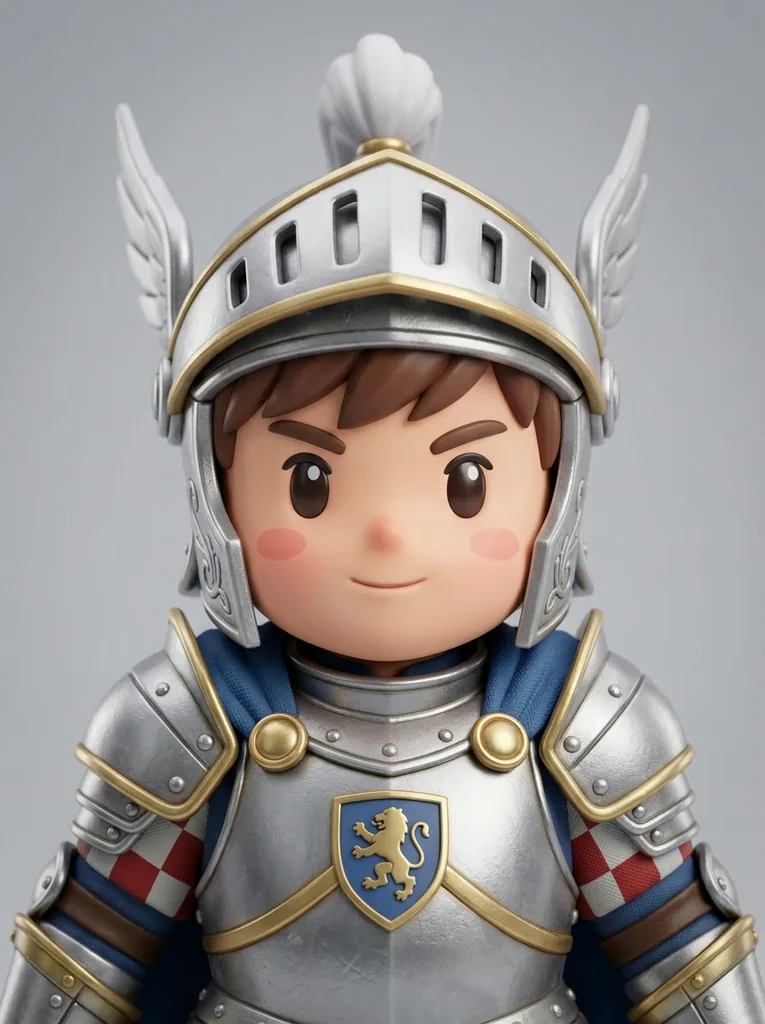
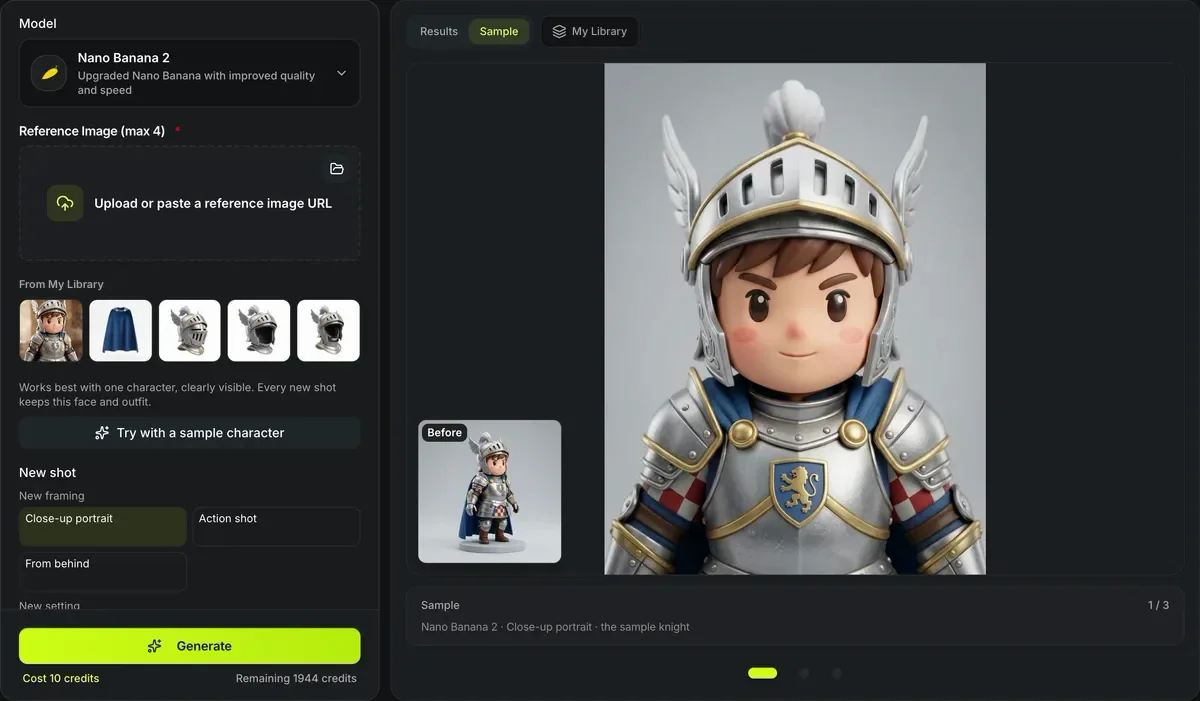
Nano Banana 2 · Close-up portrait · the sample knight
Consistent character generator
Keep one character and change everything else. The consistent character generator takes a picture of your character and redraws the same face, outfit and style in a new shot — a close-up, an action pose, a view from behind, a forest, a city street, a castle hall, or any scene you describe — with one image edit per shot.
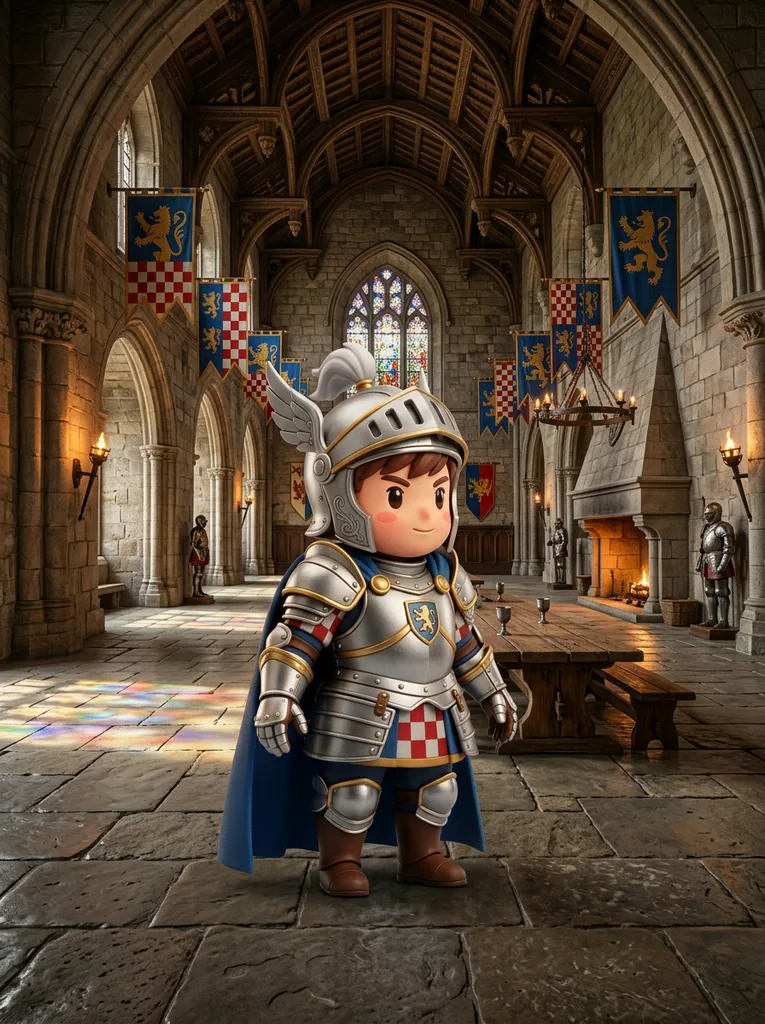
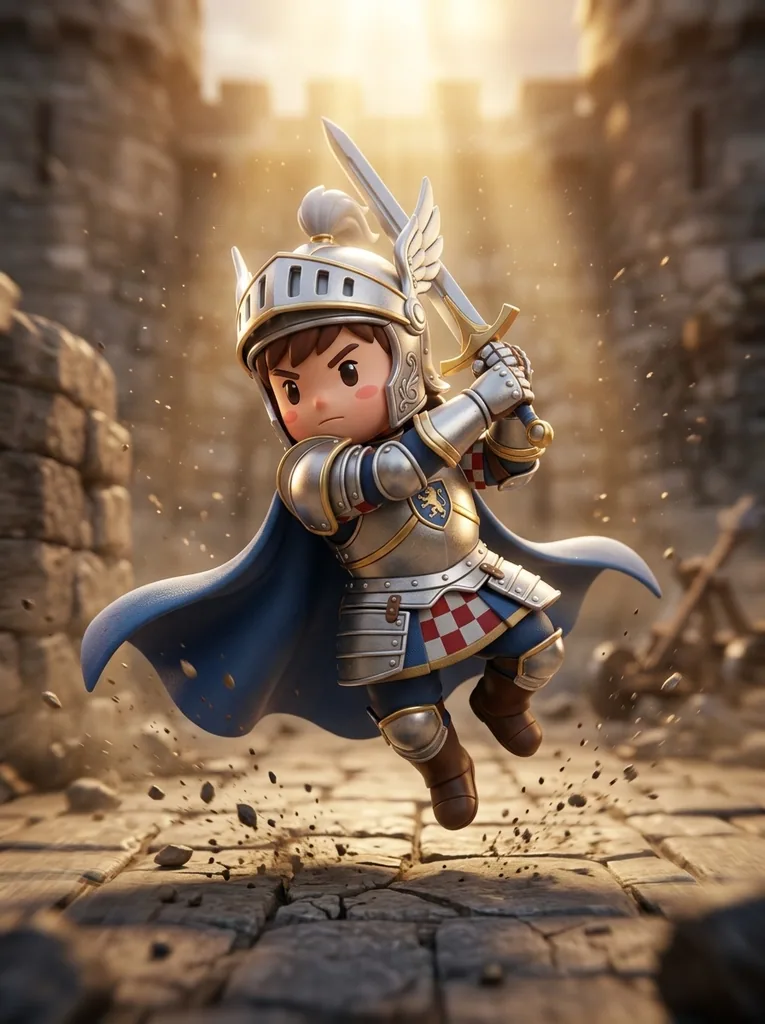
One knight in three new shots
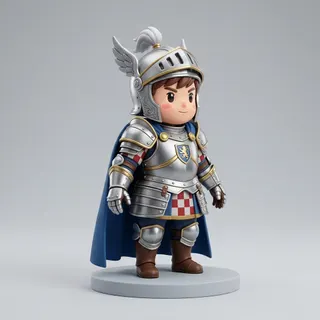
The knight that Try with a sample character loads, run once per preset shot with Nano Banana 2: 10 credits a shot, nothing retouched. The small picture is the only reference the model was given.
How the consistent character generator keeps a character
The prompt says what must stay and what may change.

Identity stays, only the shot changes
Open What this sends and the form shows the prompt word for word: face, hairstyle, body shape, proportions, outfit, colors, accessories and art style are named as fixed, and only the framing, pose, setting and lighting may move. Pick a framing or a setting, read it, choose the model and run it, all in one form.

Any scene in your own words
We typed reading a map by a campfire at night and ran the sample knight once for 10 credits. The armor, the crest, the cape and the face came through. The model also took his helmet off and set it on the bench, so the hair you see is its own invention: the picture never showed it.
Scenes are cleaned and capped at 120 characters.
Character shots at a glance
The consistent character generator in numbers
Three framings (close-up, action, from behind) and four settings (forest, city street, castle hall, photo studio).
Describe any other scene in your own words, such as reading a map by a campfire at night.
Each shot is one Nano Banana 2, GPT Images 2 or Seedream 5 Lite edit at the default size; Nano Banana Pro is 12.
One clear picture is enough; it is the reference every new shot is checked against.
Shots in the consistent character generator
Framings for character art, settings for stories and storyboards.
Close-up portrait
Head and shoulders, looking at the viewer, for avatars and profile art.
Action and back view
A dynamic mid-movement pose from a low angle, or a look over the shoulder.
Four settings
A sunlit forest, a city street at dusk, a stone castle hall or a photo studio, full body.
Anything else
A campfire, a spaceship bridge, a rainy window: one short description per shot.
A new shot of your character in three steps
Everything happens in one form.
- 1
Put one clear picture of the character in Reference Image, or try the sample.
- 2
Choose a new framing or setting, or describe a scene of your own; anything typed goes in as extra instructions.
- 3
Pick a model and run it; repeat with another shot for a full set.
Limits of the consistent character generator
Each shot is a new drawing of the character.
Small details drift
Patterns, logos and small accessories can change between shots; Nano Banana Pro holds them best.
One character
The picture should show one character; with several, the model may mix them.
Hidden sides are guessed
A view from behind shows what the character's back probably looks like, not what it is.
Charged per shot
Every shot, and every retry, is a paid image edit priced on the button.
After the shots are made
From one character picture to a model.
Four views for 3D
The character sheet generator draws front, left, back and right views for multi-view 3D.
Change only the pose
The AI pose changer keeps the character and the framing and moves the body.
Build the model
Image to 3D turns a full-body shot on a plain background into a 3D model, for credits.
Questions about the consistent character generator
Answers about shots, consistency and cost.
Put your character in a new shot
Add a character, pick a shot, and keep the same face and outfit.