
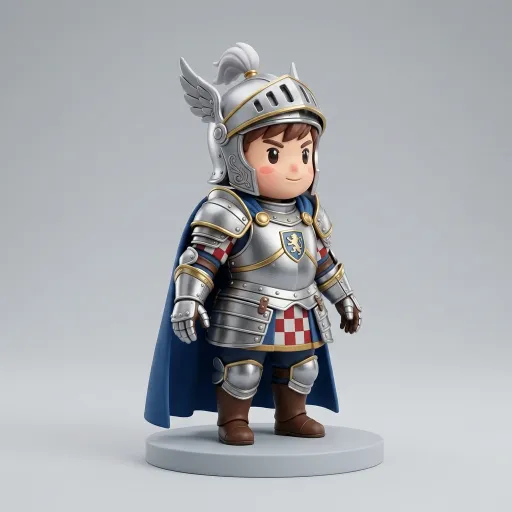
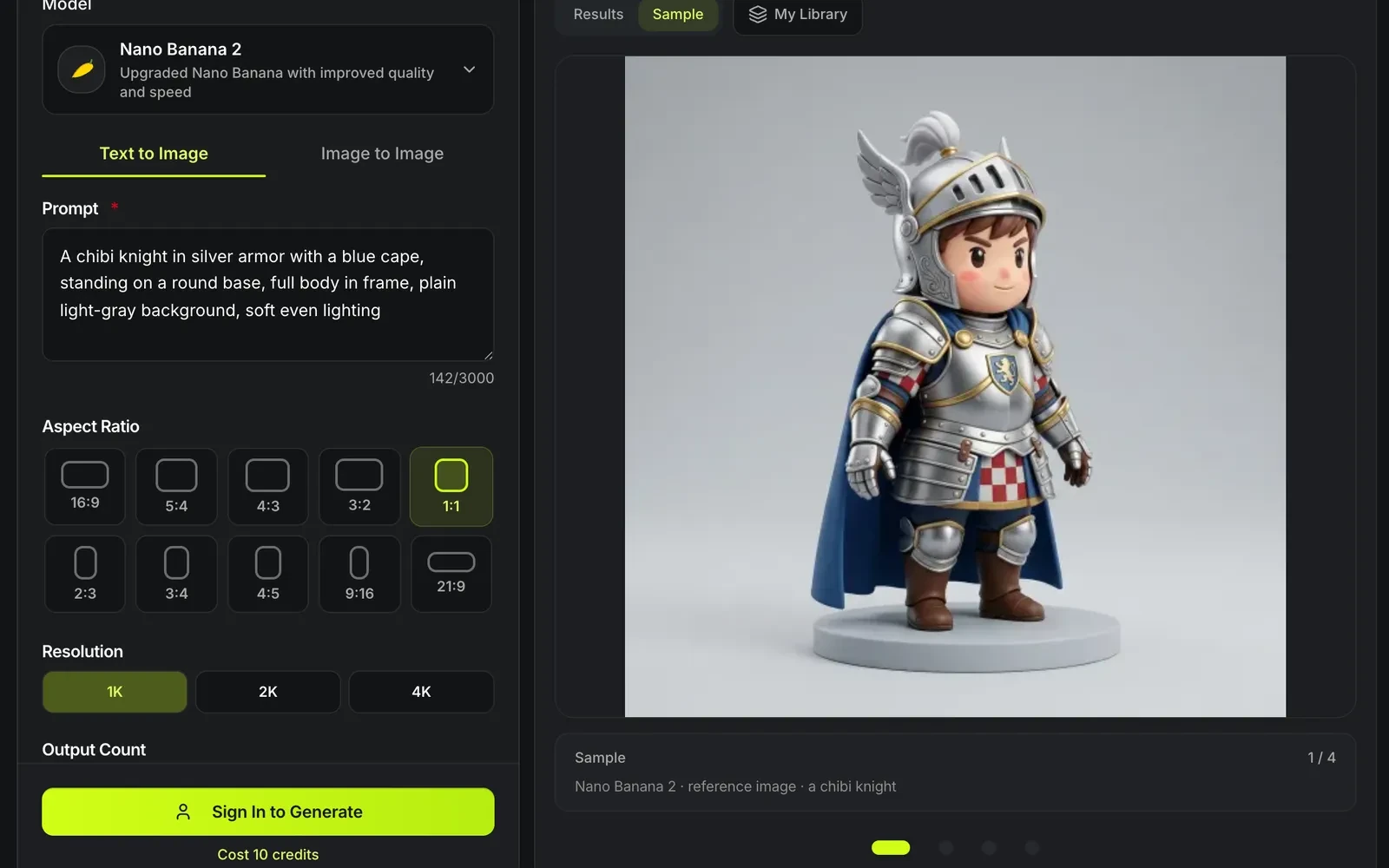
Nano Banana 2 · reference image · a chibi knight
AI image for 3D
Most image to 3D problems start with the image. Generate a clean, single-subject reference image from a prompt first — with Nano Banana 2 or Seedream 5 Lite — then send it to image to 3D.
What makes a good AI image for 3D
An image to 3D model reads the silhouette, the lighting and the background. A reference built for it avoids the usual failures.

One subject, whole in frame
Nothing cropped at the edges and nothing else in the picture.

Plain background
A flat light-gray or white background keeps the outline clean.

Even, soft light
Strong shadows can bake into the texture, as Meshy's image to 3D guide warns; soft light keeps the colors true.

A three-quarter view
An angle that shows the front and one side gives the model more to work from than a flat front view.
Reference images that went on to image to 3D
Each input in the corner was generated with Nano Banana 2, then turned into the model on the poster. Open a card to orbit the result.
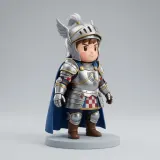
Chibi knight
Tripo H3.1Full figure, plain gray backdrop; rebuilt with Tripo H3.1.
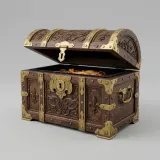
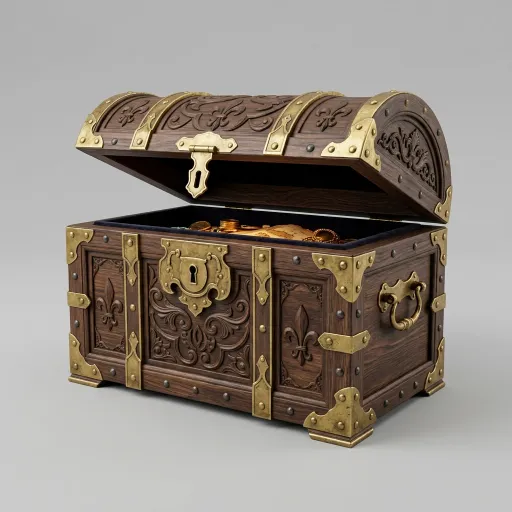
Treasure chest
Hunyuan3D 3.1 RapidThree-quarter view of a single prop; rebuilt with Hunyuan3D 3.1 Rapid.
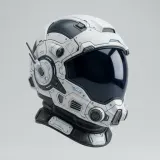
Sci-fi helmet
Rodin Gen-2.5Soft even light keeps the visor readable; rebuilt with Rodin Gen-2.5.
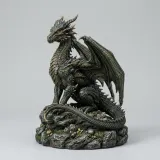
Dragon figurine
Hitem3D 3.0One subject on its own base; rebuilt with Hitem3D 3.0.
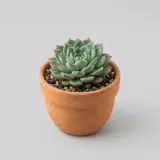
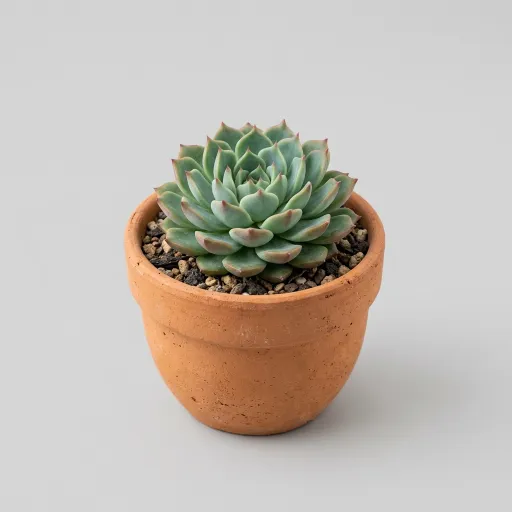
Succulent pot
TRELLIS.2Nothing cropped at the edges; rebuilt with TRELLIS.2.
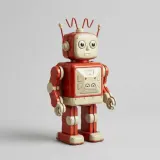
Toy robot
Tripo H3.1Whole body in frame, no props around it; rebuilt with Tripo H3.1.
AI image for 3D at a glance
AI image for 3D in numbers
Nano Banana 2 and Seedream 5 Lite.
Per image on either Nano Banana 2 or Seedream 5 Lite at the default settings.
The image to 3D models reconstruct one object best.
Generate the image here, then run image to 3D on it.
From prompt to model in three steps
The reference image and the 3D model are two separate runs: 10 credits for the picture, then the image to 3D price of the model you pick.
- 1
Name the subject and its material, then add "full body in frame, plain light-gray background, soft even lighting". The default 1:1 ratio at 1K leaves room around a centred subject.
- 2
Both cost 10 credits at the default settings. Switch to Image to Image when you already have a photo and only need the background cleaned or the subject isolated.
- 3
Image to 3D opens with the picture already in the form; pick a 3D model there. The default Tripo H3.1 costs 38 credits with a standard texture; Hunyuan3D 3.1 Rapid starts at 29.
Limits of the reference-image generator
A picture is still one view.
Hidden sides are still guessed
The 3D step infers the back; generate extra views for multi-view to 3D if it matters.
Two charges
The reference image costs 10 credits on either model, and the 3D model is billed as a separate run, from 29 credits on Hunyuan3D 3.1 Rapid or 38 on the default Tripo H3.1.
Text in images is unreliable
Lettering on a generated object rarely survives into 3D.
Next: build the model
Where the reference image goes.
Questions about the reference-image generator
Answers about preparing reference images.
Start with a clean image
Generate a reference image, then turn it into a 3D model.