
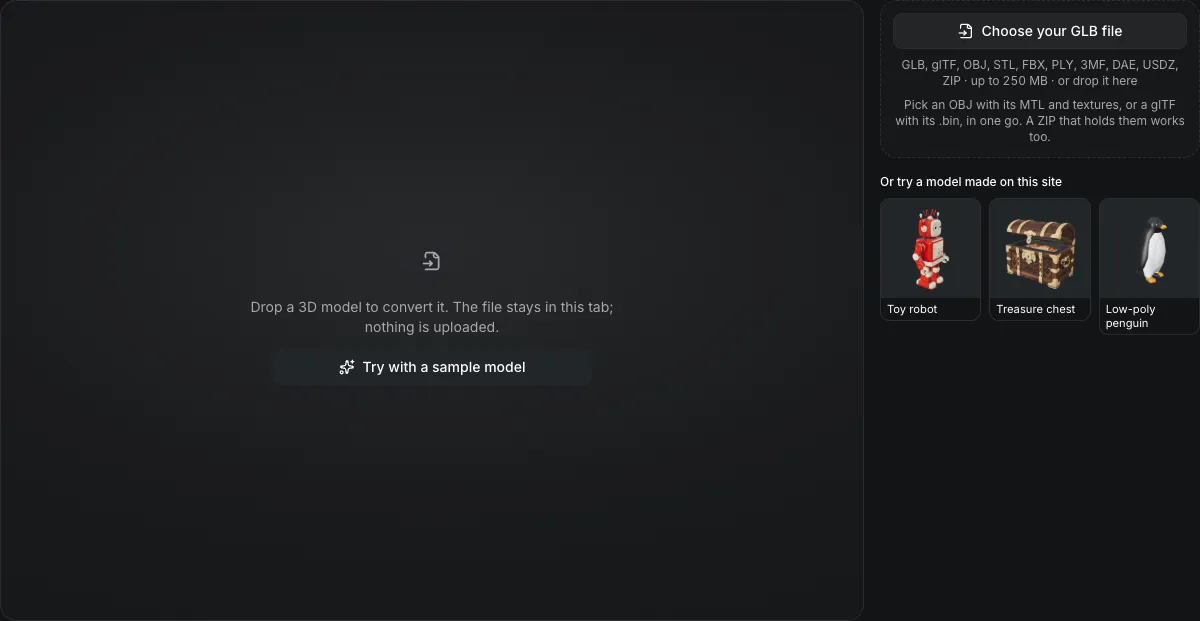
GLB, glTF, OBJ, STL, FBX, PLY, 3MF, DAE, USDZ, ZIP · up to 250 MB · or drop it here
Pick an OBJ with its MTL and textures, or a glTF with its .bin, in one go. A ZIP that holds them works too.
Or try a model made on this site
Drop a 3D model to convert it. The file stays in this tab; nothing is uploaded.
GLB to USDZ converter
The GLB to USDZ converter saves a GLB as a USDZ for Apple AR in your browser. The USDZ keeps the PBR materials and textures as UsdPreviewSurface, is written in metres with Y up, and is anchored to a horizontal plane. Textures are scaled to fit 1,024 px, animation is not carried, and nothing is uploaded.
GLB to USDZ in numbers
Diffuse, opacity, emissive, normal, occlusion, roughness and metalness are written as UsdPreviewSurface inputs, with textures where the GLB had them.
The exporter scales each texture to fit 1,024 pixels on its longest side; the panel reports the largest texture it found.
The stage declares metersPerUnit 1 and upAxis Y, as glTF does, so the size is unchanged.
Skeletons and animation clips are not written.
Watch a GLB become a USDZ for iPhone AR
This page as it runs, about 1.25 times faster.

Toy robot, GLB to USDZ
The robot's 211,412 triangles, UVs and normals go into a 19.1 MB USDZ with all three textures embedded and its metalness and roughness kept, written in metres, one unit per metre.
What carries over
What survives GLB to USDZ
The list under the buttons counts these for your own model.
| What | What happens |
|---|---|
| Geometry, UVs and normalsKept | Triangles, UV coordinates and vertex normals are written; vertex colors are written as displayColor. |
| PBR materialsKept | Base color, opacity, roughness, metalness, emission, the normal map and the occlusion map map onto UsdPreviewSurface, the material Apple's viewers read. |
| Textures inside the fileKept | Textures are re-encoded and stored in the USDZ archive, so it is a single file. |
| Rigs and clips do notNot carried | The mesh is written in the pose it holds, without bones or animation. |
What the USDZ file is made of
A USDZ is a ZIP with a USD scene first and its images after it.
A text scene and its images
The archive begins with the model as USDA text, then the texture images. A reader that opens USDZ can unzip it.
Placed on a floor
The exporter adds a horizontal plane anchor, so an AR viewer places the model on the ground rather than in the air.
Textures are capped
Large textures are scaled down to 1,024 px on their longest side. A 2,048 px texture arrives at half that width and height.
From a GLB to a USDZ in three actions
The output is already set to USDZ on this page.
- 1
Pick or drop the .glb. The panel shows its largest texture, which tells you whether the 1,024 px cap will shrink it.
- 2
The carry-over list shows the materials kept, any texture scaling, and the clips left out.
- 3
The USDZ downloads as one file, in metres.
Limits of GLB to USDZ conversion
Written with three.js's USDZ exporter; check one file on your own device.
Not opened on a device here
The file was written and read back with three.js's USD loader. Open one on your iPhone or iPad before you ship a batch.
No animation
Apple's viewers will show the model still, because no skeleton or clip is written.
Glass and coatings flatten
Transmission and sheen from the glTF extensions are not written; clearcoat is.
The browser cannot preview it
The in-browser viewer does not open USDZ; the preview on this page shows the model as a GLB.
Questions about GLB to USDZ
Answers about AR use, textures and animation.