
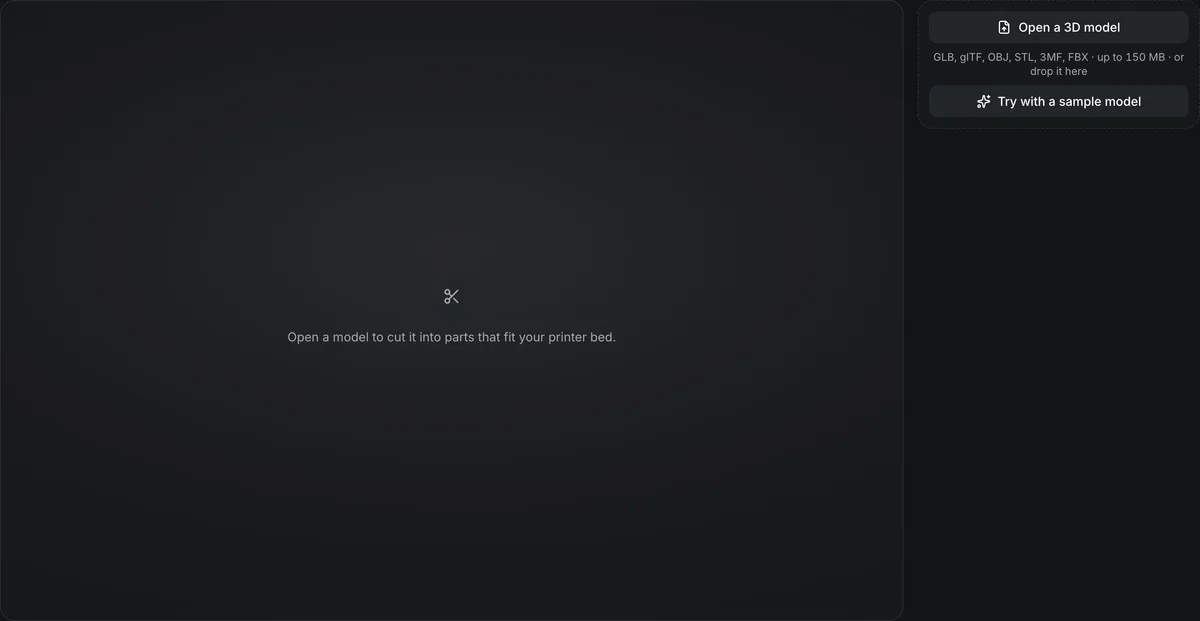
GLB, glTF, OBJ, STL, 3MF, FBX · up to 150 MB · or drop it here
Open a model to cut it into parts that fit your printer bed.
Free 3D model splitter
Cut a model into parts that fit your printer bed. The 3D model splitter runs in your browser: pick an axis and a position, cut, and every part comes out as a closed solid ready to print.
The 3D model splitter in numbers
The splitter runs in your browser; the file never leaves your device.
Open GLB, glTF, OBJ, STL, 3MF or FBX.
Cut along X, Y or Z at a position set in millimetres on the print.
Original size, 28, 50, 100 or 180 mm tall; an STL opens at its own size, other files at 100 mm.
Three models cut with the 3D model splitter
Each card holds the STL parts this splitter downloaded, merged into one GLB with the pieces pulled apart and tinted so the cuts show; the files you download are plain STL, one per part. The inset is the model before cutting.
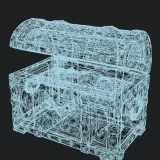
Treasure chest, two cuts at 100 mm
3D model splitterThe sample model, cut across Z at 53 mm, then the upper part cut again across X. Three parts: a 110 × 66.7 × 53 mm body and two 53.2 × 68.5 × 47 mm lid halves.
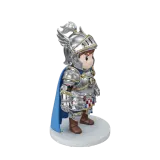
Chibi knight at 180 mm, one cut
3D model splitterA Tripo H3.1 figure scaled to 180 mm and cut across Z at 90 mm. The upper half measures 68.8 × 72.6 × 90 mm (114 cm³), the lower half with the base 102 × 102 × 90 mm (187 cm³).
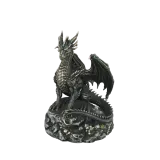
Dragon statue at 180 mm, one cut
3D model splitterA Hitem3D 3.0 dragon cut at 90 mm: the head and the top of the wings come off as a 115 × 124 × 90 mm part (95.1 cm³), leaving the coiled body and rock base, 133 × 141 × 90 mm (521 cm³).
Screen recording
Watch the splitter cut the sample
A recording of this page, sped up by about 12%.

Try with a sample model, cut twice
Try with a sample model loads a treasure chest at 100 mm. The cut plane moves with the position slider, Cut selected part splits the chest across Z, and a second cut across X halves the lid. Every part is listed with its size and volume, and Download all parts saves them as one ZIP.
How the splitter cuts
Each cut is a flat plane through the selected part, and the cut face is filled in.
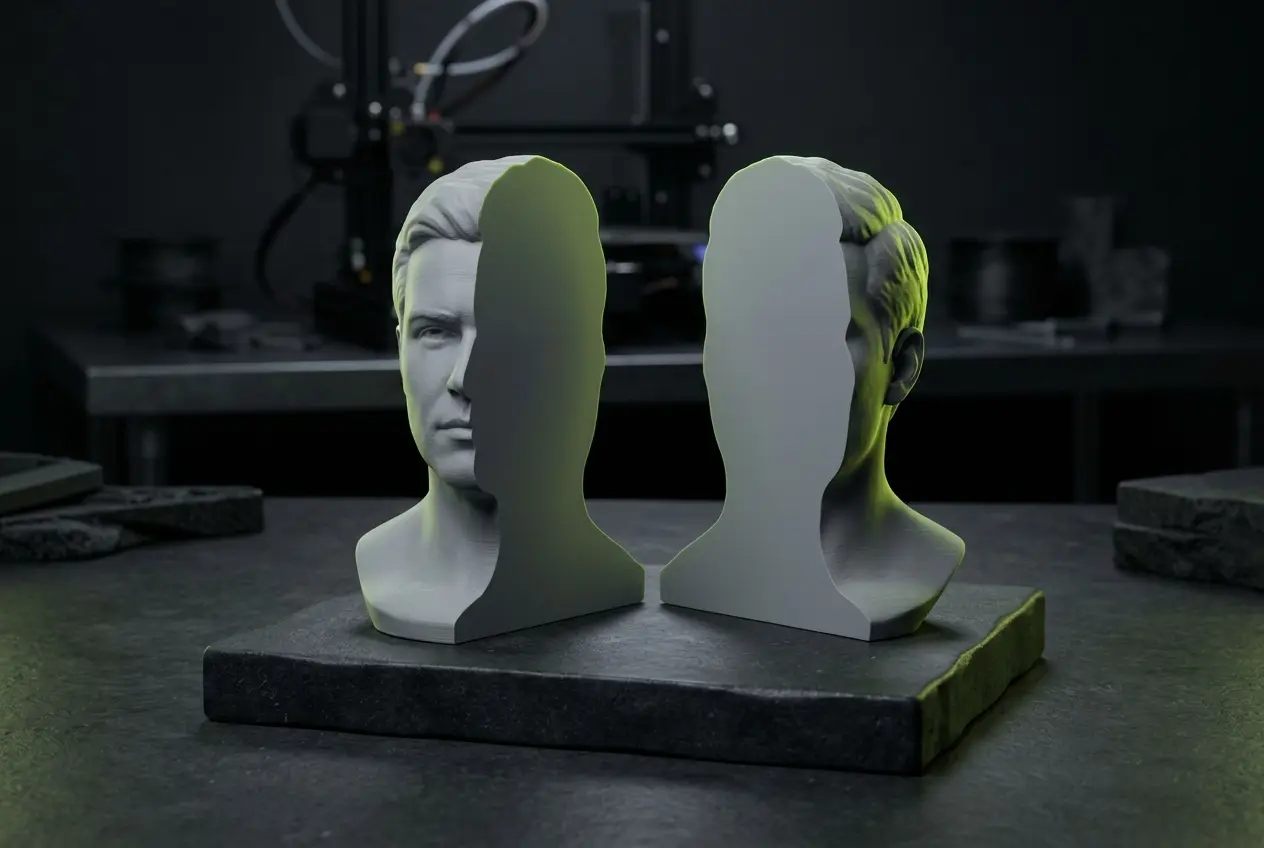
Closed parts
Every cut face is capped by the manifold-3d geometry kernel, so each part is a closed solid a slicer accepts.
Cut as often as you like
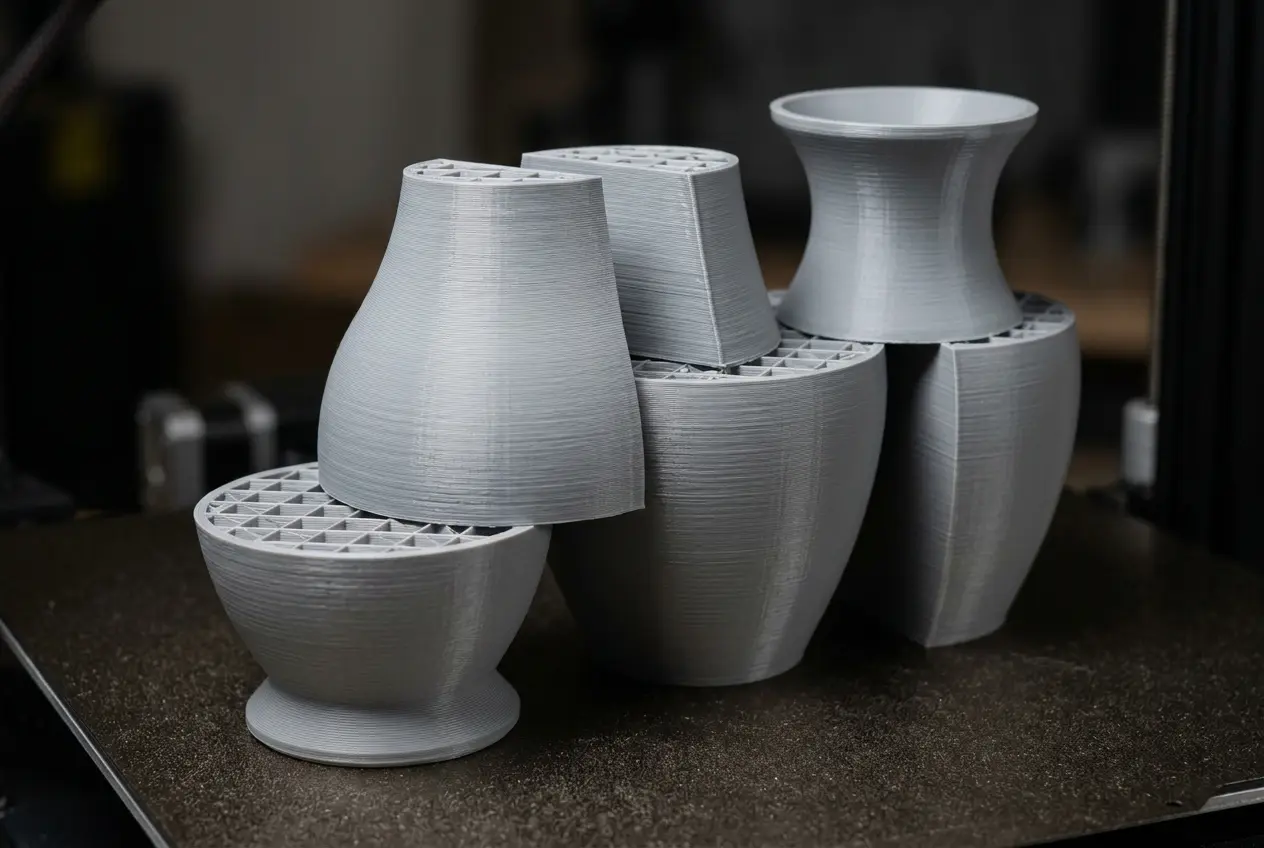
Select any part and cut it again until every piece fits the bed; Undo last cut steps back one cut.
Nothing is uploaded
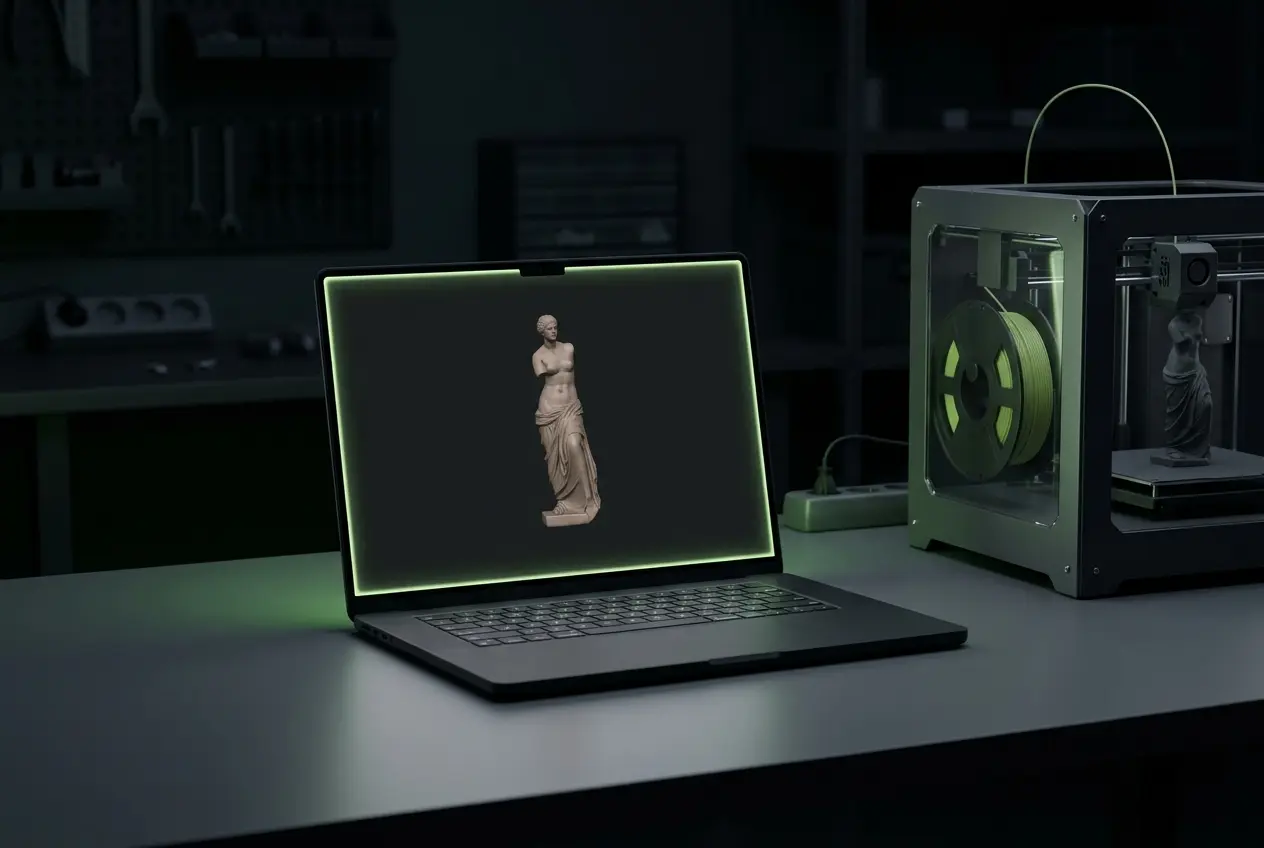
The model is read and cut on your device.
Pegs and dowels that line the parts up
Choose a connector before you cut, and the splitter builds it into the cut face.
Plug
A peg grows from the lower part into a matching socket in the upper one: nothing extra to print.
Dowel
Both parts get a socket and each pin prints as its own part, so it can lie flat and print stronger across the joint.
Placed where there is room
Each area of the cut face gets its connectors at its widest points, with a 1.2 mm wall left around every socket; an area too small is left plain.
Three fits
Tight, standard or loose adds 0.1, 0.2 or 0.3 mm per side to the socket. Printed holes come out a little small, so test a cut before printing a big model.
Cut a model into parts
Four steps, no account needed.
- 1
GLB, glTF, OBJ, STL, 3MF or FBX from your device or your Library.
- 2
Choose a print height, then X, Y or Z and a position in millimetres.
- 3
Select a part and cut again where needed.
- 4
One STL per part, or all of them as a ZIP.
Conditions and limitations
Limits of the splitter
Straight cuts on closed meshes only.
The model must be watertight
A mesh with holes cannot be cut cleanly; the splitter asks you to remesh it first.
Straight connectors only
Pegs and dowels are straight prisms that you glue or press in. For ball or dovetail joints that let a figure pose, use the AI split for printing.
Plane cuts only
Curved or freeform cuts are not supported.
Parts come out without color
STL stores shape only, so textures and colors are dropped from every part.
When the splitter is not enough
One free tool and one paid tool cover what a flat cut cannot.
Questions about the splitter
Answers about cutting models in the browser.
Cut your model now
Open a model and cut it into printable parts in your browser.