

Sample1 / 3
a person waves hello with the right hand, then takes a small bow
Text to motion
Describe a movement in words and get a humanoid motion clip back as FBX. Tencent’s Hunyuan Motion writes the clip, and it can be retargeted onto any humanoid rig.
Text to motion in numbers
One Hunyuan Motion clip.
3, 5, 8 or 12 seconds; 5 seconds is the default.
The longest motion description accepted.
The clip comes back as an FBX file.
Text to motion results from three prompts
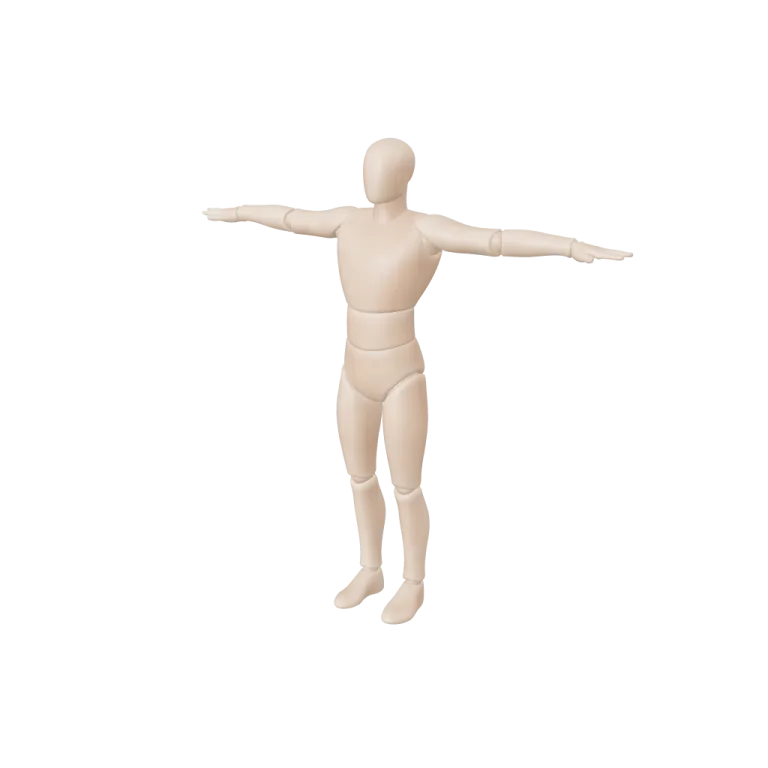
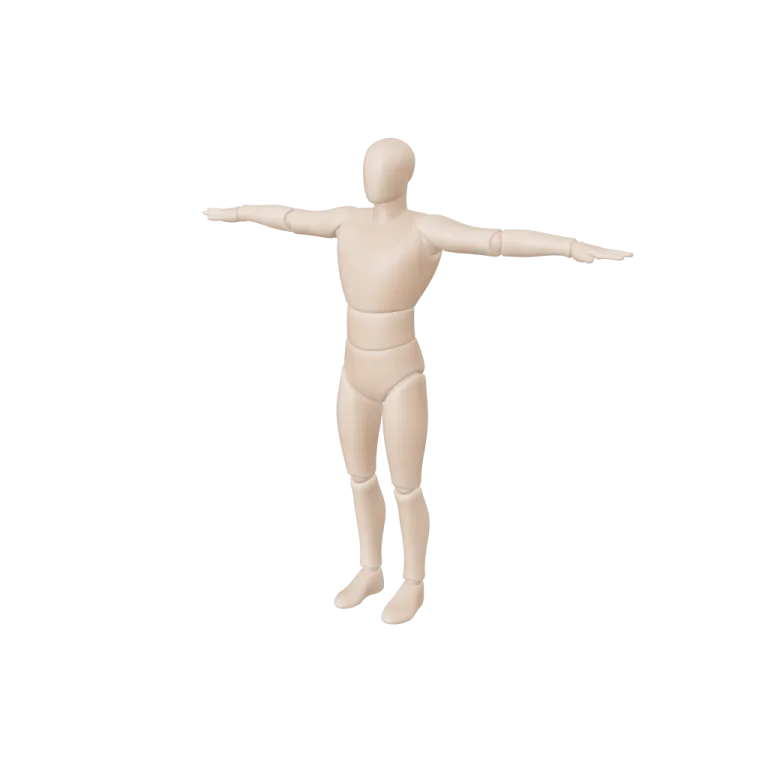
Each video plays one 5-second Hunyuan Motion clip, the default length, on the mannequin in the sample file. Every clip cost 10 credits.

Wave, then a small bow
Prompt: “a person waves hello with the right hand, then takes a small bow”.

A forward jump
Prompt: “a person jumps forward with both feet and lands softly”.

A short happy dance
Prompt: “a person does a short happy dance, swinging arms side to side”.
Motion clips
What Hunyuan Motion produces
The output is an animation on a humanoid skeleton, not a character model.
Motion only
Pair the clip with a character rigged on the auto-rig page or in your own tool.
Retarget anywhere
FBX motion imports into Blender, Unity and Unreal for retargeting.
Repeatable
Set a seed to regenerate the same motion.
Generate a text to motion clip
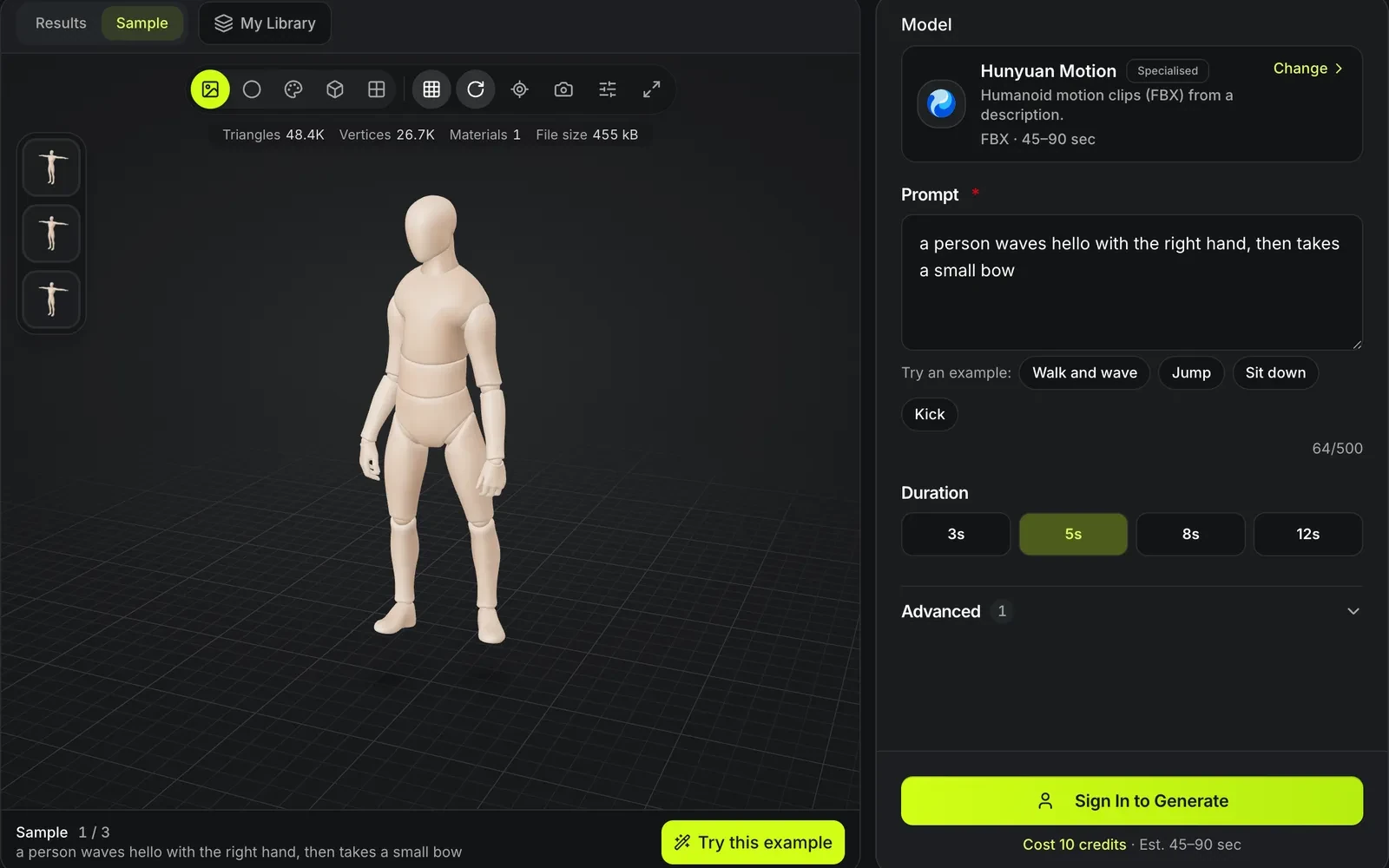
Describe one action at a time; a whole scene in one prompt gives the model too much to fit into a few seconds.
- 1
"A person walks forward, stops and waves" works better than a whole scene. The prompt takes up to 500 characters, and the example chips fill in a walk, a jump, sitting down or a kick.
- 2
3, 5, 8 or 12 seconds, with 5 as the default; every length costs 10 credits. Set a seed under Advanced if you want to regenerate the same motion later.
- 3
The viewer plays the clip on a mannequin; Clay mode makes the pose easier to read. Download the FBX and retarget it onto your character in Blender, Unity or Unreal.
Hunyuan Motion limits
Motion is humanoid and body-only.
Humanoid skeletons only
Animals and creatures need a different rig.
No facial or finger detail
Expect body motion, not expressions.
Contacts may slide
Feet can slide on the floor; clean up in your animation tool.
What the clip needs around it
A motion file moves a skeleton; the character and the rig come from other tools.
Generate the character
Rodin Gen-2.5 and Meshy 7.1 can return a humanoid in A-pose or T-pose, the pose rigging reads best.
Give it a skeleton
Meshy Auto-Rig binds a humanoid skeleton to a GLB for 25 credits; the FBX clip is then retargeted onto that rig in Blender, Unity or Unreal.
Fit it into a game build
Clips join rigged characters, low-poly props and LODs in the game asset workflow.
Hunyuan Motion FAQ
Answers about prompt-based animation.
Animate with a sentence
Describe a movement and get an FBX clip for 10 credits.