
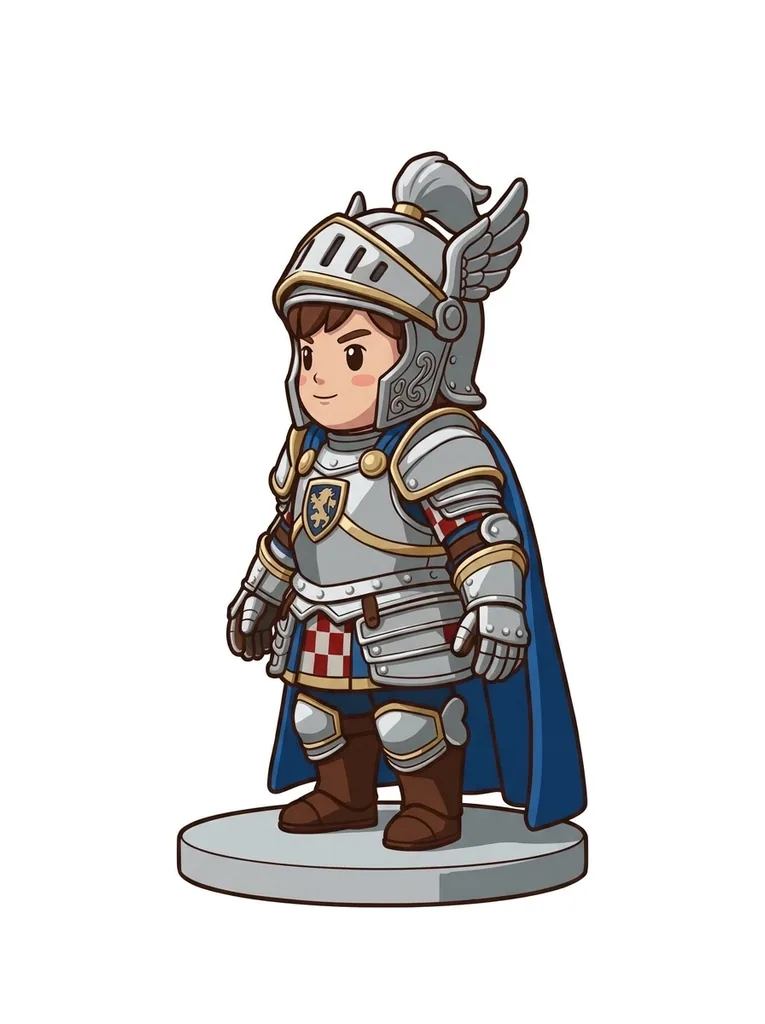
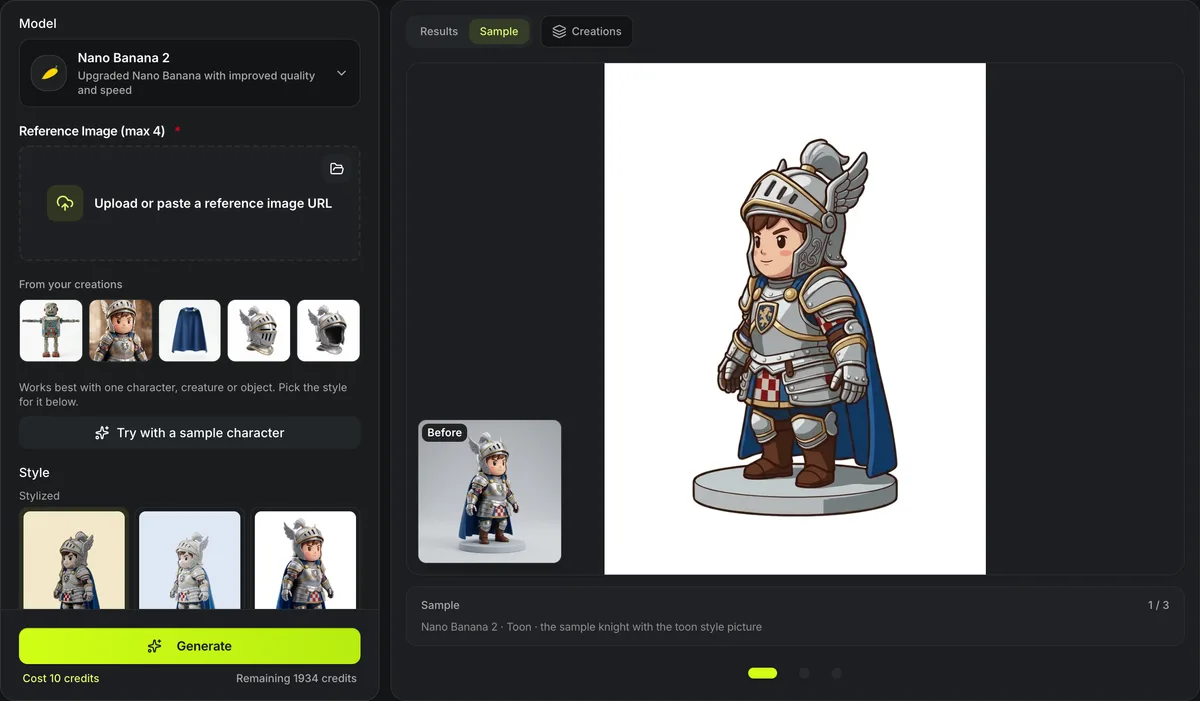
Nano Banana 2 · Toon · the sample knight with the toon style picture
AI style transfer
Restyle a character or object without redrawing it by hand. AI style transfer takes your picture and a look — one of 13 library styles shown on our sample knight, from cel-shaded toon and pixel art to cast bronze, or a style picture of your own — and runs one image edit that keeps the subject's shape and pose while changing its materials, colors and shading.
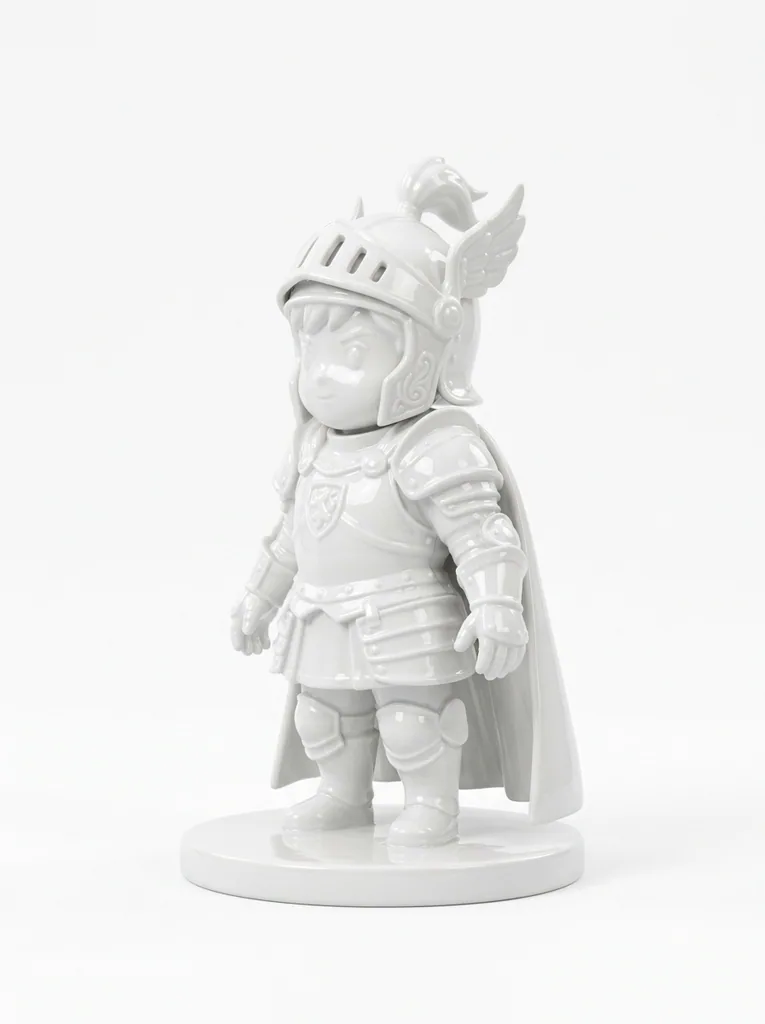
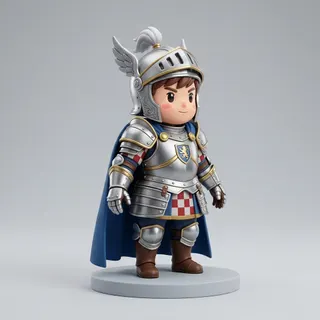
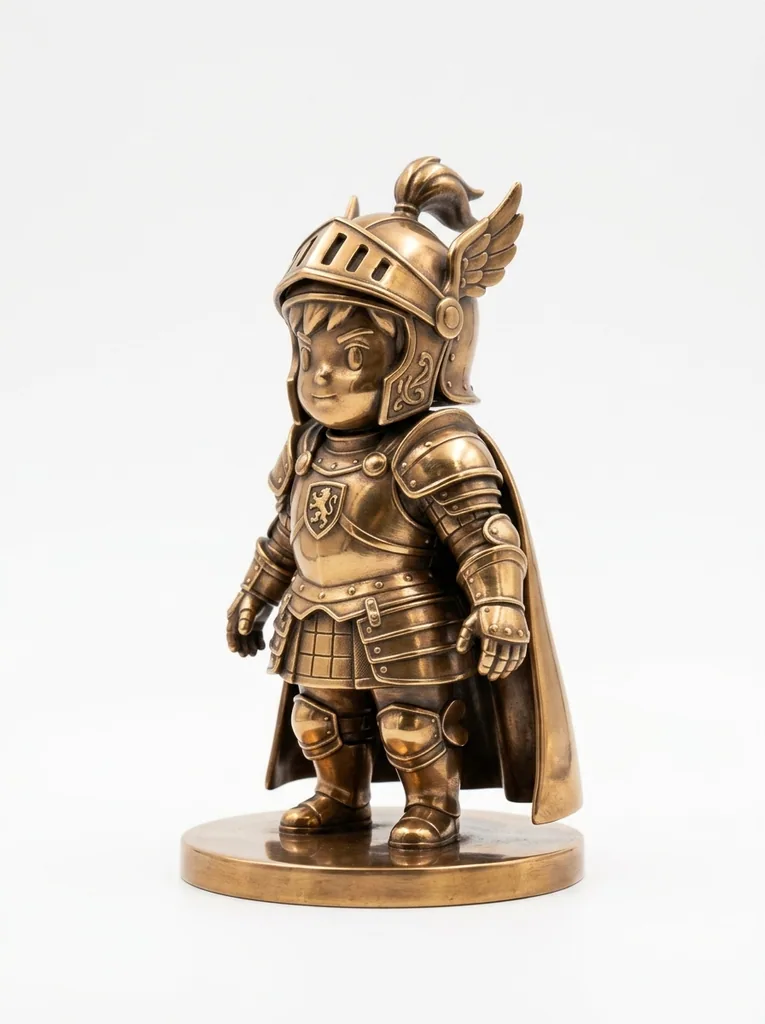
One knight in three library styles
The knight that Try with a sample character loads, run once per style with Nano Banana 2 and the style’s picture as the second image: 10 credits a run, nothing retouched. The small picture is the knight that went in.
How AI style transfer keeps your subject
The subject picture decides what is shown; the style picture decides how it looks.


Subject first, style second
The first picture sets what is shown: identity, shape, pose, proportions, details and framing stay as they are. The second sets the look. In the toon style the knight came back in flat color bands and dark outlines for 10 credits, every armor plate where it was.
Name a color or a finish under Additional instructions to steer the look further.

13 styles, each on the same knight
Every library style is the sample knight already in that look, so the model reads the material and shading rather than a new subject: toon, vinyl, stylized 3D and claymation; anime, hand-painted film, comic book, pixel art and oil painting; and terracotta clay, bronze, porcelain and stone, to preview a print or a casting.
Any render, painting or photo works as your own style picture; what it depicts is ignored.
Restyling at a glance
AI style transfer in numbers
Toon, vinyl, stylized 3D and claymation; anime, hand-painted film, comic book, pixel art and oil painting; and clay, bronze, porcelain and stone for statues.
One restyle is one Nano Banana 2, GPT Images 2 or Seedream 5 Lite run at the default size; Nano Banana Pro is 12.
Your subject first and the style picture second, so the model copies the look and keeps the subject.
PNG, JPEG or WebP for both the subject and your own style picture.
Restyle a picture in three steps
From one picture to the same subject in a new look.
- 1
A character, creature or object, up to 10 MB.
- 2
Choose a library style or upload your own style picture; keep the white background on for 3D.
- 3
Open What this sends to read the look’s text, add a color or finish under Additional instructions if you like, and run it; the restyled picture can go straight to Image to 3D.
Limits of AI style transfer
An image model redraws the picture, so fine details can move.
Details can drift
Small patterns, text and logos may change in the new look; run it again or try Nano Banana Pro.
Style, not subject
A style picture with a strong subject can leak into the result, such as a face or a prop; pick a style picture with a plain subject.
No named artists
The library styles are our own renders; restyling in a living artist's signature look is not offered.
Charged per run
Each restyle, and each retry, is a paid image edit; the button shows its price before anything is charged.
After the restyle
Where the restyled picture goes next.
Turn it into 3D
Image to 3D builds a textured model from the restyled picture, for credits.
Change the pose too
The AI pose changer redraws a character in one of 16 poses, including T-pose for rigging.
Four views at once
Restyle first, then the character sheet generator draws the new look from four sides for multi-view 3D.
Questions about AI style transfer
Answers about styles, models and using the result.
Restyle your picture now
Upload a subject, pick one of 13 styles and turn the result into 3D.